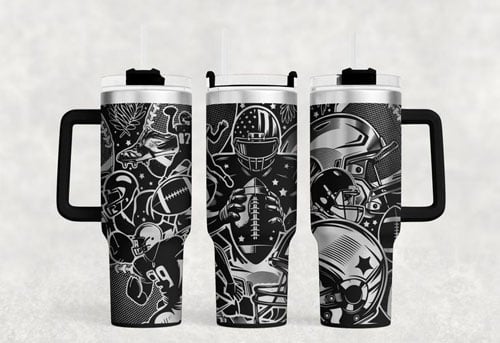
Laser engraving can turn a plain phone case or AirPods case into a personalized product, but getting a clean result starts with one question: What is the case made of?
TPU, silicone, polycarbonate (PC), ABS, leather, wood, and coated surfaces can respond very differently to laser energy. Some cases also combine multiple materials, such as a flexible TPU frame with a rigid PC back.
This guide explains how to identify the material, choose a suitable laser, select starting parameters, and test the process before engraving the finished case.
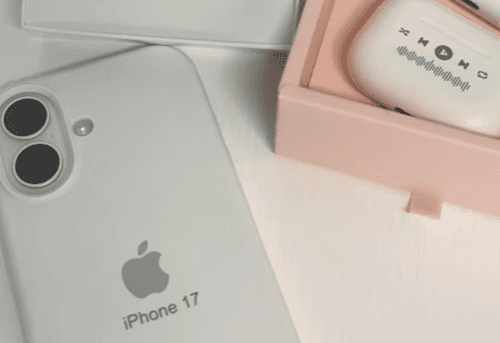
Identify the Case Material Before Engraving
TPU, PC, ABS, and other plastics can have different laser responses.
Common Phone and AirPods Case Materials
| Material | Typical Characteristics | Laser Consideration |
| TPU | Flexible, slightly rubbery, common in soft cases and bumpers | UV is a practical starting direction; test for clean contrast and surface deformation |
| Silicone | Very soft and rubber-like | Highly material-dependent; test before production |
| PC | Rigid, hard plastic, common in hard shells | UV can produce fine surface marking |
| ABS / PC-ABS | Rigid engineering plastic | UV can be used for detailed marking; test the formulation |
| Leather / PU leather | Flexible organic or coated material | CO₂ is commonly used for leather; artificial leather requires material verification |
| Wood / bamboo | Natural or laminated material | CO₂ is commonly used for engraving |
| Anodized aluminum | Metal with a colored/anodized surface | Fiber or UV can be considered depending on the required mark |
Choose the Right Laser for the Case Material
The best laser depends on both the material and the required result.
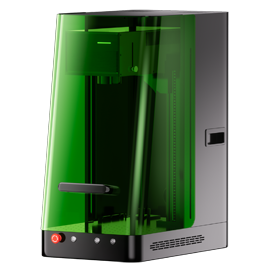
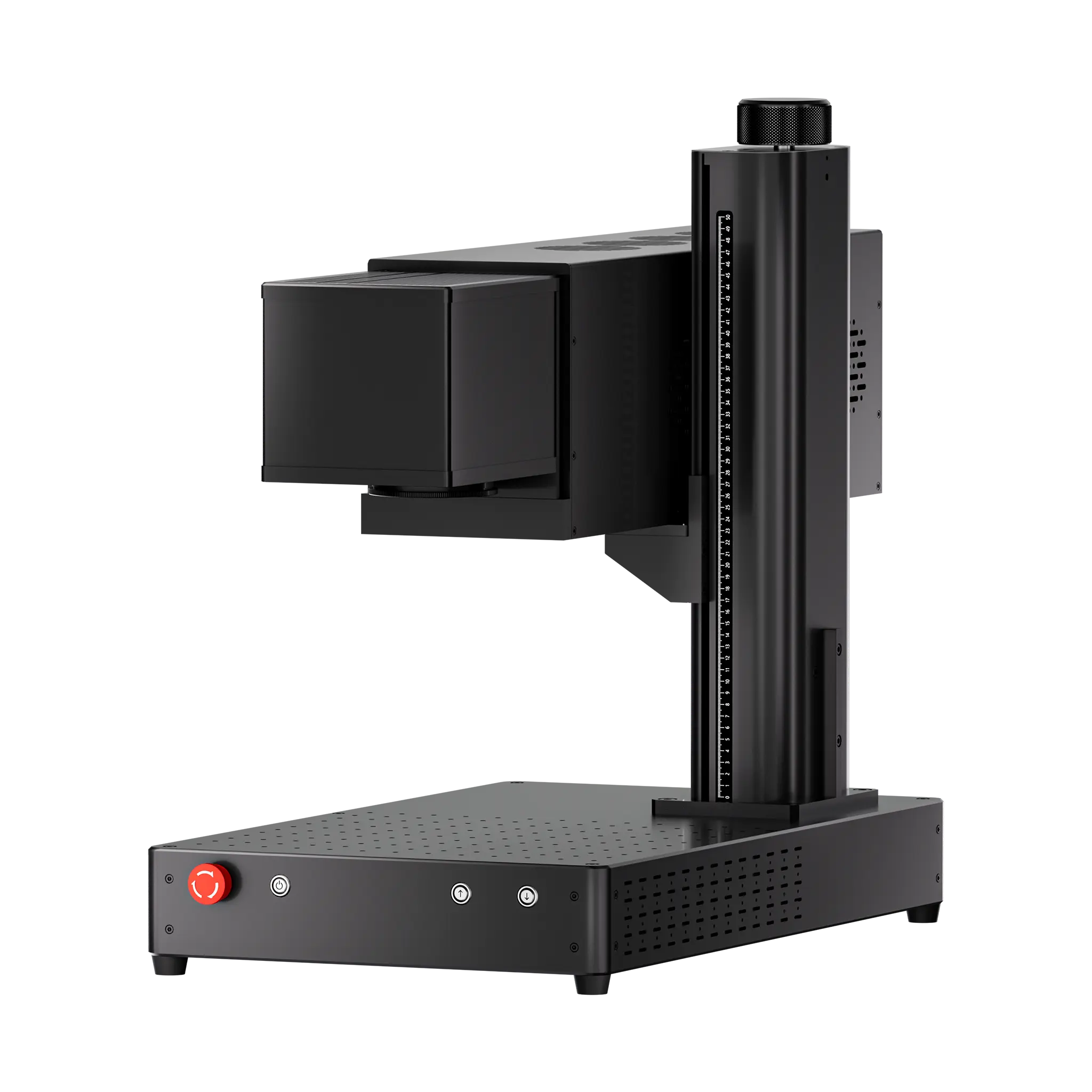
ComMarker Omni X UV Laser: Fine Detail on Plastic Cases
A 355 nm UV laser is a strong option for many plastic marking applications because its shorter wavelength produces a more localized interaction with the material and can reduce thermal effects compared with conventional thermal marking approaches. UV systems are commonly used for plastics including ABS, PC, PE, PP, and silicone, particularly when clean, detailed marks are required.
UV is particularly relevant when the priority is:
- Small text
- Fine logos
- Detailed line art
- Small engraving areas
- Clean surface marking
- Limited thermal impact
This makes UV a logical direction for many TPU, PC, ABS, and AirPods-case applications, but the exact formulation still needs testing.

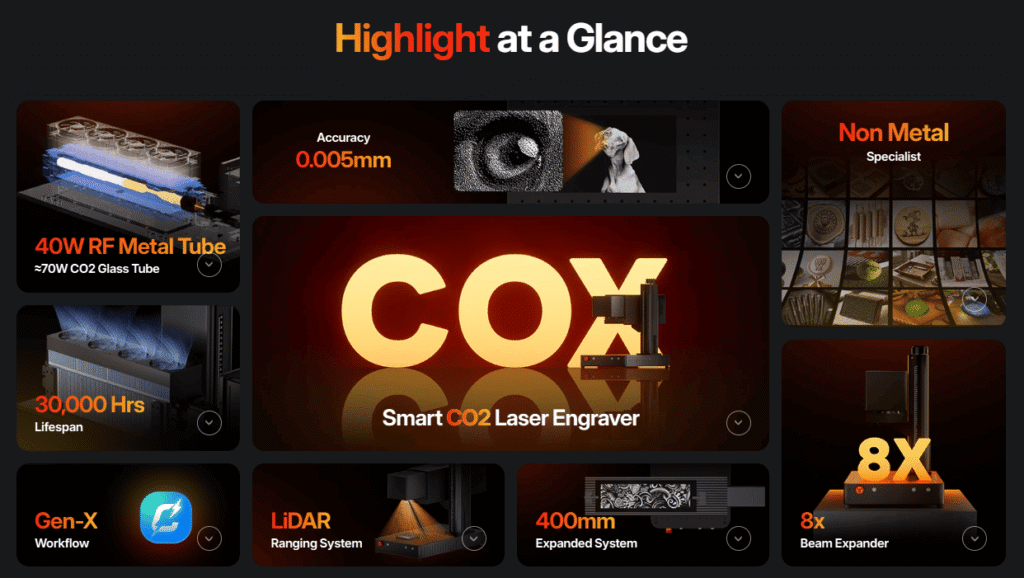
CO₂ Laser: Wood and Leather Cases
CO₂ lasers are widely used for non-metal materials such as wood, leather, acrylic, rubber, and textiles.
For a wood-backed phone case or a genuine leather case, CO₂ is therefore a more natural starting point than a metal-focused fiber laser.
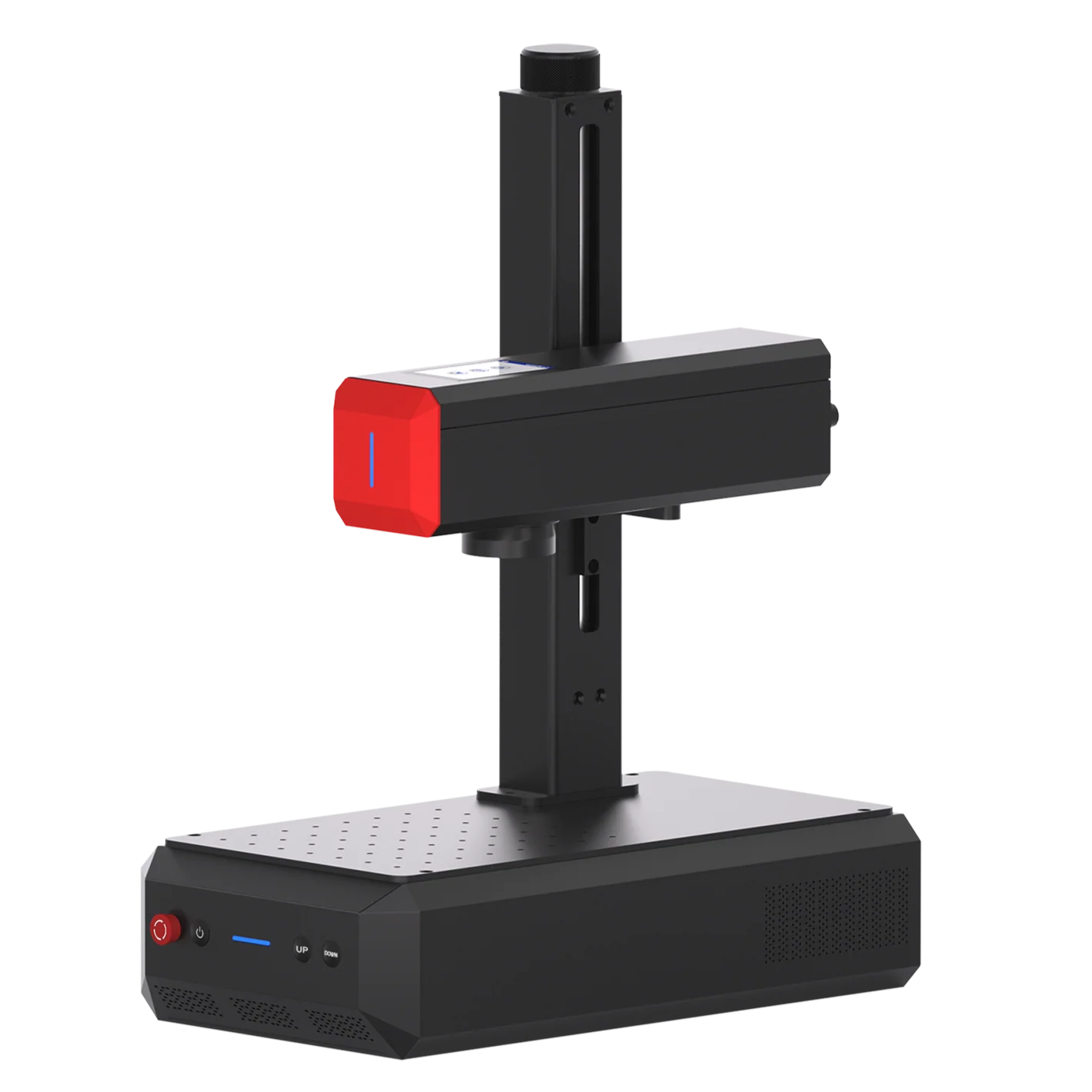
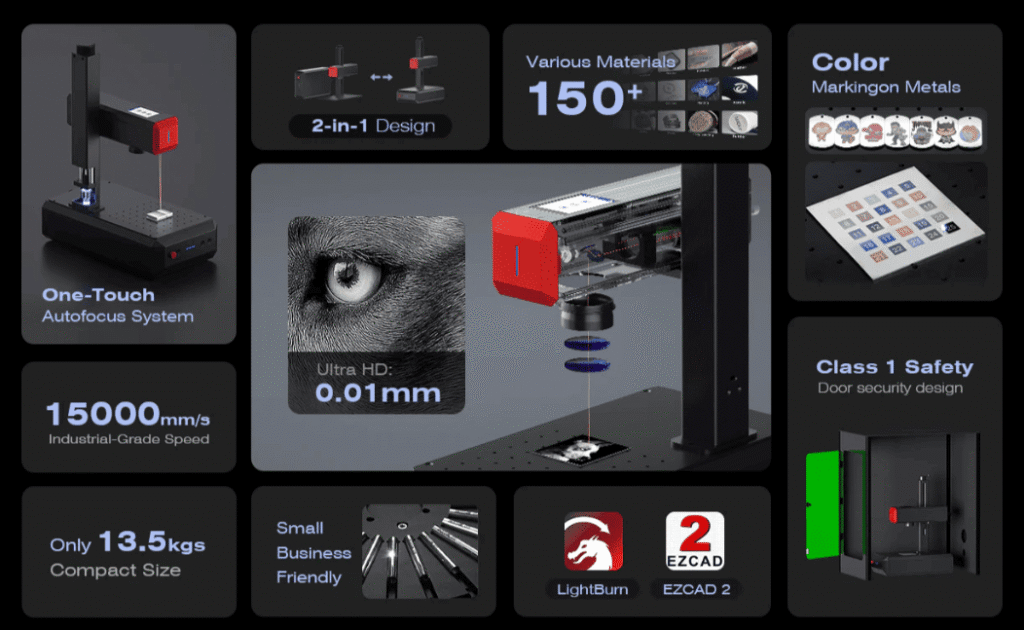
Fiber Laser: Metal Case Components
Fiber lasers are better suited to metal components than ordinary plastic cases.
Consider Fiber when the part being marked is:
- Anodized aluminum
- Stainless steel
- Aluminum accessories
- Metal phone grips
- Metal decorative plates
- Other metal inserts
The required process depends on whether you want to remove a coating, create a surface mark, or remove material for deeper engraving.
What Can You Engrave on a Phone or AirPods Case?
Once the material and laser are matched, the next limitation is usually the available surface area.
Common applications include:
Names and Initials
A simple name or set of initials is one of the easiest personalization applications. For small cases, keep the artwork large enough to remain readable after processing.
Logos and Line Art
UV is particularly useful when the design contains fine lines or small details on a plastic case.
Photos and Detailed Graphics
Photos require more testing than simple vector artwork because the result depends on material contrast, resolution, dot density, and the case surface.
Small Text and Codes
Small text is where focus and spot characteristics become especially important. A design that looks readable on a large phone case may become difficult to reproduce on a small AirPods case.
For very small artwork, use the smallest practical engraving area and verify the result on the actual material before running the finished product.
How to Engrave Phone or AirPods Cases & Tips
Step 1: Remove the Electronic Device
Never laser engrave a case while the phone or earbuds are inside it.
Remove the device and any removable electronic components before processing.
Step 2: Clean the Surface
Remove:
- Dust
- Oil
- Fingerprints
- Adhesive residue
- Other surface contamination
A contaminated surface can change the appearance of the mark and make parameter testing less reliable.
Step 3: Check for Coatings
A colored or soft-touch case may not be a single-material surface.
The laser may be:
- Removing a coating
- Changing the surface
- Exposing a different layer
- Engraving into the underlying material
This distinction matters when deciding what result you want.
Step 4: Secure the Case
Phone and AirPods cases can be flexible or curved.
Use a suitable fixture so the case does not move during engraving. For flexible cases, support the area underneath the engraving rather than allowing it to deform under the laser.
For curved cases, make sure the engraving area remains within the useful focus range.
Step 5: Focus on the Actual Engraving Surface
Focus on the surface being engraved—not simply the fixture or the highest point of the case.
This is especially important for:
- Curved phone cases
- Raised camera areas
- AirPods cases
- Cases with textured surfaces
- Designs near edges
- Starting Laser Settings for Phone Cases
There is no universal “best setting” for plastic.
The same polymer can behave differently depending on:
- Color
- Pigments
- Fillers
- Surface coating
- Material formulation
- Laser power
- Lens
- Artwork size
- Desired contrast
For this reason, the values below should be treated as starting/reference settings, not guaranteed production settings.
UV Laser Starting Parameters
ComMarker’s Omni X material guides provide reference settings for several plastics. For example, its 6W/12W UV material data includes the following starting points.
| Material | Passes | Speed | Frequency | Q-Pulse | Line Interval |
| PC/ABS | 1 | 2,000 mm/s | 50 kHz | 15 | 0.03 mm |
| TPU | 1 | 2,000 mm/s | 50 kHz | 10 | 0.05 mm |
| PET/PI | 1 | 1,200 mm/s | 40 kHz | 1 | 0.03 mm |
These values are specifically associated with ComMarker Omni X UV configurations and should not be transferred directly to another UV laser, lens, or power level. ComMarker also publishes a different PC/ABS starting point for its 70 mm lens material guide: 1,000 mm/s, 40 kHz, Q-pulse 15, and 0.03 mm line interval.
That difference illustrates an important point:
The laser source and lens are part of the parameter recipe.
What About Silicone?
ComMarker’s Omni X material data includes silicone at approximately 600 mm/s, 40 kHz, Q-pulse 1, and 0.025 mm line interval as a reference setting.
Because silicone formulations and surface finishes vary, test a small area before applying the setting to a finished case
Tips for Laser Engraving Electronic Cases
AirPods cases require the same material-first approach, but the smaller and more curved working area creates additional challenges.
Smaller Engraving Area
Small text and logos need accurate positioning and focus.
A UV laser can be particularly useful when the design requires fine detail on a small surface.
Curved Surfaces
Many AirPods cases are not perfectly flat. A curved surface changes the distance between the laser and different parts of the artwork.
Keep important details within a reasonably flat area whenever possible.
Thin Walls
Avoid using deep or aggressive processing simply to increase contrast. The goal for most AirPods cases is a clean surface mark rather than significant material removal.
Hinges and Moving Areas
Keep artwork away from:
- Hinges
- Seams
- Charging ports
- Moving covers
- Areas that contact the earbuds or charging mechanism
Example: Small Plastic Case
For a small PC/ABS or TPU AirPods case, a UV laser is a practical direction when the priority is small artwork, clean edges, and controlled surface marking.
Start with the appropriate material setting, test a small area, and adjust from there rather than applying a phone-case setting directly to the smaller case.
Common Problems When Laser Engraving Phone Cases
The Mark Is Too Light
Check:
- Focus
- Speed
- Frequency
- Pulse
- Line interval
- Material formulation
A faster scan or unsuitable energy level may produce insufficient contrast.
The Plastic Melts or Deforms
The material may be receiving too much thermal energy.
Try a faster scan or a less aggressive parameter combination, then test again on scrap material.
The Mark Has a Halo or Uneven Edge
Check focus, line interval, artwork resolution, and whether the case is moving during processing.
Fine Text Is Blurry
Check the actual artwork size, focus, lens, line interval, and surface curvature.
If the available engraving area is very small, consider whether a UV laser is better suited to the application.
The Engraving Is Uneven on a Curved Case
Check whether the entire design remains within the usable focus range.
A fixture that holds the case more consistently can also improve repeatability.
The Case Does Not Mark as Expected
Stop and verify the material.
A case sold as “plastic,” “rubber,” or “silicone” may contain a different polymer, coating, or multi-material construction.
The Material Produces Unexpected Fumes
Stop processing unknown materials and identify the material first. Some plastics are unsuitable for laser processing because of hazardous decomposition products.
PVC and vinyl, for example, should not be treated as ordinary laserable plastics; laser processing can produce chlorine-containing fumes and can also damage laser equipment.
Which ComMarker Laser Fits Phone and AirPods Cases?
Use the material and required result to make the decision:
| Application | Laser Direction |
| Fine text on PC/ABS | UV |
| Small logos on plastic | UV |
| Detailed AirPods case graphics | UV |
| TPU case marking | UV, test first |
| Silicone case marking | UV, test first |
| Wood phone case | CO₂ |
| Leather phone case | CO₂ |
| Acrylic case components | CO₂ or UV depending on the material and result |
| Anodized aluminum insert | Fiber or UV |
| Metal phone accessories | Fiber |
| Deep engraving on metal components | Fiber |
For plastic phone and AirPods cases where fine detail and controlled surface marking are the priority, the ComMarker Omni X is the most directly relevant ComMarker platform. Its 355 nm UV source, fine spot specification, and material-focused parameter library are designed around applications where detail and material response matter.
For wood and leather cases, a CO₂ laser is the more conventional direction because CO₂ systems are widely used for engraving these organic materials.
For metal inserts and accessories, Fiber is the more natural starting point.
Final Thoughts
Laser engraving a phone case or AirPods case is about matching the process to the material.
Identify the case material first, choose the laser according to the required result, and test on representative material before engraving the finished product. For small plastic cases, focus and surface geometry become just as important as the laser parameters.
The most reliable workflow is simple: identify the material, choose the laser, test the parameters, verify the result, and then engrave the finished case.