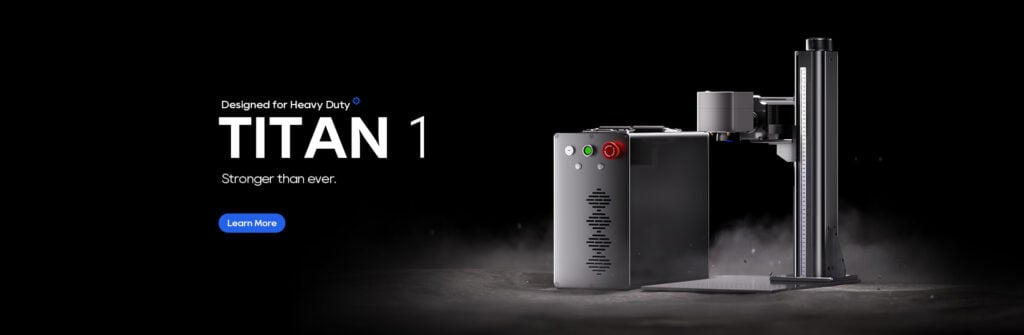
When I first upgraded my main fiber laser to the ComMarker Titan 1 100W MOPA fiber laser engraver, I wanted more than just a spec sheet upgrade. I wanted to know:
- Can it actually improve the efficiency and profitability of my engraving business?
- Does it open up new types of products I can offer to customers?
After weeks of real-world testing—cutting metal, engraving intricate designs, and experimenting with color marking—the Titan 1 has proven it’s not just another laser. It’s a serious business tool that changes what’s possible in small-scale manufacturing and custom engraving.
Key Design Features
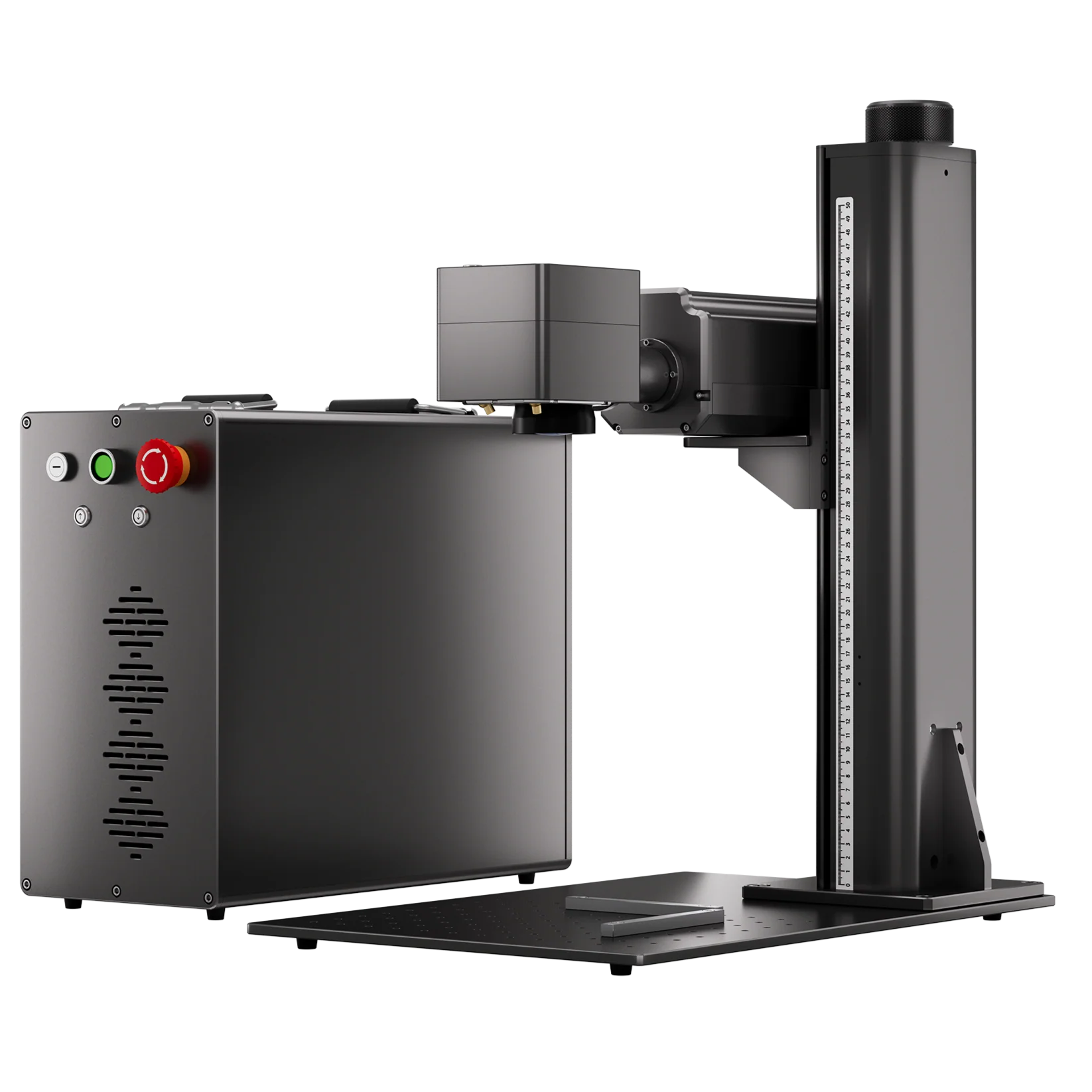
The Titan 1 stands out from typical budget-friendly fiber lasers in several ways:
- 100W MOPA Power: This puts it in a completely different league compared to entry-level 20W or 30W units.
- Modular Design: The power unit and laser head are separate, so you can place the power box on the floor to save bench space.
- Easy Mobility: Built-in handles make moving the unit far easier than other heavy-duty fiber lasers.
- User-Friendly Controls: Includes a security key, power button, emergency stop, and simple up/down tower controls.
- Multiple Connectivity Ports: Rotary attachment port, pedal input, and enclosure plug for flexible setups.

Quick Setup
Considering its size, the setup process was surprisingly simple:
- Bolt the tower to the base.
- Mount the laser head with four smaller bolts.
- Level the laser head parallel to the workspace using a shim and digital protractor.
- Connect to your PC.
Software compatibility is another win. While the Titan 1 works with EZCAD 2, it also supports LightBurn, which I prefer for its intuitive interface. With a quick “Find My Laser” scan and calibration file load, I was engraving within 15 minutes.

Lens Options and Specs
The Titan 1 comes with two lenses:
- 110mm (highest energy density, best detail work)
- 200mm (wider area for larger pieces)
Optional lenses up to 300×300mm are available.
Key Specs:
- Beam Size: 0.01 mm
- Frequency Range: 1–4,000 kHz
- Pulse Duration: 2–500 ns
- Max Speed: 15,000 mm/s

Real-World Engraving Tests
Here’s what I put the Titan 1 through in my shop:
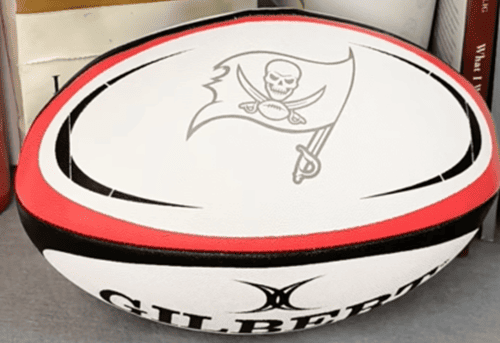
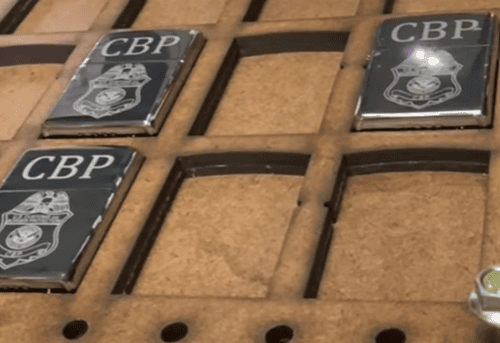
- Metal Business Cards: Crisp dog engraving with minimal passes.
- Leather Badges: Sharp detail without burning the edges.
- Pet Tags with QR Codes: Finished in under a minute; a high-margin seller.
- Challenge Coins: Deep engraving with clean results after light brushing.
- Acrylic Artwork: Smooth results even at maximum work area limits.
- Stainless Steel Tumblers (Rotary): Dark, high-contrast engravings.
- Color Logos on Stainless: More vivid greens, deeper blacks compared to my 60W MOPA.
- Metal Cutting: Thin aluminum earrings cut in seconds; thick stainless stars cut cleanly after 85 passes.

Pro Tips for Getting the Most Out of the ComMarker Titan 1
Buying a 100W MOPA fiber laser engraver is just the start—the real productivity boost comes from using it strategically. Here’s what I’ve learned:
- Run Material Tests First – Build frequency/power grids for each metal type; save settings in LightBurn’s library.
- Use the 110mm Lens for Detail – Ideal for micro text, QR codes, and jewelry.
- Master Color Marking – Mid-frequency for greens/blues; low frequency for gold/bronze; always clean surfaces first.
- Cutting Optimization – Thin metals: high speed, full power; thick stainless: slow speed, wobble mode, and post-cut cleaning passes.
- Rotary Accuracy – Keep split size at 0.1 mm, measure diameters precisely, slow down for color jobs.
- Maintenance Matters – Clean lenses weekly, keep vents dust-free, back up settings.
- Upsell with Personalization – Pet QR tags, custom challenge coins, and color mugs sell fast.
- Batch Jobs – Arrange items in jigs for repeatable high-volume runs.
- Separate Profiles for Each Task – Don’t mix deep engraving settings with color marking.
- Document Everything – Keep a “settings book” for training and consistency.
💡 Pro Insight: Treat your Titan 1 like a mini production line. The better your workflow, the faster it pays for itself.

Business Impact & ROI
The Titan 1’s advantages for a small engraving business are clear:
- Speed: More orders shipped in less time.
- Versatility: Handle everything from intricate branding plates to thick metal cutting.
- Premium Offerings: Color engraving on stainless steel instantly differentiates your work.
- Reduced Outsourcing: Cut and engrave in-house to keep more profit.
In my case, I started paying off the Titan 1 from day one with high-value orders like branded tumblers and custom reunion coins.
How a 100W MOPA Fiber Laser Can Transform Your Engraving Business
When I first upgraded my main fiber laser to the ComMar…
The ComMarker Titan 1 is not a hobby machine—it’s a production-grade tool for engravers ready to scale up. The combination of 100W MOPA power, color marking capability, and cutting ability means it’s both a creative and financial upgrade.
If your goal is to expand product offerings, shorten turnaround times, and increase margins, this machine will deliver measurable results.