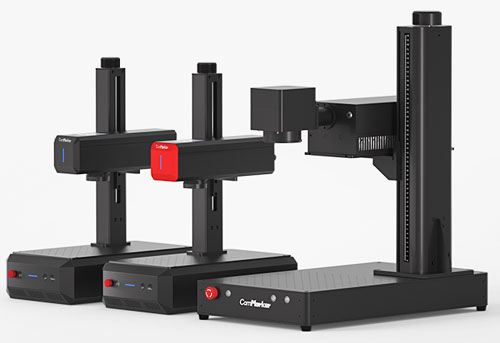
If a 6W UV laser can already produce fine text, mark metal, create wood reliefs, and produce 3D images inside crystal, what do you actually gain by upgrading to 12W?
More power means more possibilities: faster processing, deeper engravings, the ability to cut thicker materials, and bigger working area when working on demanding projects.
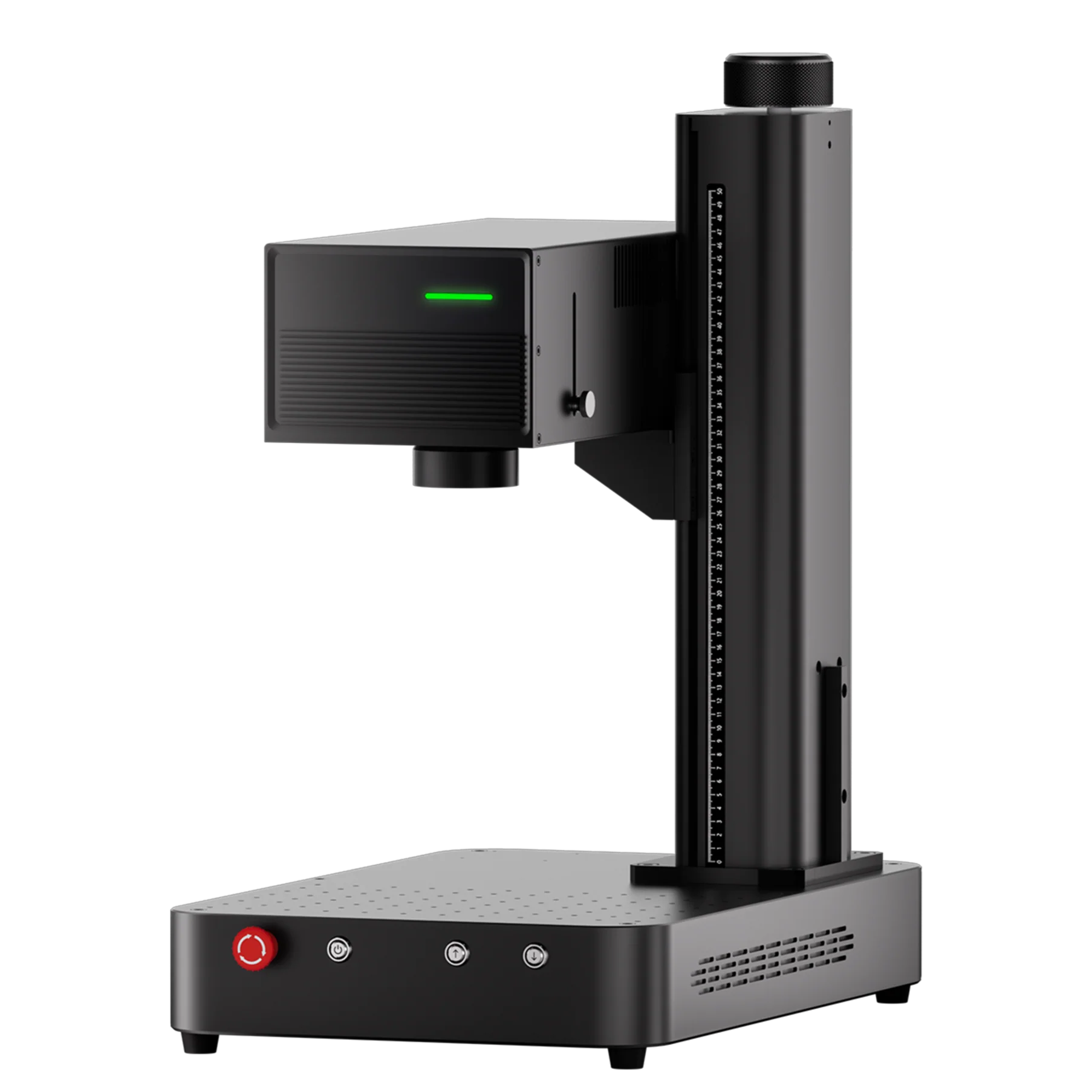
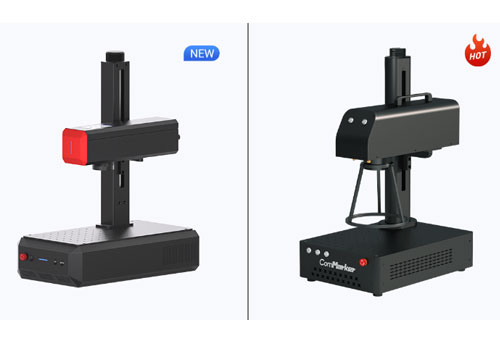
But don’t just take our word for it. To see how much difference higher wattage can make in practice, we put the ComMarker Omni X 6W and 12W UV laser modules to the test. Here’s what we found.
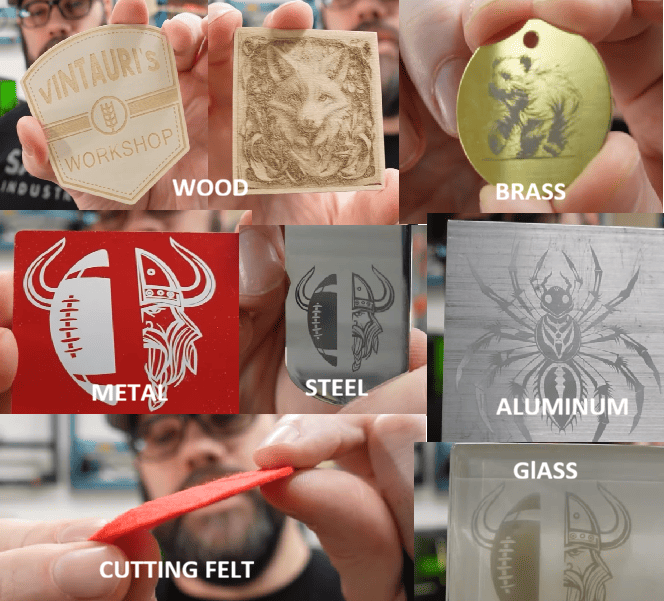
Up to 2× Deep Engraving Speed Increase
Higher-power UV lasers can remove more material per pass, enabling deeper engravings or shorter processing times for demanding applications.
In side-by-side tests of the ComMarker Omni 1 5W and 10W configurations, the 10W module delivered deeper wood reliefs, more efficient aluminum engraving, and faster glass processing.
|
Material |
Test Conditions |
5W Performance |
10W Performance |
Improvement |
|
Wood |
3D relief engraving, 24 passes |
3 mm |
5.5 mm deep |
Nearly 2× deeper engraving |
|
Tempered glass |
5 mm × 5 mm square, 1 mm deep |
15 min |
10 min |
33.3% less processing time |
Results are from specific comparative tests and may vary with material properties, laser settings, optics, and processing requirements.
For businesses and creators, these improvements open up more possibilities for personalized products. You can create deep, sculpted Wood Relief 3D Engraving with more pronounced textures, produce custom glass pendants and crystal keepsakes with detailed engravings, or make personalized gifts that stand out through depth and detail rather than simple surface markings.
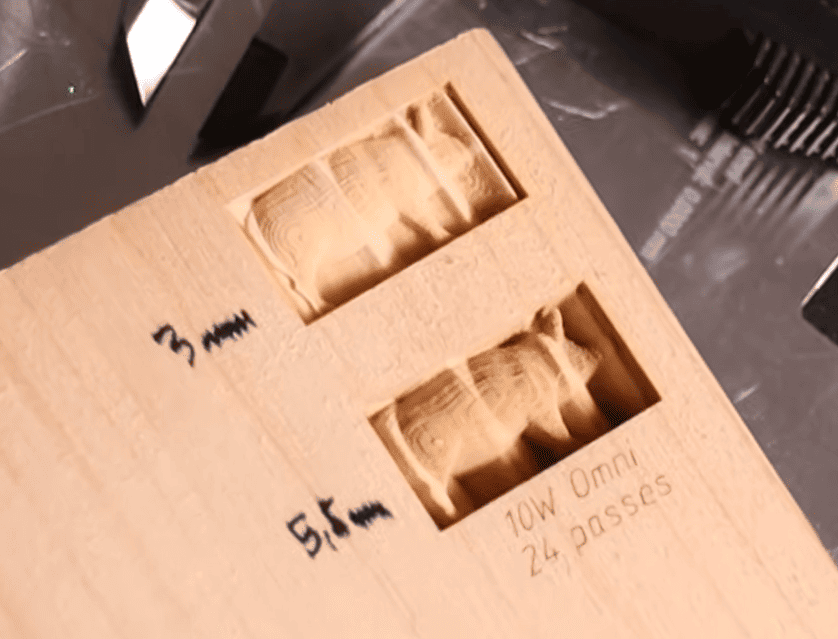
Up to 98% Less Cutting Time
UV lasers can deliver clean, precise cuts with minimal heat damage, but cutting speed can be a limitation, especially when working with thicker materials.
Higher laser power helps overcome this limitation by reducing cutting time while preserving the precision
We compared lower and higher power ComMarker UV laser configurations by cutting a 2 cm circle using a 70 mm lens. The recorded results show substantial differences across basswood, aluminum, stainless steel, and brass.
|
Material |
Thickness |
6W Cutting Time |
12W Cutting Time |
Time Saved |
|
Basswood |
8 mm |
3 min 28 sec |
1 min 17 sec |
63.0% |
|
Aluminum |
0.2 mm |
3 min |
1 min 5 sec |
63.9% |
|
Stainless steel |
0.4 mm |
70 min |
1 min 17 sec |
98.2% |
|
Brass |
0.2 mm |
15 min |
6 min 50 sec |
54.4% |
These are results from our particular cutting tests, not guaranteed processing times for every material or machine setup.
For businesses hoping to handle cutting jobs with a laser, these time savings can accumulate across an entire production day. Less time spent on each part means more opportunities to complete orders, increase output, or accept more demanding projects without adding another machine.
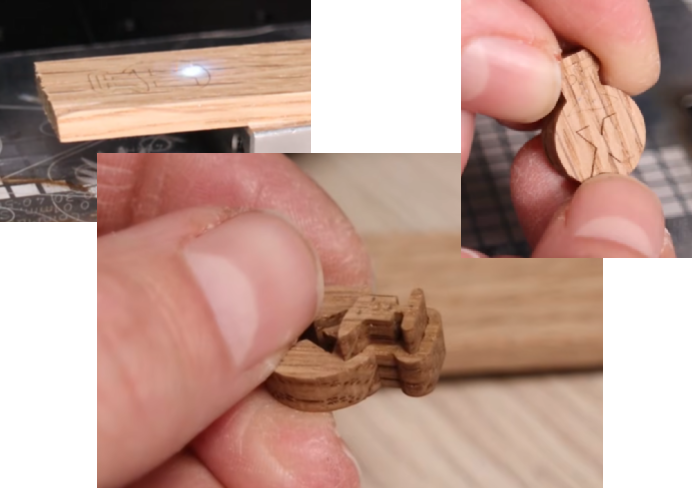
Cut Materials Up to 67% Thicker with the 12W Omni X
Higher power can improve cutting speed, while expanding the range of material thicknesses a machine can handle.
In our cutting tests, the 12W configuration completed several cuts that the 6W configuration could not finish under the tested conditions.
|
Material |
Thickness |
6W Result |
12W Result |
|
Basswood |
10 mm |
Failed to cut through |
Completed in 6 minutes |
|
Aluminum |
0.8 mm |
Failed to cut through |
Completed in 20 minutes |
|
Brass |
0.8 mm |
Failed to cut through |
Completed in 42 minutes |
This matters for businesses producing wooden components, acrylic products, metal parts, and personalized items. Making thicker-material cutting tasks possible that may be out of reach for a lower-power UV laser.
However, UV lasers are not usually the first choice for cutting-focused applications. If cutting metal is your main priority, consider a dedicated fiber laser cutting system; for cutting wood and acrylic, a CO₂ laser is generally a better fit.

Get a 66.7% Larger Working Area with the 12W Omni X
Higher-power UV lasers can deliver a larger effective coverage area, allowing users to work on larger designs and process more items in a single job.
With the corresponding lens configuration and slide extension, the ComMarker Omni X 12W offers a larger maximum working area than the 6W version, giving users more room to handle larger workpieces or batch multiple items in one job.
|
Configuration |
Maximum Working Area with Slide Extension |
|
6W Omni X |
150 × 400 mm |
|
12W Omni X |
250 × 400 mm |
|
Difference |
66.7% larger working area |
The additional 100 mm of working width makes the 12W Omni X more practical for engraving large cutting boards, laptop lids, tablet back covers, wide acrylic signs, and oversized decorative panels. This can reduce the need to split a design into separate sections or reposition workpieces during production.

A Wider Usable Focus Range for Curved Surfaces
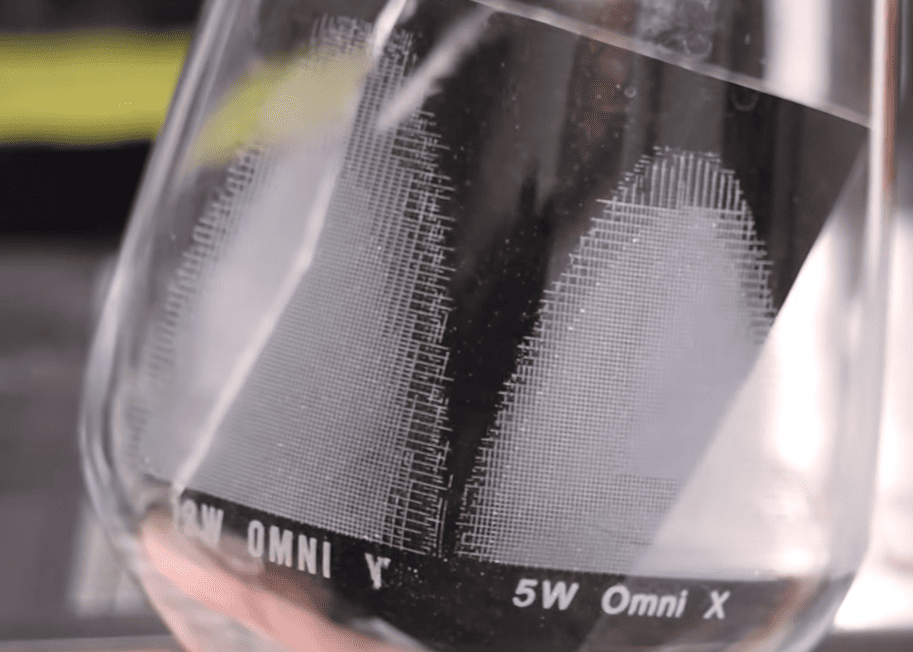
A wider usable focus range can make a UV laser more versatile when engraving curved surfaces, such as wine glasses and glass bottles.
To evaluate this, we engraved grid patterns on a curved glass surface using the ComMarker Omni X 6W and 12W modules, focusing both lasers at the top of the glass. The test examined how much of the engraving pattern remained usable as the surface moved away from the focal plane.
A wider usable focus range can help maintain consistent engraving quality across a larger area of a curved object, making it easier to engrave larger designs on such as wine glasses, glass bottles, and other cylindrical or round surfaces where the working distance varies.
Higher-Contrast Marking with Fewer Passes
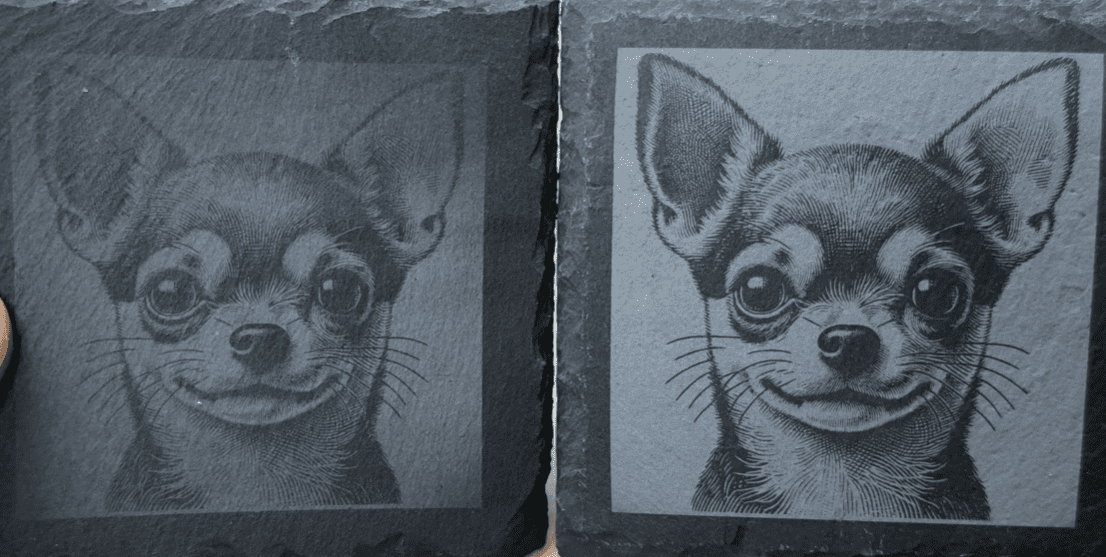
Higher UV laser power can help produce brighter, higher-contrast markings, potentially reducing the number of passes needed to achieve the desired visual result.
In a side-by-side comparison of the ComMarker Omni X 6W and 12W modules, the 12W module produced noticeably whiter, brighter engravings on slate under the same processing settings.
For applications where high contrast and visibility are important, such as engraving images, graphics, and decorative patterns, higher power provides more room to optimize processing efficiency.
When Is a Higher-Power UV Laser Worth It for your Business?
The right UV laser wattage depends on your materials, workload, and production goals. Here’s how to decide between the ComMarker Omni X 6W and 12W.
|
Application / User Needs |
Choose a 6W UV Laser if |
Choose a 12W UV Laser if |
|
Production volume |
You handle occasional orders or small batches, and current processing speeds meet your deadlines. |
You process large batches or repetitive orders and need to reduce processing time. |
|
Engraving depth |
You mainly engrave surface details, text, logos, and relatively shallow designs. |
You need deeper wood reliefs or greater material removal. |
|
Material thickness |
Your projects involve materials and thicknesses that the 6W configuration can process reliably. |
You need to tackle more demanding cutting tasks. |
|
Marking contrast |
You can achieve the desired appearance with the existing power and parameter settings. |
You want more flexibility to optimize for brighter, higher-contrast marks. |
|
Project size |
Your workpieces fit within the working area of your chosen configuration. |
You need a larger working area. |
|
Budget and return on investment |
Your current output meets customer requirements, and the additional investment would not generate meaningful returns. |
The time saved, expanded capabilities, or ability to take on more demanding jobs can justify the higher upfront cost. |
Final Thoughts: Higher Power Is About Capability as Well as Speed
The real benefit of a higher-power UV laser is the ability to process certain jobs faster, achieve greater engraving depth, tackle more demanding cutting tasks, and potentially improve marking contrast. Depending on the configuration, a larger working area can also accommodate bigger workpieces or more items per batch.
Before choosing, evaluate the materials you process, the results you need, and how often you run each job. The best UV laser is the one that delivers the right balance of processing capability, productivity, and return on investment for your business.