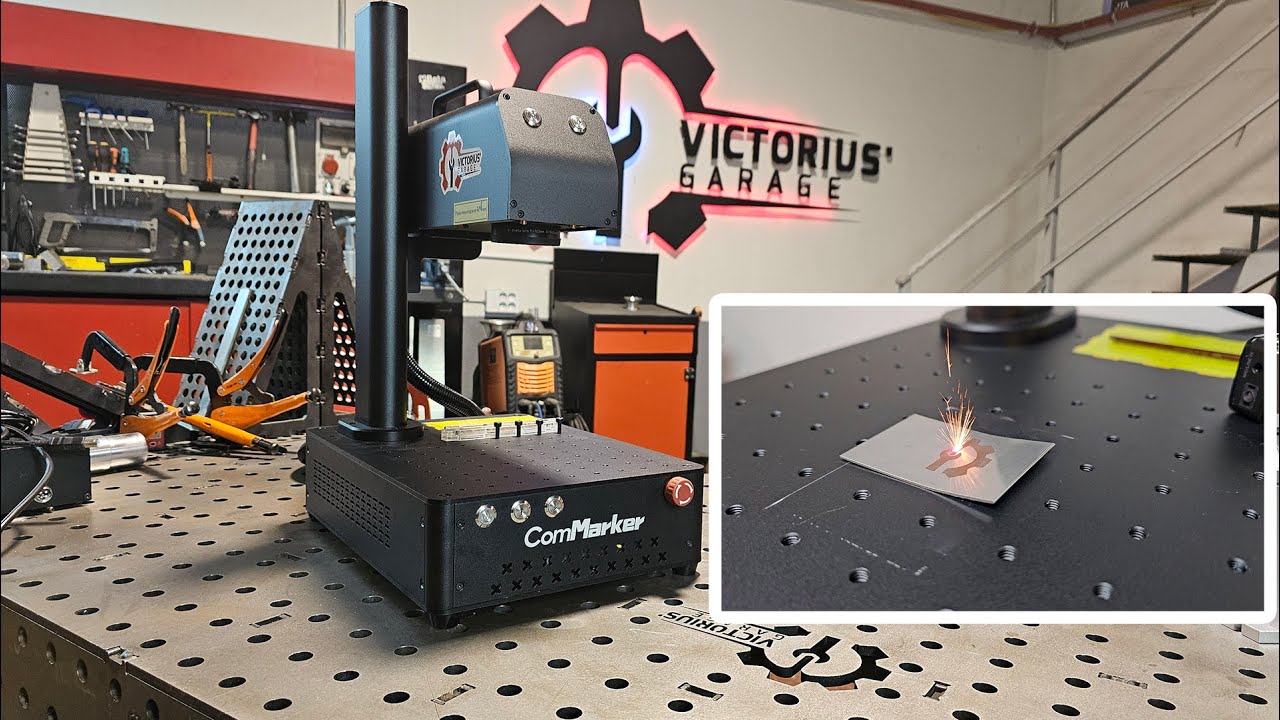
For a small engraving business, choosing the right laser for each material is a common pain point. Fiber for metal, UV for fine details, and CO₂ for non-metal cutting.
Putting multiple lasers into one machine sounds like a perfect solution: one machine, less space, and more capabilities.
But here’s what laser companies may not emphasize: two lasers in one machine do not necessarily deliver the same value as two dedicated machines.
In this guide, we’ll break down the commercial potential, marking quality, and after-sales risks behind both setups, so you can understand the trade-offs and make a smarter choice for your business.
1. Commercial Potential: Capability vs. Production Capacity
Dual laser: More capabilities in one machine.
Two dedicated lasers: More independent production capacity.
A dual-laser machine makes sense when you need different laser capabilities, but your order volume does not yet justify two machines. As orders grow, however, the bottleneck changes: one machine can only process one job at a time.
Imagine your order queue includes:
|
Order |
Processing Time |
Laser |
|
Metal part marking |
2 min |
Fiber |
|
Glass cup engraving |
4 min |
UV |
|
Coin deep engraving |
30 min |
Fiber |
|
UV 3D inner engraving |
20 min |
UV |
One Machine: Jobs Wait in Line
With one machine, these jobs must be processed sequentially, requiring about 56 minutes of laser processing and setup.
Two Machines: Jobs Run in Parallel
With two dedicated lasers, the Fiber laser can handle the metal jobs and deep engraving while the UV laser processes the glass and 3D inner engraving.
The total laser processing time can drop to about 32 minutes, instead of making every customer behind a time consuming job waiting.
Who should care?
If you handle high order volumes, on-site customers, or overlapping orders, two dedicated lasers can keep one long job from delaying the rest of your queue.
2. Product Quality: Look at the Laser, Not Just the Machine Architecture
The Challenge
A dual-laser machine may put two laser sources in one box, but it struggles to deliver the full performance of two purpose-built machines.
Combining two lasers into one system can reduce beam quality as shared optics heat up, potentially causing misalignment and a larger, less precise focused spot. This remains a scientific challenge in 2026. [1][2]
Spot Size Matters
• ComMarker offers a 0.0019 mm spot size for the Omni X UV and 0.01 mm for the B6 MOPA,
• Common Fiber + UV dual-laser machines: around 0.03 mm spot size for the fiber laser
A larger spot limits the smallest details you can reproduce cleanly, which matters for tiny text, micro QR codes, fine logos, and jewelry.
A dual-laser machine gives you two laser sources. Two dedicated machines give each laser its own optimized optical system.
Who Should Care?
If fine detail and marking consistency affect what you can charge, compare spot size and actual marking performance.
3. After-Sales: Lifespan, Warranty, and Downtime Risk
In an integrated dual-laser machine, a service issue with one system can potentially take the entire machine offline
Lifespan
A UV laser naturally has a shorter expected lifespan than a Fiber laser.
• Common fiber+UV dual-laser machines list a 10,000-hour laser lifespan.
• ComMarker offers 10,000 hours lifespan for Omni X UV laser and up to 100,000 hours for Fiber laser series.
For a business planning year of commercial production, a shorter-lived UV source can potentially become a service concern long before a Fiber source reaches the end of its rated lifespan.
Warranty
Common fiber+UV dual-laser machines come with a 1-year warranty.
ComMarker provides 2 years for its Fiber laser machines and 1 year for the Omni X UV.
For commercial users, warranty length matters because repairs after the warranty period can become an additional operating cost.
What Does It Mean?
The biggest concern is what happens when a machine fails during your busiest season.
With a dual-laser machine, one machine supports both laser capabilities. If one system becomes unavailable, both workflows can potentially be affected.
With two dedicated machines, a problem with one laser does not stop your whole production.
Once a machine is out of warranty, you may face additional repair costs, or the machine may become unrepairable.
Who Should Care?
If laser engraving is part of your revenue, especially during holiday seasons, event seasons, or large batch orders, don’t look only at the purchase price or space taken.
Also consider laser lifespan, warranty coverage, repair costs, downtime, and the revenue you could lose while a machine is unavailable
When Should You Choose a Dual-Laser Machine or Two Dedicated Lasers?
Choose a dual-laser machine when your priority is getting more laser capabilities while keeping your equipment footprint and initial investment under control.
Choose two dedicated lasers when your priority is increasing production capacity, separating specialized workflows, and reducing the business impact of machine downtime.
|
Feature |
Dual-Laser Machine |
Two Dedicated Lasers |
|
Space taken |
★★★★★ Smaller footprint with one workstation |
★★★☆☆ Requires space for two machines |
|
Price |
★★★★☆ One machine might cost less than buying two comparable machines |
★★★☆☆ Higher initial investment |
|
Production Capacity |
★★★☆☆ One workstation processes jobs sequentially |
★★★★★ Two machines can process different jobs simultaneously |
|
Application Optimization |
★★★☆☆ Depends on integrated sources |
★★★★★ Each system can be optimized for its own application |
|
Downtime Risk |
★★☆☆☆ One machine failure can affect multiple laser capabilities |
★★★★★ One machine can continue operating if the other is down |
|
Best For |
Mixed applications, limited space, and lower or unpredictable order volume |
Higher order volume, overlapping jobs, and businesses that need independent production capacity for the future. |
Final Thoughts: Weigh the Benefits and Risks Before You Buy
A dual-laser machine offers the benefit of more laser capabilities with less space and a lower initial investment, but the trade-off is that multiple workflows depend on one workstation.
Two dedicated lasers offer the benefit of higher production capacity, specialized marking performance, and greater redundancy, but require more space and a higher upfront investment.
The same trade-off applies to long-term ownership. A dual-laser system can simplify maintenance with one machine, while a failure can affect multiple capabilities at once. Two dedicated machines require more equipment to maintain, but one machine can continue working if the other needs service.
Before you buy, compare not only what each setup can do, but also the production capacity, quality requirements, and risks your business can afford.
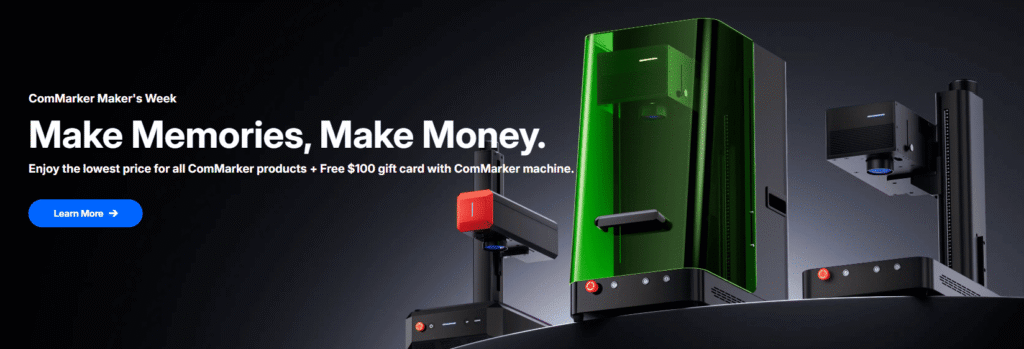
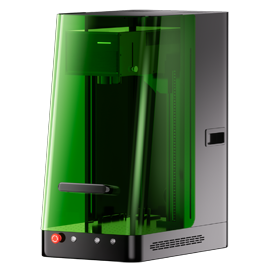
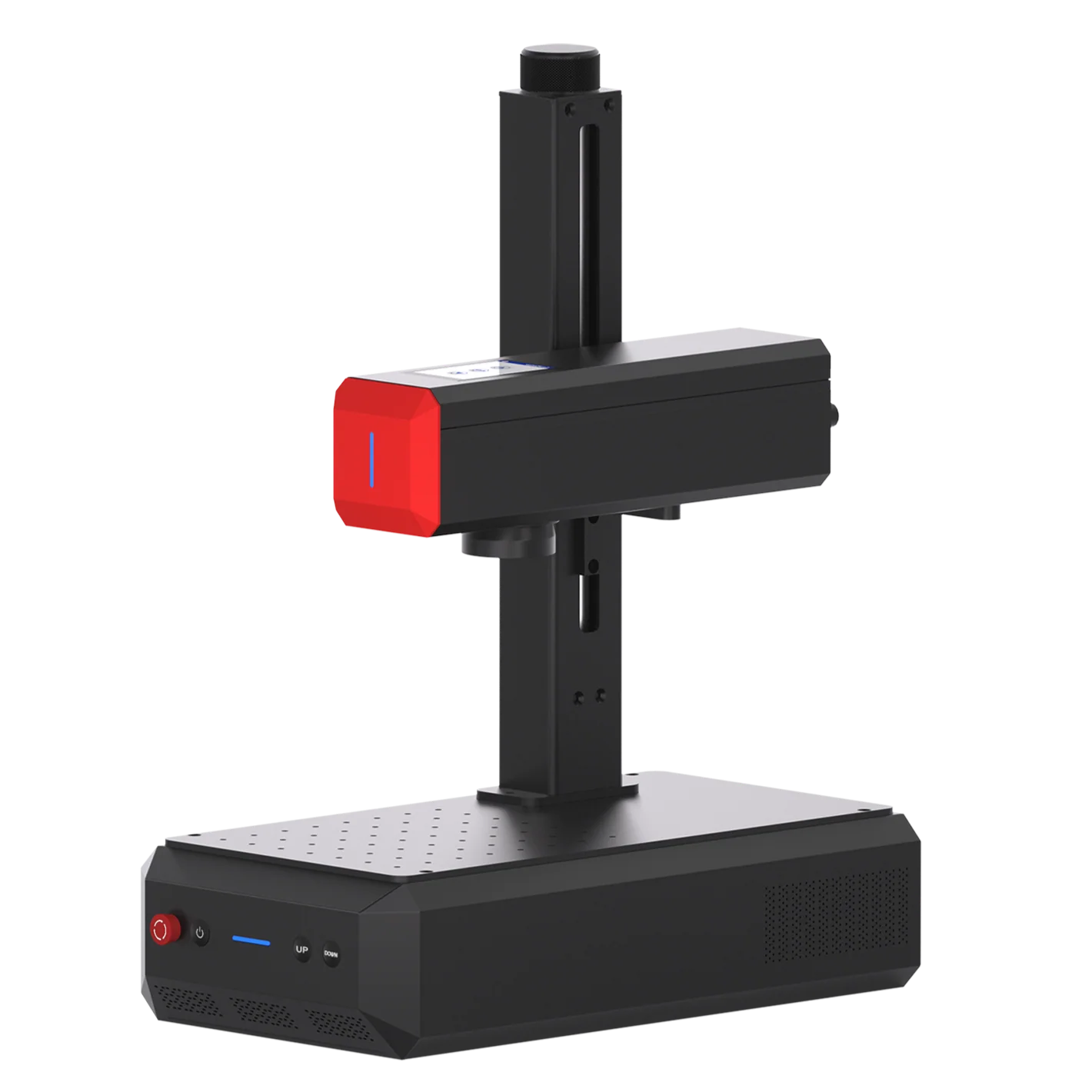
If you decide that independent Fiber and UV workflows make more sense for your business, explore ComMarker Fiber and UV laser engravers to compare models, spot sizes, power options, and applications.