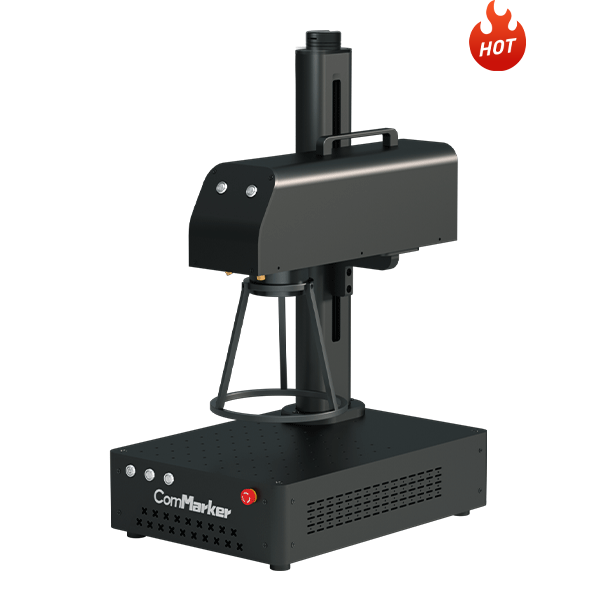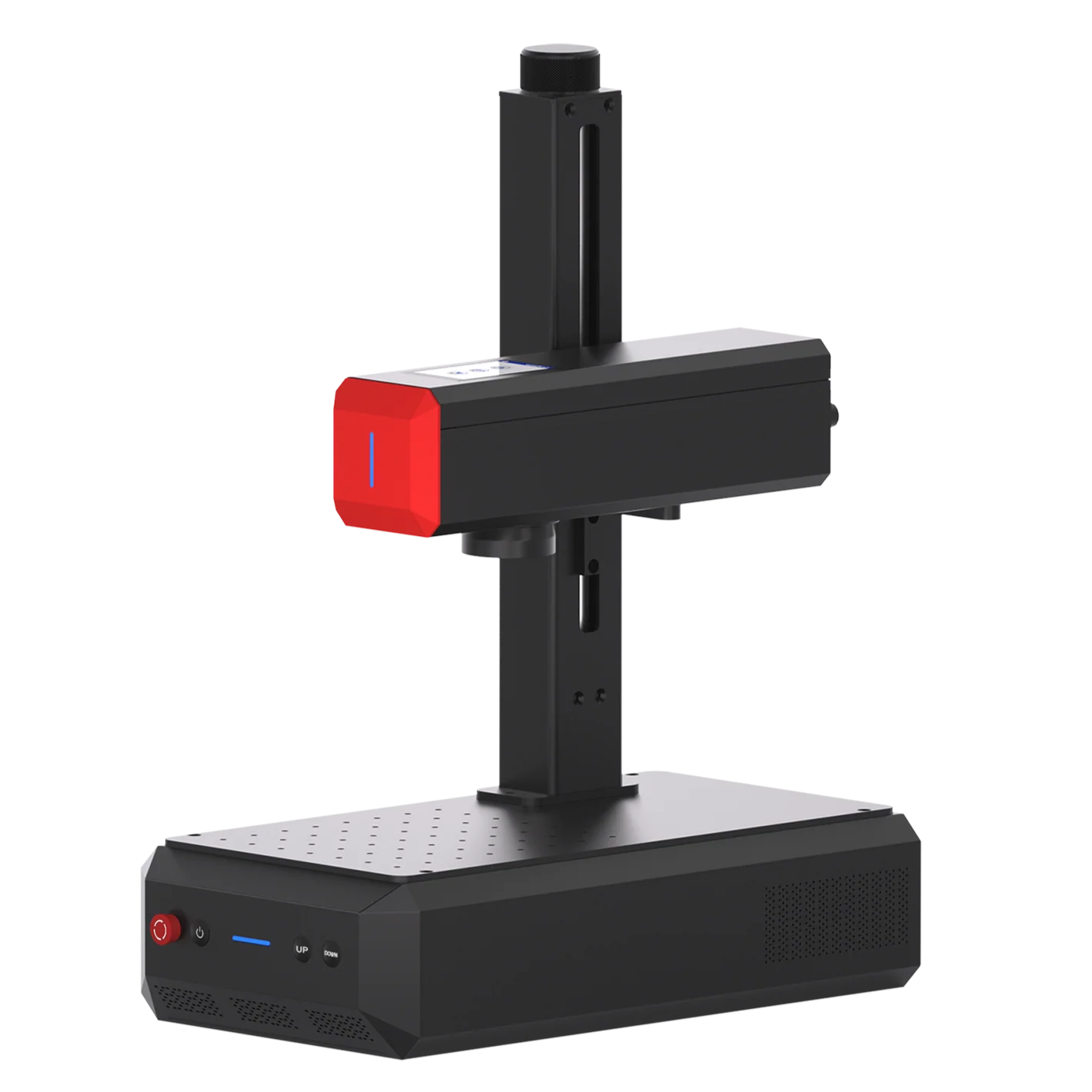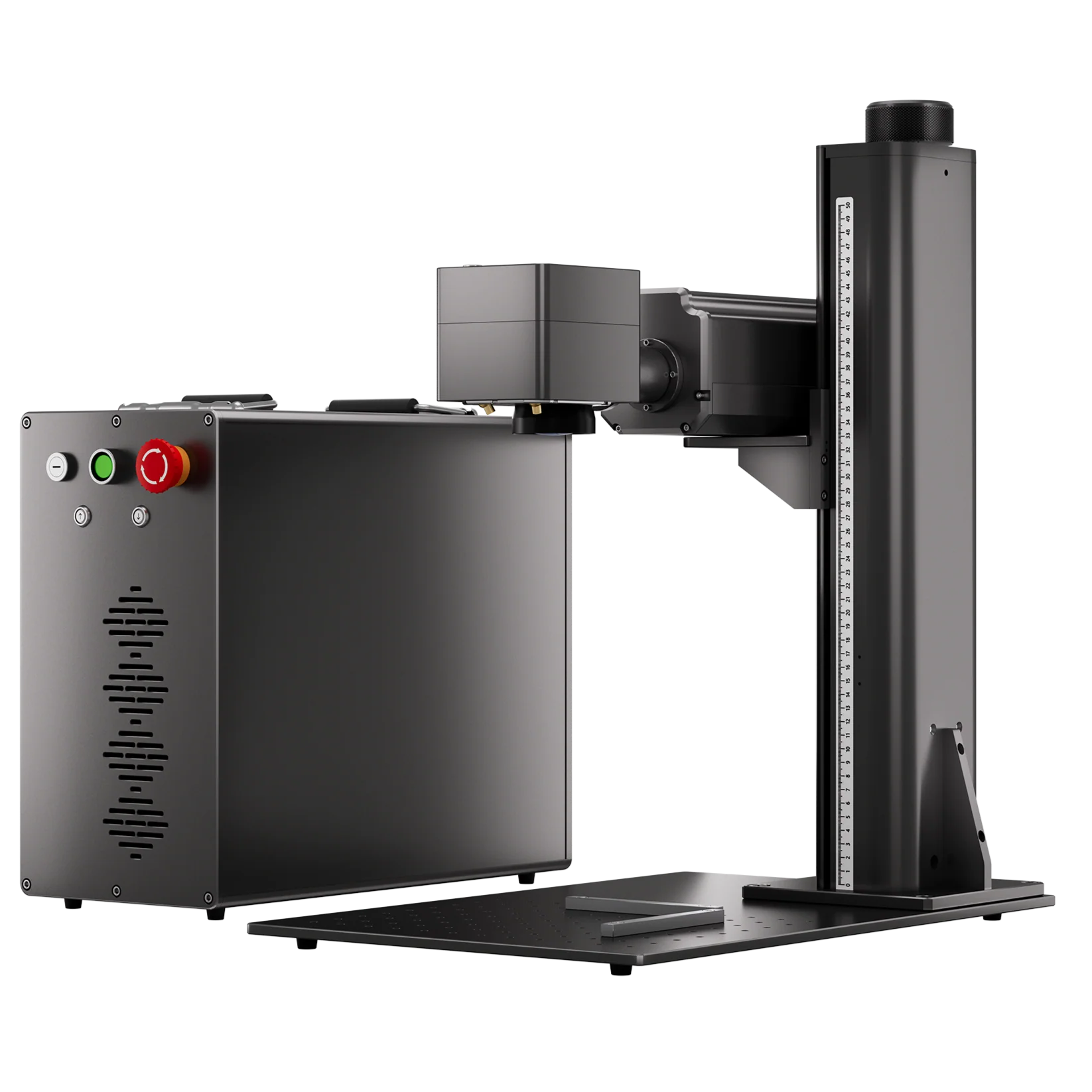
Small manufacturers often face a simple but costly marking problem: production volumes may be too small for a dedicated automated marking line, while outsourcing every batch adds setup fees, minimum-order requirements, shipping costs, and lead time.
For CNC shops, job shops, toolmakers, electronics manufacturers, and custom-part businesses, bringing laser part marking in-house can make small-batch production more flexible. Serial numbers, part numbers, QR codes, logos, scales, and other identification can be marked directly onto the workpiece without creating new tooling for every design change.
The right laser marking machine depends on five main factors: material, marking result, part size and geometry, production volume, and required cycle time.This guide explains how small manufacturers can evaluate laser marking systems, choose between fiber, UV, and CO₂ lasers, and determine whether bringing marking in-house makes economic sense.
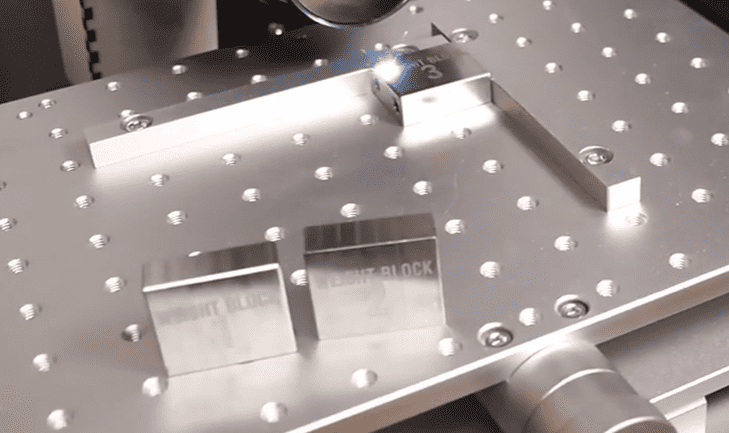
When Does In-House Laser Marking Make Sense for Short Runs?
Small manufacturers often face a simple but costly marking problem: production volumes may be too small for a dedicated automated marking line, while outsourcing every batch adds setup fees, minimum-order requirements, shipping costs, and lead time.
For small manufacturers, bringing laser marking in-house can make sense when marking is frequent, variable, or expensive to outsource.
An in-house system may be worth considering if you regularly handle:
• Small batches or short production runs
• Multiple part numbers or custom designs
• Serial numbers, QR codes, or other traceability marks
• Frequent design or job changes
• Recurring setup fees, shipping costs, or long supplier lead times
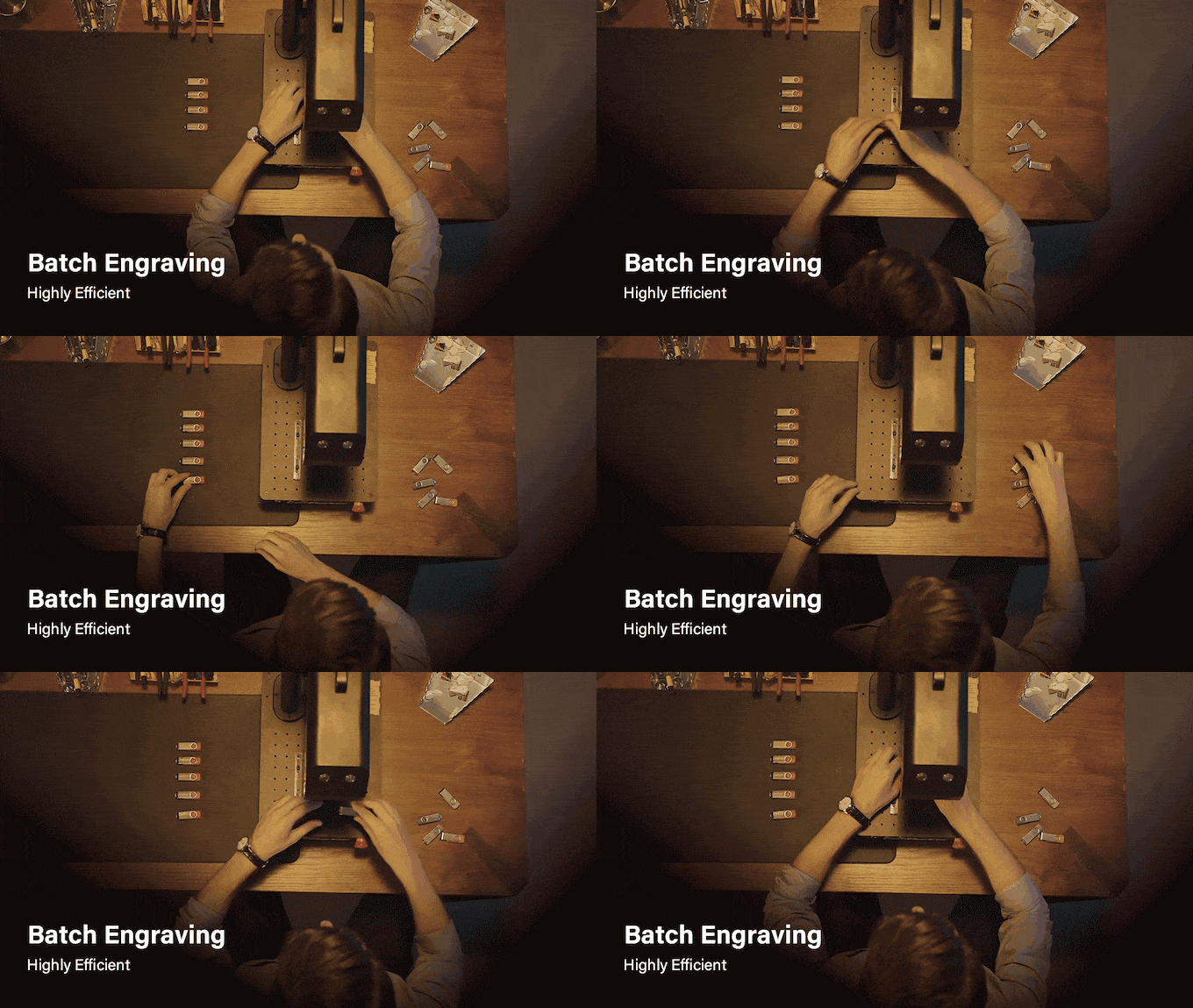
For example, a shop producing 50 parts today and 200 parts next week may benefit from changing jobs internally rather than arranging a separate outsourcing order for each batch.
An in-house workflow can be as simple as:
Prepare the file → position the part → mark → inspect → switch to the next job.
The value also comes from reducing waiting time and making small changes easier to handle.
When Should You Keep Laser Marking Outsourced?
Outsourcing may be more practical when marking is infrequent, outsourcing costs are low, or the job requires specialized automation or equipment beyond your planned system.
Limited workspace, safety infrastructure, or available operator time can also make outsourcing preferable.
If the machine would sit unused for long periods, its purchase price may be difficult to recover.
The decision should therefore be based on marking frequency, batch size, outsourcing cost, lead time, labor, machine utilization, and the capabilities required for the job.
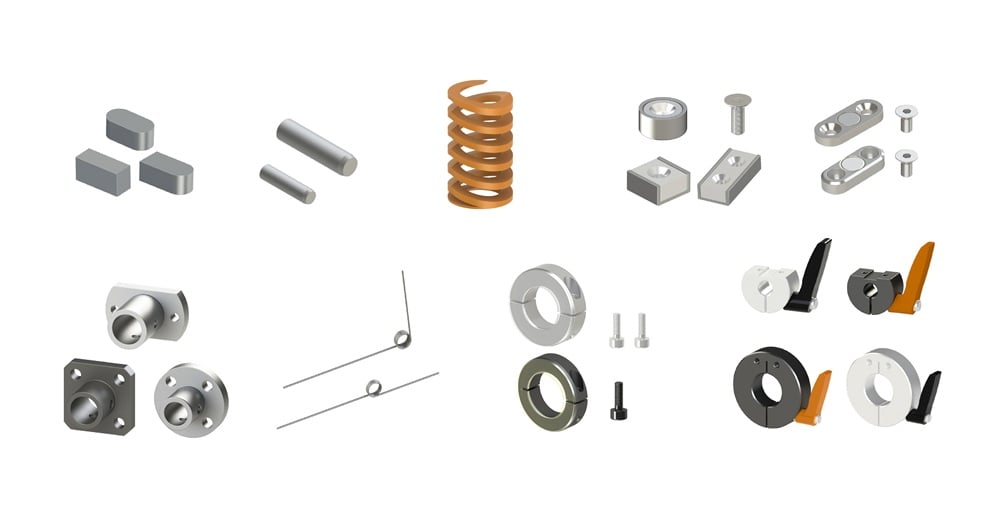
What Kind of Laser Mark Do You Need? On What Material?
Before choosing a laser type or power level, define the required marking result.
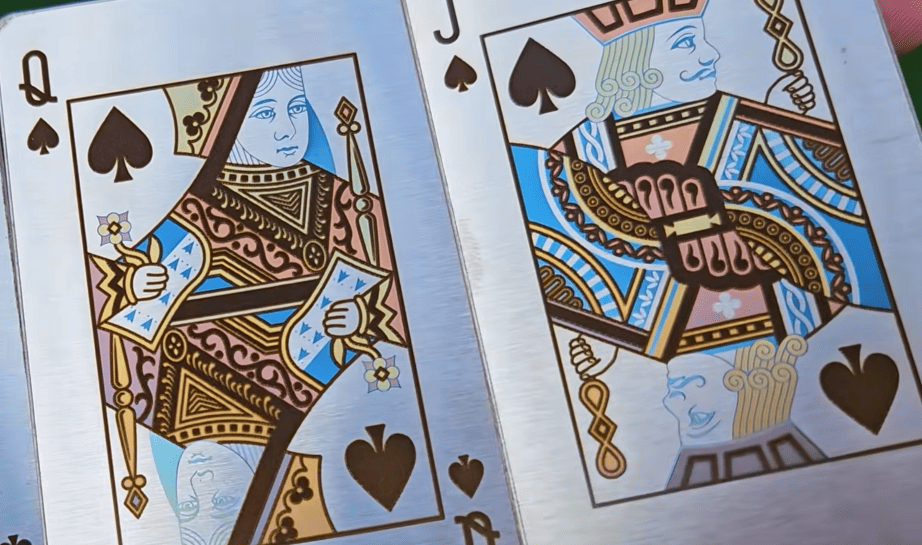
The required result determines the best laser type or power level.For a serial number or QR code, deep engraving may be unnecessary.
For molds, dies, tools, or components requiring a recessed identification, deeper engraving may justify a higher-power system.
| Marking Type | How It Works | Typical Applications |
| Surface Marking | Changes the appearance of the surface without significant material removal | Serial numbers, part numbers, logos, QR codes, Data Matrix codes, identification text |
| Engraving | Removes material to create a visible recessed mark | Tool identification, functional markings, logos, text, graduations, industrial components |
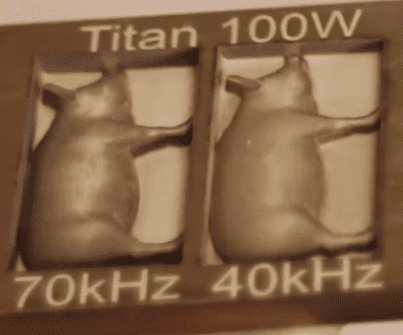
| Deep Engraving | Removes a larger amount of material, usually through multiple passes | Molds, dies, tools, and components requiring substantial material removal |
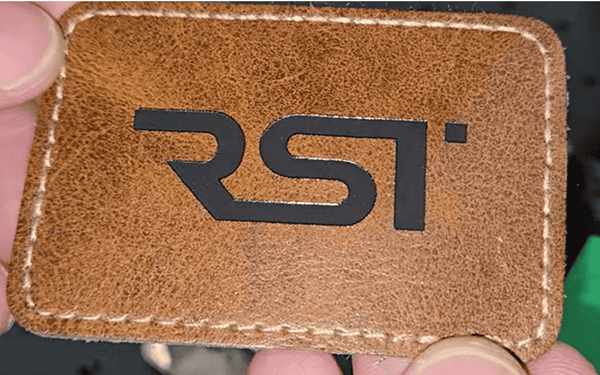
| Color Marking | Produces controlled color or tonal changes on the material surface | Stainless steel, titanium, and other suitable metals |
Define the marking result first, then choose the laser.
 |
 |
 |
| surface marking | deep engrave | color engrave |
How to Choose an In-House Laser Marking System in 7 Steps
1. Match the Laser to Your Material
Start with the material and required marking result.
| Application | Laser to Evaluate |
| Metal parts marking and engraving | Fiber |
| Stainless-steel color marking | MOPA Fiber |
| Fine marking on suitable plastics, glass, or electronics | UV |
| Wood, acrylic, leather, and other non-metals | CO₂ |
Material grade, coating, additives, and surface treatment can affect the result, so test the actual production material before purchasing.
2. Select Power Based on Depth and Cycle Time
Choose power based on how much material you need to remove and how quickly you need to process each part.
For surface marking and identification, 20W~30W fiber laser power may be sufficient. For deep engraving, large engraved areas, 50W+ higher power will increase efficiency.
For example, a ComMarker test engraving a 10 mm diameter circle to approximately 1 mm depth on aluminum took about 7 minutes with 100W and 2.6 minutes with 200W.
3. Size the Marking Area to Your Parts
Choose a marking field that accommodates your largest typical marking area without unnecessary repositioning.
A larger field is useful for large parts or marking multiple small parts in one setup, but it is not automatically better. Lens selection also affects working distance and marking performance.
4. Match Resolution to the Mark
Fine text, QR codes, Data Matrix codes, logos, and scales require appropriate optical performance, focus, and parameter control.
For unusually small text or codes, check detailed guide for How to Choose the Right Laser Marking System for Tiny Codes and Text on Small Parts
5. Add Accessories Based on Part Geometry
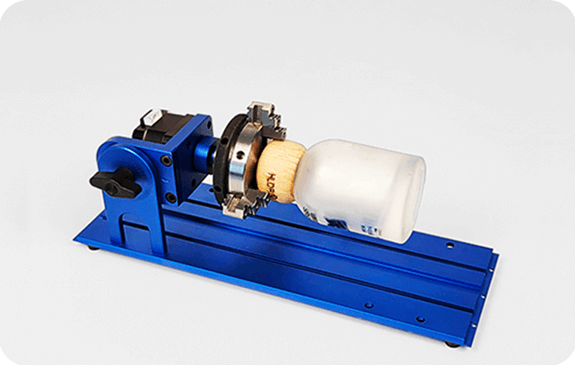
Choose accessories according to how the parts need to be positioned.
| Part Requirement | Useful Configuration |
| Cylindrical or round parts | Laser Rotary attachment |
| Long workpieces | Slide extension |
| Repetitive parts | Positioning fixture or custom jig |
For curved surfaces with significant height variation, consider 3D marking or dynamic focusing.
6. Check the Software and Production Workflow for Easy Adoption
For small-batch production, prioritize software that makes it easy to save jobs, change files, manage parameters, and generate variable data such as serial numbers, QR codes, and barcodes.
ComMarker systems support software options including LightBurn, while selected models also support ComMarker Studio for beginners to get start faster.
Before purchasing, make sure the complete workflow—from file preparation to part positioning and marking—fits your operators and production process.
7. Laser Safety and Workspace Requirements
Check the enclosure, interlocks, ventilation, fume extraction, fire protection, operator training, and local safety requirements. Higher-power open-beam systems generally require more extensive safety controls than enclosed systems.
ComMarker Fiber vs. UV vs. CO₂: Which Laser Marking Machine Should You Choose?
| Laser Type | Typical Applications | Main Advantage |
|---|---|---|
| Fiber | Metal marking, engraving, deep engraving | Strong performance on many metals |
| MOPA Fiber | Metal marking, annealing, color marking, specialized engraving | Additional pulse-parameter flexibility |
| UV | Fine marking on suitable plastics, glass, ceramics, electronics, and selected metals | 355 nm wavelength and controlled processing |
| CO₂ | Wood, acrylic, leather, paper, and other non-metals | Well suited to many organic materials |
These categories provide a starting point. The actual result depends on the material, surface treatment, marking requirement, and machine configuration.
ComMarker Fiber Laser: Choose for General Metal Engraving
ComMarker fiber laser systems are designed primarily for metal marking and engraving, including stainless steel, aluminum, carbon steel, brass, copper, and titanium.
They are suitable for applications such as part numbers, serial numbers, logos, QR codes, identification marks, and engraving. Higher-power configurations can also be used for deeper engraving and larger material-removal applications.
MOPA Fiber Laser: For Cleaner Deep Marking & Color Engraving
MOPA fiber systems provide greater control over pulse parameters than standard fiber configurations, making them suitable for applications requiring more specialized processing.
Typical applications include stainless-steel color marking, black marking, annealing, fine metal marking, and deep engraving.
The ComMarker Titan is available in MOPA fiber configurations, including 60W, 100W, and 200W, with larger marking fields available depending on the lens and configuration.
Case 1: Carbon Steel Tube Engraving
Laser: ComMarker Titan MOPA fiber 200w
Application: Number marking on a cylindrical metal part
Parameters: 90% power, 4,000 mm/s, 190 kHz, 200 ns pulse width, 0.04 mm hatch spacing
Result: High‑precision laser engraving, crisp text and part‑number marking.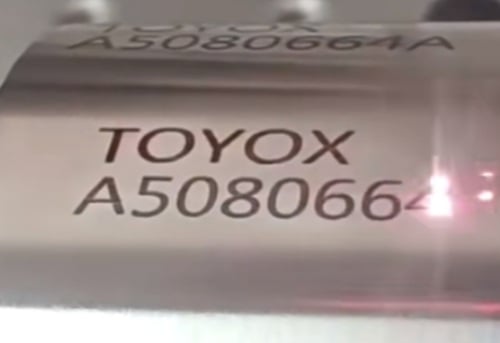
Case 2: Deep Stainless-Steel Engraving
Laser: ComMarker Titan 200W MOPA fiber
Application: Deep engraving
Parameters: 1,000 mm/s, 90% power, 30 kHz, 350 ns Q-pulse, 0.05 mm line interval, bidirectional + crosshatch
Result: Precision laser engraved ornate hollow cross pattern on brushed stainless steel.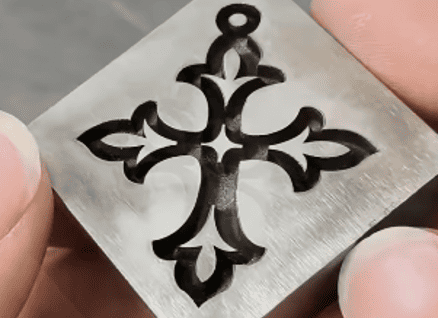
Case 3: Stainless Steel Wire Engraving
Laser: ComMarker B6 MOPA fiber 200w
Application: Number marking on 2.5mm thin wire
Parameters: 1000 mm/s, 90% power, 0.01 mm line interval, 30 freq, 200 pulse.
Result: Clear number marking with touchable depth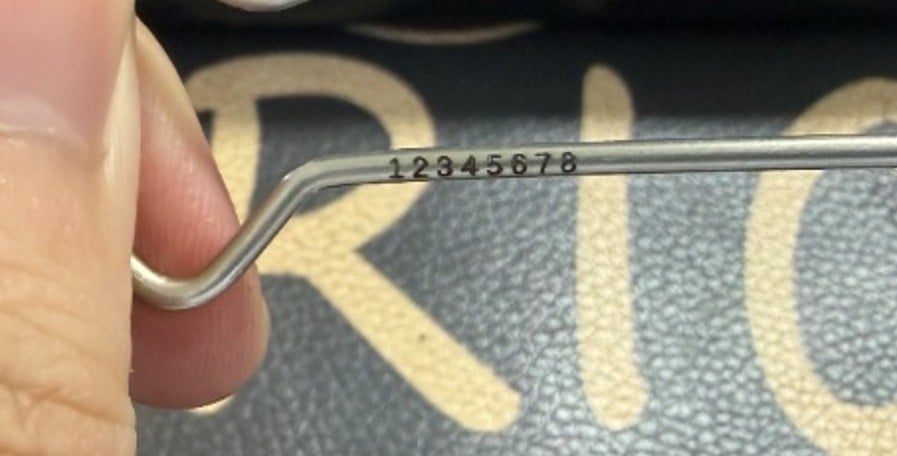
ComMarker UV Laser: Choose for Precise Marking and Multi-Material Requirements
ComMarker UV systems use a 355 nm wavelength for fine marking applications on materials that can be difficult to process cleanly with longer-wavelength lasers.
The ComMarker Omni X is designed for applications involving plastics, glass, ceramics, electronics, coated materials, and selected metals where fine detail and controlled heat input are important.
With 0.0019 mm spot size, the Omni X can mark with 16K HD, with smallest readable mark on aluminum around 0.03mm.
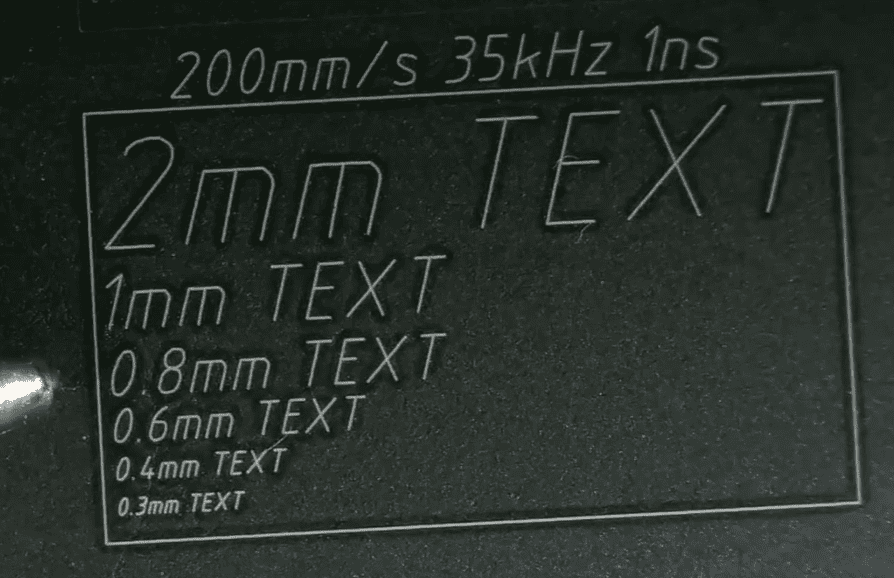
Case 1: Glass / Crystal
Laser: ComMarker Omni X 6W UV
Application: Fine logo engraving
Parameters: 40 kHz, 1 μs pulse width, 800 μs dwell time, 400 DPI, 150 mm lens
Result: Even, tightly‑packed stippled dots deliver homogeneous frosted matte surface; text are sharply defined with clean edges.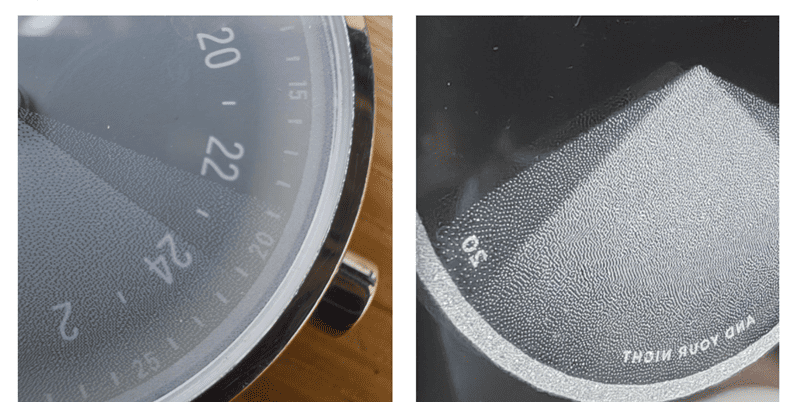
Case 2: Plastic Switch
Laser: ComMarker Omni X 6W UV
Application: Fine logo or identification marking
Parameters: 1 pass, 1,000 mm/s, 40 kHz, pulse 15, 0.03 mm line spacing
Result: Precision laser marking of intricate circuit schematic on white plastic housing.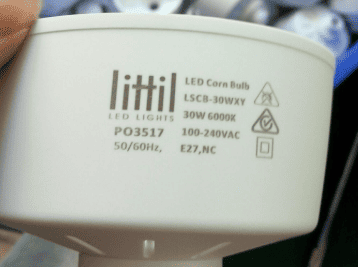
Case 3: QR Code Marking on Metal
Laser: ComMarker Omni X 12W UV
Application: Fine logo or identification marking
Parameters: 1 pass, 2000 mm/s, 40 kHz, pulse 1, 0.03 mm line spacing
Result: Clear QR code with crisp edges, precisely marked on metal in a compact 5 × 5 mm size.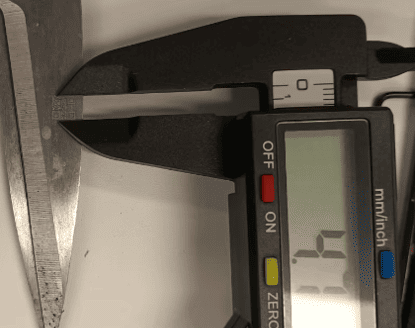
ComMarker CO₂ Laser: Choose for Fast Batch Non Material Marking
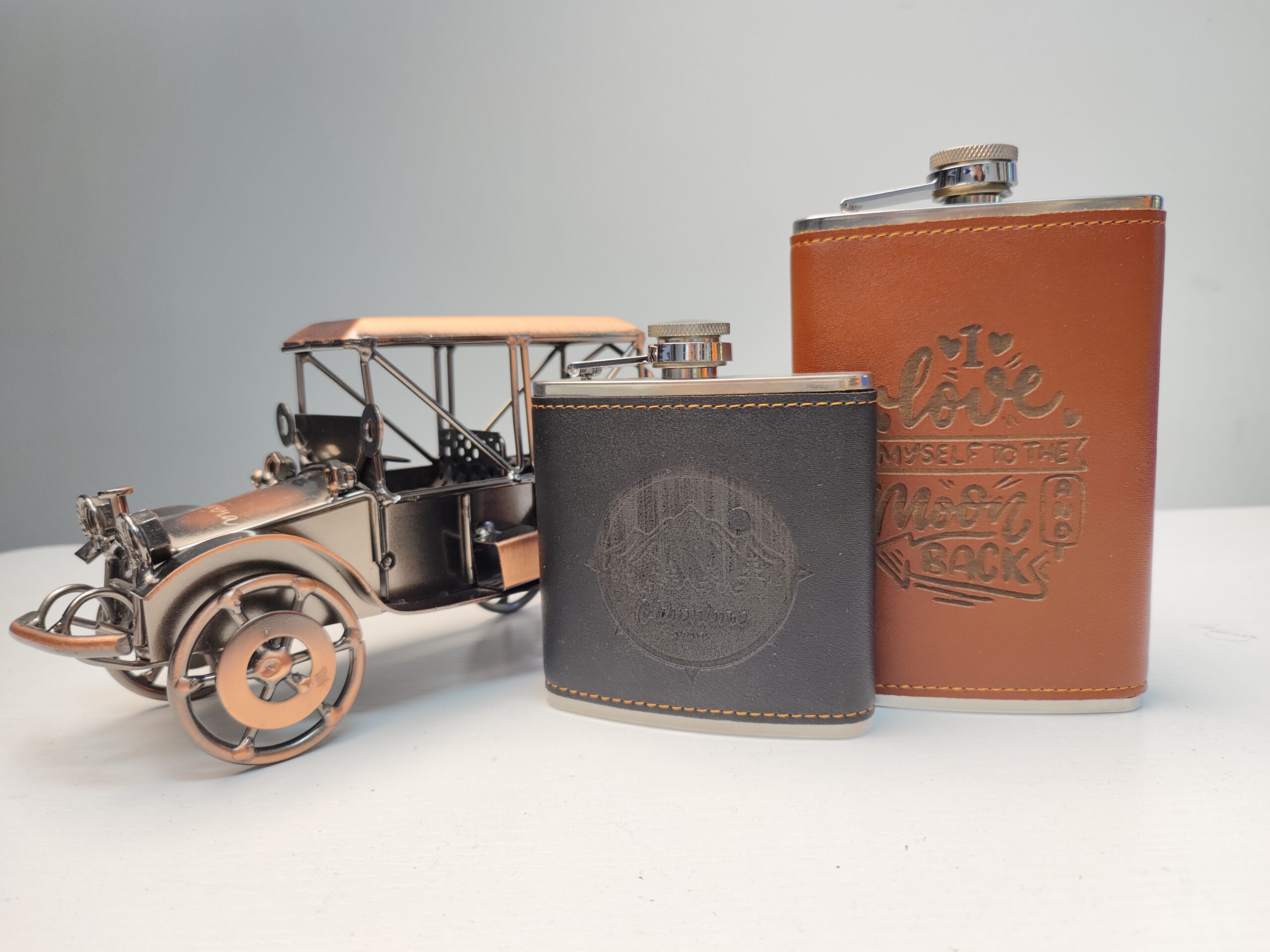
ComMarker CO₂ systems are designed for wood, acrylic, leather, paper, and other non-metal materials.
They are suitable for applications such as logos, text, decorative graphics, and engraving. A compatible rotary attachment can extend the system to curved or cylindrical workpieces.
Case 1: Wood Component
Laser: ComMarker CO₂ + R5 Rotary
Application: Logo engraving
Parameters: 1,000 mm/s, frequency 12, 40% power, 0.03 mm line distance, 1 pass, 200 mm lens
Result: Precision cursive‑script laser engraving on curved natural wood.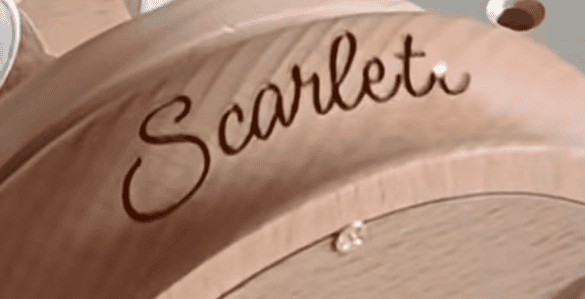
When Does In-House Laser Marking Make Financial Sense?
Compare your actual outsourcing cost with the cost of running the machine internally.
| Cost | Outsourcing | In-House |
| Setup fee | May apply | Usually none |
| Minimum order | May apply | Small quantities possible |
| Shipping | May apply | No external shipping |
| Lead time | Supplier dependent | Potentially same-day |
| Design changes | May require new setup | Change files internally |
| Equipment investment | None | Required |
| Labor | Lower internal labor | Operator required |
| Maintenance | None internally | Required |
| Safety infrastructure | Supplier responsibility | Manufacturer responsibility |
A simple break-even calculation is: Break-even batches = Machine investment ÷ Savings per batch
For example:
• Outsourcing: $0.80/part
• Setup: $75/batch
• Shipping: $30
• Batch size: 100 parts
• In-house variable cost: $0.10/part
• Machine investment: $1399
Outsourcing (Setup + Shipping + Parts × Outsourcing price): $75 + $30 + (100 × $0.80) = $185
In-house (Labor + Operating costs + Parts × Variable cost): 100 × $0.10 = $10
Savings per batch (Outsourcing cost − In-house cost): $185 − $10 = $175
Break-even batches (Machine investment ÷ Savings per batch): $1399 ÷ $175 ≈ 8 batches
This is only an example. A real calculation should also consider labor, electricity, maintenance, fume extraction, software, and other operating costs.
Final Thoughts
For small manufacturers, the goal is to build a laser part marking workflow that matches the material, marking requirement, production volume, and operator environment.
For metal parts, fiber lasers are often the starting point.
For fine marking on metal, plastics, glass, ceramics, and other heat-sensitive materials, UV can provide an advantage.
For wood, acrylic, leather, and other non-metals, CO₂ can be a better fit.
Part geometry matters just as much. Flat parts are straightforward, cylindrical components may require rotary equipment, and complex three-dimensional surfaces can require advanced focusing or height-mapping solutions.
Economics matter too. If your business repeatedly outsources small batches, calculate the real cost of setup fees, minimum orders, shipping, lead time, and design changes against the cost of operating a machine in-house.
Not sure which laser fits your parts? Explore ComMarker laser engravers and find the right machine for your workshop.
Frequently Asked Questions
Can I Mark Different Part Numbers Without Changing the Setup?
Yes. Variable-data software can update serial numbers, QR codes, barcodes, and other production data without redesigning the layout. Database and barcode integration can further reduce manual entry.
Can One Laser Mark Flat and Cylindrical Parts?
Yes. Flat parts can be marked directly, while tubes, rings, and shafts may require a rotary attachment. Check diameter, weight, fixture compatibility, and marking area before choosing one.
Do I Need a Rotary for Tubes?
Not always. A rotary is recommended for circumferential or 360° marking and helps maintain consistent positioning on curved surfaces.
When Should I Choose an Enclosed or Automated System?
A compact workstation suits manual low-volume production. As volume increases, enclosed workstations, rotary tables, programmable axes, variable data, and automation can improve safety, repeatability, and throughput.
Related Articles:
 Maximize Your Profits with ComMarker: Top Profitable and Best-Selling Laser Engraved Products 2024
 Why Fiber Laser Engravers Are Essential for Today’s Manufacturing
 ComMarker Laser Engravers – Precision Meets Your Expectations
 ComMarker Omni X 10W Laser Engraver: What Makes It the Ultimate Starter Kit