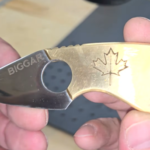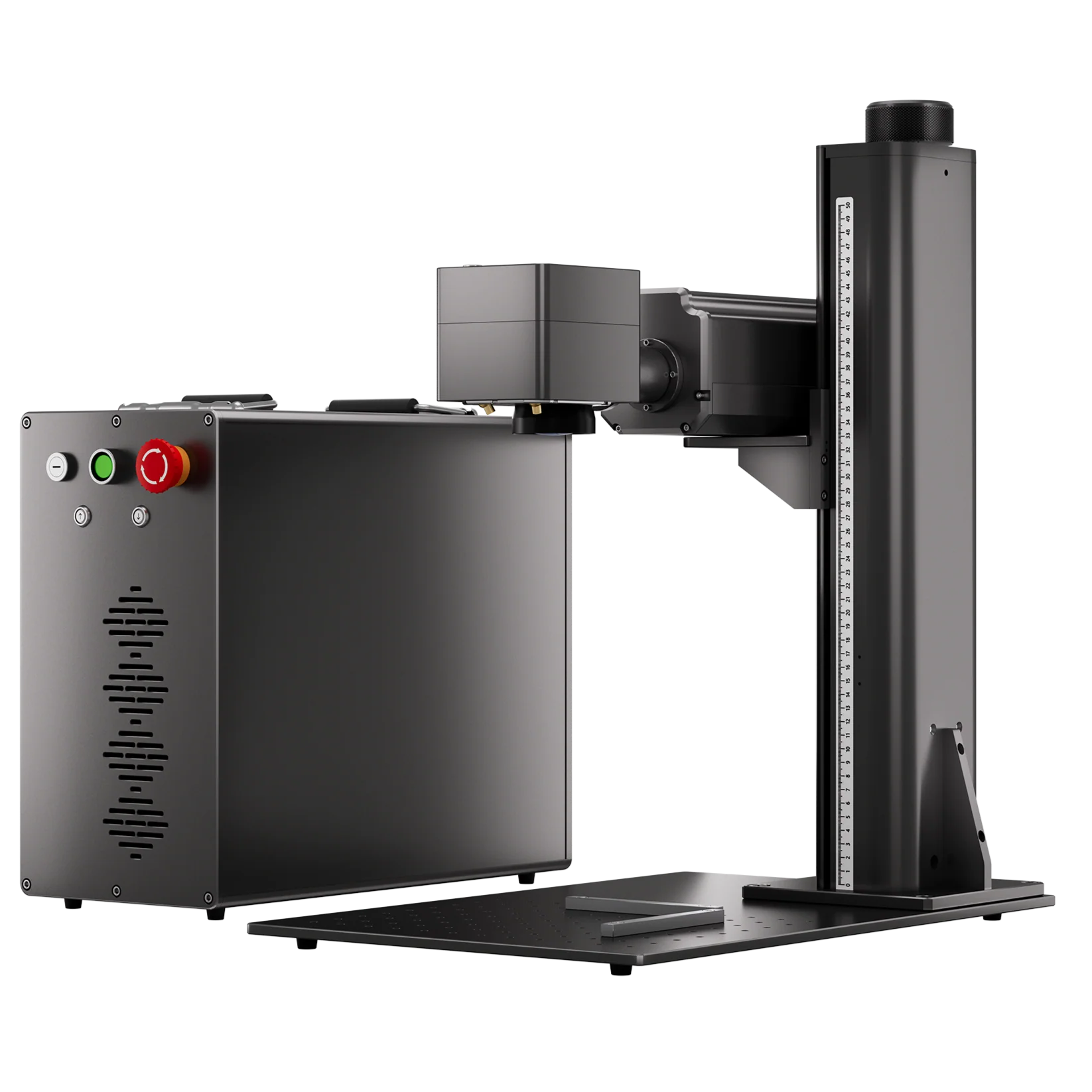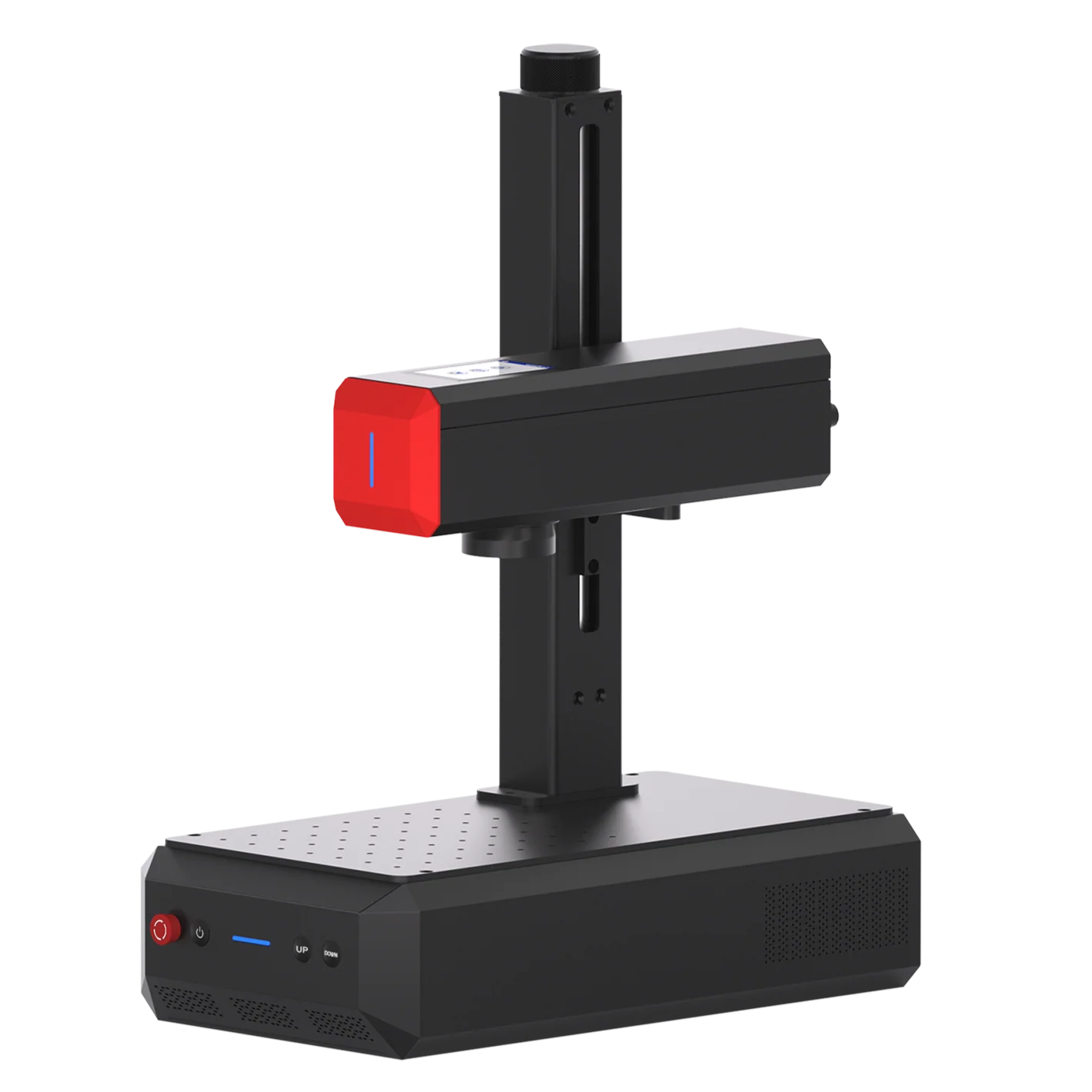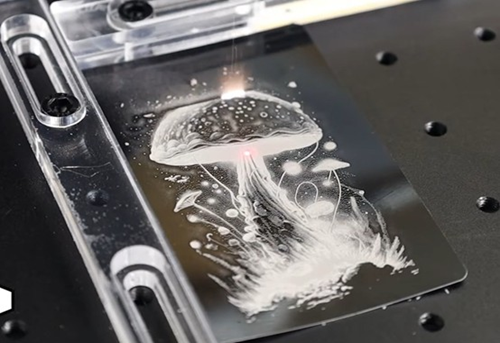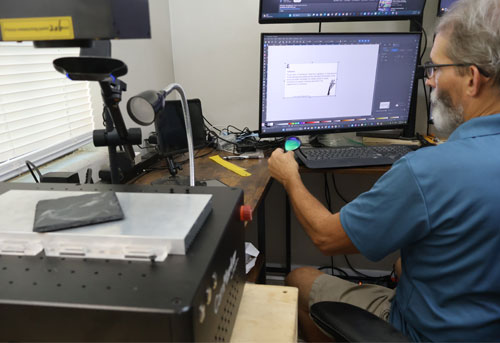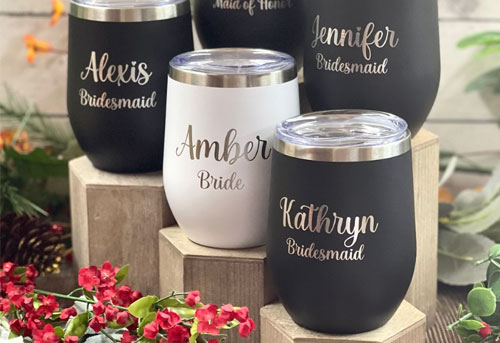
Laser marking can put readable serial numbers, text, logos, QR codes, Data Matrix codes, and barcodes on aluminum, steel, brass, and other metal materials. Depending on the material and process, you can achieve high-contrast identification, color marking, deep engraving, or rough metal surface cleaning.
Choosing the right metal laser marking machine requires considering its marking precision, laser power, marking area, laser type, material compatibility, and ability to mark without unnecessary deformation.
This guide breaks down the key elements of laser marking metal parts, compares suitable laser options, and uses real marking examples to help you choose the right system for your metal parts.
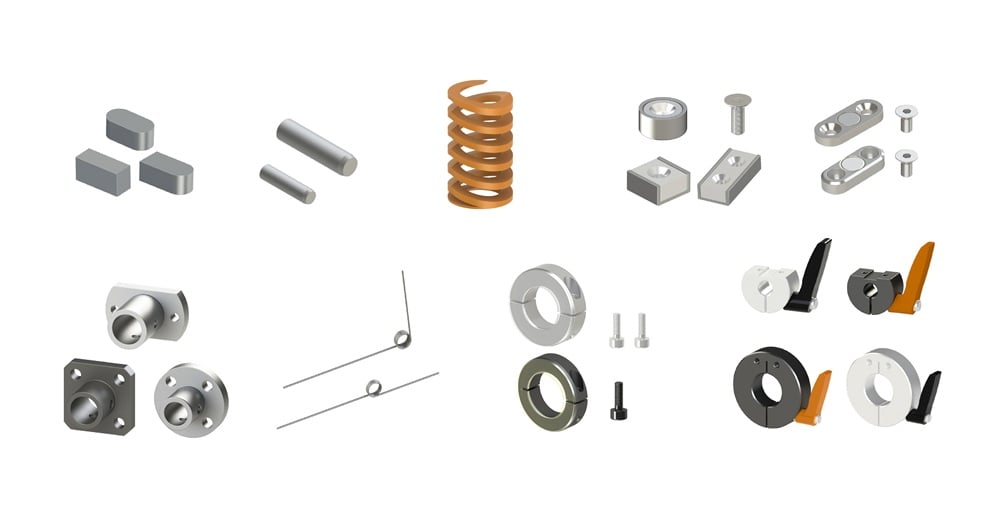
What Should You Consider Before Buying a Laser Marking Machine? 5 Key Factors
1. What Metal Do You Need to Mark?
→ Define the Laser Type & Power
Different metals and coatings respond differently to laser types, and the required engraving depth helps determine the laser power needed for an efficient material removal. For example,
• Fiber laser and UV laser are suitable for bare metal marking
• MOPA Fiber laser is suitable for color metal marking
• Deep metal engraving requires high-power fiber laser
• CO2 laser is effective for metal coating removal
2. How Small Do You Need the Mark to Be?
→ Define the Laser Type & Spot Size
Laser spot size and heat affecting zone determines the engraving precision. A smaller laser spot size and lower thermal impact can help create finer lines, sharper edges, and more detailed marks. For example:
• For fast metal visual identification marking and engraving, choose a Fiber laser
• For small or detailed marking, choose a UV laser
3. How Deep and How Large Do You Need to Mark?
→ Define the Laser Power & Working Area
The required engraving depth determines how much laser power is needed for efficient material removal, while the required marking size determines the supported working area of the laser system. For example:
• For shallow surface marking and identification, choose a lower-power fiber laser
• For deeper metal engraving, choose a higher-power fiber laser
• For marking large parts or multiple marks in one setup, choose a larger working area
4. Are Your Parts Flat, Curved, or Cylindrical?
→ Define the Accessory Requirements or Laser Capability
The laser needs to maintain the optimal focal point in order to achieve the best engraving effect.
For curved or cylindrical parts, determine whether you need a laser rotary attachment or a 3D marking solution.
5. What Safety Configuration Do you Require?
Laser safety is essential for protecting operators and maintaining a safe industrial working environment.
→ Determine whether you need an enclosed machine to achieve Class 1 safety, or ensure a Class 4 system is used with the required protective glasses
Match Your Metal Marking Requirements with the Right Laser
Once you have identified the metal, marking quality, required depth and size, part geometry, and safety requirements, you can narrow down the laser features.
In short
Choose a fiber laser when your main requirement is general metal marking, identification, or engraving.
Choose a MOPA fiber laser when you need greater pulse control, particularly for color marking or cleaner engraving finish brought by heat input.
Choose a higher-power fiber laser when the application requires faster deep engraving.
Choose a UV laser when fine detail, lower thermal interaction, or mixed-material capability is more important than deep metal removal.
Choose a CO2 laser when your primary application is removing paint or other non metal coatings from metal surfaces.
| Metal Marking Requirement | Recommended Laser | Why |
| General metal marking | Fiber Laser | Efficient for marking and engraving bare metal |
| Color marking on stainless steel or titanium | MOPA Fiber Laser | Provides greater control over pulse parameters for color marking |
| Deep metal engraving, drilling or cutting | Higher-Power Fiber Laser | Delivers higher material-removal capability |
| Fine text and detailed graphics | UV Laser | Smaller spot and lower thermal interaction can help produce fine details |
| Marking metal and non-metal materials | UV Laser | Suitable for a broader range of materials |
| Paint or coating removal on metal | CO2 Laser | Can remove the coating while minimizing thermal impact on the underlying metal when properly configured |
Real Metal Marking Cases: What Metals Can You Mark and What Results Can You Achieve?
The following ComMarker examples show actual case of how different laser sources can be used on aluminum, stainless steel, and steel for identification, fine marking, color marking, and deep engraving.
Aluminum: Product Marking, Deep Engrave & Cutting
Aluminum can be laser marked with both fiber and UV lasers.
Fiber: General marking, black/white marking, deep engraving, and cutting.
UV: Fine details, small text, and low-thermal marking.
ComMarker Real Case
| ComMarker Fiber Laser | Settings | |
| Marking & Deep Engraving |  |
• White mark ComMarker B6 MOPA fiber laser 60W: Speed: 1000 mm/s; Power: 33%; line 0.03; Q pulse 200; frequency 48
• Black mark ComMarker B6 MOPA fiber laser 60W: Power: 100%; Speed: 500 mm/s; Frequency: 30 kHz; Pulse width: 10 ns; Line interval: 0.01 mm |
| Cutting or Drilling | 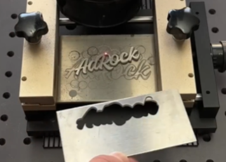 |
• ComMarker Titan 200W MOPA Fiber laser: Power 95%; Frequency 240 kHz; Pulse 200; line interval 0.03. |
| ComMarker UV Laser | Settings | |
| Marking | 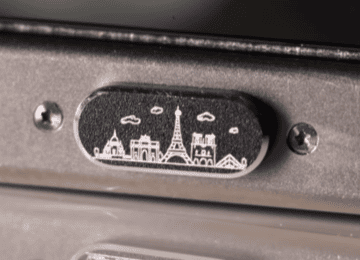 |
ComMarker Omni X UV laser 6W: 70mm lens
Speed: 200 Frequency: 40 Q-Pulse Width: 5 Line Interval: 0.008
|
Stainless Steel: Identification, Fine Marking and Color
Fiber/MOPA: Identification, deep engraving, and color marking.
UV: Fine text, detailed graphics, and low-thermal marking.
ComMarker Real Case
| ComMarker Fiber Laser | Settings | |
| Product marking | 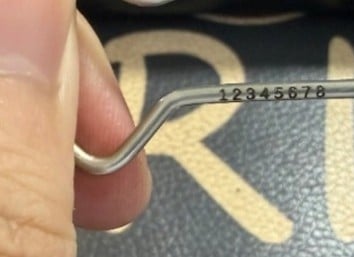 |
ComMarker B6 MOPA fiber laser 60W: Speed 1000, Power 75%, Spacing between filling lines 0.01, Frequency 3, Pulse width 20,110mm lens |
| Deep Engraving | 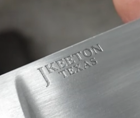 |
• ComMarker B6 MOPA fiber laser 60W: Power: 10%; Speed: 50 mm/s; Frequency: 27 kHz; Pulse width: 150 ns; Line interval: 0.05 mm, 20 pass |
| Cutting | 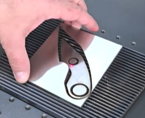 |
• ComMarker Titan 100W MOPA Fiber laser: Speed 500 mm/s; Power 90%; Frequency 40 kHz; Pulse 200; line interval 0.01. |
| Color Marking | 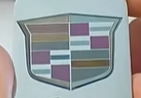 |
Depends on the color. |
| ComMarker UV Laser | Settings | |
| Marking | 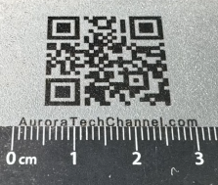 |
ComMarker Omni X UV laser 6W: 70mm lens
Speed: 20mm/s Frequency: 40 Q-Pulse:1 Line Interval: 0.01
|
Brass and Other Metals
Fiber: High-contrast marking, deep engraving, and cutting.
UV: Fine details and surface marking with lower thermal impact.
ComMarker Real Case
| ComMarker B6 MOPA Fiber Laser 60W | Settings | |
| Product marking | 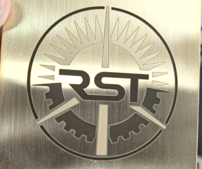 |
Black marking:
Speed: 2000 mm/s Power: 95% Frequency: 100 kHz Pulse Width: 200 ns Line Interval: 0.025 mm |
| Deep Engraving | 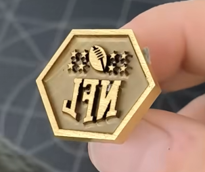 |
Lens: 150mm; Speed: 2000 mm/s, Power: 95%, Frequency: 100 kHz, Pulse Width: 200 ns, Line Interval: 0.025 mm |
| Cutting | 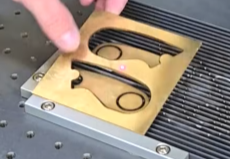 |
Speed: 50 mm/s, Power: 100%, Frequency: 30 kHz, Pulse Width: 200 ns, Pass: 80 (1 mm) |
| ComMarker UV Laser | Settings | |
| Marking | 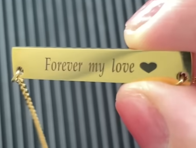 |
ComMarker Omni X UV laser 6W: 70mm lens
Speed: 200 mm/s Frequency: 30 Q-Pulse:6 Line Interval: 0.01
|
You can also mark copper, titanium, gold, silver, and other metals. For material-specific methods and laser recommendations, check our guide: How to Mark Metal.
Part Identification
Laser systems can create QR codes, and Data Matrix codes for machine readability and traceability.
| ComMarker UV Laser | Settings | |
| Marking | 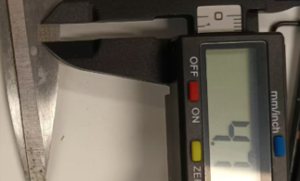 |
ComMarker Omni X UV laser 6W: 70mm lens
Speed: 600 mm/s Frequency: 30 Q-Pulse:1 Line Interval: 0.02
|
Tiny Text and Detailed Logos
For tiny text and detailed logos, UV lasers can produce smaller readable marks than fiber lasers under our tested conditions.
| Machine | Spot Size | Engraving result | Readable Minimum Marking Size |
| ComMarker Omni X UV Laser | 0.0019 mm | 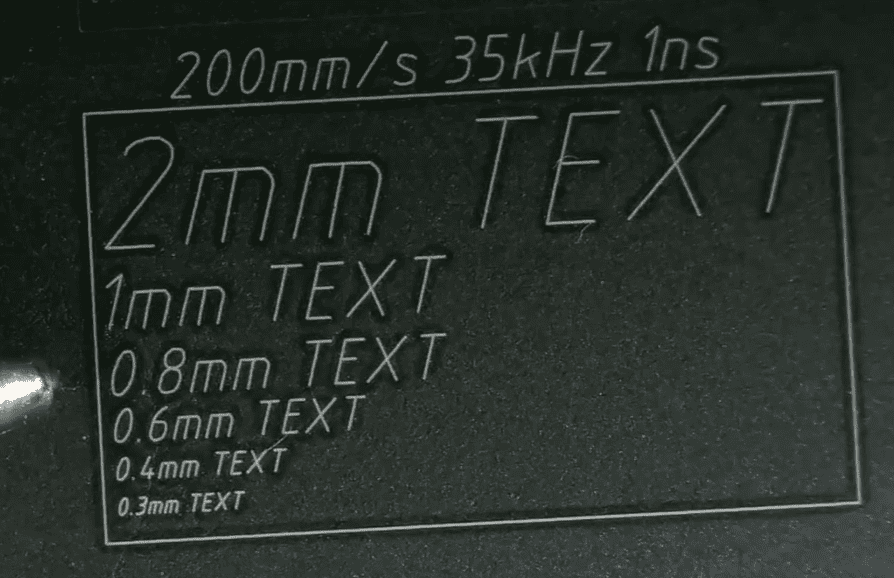 |
Below 0.3mm |
| ComMarker B6 MOPA Fiber Laser | 0.01 mm | 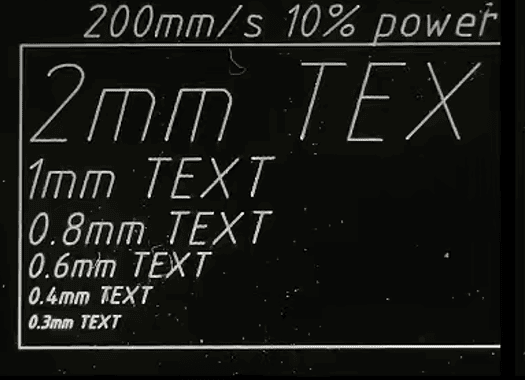 |
Around 0.3 mm |
Curved and Cylindrical Parts
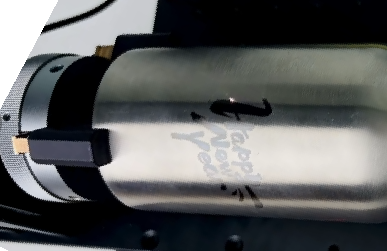
Rings, tubes, wires, and other curved parts can also be marked using a suitable rotary attachment or 3D marking capability.
Which ComMarker Laser Is Right for Your Metal Parts?
Choose B6 MOPA Fiber Laser: For Versatile Metal Marking
With 20W, 30W, and 60W options, up to 15,000 mm/s marking speed, and a 0.01 mm laser spot, the B6 MOPA can handle general identification, black marking, color marking, and deeper engraving on up to 300 × 300 mm engraving area.
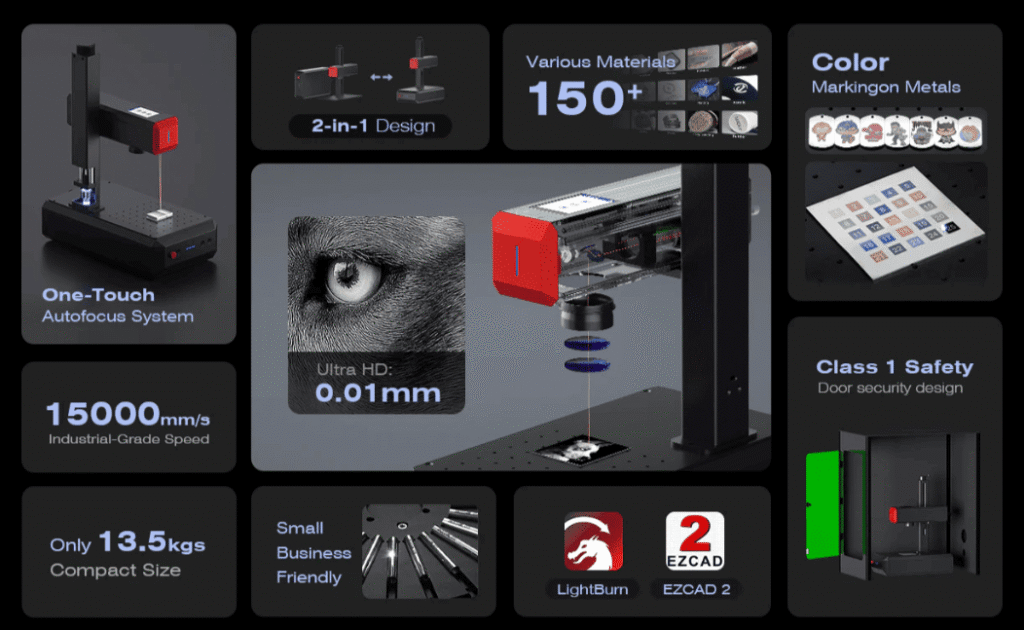
Choose B6 MOPA when you need:
• General metal marking and identification
• Black or color marking on suitable metals
• Deeper engraving or greater material removal
• Larger marking areas or higher-power processing
Choose Titan 1 MOPA Fiber Laser: For Higher Power and Faster Processing
The Titan 1 offers up to 200W laser power, providing greater material-removal capability for fast batch deep metal engraving.
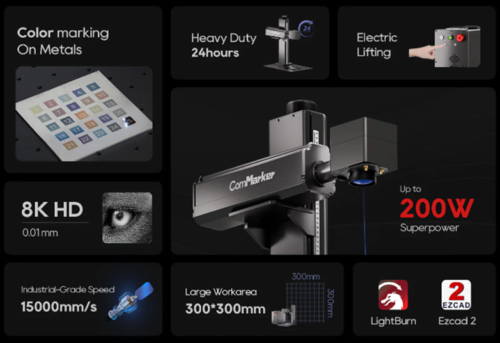
Choose Omni X / Omni XE UV Laser: For Fine Detail and Mixed Materials
The UV system uses a 0.0019 mm spot and supports up to 10,000 mm/s marking speed. The 6W Omni X provides a 150 × 150 mm field with a slide extension to 150 × 400 mm. Auto-focus with LiDAR, 3D internal engraving, and low-thermal UV processing also make it suitable for detailed work across metals and non-metals.

Choose Omni X / XE when you need:
• Tiny text and detailed logos
• Small QR or Data Matrix codes
• Fine marking with lower thermal interaction
• Metal and non-metal materials in the same workflow
How to Get Clear and Readable Marks on Metal Parts
For the best laser engraving results on metal, focus on these four factors:
1.Focus correctly
Accurate focus helps produce a smaller, sharper laser spot and cleaner edges.
2.Use the right parameters
Adjust power, speed, frequency, pulse width, hatch spacing, and passes according to the metal and desired marking effect. Avoid excessive energy that can cause melting or unwanted heat effects.
3.Use vector graphics for non-photo marking
For text, logos, and other graphics, use clean vector files whenever possible. Vector artwork preserves sharp edges and fine details when scaled.
4.Choose the right lens
A shorter-focal-length lens can produce a smaller spot size, helping achieve finer details and more efficient deep engraving. A longer-focal-length lens provides a larger marking area. Choose the lens based on the required marking size, detail, and working distance.
5.Choose the right laser
Match the laser to the material and marking goal. Make sure the laser you choose has the spot size or feature that meets your requirements.
Final Thoughts
Choosing the right laser marking machine for metal parts depends on your material, marking result, required depth, part size, and production needs.
MOPA fiber lasers are a versatile choice for general metal marking, identification, black marking, and color marking on suitable metals.
For tiny text, fine details, small codes, and lower thermal interaction, a UV laser can provide advantages.
For deep engraving, faster material removal, and higher production throughput, a higher-power fiber laser offers greater processing capability.
The final result also depends on proper operation and suitable laser setting. Choosing the right combination is essential for clear, consistent marks.
Ready to choose a laser for your metal parts? Explore ComMarker fiber and UV laser systems to compare their capabilities and find a configuration that fits your application.