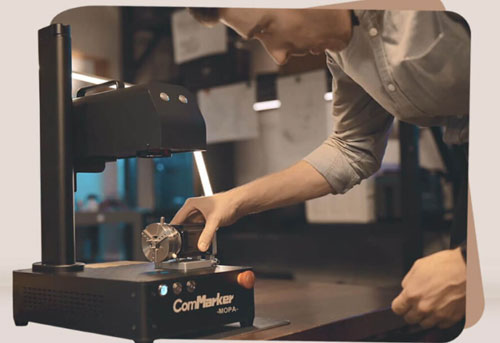
If you need to mark tiny QR codes, serial numbers, or text on small parts, choosing the right laser system is only the first step. The laser source, spot size, marking lens, focus, material, and parameters all affect whether the final mark is small, sharp, and readable.
This guide explains how to achieve tiny laser marking on small parts, how to choose the best laser for your need, and how to produce the smallest practical mark for your application.
How Small Can a Laser Mark on Parts? Real Test
The practical limit depends on the laser source, spot size, marking lens, focus, material, surface finish, artwork, processing parameters, and the contrast required for the final mark.
Text Marking on Aluminum Test
To compare fine-detail performance, we tested text marking on anodized aluminum with UV and MOPA fiber lasers:
|
Machine |
|
Spot Size |
Real Testing Result on Anodized Aluminum |
Readable Minimum Marking Size |
|
ComMarker Omni X UV Laser |
|
0.0019 mm |
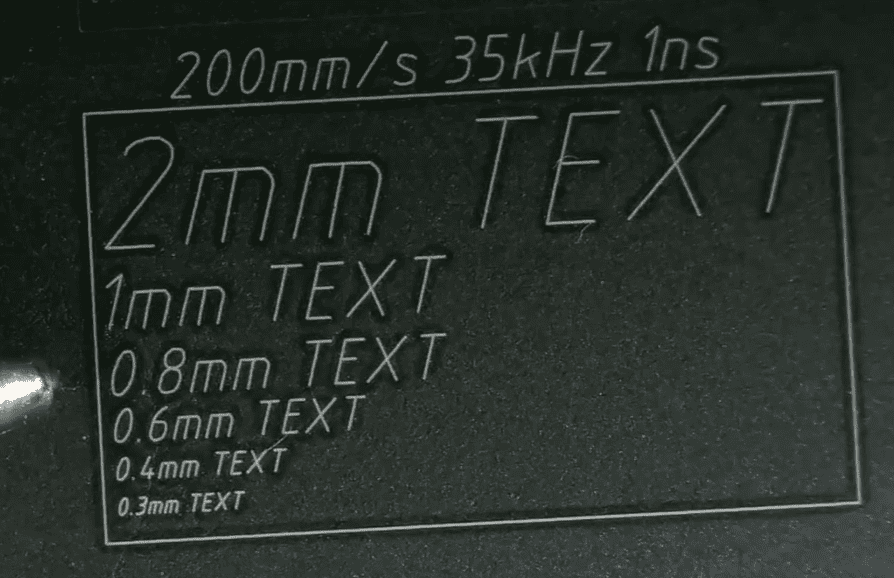 |
Below 0.3mm |
|
ComMarker B6 MOPA Fiber Laser |
|
0.01 mm |
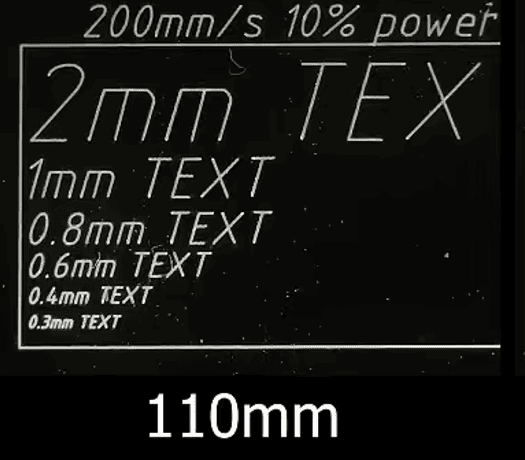 |
Around 0.3 mm |
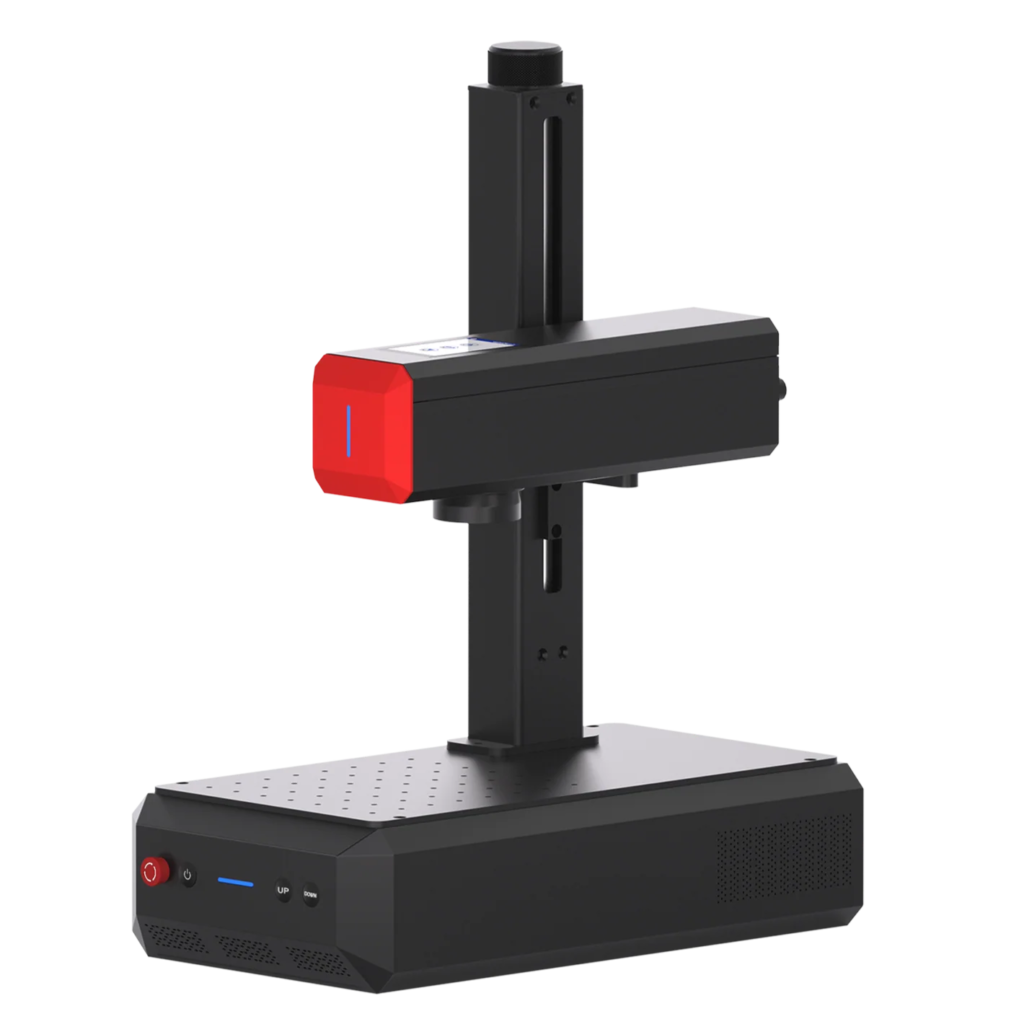
Small QR Code Test
We also tested a 5 × 5 mm QR code with the ComMarker Omni X UV laser on both plastic and metal. Both marks were successfully scanned.
|
Material |
Real Testing Result |
Result |
|
Plastic |
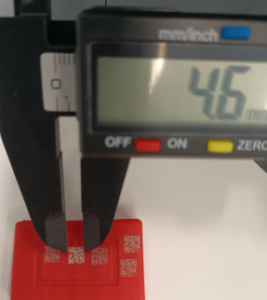 |
Successfully Scanned |
|
Metal |
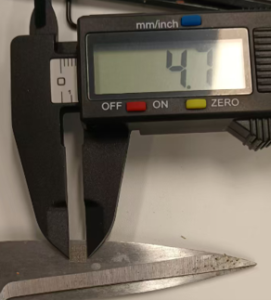 |
Successfully Scanned |
What These Tests Show
Both UV and MOPA fiber lasers can produce small, readable marks. In our anodized aluminum test, the UV laser produced finer details,
while the 5 × 5 mm QR code test shows that UV marking can produce machine-readable codes at a small size on suitable materials.
How to Choose a Small Text and Code Laser Marking Machine for Your Parts
Factor 1: Choose the Right Laser Type
UV Lasers for Fine Detail and Mixed Materials
If your main requirement is a tiny QR code on a small part, a UV laser can be particularly useful for applications where fine detail and controlled heat input are important. Its 355 nm wavelength can provide relatively low thermal interaction, while the 0.0019 mm spot size of the ComMarker Omni X supports fine, detailed marking.
UV lasers can also work with a broader range of materials than conventional fiber lasers, making them useful when small parts include plastics, coatings, or other non-metal surfaces.
Fiber & MOPA Fiber Lasers for Small Marks on Metal Parts
Fiber lasers are a strong choice for metal QR codes and identification marks. They can produce small text, logos, serial numbers, and machine-readable codes while also providing strong material-removal capability.
MOPA fiber lasers provide greater pulse control, helping manage heat input while enabling color metal marking and cleaner engraving. They are useful when tiny identification needs to be combined with other metal-processing requirements.
Quick Laser Type Decision Chart
| Application | Suitable Laser | Main Reason |
|---|---|---|
| Tiny marks with metal engraving | Fiber / MOPA Fiber | Strong metal engraving capabiliy |
| Tiny marks on differnet material including plastic, metal and other | UV | Good control for fine-detail marking and Broader material compatibility |
| Tiny QR codes plus color metal marking | MOPA Fiber | Greater pulse control for color marking |
Factor 2: Laser System Features
For small manufacturers, choosing the right laser marking system also means considering how the laser will fit into your production workflow.
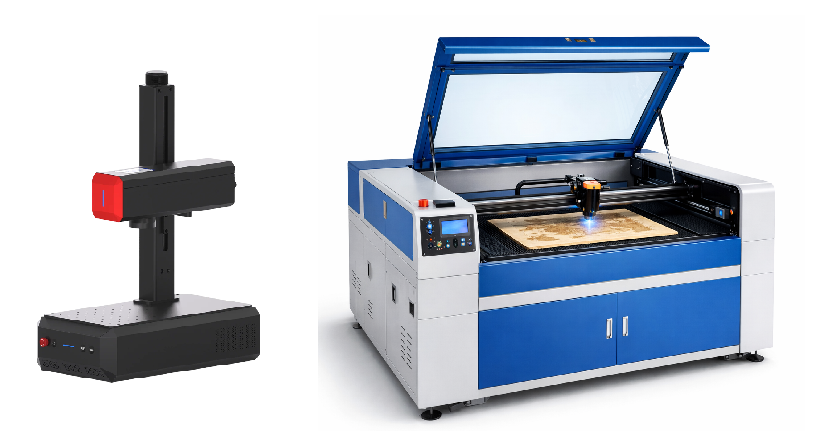
Measure the Marking Area and Choose the Machine Accordingly
Buy a laser that supports your max engraving size need.
Define Your Production Volume
Laser marking is especially valuable for small manufacturers because digital files can be changed quickly without creating new tooling.
|
Production Type |
Suitable Requirement |
|
Prototype; Small Batch Engraving |
Desktop Laser Marking Machine |
|
Continuous production; Hundreds of Pieces |
Automation integration |
Consider Safety Requirements Before Installing a Laser Marker
A properly configured laser marking system should not only produce consistent marks but also provide a safe operating environment for employees.
What Else Affects Tiny Laser Marking?
Choosing the right laser marking machine is only the first step. Even a suitable UV, fiber, or MOPA fiber laser may not produce clear, tiny marks if the optics, focus, material, or marking parameters are not properly matched to the application.
The following factors can directly affect how small, sharp, and readable your text or codes can be:
|
Factor |
Effect on Fine Marking |
|
Laser spot size |
Influences the smallest features the system can reproduce |
|
Marking lens |
Determines the marking field and optical configuration |
|
Focus |
Affects line width, sharpness, and consistency |
|
Material |
Determines how the surface responds to laser energy |
|
Surface finish |
Influences contrast and appearance |
|
Parameters |
Control energy delivery and material removal |
|
Artwork |
Determines stroke width, spacing, and geometry |
|
Contrast |
Determines whether the final mark is actually readable |
In other words, choosing the right laser type does not guarantee a small, readable mark. The laser source, optics, focus, material, artwork, and parameters need to work together to achieve the required marking size and readability.
How to Achieve Smaller, Sharper Laser Marks on Small Parts
1. Match the Marking Lens to the Required Detail
The marking lens affects the marking field, working distance, and focused spot size.
A smaller marking field can produce a smaller focused spot, helping achieve finer micro-marking and more effective deep engraving. A larger field provides broader coverage when the part or artwork requires more area.
For small text marking, choose the lens that balances marking area, spot size, working distance, and required detail.
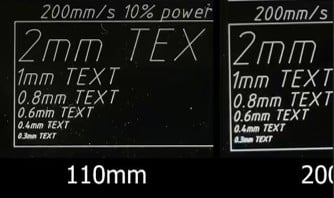
(Fine-detail comparison between 110 mm and 200 mm marking lenses on a fiber laser)
2. Keep the Part Properly Focused
An incorrect focal position can increase the effective spot size and heat-affected area, reducing edge sharpness. For small text and machine-readable codes, this can affect readability.
When parts vary slightly in height, level the engraving area. For curved or cylindrical parts, rotary attachment for laser or other positioning solutions may be needed depending on the part geometry.
3. Optimize Speed, Power, Frequency, and Hatch Spacing
Laser parameters determine how much energy reaches the material and how that energy is distributed.
For fine marking, the goal is to balance Power, speed, frequency, pulse width, hatch spacing, and number of passes needed for the material and desired result.
What Can You Mark on Small Parts?
Laser marking supports a wide range of identification and customization needs:
• Part & serial numbers — identify and track components
• Logos & branding — add company or product information
• QR codes, barcodes & Data Matrix — enable tracking and traceability
• Asset IDs — mark tools, equipment, and fixtures to help prevent loss
• Scales & graduations — add measurement marks to tools and instruments
• Custom graphics & symbols — personalize small-batch products without new tooling
Real-World Precise ComMarker Laser Metal Marking Examples
Real marking tests are more useful than generic claims because the smallest practical detail depends on the complete laser setup.
Case Study 1: Fine Marking on Stainless-Steel CNC Parts
Application: stainless steel wire engraving
Requirement: Part number
ComMarker B6 MOPA 60W:
Parameters: Speed 1000, Power 75%, Spacing between filling lines 0.01, Frequency 3, Pulse width 20,110mm lens
Result: Clean readable marks on 2.5 mm thin wires
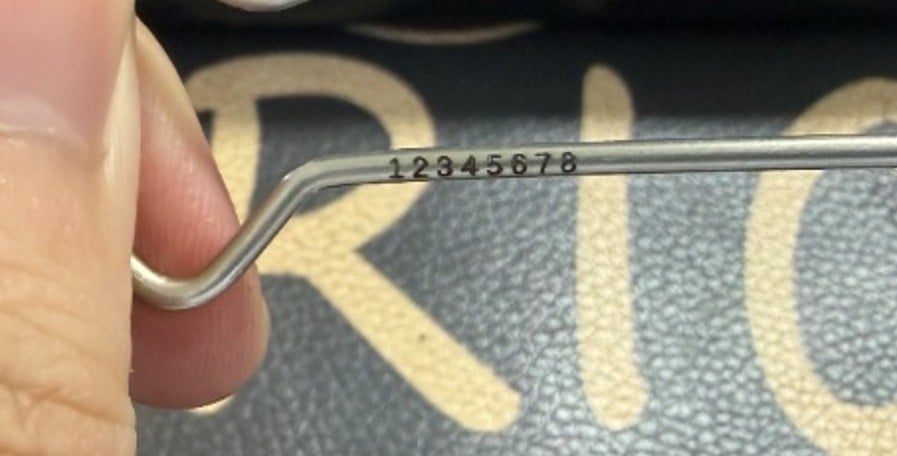
Case Study 2: Fine Logo on an Aluminum Component
Application: Custom aluminum product
Requirement: Pattern
ComMarker B6 60W MOPA
Parameters: Power: 100%; Speed: 500 mm/s; Frequency: 30 kHz; Pulse width: 10 ns; Line interval: 0.01 mm;110 lens
Result: Sharp filling with thin lines.
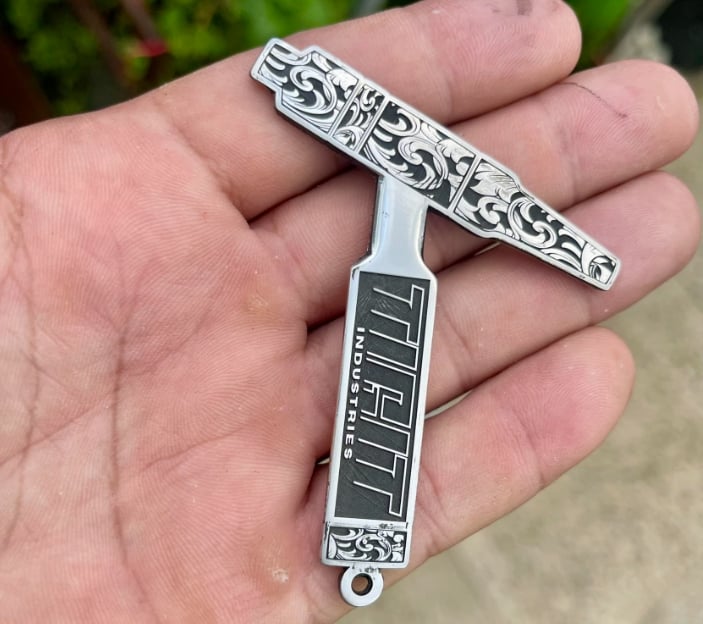
Case Study 3: Small-Diameter Metal Ring
Small cylindrical components introduce another challenge because the marking surface is curved.
Pins, rods, shafts, and tubes may require a rotary attachment to maintain consistent positioning during marking.
Application: Coated Metal Ring Engraving
Requirement: Text
ComMarker Omni X UV 6W+R5 Rotary
Parameters: Speed: 200; Frequency: 40; Q-Pulse Width: 1; Line Interval: 0.03; 70mm lens
Result: Sharp edge with clean marks.
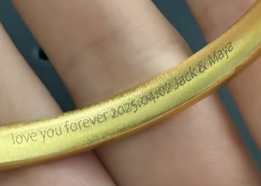
Case Study 4: Color Logo Marking on Metal
Application: Color Logo Engraving on Stainless Steel
Requirement: Pattern
ComMarker B6 60W MOPA
Parameters: For detailed settings for different color, check [how to mark different color on stainless steel with MOPA Fiber laser]
Do You Need Higher Laser Power for Finer Text?
Higher wattage in a galvo laser system can support a larger engraving area and reduce processing time for deeper engraving. It does not automatically produce finer text or smaller QR codes.
For example: Deep Engraving on Hardened Tool Steel Test
|
ComMarker B6 20W Fiber Laser Parameters: Speed 120 mm/s, 100% power, 25 kHz, fixed pulse width 140; 20 main engraving rounds + multiple 90° cross rounds + cleaning path. Time for 4 rounds: 9 minutes Measured depth: 0.001 inch |
ComMarker B6 60W MOPA Fiber Laser Total time: 3 minutes Measured depth: 0.0045 inches |
This shows how higher power can be valuable when an application requires a larger engraving area, deeper engraving, or faster material removal. However, higher wattage does not automatically improve the smallest achievable text or QR-code size.
If your application mainly involves tiny identification marks, prioritize the appropriate laser source, optics, focus, and marking parameters rather than choosing power based on wattage alone.
Which ComMarker Laser Should You Choose for Metal Marking?
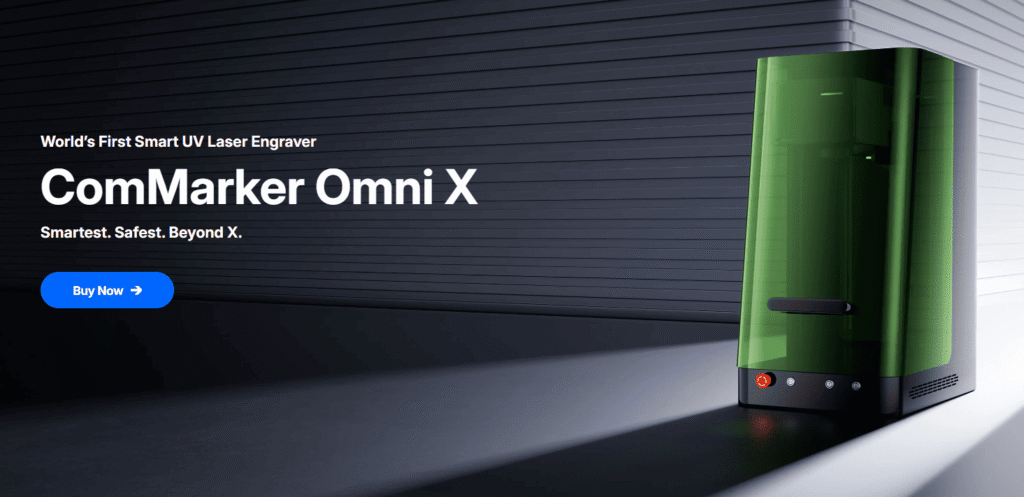
Choose ComMarker Omni X / Omni XE UV: For Fine Detail & Precision
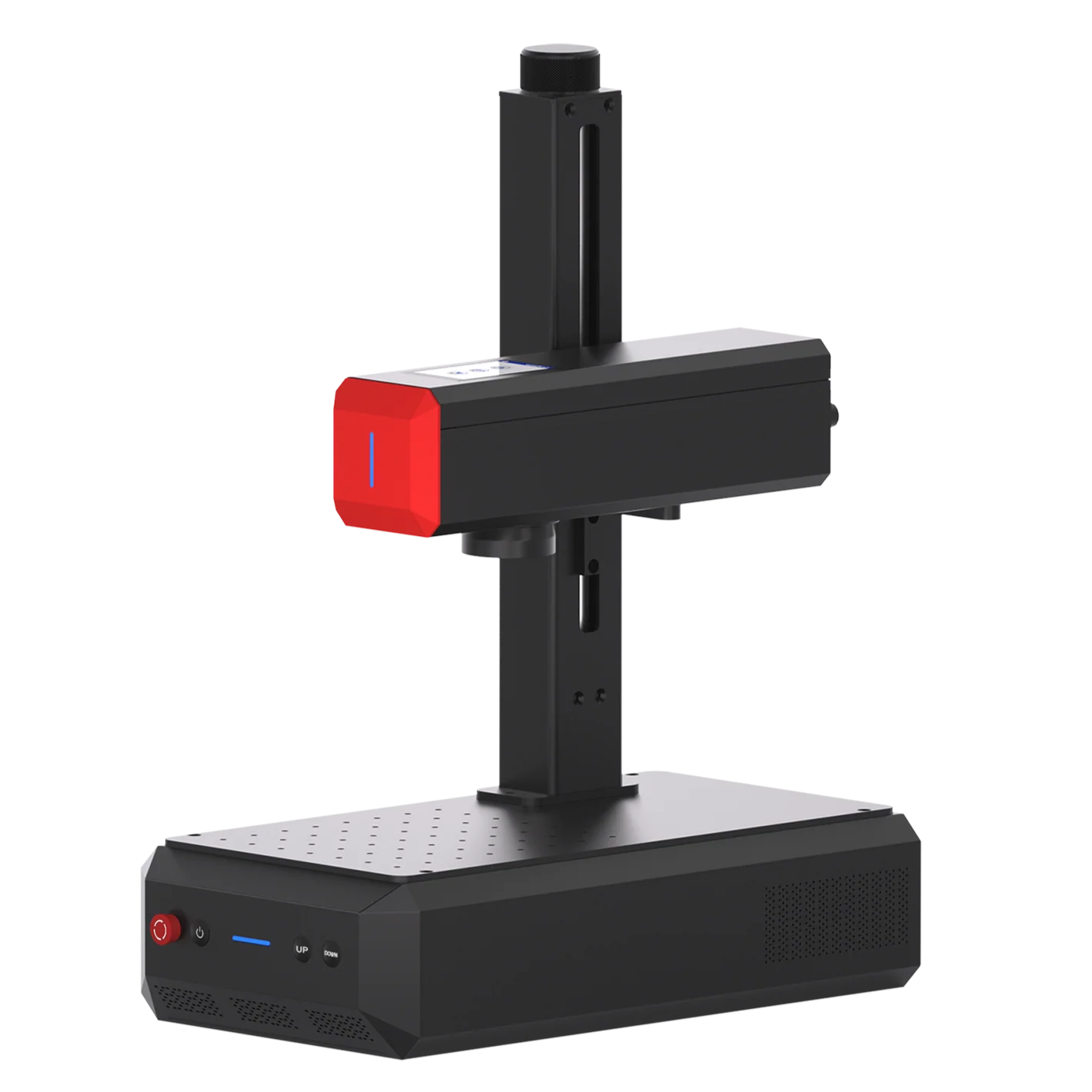
• Small text and fine logos: 0.0019 mm laser spot dimension, suitable for precision marking.
• Fine surface marking: 355 nm UV laser is suited to detailed surface work.
• Multi-material applications: Supports stainless steel, aluminum, brass, plastic, acrylic, glass, ceramic, and other materials.
Best for: Small text, detailed logos, fine graphics, and precision marking across different materials.
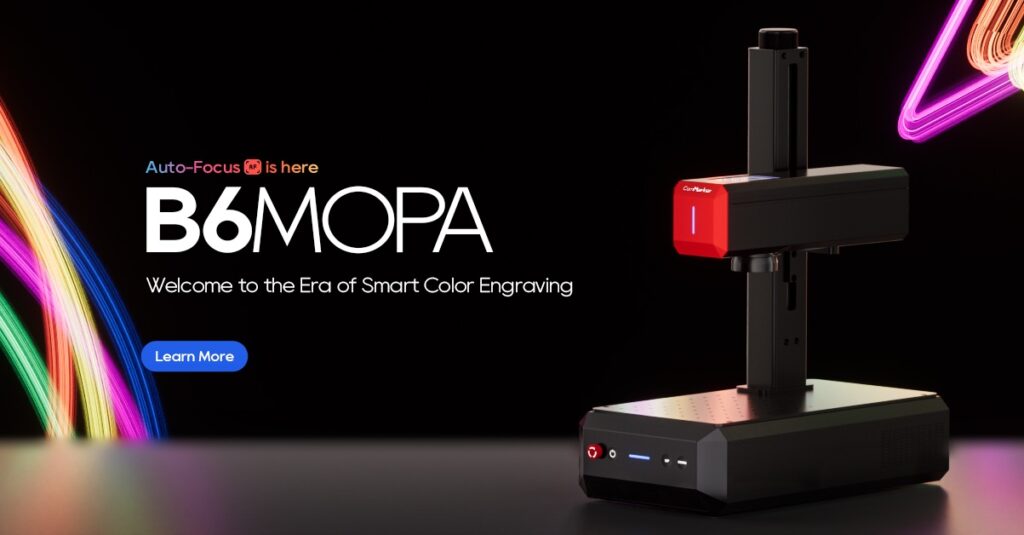
ComMarker B6 MOPA Fiber: For Speed, Color Marking & Deep Engraving
• High-speed marking: Up to 15,000 mm/s for efficient metal production.
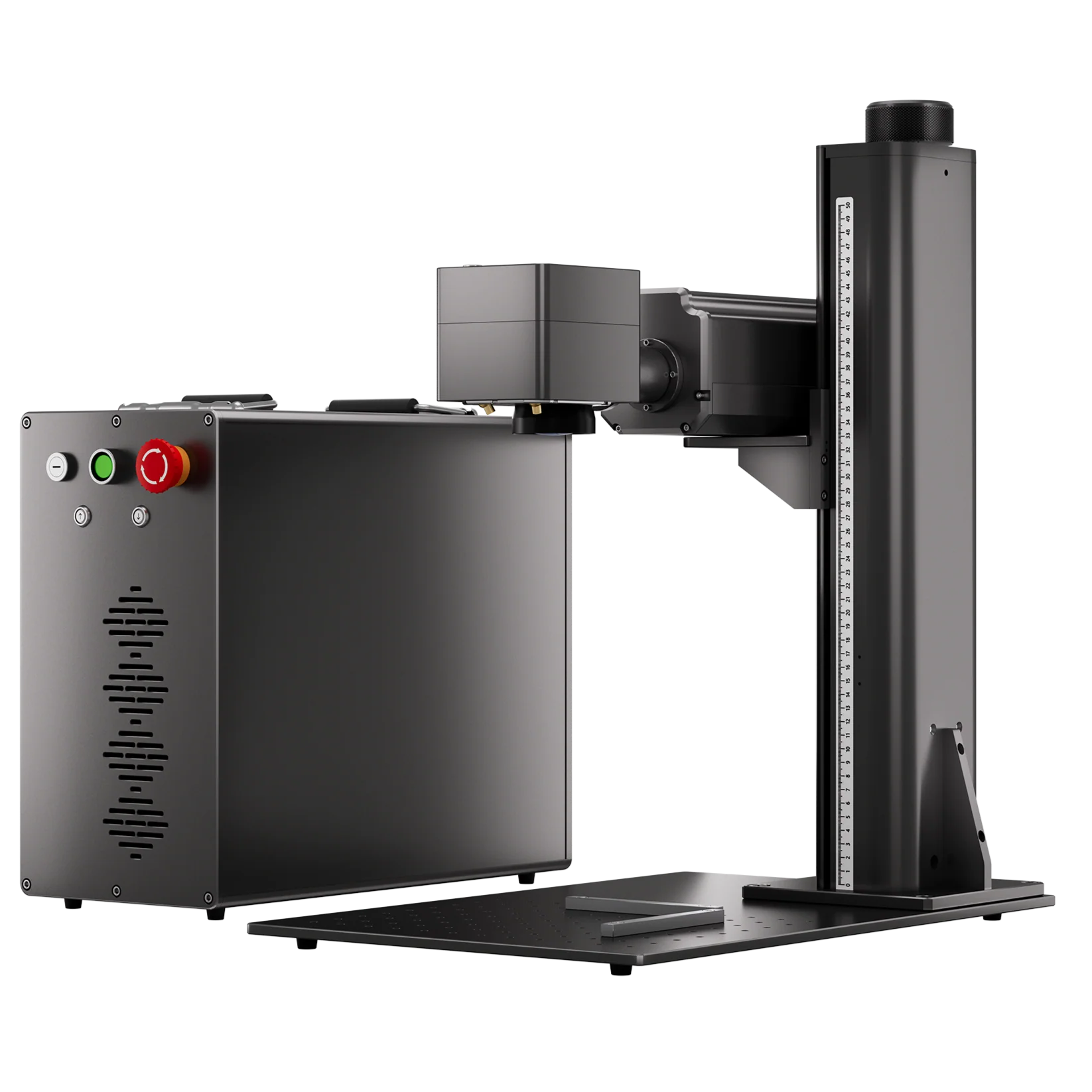
• Portable size for less space taken: 13.5 kg weight with 430mm x 240mm x 550mm size for engraving any where.
• Color marking: MOPA pulse control enables color marking on stainless steel and high-contrast marking on anodized aluminum.
• Deep engraving: Available from 20W to 60W, with smaller wattage for surface marking and higher-power versions for deeper engraving.
Best for: High-speed metal marking, stainless-steel color marking, deep engraving, and production-oriented applications.
Final Thoughts
Fine laser marking on metal parts is about producing a mark that is small enough for the available space, sharp enough to read, durable enough for the application, and repeatable enough for production.
Fiber lasers remain a strong choice for industrial metal marking and deep engraving.
MOPA fiber lasers add flexibility for stainless-steel black marking, color marking, and specialized pulse control.
UV lasers can be particularly attractive for fine surface detail, lower thermal interaction, and applications involving both metal and non-metal materials.
Ready to evaluate laser marking for your task? Visit the ComMarker store to explore fiber, MOPA, and UV laser solutions, or email [email protected] to discuss your material and marking requirements.
FAQ
How small can a laser mark on metal?
There is no universal minimum size. The practical limit depends on the laser source, lens, focus, material, contrast, artwork, and parameters. Testing on the actual material is the most reliable way to determine the smallest readable mark.
Is a fiber laser good for small text?
Yes. A properly configured fiber laser can create small, clear text and detailed logos on many metal surfaces. Fine marking does not always require a UV laser.
Is UV better than fiber for small logos?
Not always. Fiber lasers are highly capable for metal marking, while UV lasers can be advantageous for fine surface details, lower thermal impact, or mixed-material applications.
What lens is best for fine metal marking?
A smaller marking field can improve optical performance for tiny details, but the best lens depends on the required marking area. Choose a lens that covers your application without sacrificing detail quality.
Can laser marking create QR codes and Data Matrix codes?
Yes. Fiber, MOPA, and UV lasers can all create machine-readable codes. The final mark should be tested with the actual scanner used in production.
Does higher laser power produce finer text?
No. Higher power improves material removal but does not automatically improve detail. Fine marking requires balancing power, speed, frequency, hatch spacing, and passes.
How to Laser Engrave Metal Parts?
1.Prepare your design using software like LightBurn or EZCAD2.
2.Place the metal piece on the engraver’s work area.
3.Adjust the focus and settings according to the material.
4.Start the engraving process.
5.Inspect the final product and make any necessary adjustments.