Want to personalize metal business cards, create premium poker cards, or offer custom credit cards?
A laser engraver can add names, logos, QR codes, artwork, deep engravings, color effects, and even cut metal to transform metal blanks into business cards, collectible cards, and promotional products and other stunning saleable products.
The best machine depends on the metal, desired finish, card thickness, and production volume. This guide explains what you can do with a laser engraver for metal cards, which laser technology and power level to choose, and how laser customization can support a custom metal-card business.

What Can a Laser Engraver Do to a Metal Card?
Before choosing a machine, define the result you want. “Laser engraving” can describe several different processes.
Surface marking: Names, contact information, logos, QR codes, serial numbers, fine text, decorative graphics.
Deep engraving: Multiple laser passes remove more material to create a recessed or 3D effect. Processing time depends on the material, desired depth, laser power, speed, and number of passes.
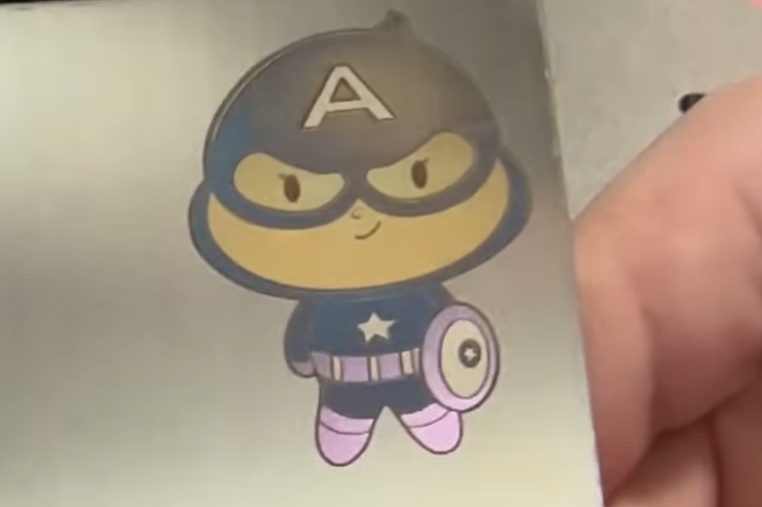
Color marking: Suitable metals such as stainless steel and titanium can produce different colors through controlled laser parameters. MOPA fiber lasers offer greater pulse control for this type of application.
Coating removal: Painted, anodized, or specially coated metal blanks can be processed by removing the surface layer to reveal the underlying material.
Laser cutting: A sufficiently powerful laser can create custom card shapes, decorative openings, slots, or cut-through designs. Unlike engraving, cutting separates the material or creates through-holes.

What Can You Make with a Metal Card Laser Engraver?
Metal Business Cards
Create premium networking tools that help professionals stand out, strengthen branding, and leave a lasting impression.
Metal Credit and Payment-Style Cards
Offer a more premium, personalized look and feel. For functional cards, use suitable blanks and follow applicable security requirements.
Metal Poker Cards
Turn ordinary playing cards into durable, premium, and giftable products for private games, events, and collectors.
Metal Gift and Membership Cards
Give customers a physical symbol of VIP status, membership, or loyalty. Gyms, clubs, hotels, and restaurants can use them for branded programs and promotions. These can also generate repeat B2B orders.
Metal Collectible Cards
Create sports collectibles; fantasy artwork, Pokémon designs where rarity and presentation add value.
Machine Nameplates and Industrial Tags
Provide durable identification and traceability for equipment with serial numbers, specifications, QR codes, and Data Matrix codes. Ideal for manufacturers and equipment builders.

Which Laser Is Best for Custom Metal Cards?
Quick Decision Chart: Power and Laser Type
Higher wattage does not automatically mean a better machine.
The right power and laser type depends on what you want to produce.
| Laser Type | Best for Metal Cards | Typical Use |
| 20W Fiber | Names, logos, QR codes | Basic personalization |
| 30W Fiber | Faster engraving & deeper marks | Higher-volume production |
| 20–30W MOPA Fiber | Color marking & specialized effects | Premium cards |
| 60W MOPA Fiber | Deep engraving & thin-metal cutting | Advanced production |
| UV | Fine detail & mixed materials | Intricate artwork |
If your business is primarily about marking, deep engraving and cutting bare-metal cards, start by comparing fiber and MOPA fiber lasers.
If you also want to process plastics, heat-sensitive materials, or extra precise mark on metal, a UV laser may provide greater versatility.
Fiber Laser: The Best Starting Point for Most Metal Cards
For users primarily interested in bare-metal marking and engraving, a fiber laser is the most straightforward choice.
It can process stainless steel, aluminum, brass, copper, titanium, and other metals.
Key capabilities include metal marking, engraving, thin metal card cutting.
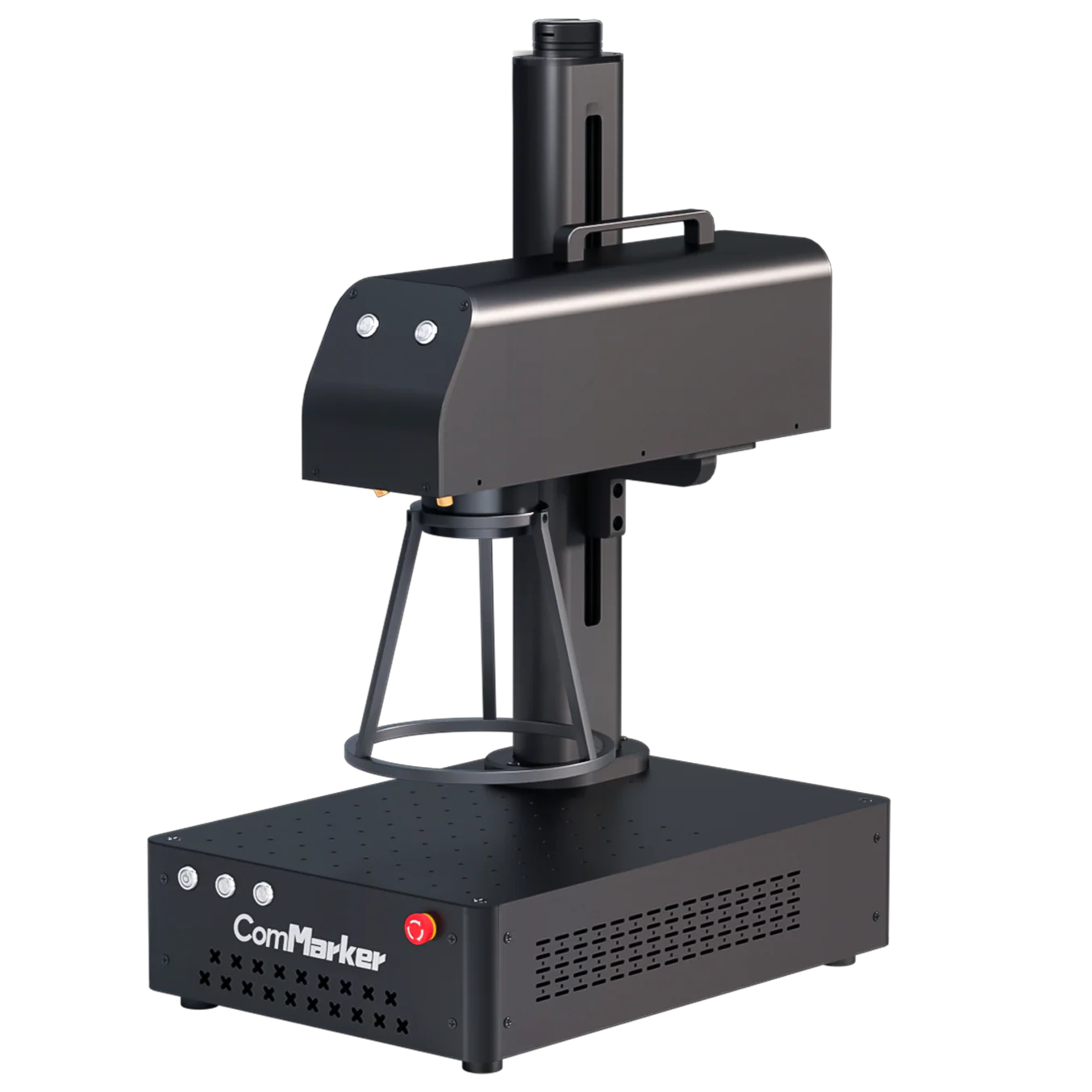
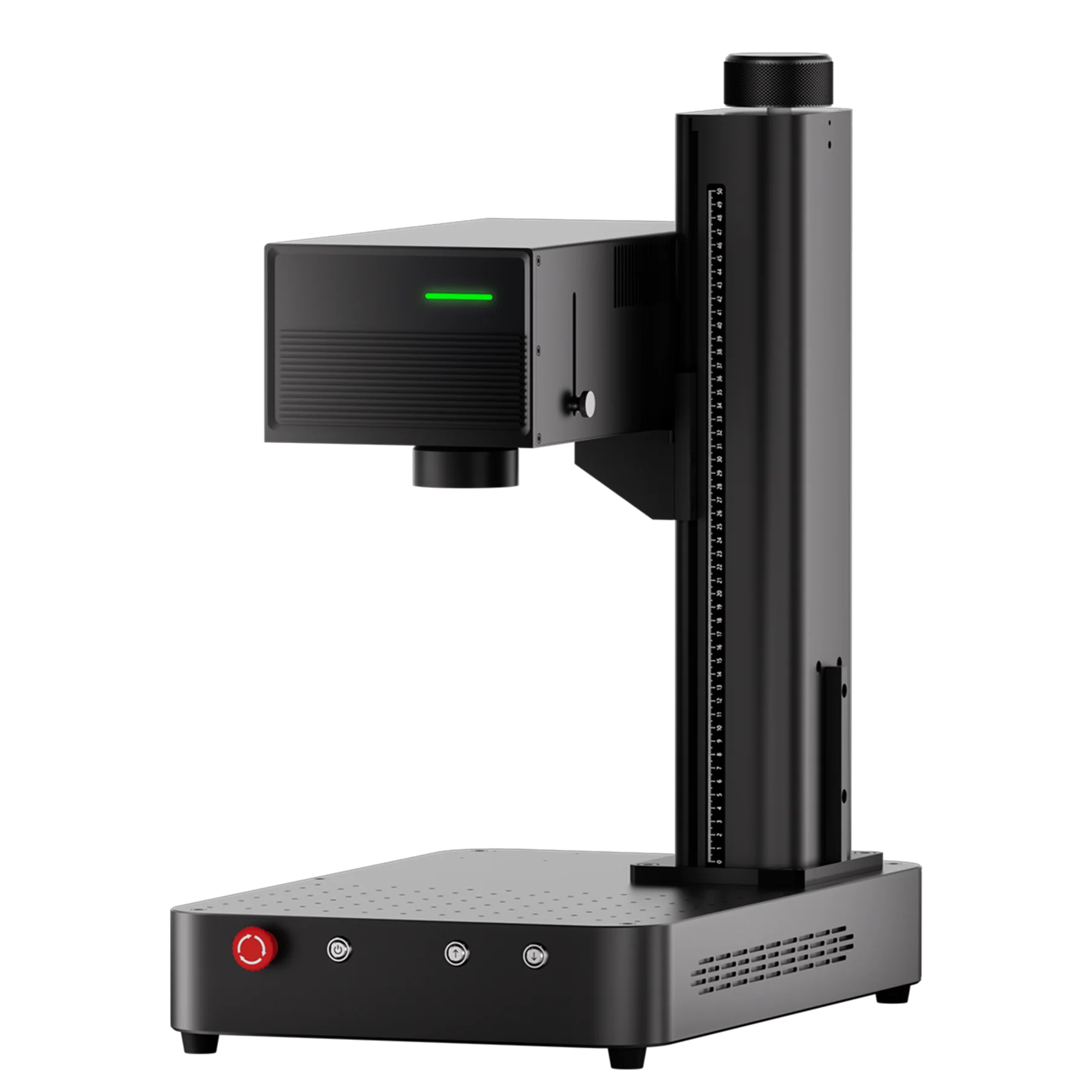
ComMarker B6 Fiber Laser
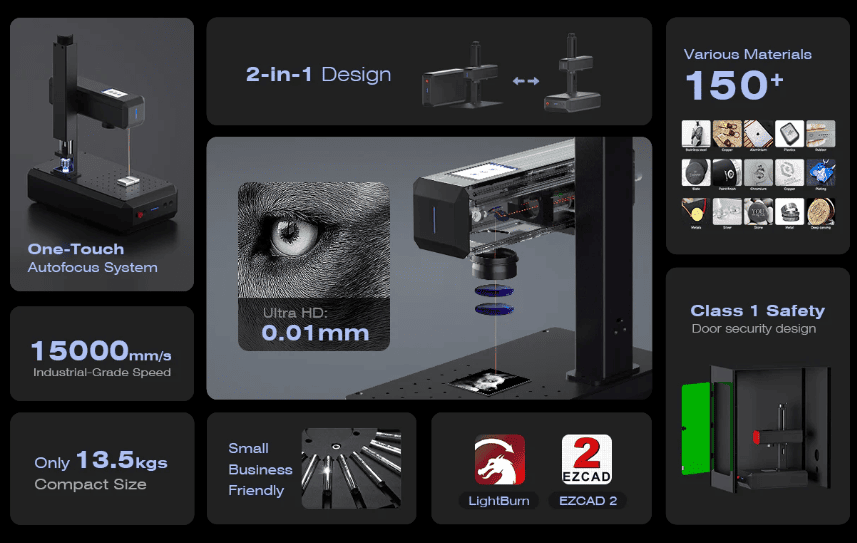
The B6 is available in 20W and 30W configurations, providing a compact solution for metal marking and engraving.
Its autofocus system can simplify setup when working with different material finish.
For a business focused on standard metal-card personalization, a 20W or 30W fiber configuration can provide a practical balance between capability, machine cost, and production speed.
B6 application examples
| Application | Example |
| Metal marking |  |
| Metal cutting |  |
MOPA Fiber Laser: For Color and Advanced Metal Effects
MOPA fiber lasers provide greater control over pulse characteristics, making them useful for color marking, specialized surface effects, fine detail, and deep engraving.
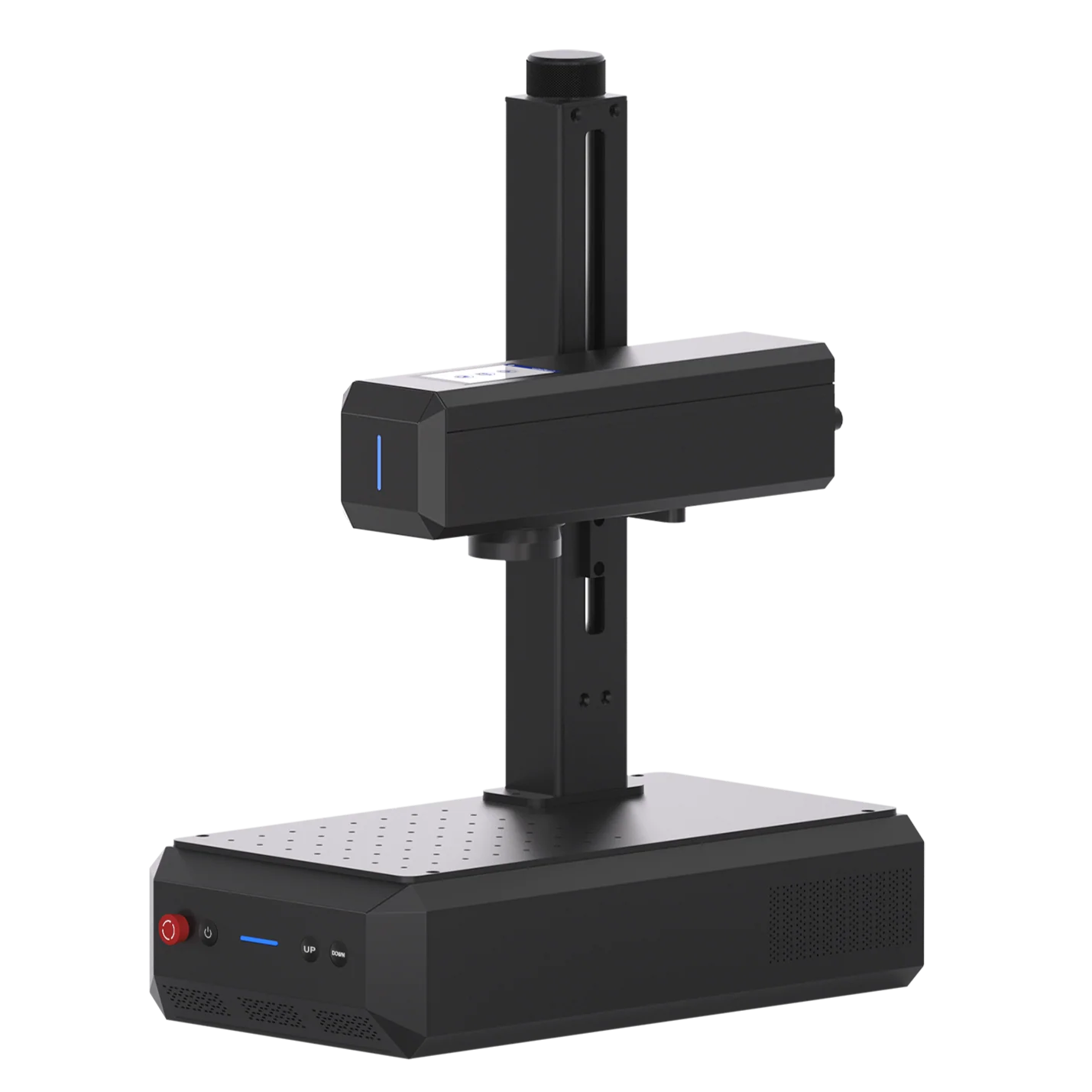
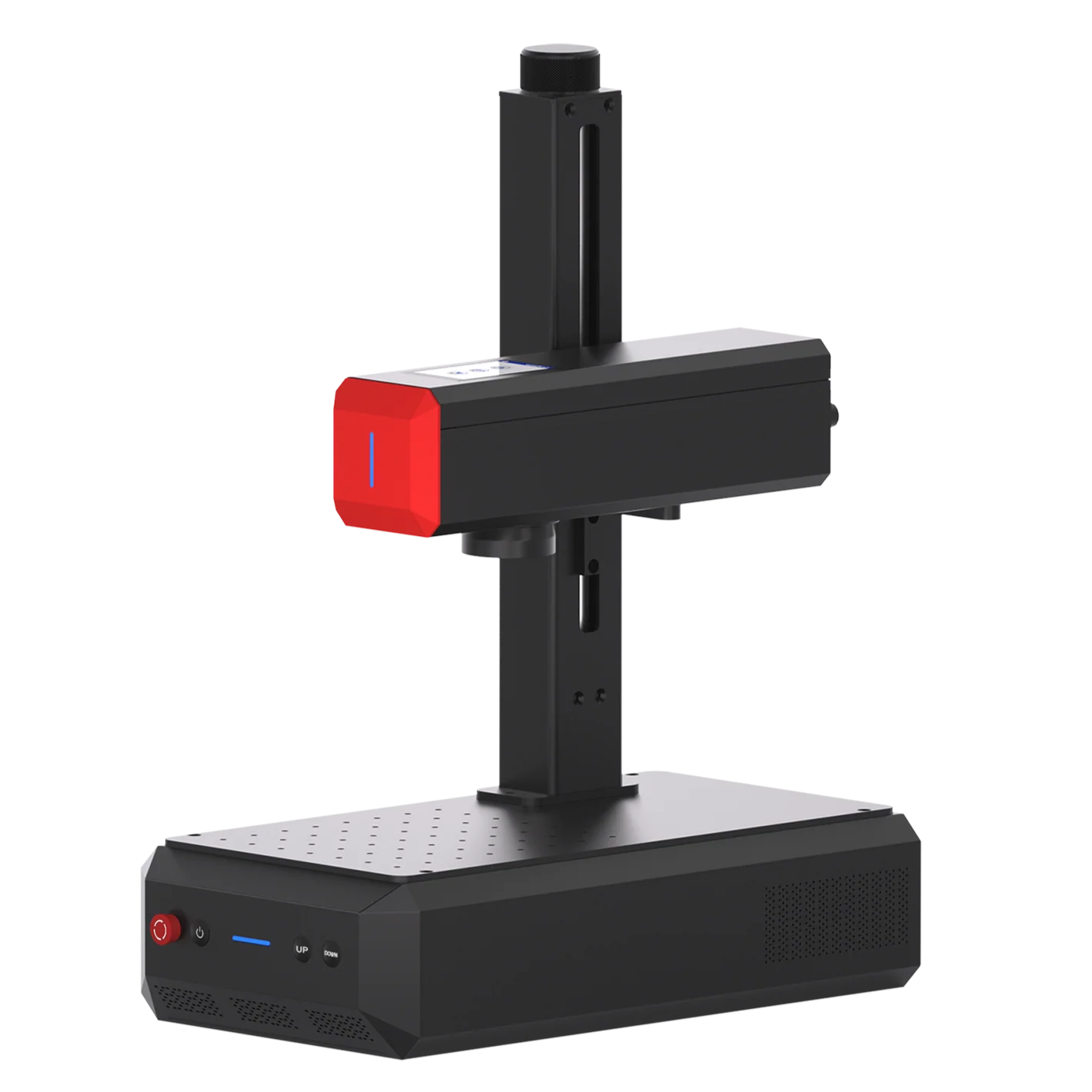
ComMarker B6 MOPA Fiber Laser
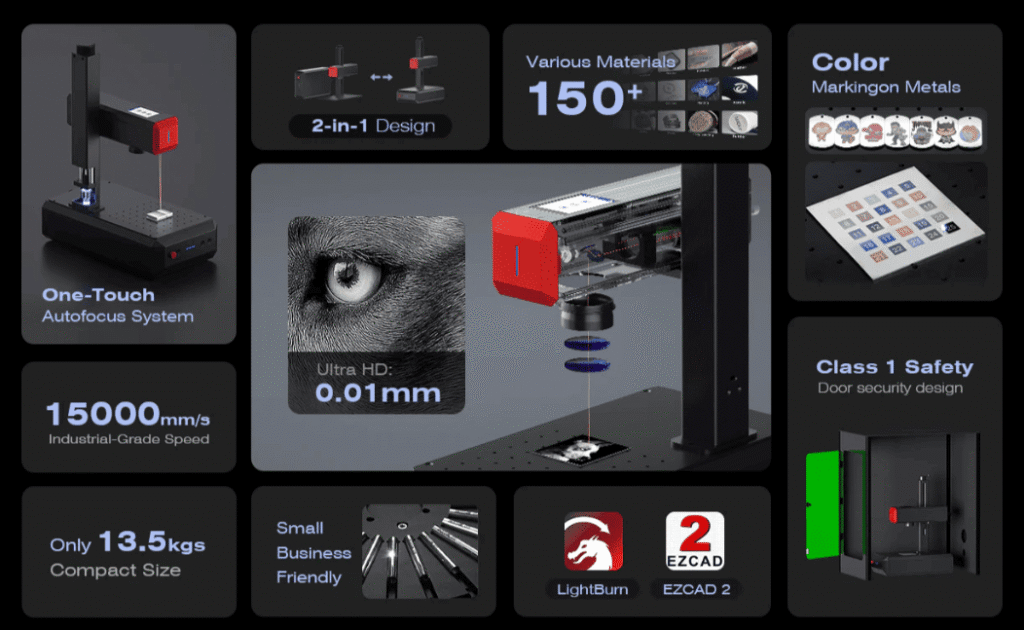
The B6 MOPA is available in 20W, 30W, and 60W configurations, expanding the range of metal-card applications.
Key capabilities include metal marking, color marking, deep engraving, and 0.05–2 mm thick metal cutting applications.
B6 MOPA application examples
| Application | Example |
| Metal marking |  |
| Color marking |  |
| Metal cutting |  |
UV Laser: Fine Detail and Broader Material Capability
UV lasers use a 355 nm wavelength for fine-detail processing with relatively low heat input. They can also process a broader range of materials than conventional metal-focused fiber lasers.
UV is generally not the first choice for deep metal engraving or metal cutting. Its strength is fine-detail processing, intricate artwork, photo-style engraving, and applications where minimizing heat input is important.
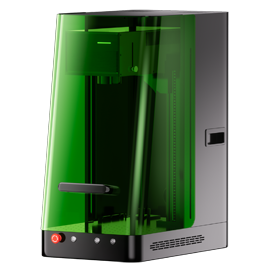
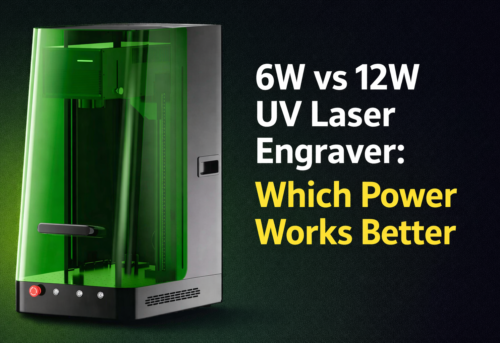
ComMarker Omni X UV Laser Engraver

The Omni X is designed for fine-detail applications and supports materials beyond conventional metal processing.
With a 0.0019 mm spot size, it is particularly suitable for intricate patterns, detailed artwork, and photo-style engraving on suitable card materials.
Omni X application example
| Application | Example |
| Detailed/photo engraving |  |
Diode and CO₂ Lasers: When Are They Useful?
Diode lasers can process some painted, anodized, or coated metal blanks by removing the surface layer, but they are generally not suitable for deep engraving or cutting bare metal.
CO₂ lasers are better suited to coated materials and non-metals such as wood, acrylic, and leather, making them useful for businesses with broader material needs.
What Metal Can You Laser Engrave?
Most common metal-card materials can be marked or engraved with the right laser and parameters. However, each metal responds differently, affecting the achievable contrast, engraving depth, surface finish, and color effects.
Stainless steel: Produces clean, high-contrast marks and can support deep engraving and color marking with suitable MOPA parameters. For deeper engraving, multiple controlled passes can help manage heat buildup.
Aluminum: Bare aluminum can be marked and engraved, while anodized or coated aluminum can produce strong contrast by removing the surface layer. Achieving a deep black contrast on bare aluminum can be more challenging than marking anodized aluminum.
Titanium: Can produce both engraved and heat-induced color effects. For color marking, pulse duration, frequency, speed, and power need to be carefully controlled because small parameter changes can significantly affect the final color.
Brass and copper: Can be marked and engraved, but their high thermal conductivity and reflective surfaces can make processing more demanding. Parameter testing is important for consistent contrast and depth.
Coated or anodized metals: The laser can remove the surface coating to expose the underlying metal, creating strong contrast without deeply engraving the substrate. Coating thickness and color can significantly affect the result.
Always test the actual metal grade, thickness, surface treatment, and desired finish before production.
How Does Laser Engraving on Metal Cards Work?
1. Prepare the card: Clean and secure the card on the engraving bed.
2. Set the design: Import and position your logo, text, artwork, or QR code in the laser software.
3. Focus the laser: Set the correct focal distance for sharp and consistent results.
4. Set parameters: Adjust power, speed, frequency, pulse duration, hatch spacing, and passes according to the metal and desired effect.
5. Preview: Check that the design is correctly positioned within the card’s engraving area.
6. Engrave: The focused laser heats or removes a microscopic layer of material to create a permanent mark or recessed design.
7.Inspect: Clean the card and check the contrast, detail, and engraving depth before batch production.
Can You Make Money Laser Engraving Custom Metal Cards?
The opportunity comes from turning a low-cost blank into a higher-value customized product.
According to online sellers, customized poker-style metal cards may sell for $3–5 per piece, while metal business cards can start at around $3.20 per card. Premium options, such as color engraving, specialty finishes, or more complex designs, can command higher prices.
This means:
• Low material cost: ComMarker offers 50 aluminum business-card blanks for $15, or $0.30 per card.
• Business card order example: At $3 per customized card, a 50-card order generates $150 in revenue, with $135 remaining after the $15 blank-card cost to cover engraving, labor, packaging, shipping, and other expenses.
• Entry-level machine: The ComMarker B4 fiber laser starts at $1,399, roughly equivalent to the revenue from 10 orders at $150 each.
• MOPA option: An entry-level ComMarker MOPA starts at $2,599, roughly equivalent to the revenue from 18 orders at $150 each.
Actual profitability depends on your selling price, order volume, material costs, labor, and other operating expenses. You can target several business models, including low-volume personalization, batch orders, corporate orders, premium custom products, repeat B2B customers, and specialty collectibles.
Final Thoughts
Custom metal cards are a relatively small product category with a surprisingly broad range of applications.
A single laser setup can potentially support business cards, payment-style cards, poker cards, gift cards, membership cards, collectible cards, event cards, and promotional products.
The technology you choose determines what you can offer.
Choose B6 20W if: You mainly personalize metal cards with names, logos and QR codes.
Choose B6 30W if:You need faster production and more demanding engraving.
Choose B6 MOPA if: Color marking effects are important.
Choose Omni X UV if: You need ultra-fine detail or want to work across metal and other sensitive materials.
Meanwhile, the business opportunity is not limited to one type of card. You can start with inexpensive blanks and basic personalization, then move toward batch business orders, premium custom designs, color-marked cards, deep engraving, and specialty collectible products as your skills and customer base grow.
Start with the card you want to sell. Define the finish you want to create. Then choose the laser that can produce it efficiently and repeatedly.