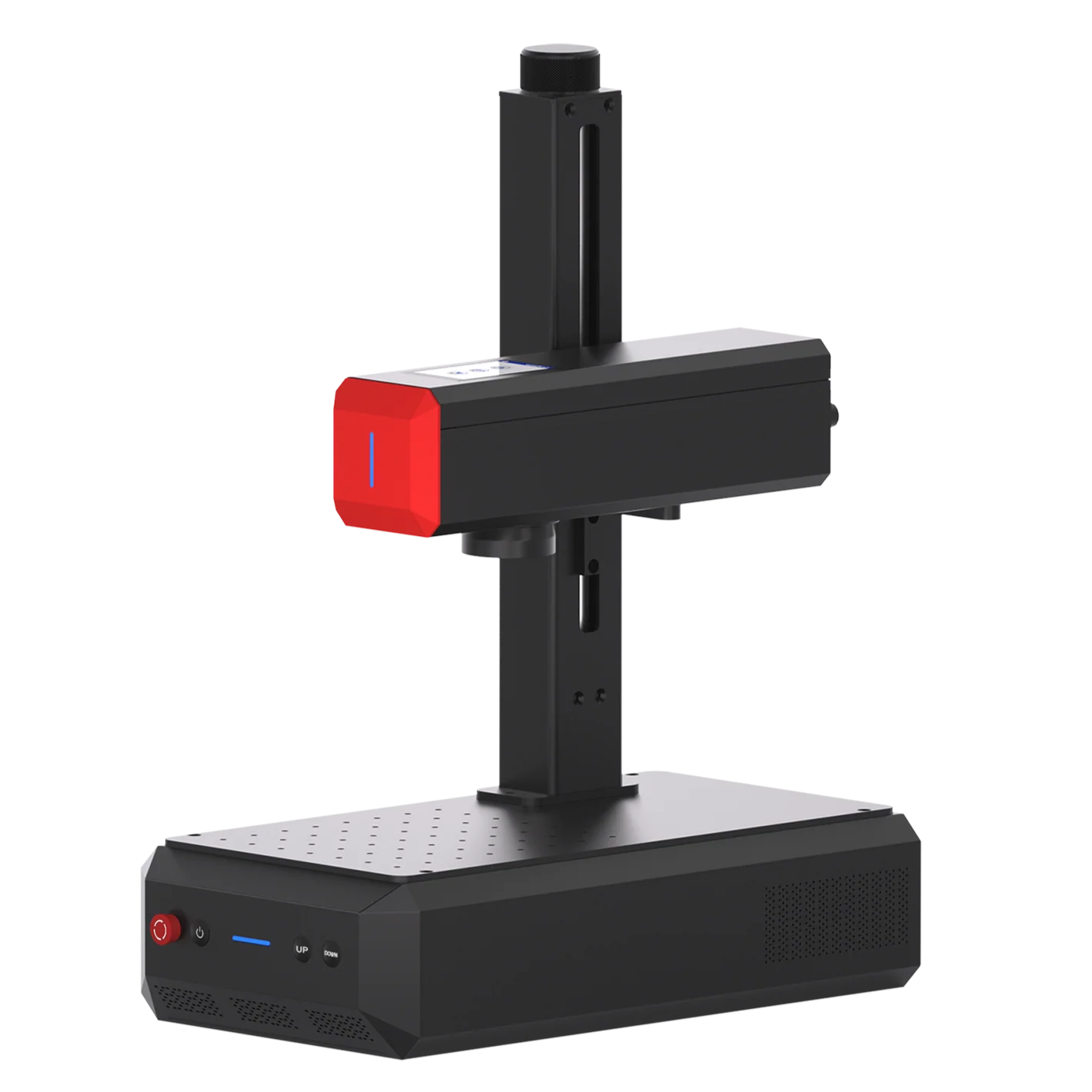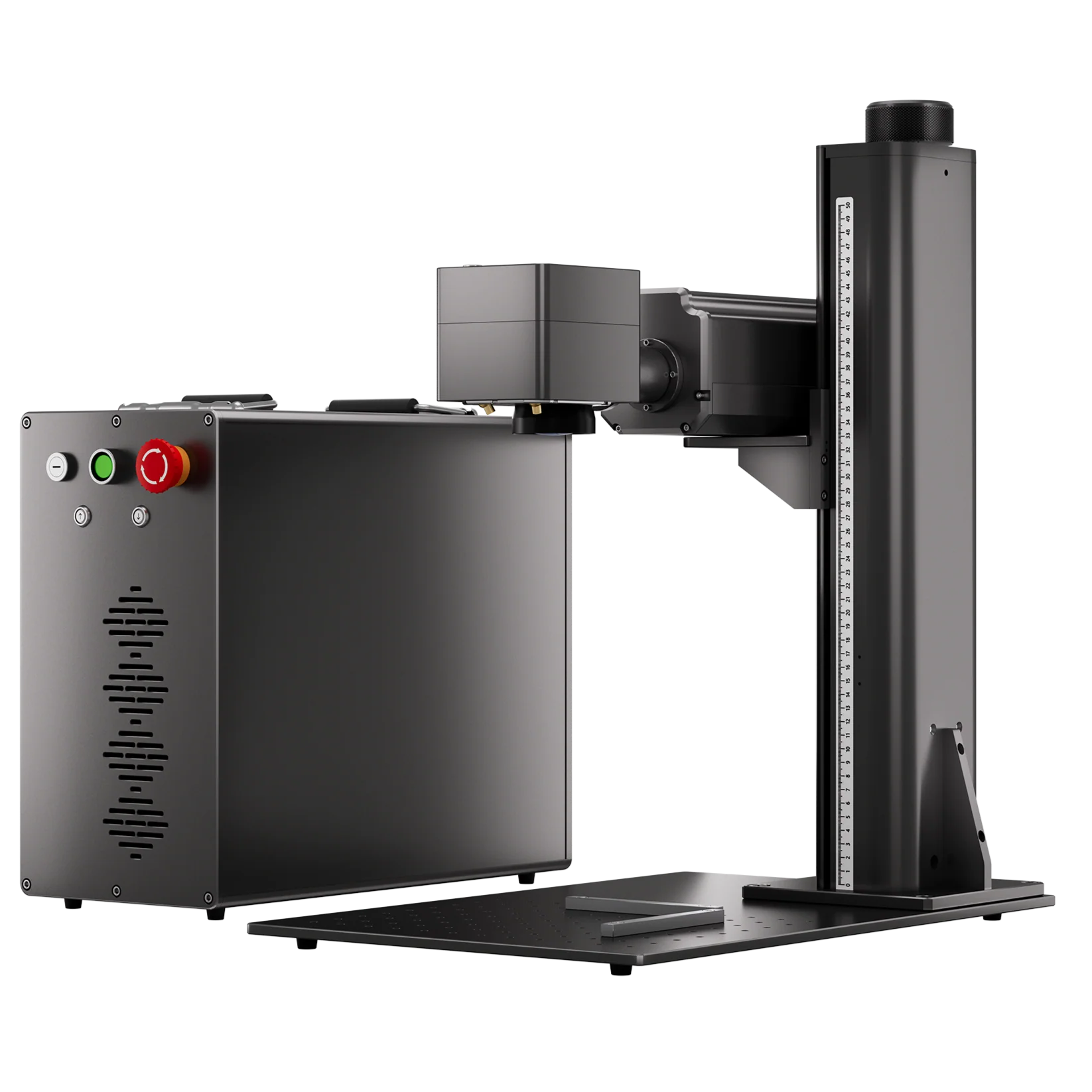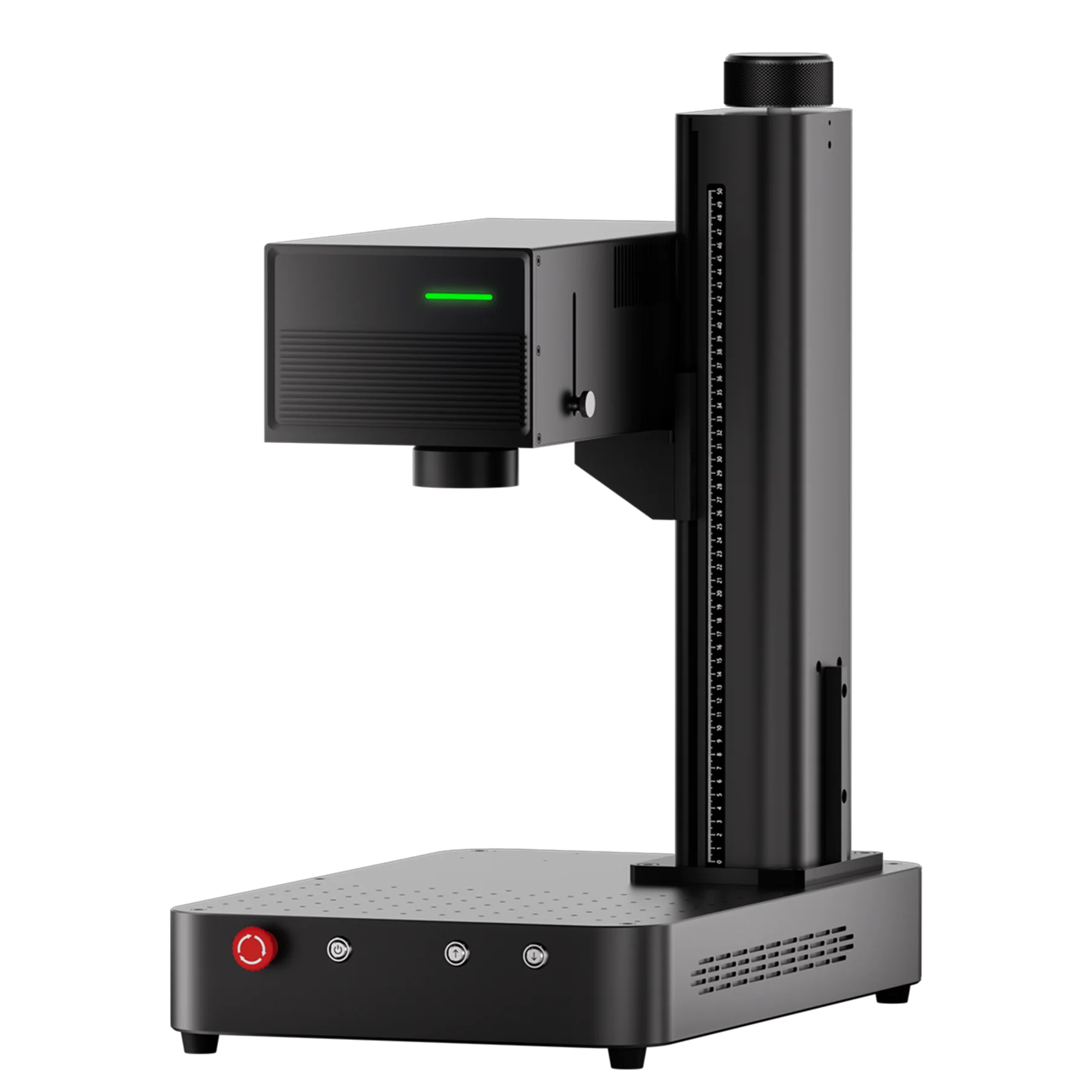
Do you need to mark part numbers, serial numbers, logos, or traceability codes on small batches of parts? If you regularly outsource parts for marking or identify repaired and automotive components, bringing laser marking in-house can simplify your workflow.
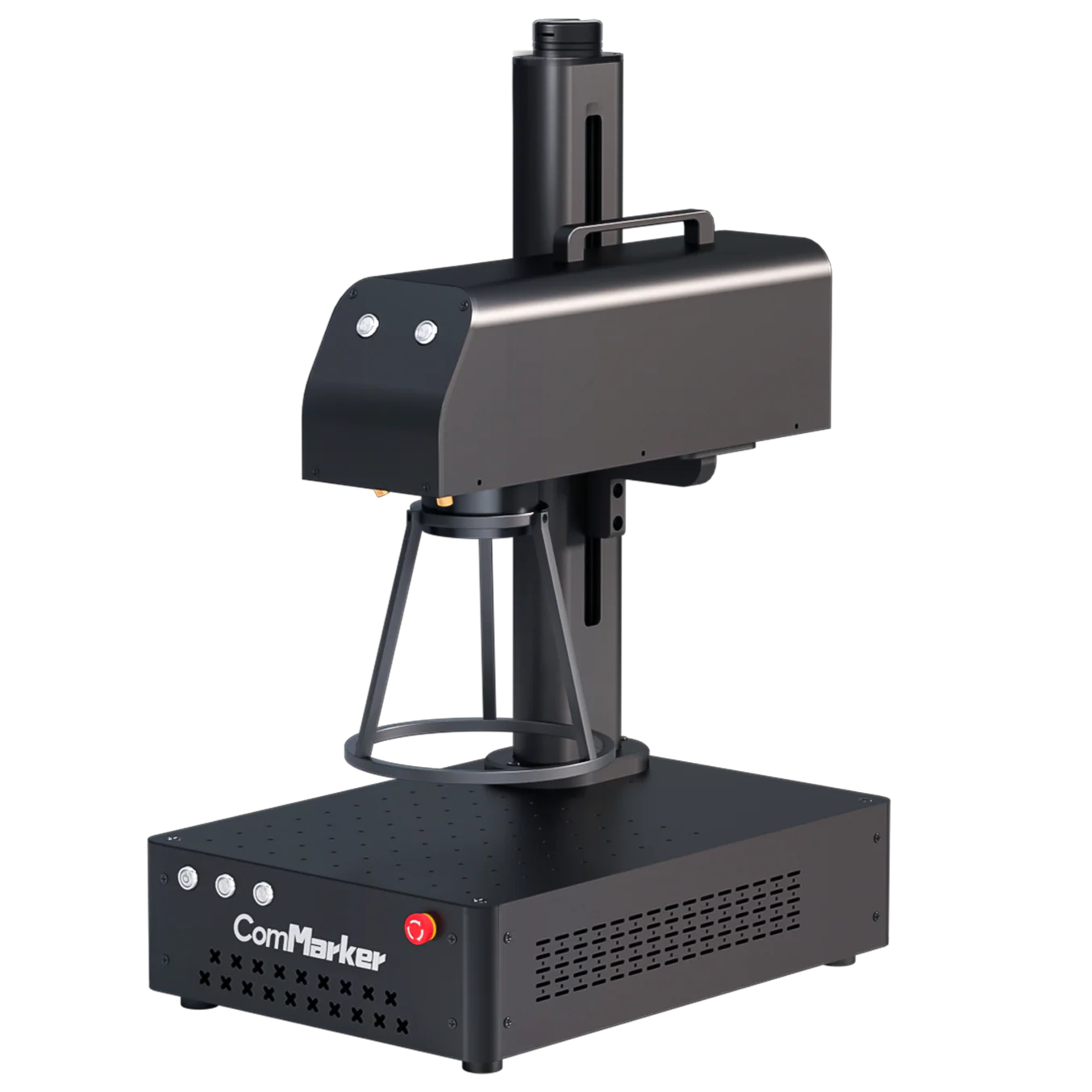
A compact laser engraver can mark CNC components, shafts, brackets, fittings, and automotive parts, from simple identification and machine-readable codes to deeper engraving. A rotary attachment or jig can also handle suitable cylindrical parts.
This guide looks at the parts small shops actually mark, what a laser engraver can offer, and how to choose a laser marking setup that fits a workshop rather than a factory production line.
Do You Have These Marking Problems?
Outsourcing takes too long and costs too much. Small batches can come with setup fees, shipping costs, and long turnaround times.
Part numbers and designs change frequently. Fixed stamps and tooling become inconvenient when every job requires different information.
You need to mark parts after repair or machining. Rebuilt shafts, hydraulic components, tools, and replacement parts may need identification before they leave the shop.
Your production is high-mix and low-volume. You may mark only a few pieces at a time rather than thousands of identical parts.
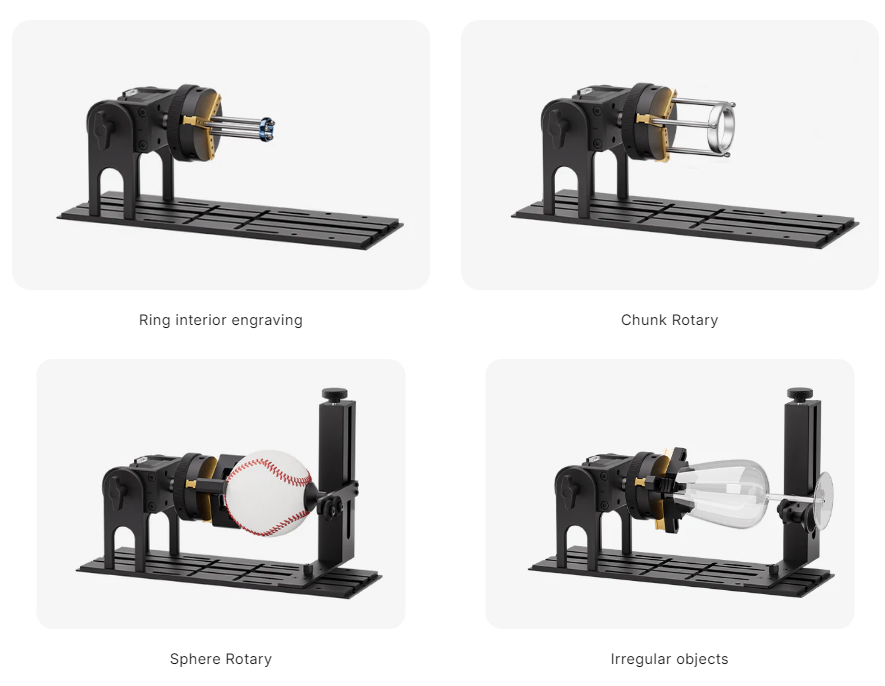
You work with cylindrical or irregular parts. Shafts, tubes, rings, and fittings may require a rotary attachment or specialized fixturing.
If you recognize your shop in these situations, bringing laser marking in-house could eliminate an unnecessary step between machining and delivery.
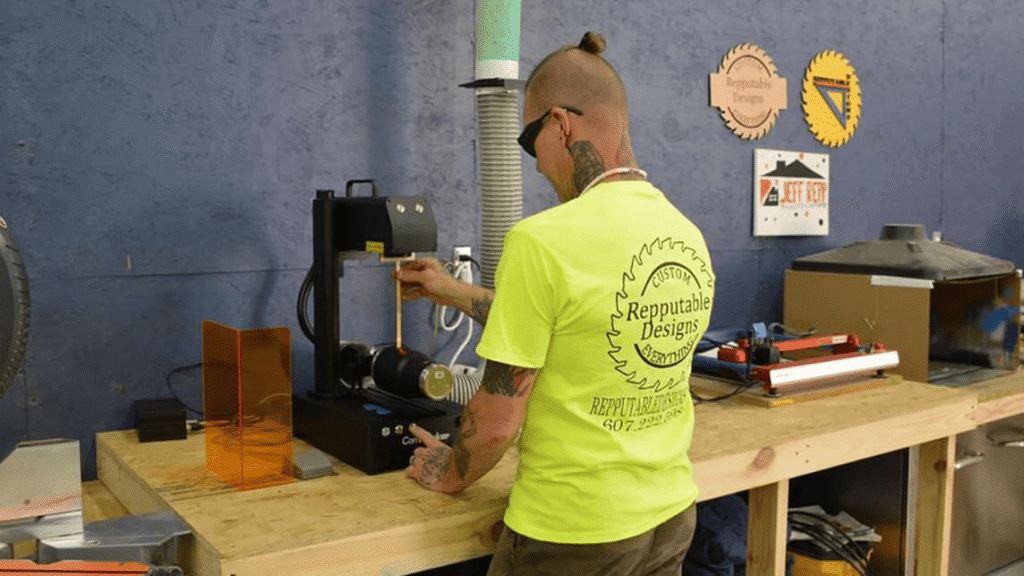
How Does Bringing a Laser Marking Machine In-House Benefit Small Manufacturers?
For machine shop or repair studio, the biggest advantage of laser marking is flexibility. One machine can handle different parts, customers, and marking requirements without new physical tooling for every job.
No Physical Contact, High Precision.
The laser marks without pressing a tool against the workpiece, helping avoid deformation while producing precise, consistent marks on finished or delicate components.
Easy to change between jobs.
Part numbers, logos, and codes can be changed digitally with laser engraving software, making laser marking well suited to high-mix, low-volume work.
Fast and Durable Marking.
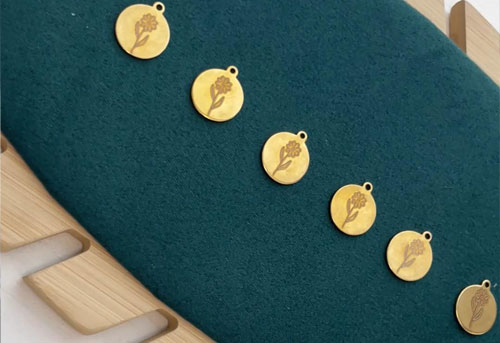
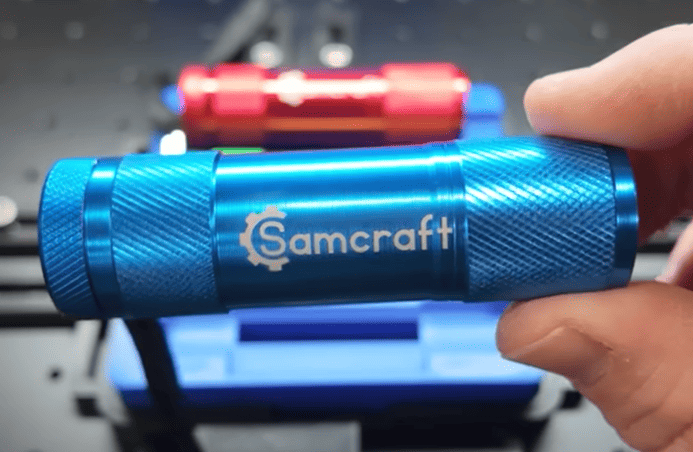
Laser marking can create permanent identification at 15000mm/s speed directly on suitable parts, changes or removes material at the surface to create identification that becomes part of the workpiece.
Supports 1,500+ Materials & Various Shapes.
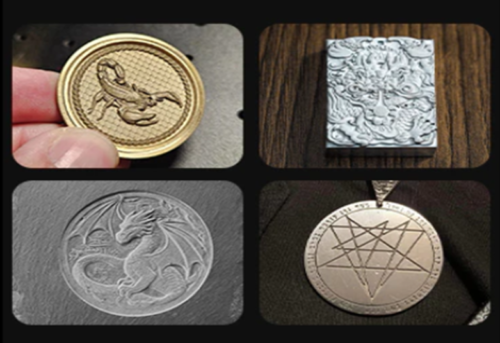
Laser marking can work with more than 1,500 materials and a wide range of part shapes, from flat components and plates to shafts, tubes, rings, and irregular parts.
Compact Footprint, Easy to integrate into the workshop.
A desktop galvo laser marking system takes up minimal floor space, making it easy to fit into small workshops alongside CNC machines, workbenches, and other equipment without requiring a dedicated production line.
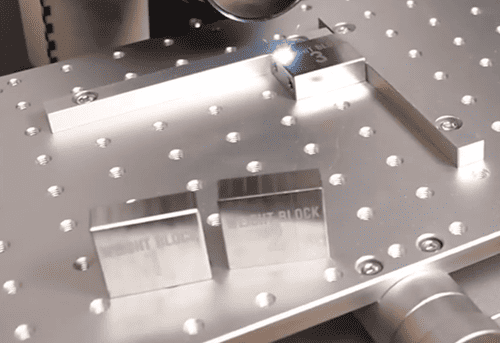
What Types of Machine Shops Can Benefit from Laser Marking?
CNC & Machine Shops
CNC and machine shops often produce different components for different customers, with batches ranging from a few pieces to several dozen or more.
Laser engraver can mark part numbers, serial numbers, revision codes, customer logos, QR or Data Matrix codes, and other identification information on brackets, housings, plates, fixtures, shafts, bushings, and custom-machined components.
A laser marking system is particularly useful here because the marking file can be changed digitally from one job to the next without creating new physical tooling.
ComMarker Titan MOPA Fiber Laser Case: Logo Engraving on Aluminum Parts & Small Text Engraving on Stainless Steel
The ComMarker Titan creates a deep engraved logo and a contrasting white mark on the surface on the aluminum part.
On the stainless steel wire, the laser left small text with readable contrast.
 |
 |
Repair & Rebuild Shops
Repair and rebuild shops often need to mark components after machining, restoration, or modification.
Rebuilt shafts, flanges, couplings, hydraulic components, and other machinery parts may require repair numbers, service dates, serial numbers, or customer and asset IDs before they leave the shop.
For these businesses, the ability to complete the marking immediately after repair can be more valuable than maximum production speed.
ComMarker MOPA Fiber Laser Case: Laser Cleaning + Marking:
The laser first removes surface rust or residue, then marks the required identification directly onto the cleaned component.
Automotive & Performance Shops
Small automotive repair and performance shops may mark engine components, transmission parts, brackets, exhaust components, fittings, and custom aftermarket parts. Common applications include part numbers, logos, serial numbers, batch codes, and assembly references.
ComMarker Fiber Laser Case: Deep Engraving on a Custom Fuel Tank Cap with Marking on Metal Tube
The ComMarker Titan was used to create black markings on stainless-steel tubing and deep engravings on a metal fuel tank cap,
A flexible laser marking system allows small automotive and performance shops to switch between identification marking and more decorative or functional engraving without changing tooling.
 |
 |
Tool & Fabrication Shops
Toolmakers and small fabrication shops may need to identify cutting tools, fixtures, molds, dies, gauges, plates, brackets, tubes, fittings, and other custom components. When markings are small or parts involve different materials, fine-detail capability can matter as much as raw engraving power.
ComMarker UV Laser Marking Case: Fine QR Codes on Metal & Plastic
The ComMarker Omni X marked a 5 × 5 mm QR code on a pair of metal scissors and a plastic cover, with both codes clear and scannable.
For toolmakers and fabrication shops handling small components, detailed identification, or mixed-material jobs, the ComMarker Omni X provides a precision-focused option without limiting the shop to metal-only applications.
 |
 |
What Should You Look for in an In-House Laser Engraver?
Choosing the right laser engraver for a small shop is less about matching the machine to your actual work. Start with these key factors:
Material Determines the Laser Type.
For shops working mainly with steel, stainless steel, aluminum, brass, copper, titanium, and other metals, a fiber laser is generally the most practical choice.
If you also mark suitable plastics, glass, ceramics, electronics, or other heat-sensitive materials besides metal, a UV laser may offer greater material flexibility.
Marking Type Determines the Power.
Choose power based on the marking depth, material, marking area, and required processing speed. Lower-power fiber lasers can handle many identification and surface-marking applications, while higher-power systems become more valuable when deep engraving or faster material removal is a regular part of the workload.
For example, a 20W–30W fiber laser may be sufficient for many part-number and identification jobs, while 50W or higher can be advantageous for frequent deep engraving and faster material removal.
Marking Area and Part Geometry Matter.
Check the machine’s marking area against the size and shape of your parts.
If you regularly work with shafts, tubes, rings, or other cylindrical components, make sure the system supports a rotary attachment.
For complex or uneven 3D surfaces, a laser system with 3D marking capability can provide more flexibility.
Setup and Focusing Affect Workflow.
When switching between different jobs frequently, features such as automatic focusing, saved parameters, and easy positioning can reduce setup time and make a compact laser more practical for high-mix, low-volume work.
Laser Safety Is Essential.
Before buying, consider the laser class, enclosure, interlocks, operator protection, and fume or particulate extraction requirements. An enclosed Class 1 system can simplify workplace integration, while open Class 4 systems require appropriate laser-safety controls and operating procedures.
Which Laser Is Right for Your Machine Shop?
Quick Decision Table
|
Your main work |
Recommended laser |
|
Steel, stainless steel, aluminum, brass |
Fiber |
|
Deep engraving / color marking |
MOPA Fiber |
|
Plastics, glass, electronics, fine details |
UV |
|
Wood, acrylic, leather, textiles |
CO₂ |
|
Mostly crafts / non-metal materials |
Diode |
Fiber Laser: The Standard for Metal Marking
A fiber laser, typically operating at a 1064 nm wavelength, is the go-to choice for marking and engraving common metals such as stainless steel, steel, aluminum, brass, copper, and titanium. It is well suited to everyday machine-shop applications, including part numbers, serial numbers, logos, QR codes, surface marking, and engraving.
Why Choose MOPA Fiber?
MOPA fiber lasers provide greater control over pulse width and frequency, giving you more flexibility for fine-detail marking, color marking, and controlled engraving. This makes MOPA a versatile upgrade when a shop needs more than basic metal identification.
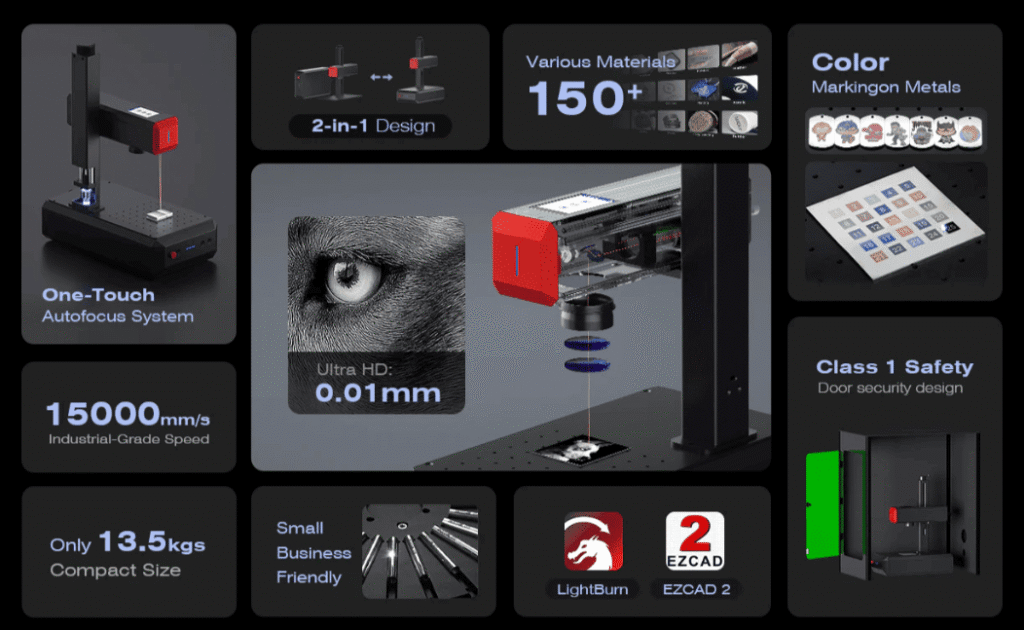
ComMarker Titan MOPA Fiber Laser
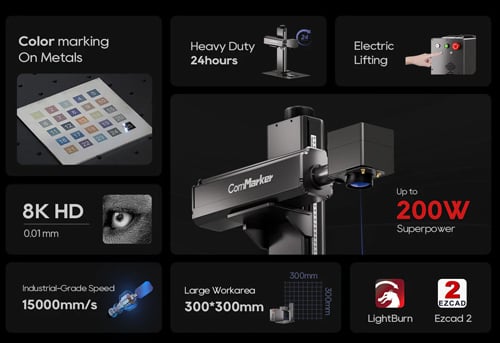
• 60W / 100W / 200W: Match laser power to different metal processing needs.
• Up to 15,000 mm/s scanning speed: Shorten processing time for repeated marking jobs.
• Color marking: Add durable color identification to suitable stainless steel and titanium.
• 0.01 mm precision: Supports small area with clear detail
For small machine shops that mainly process metal but also need deep engraving, color marking, or higher processing speed, ComMarker Titan provides a broader range of capabilities than a basic fiber marker.
UV Laser: Fine Detail & Broader Material Compatibility
A UV laser operates at a much shorter 355 nm wavelength, allowing it to interact with materials differently from a 1064 nm fiber laser. It is particularly useful for fine-detail marking, small codes, plastics, glass, electronics, coated materials, and other heat-sensitive applications, depending on the material.
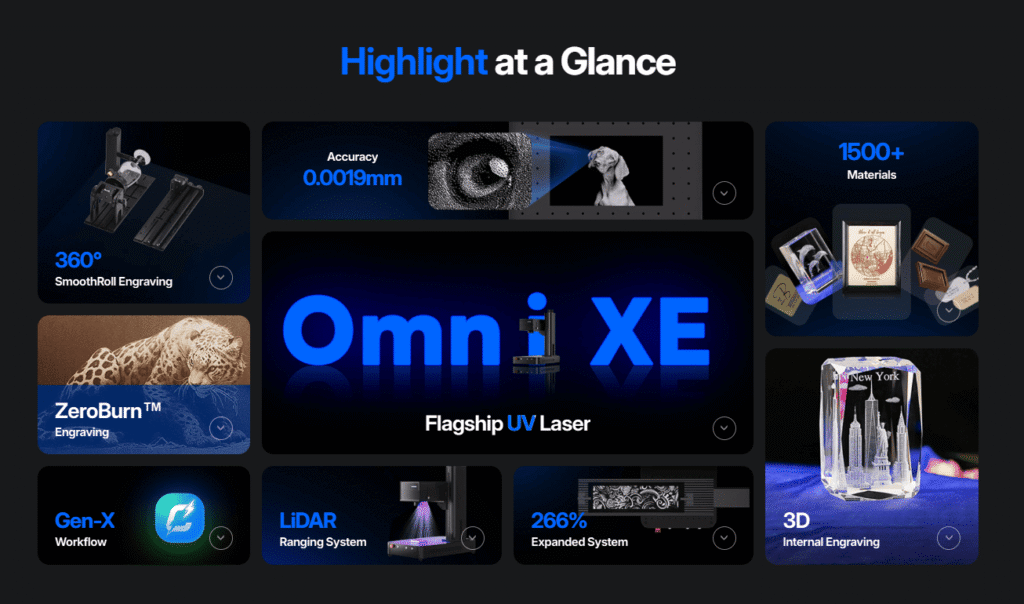
ComMarker Omni X UV Laser
• 6W / 12W UV configurations: Choose power based on detail and processing requirements.
• 0.0019 mm laser spot: Produce 16K HD fine details and tiny machine-readable codes.
• 1,500+ tested material applications: Expand marking capabilities across diverse material applications.
• LiDAR autofocus: Automatically measure workpiece for easier, faster setup.
• Up to 150 × 400 mm / 250 × 400 mm: Handle larger parts with the Slide Extension.
For shops working mainly with metal, MOPA fiber is usually the starting point. If fine detail on metal, plastics, glass, or heat-sensitive materials marking are also part of the workload, UV can provide a more specialized solution.

What About Diode and CO₂ Lasers?
Diode lasers are affordable and capable of marking wood, leather and other common materials, making them suitable for beginners. They can handle some coated or treated metals, but are generally not the first choice for machine shops focused on metal parts.
CO₂ lasers typically operate at 10600 nm and are well suited to cutting and engraving wood, acrylic, leather, rubber, textiles, and many plastics. They can also process some coated metals, but are less suitable for direct marking of bare metal than fiber lasers.
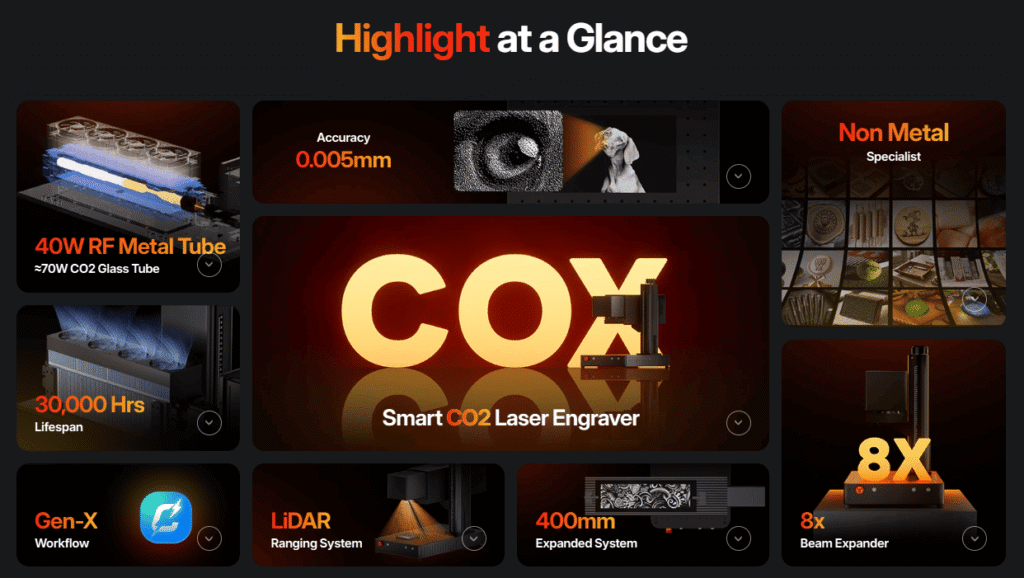
For machine shops, fiber and UV lasers are generally more reliable choices, especially when marking metal parts, precision components, plastics, and other materials commonly encountered in workshop applications.
Is In-House Laser Marking Worth It for a Small Shop?
For a small shop, bringing laser marking in-house makes financial sense when you mark parts regularly enough that outsourcing fees, shipping, and turnaround time add up. If marking is only an occasional requirement, outsourcing may remain more economical.
How Much Does a Desktop Laser Cost?
• Entry-level fiber: The ComMarker B4 starts at $1,399, providing an affordable option for basic metal marking and engraving.
• MOPA fiber: A ComMarker MOPA system starts at $2,599, offering greater pulse control for fine-detail marking, color marking, and engraving.
A Simple Cost Example
Suppose you outsource the marking of 100 parts at $0.80 per part, plus a $50 setup fee and $30 shipping:
100 × $0.80 + $50 + $30 = $160 per batch
If in-house marking costs approximately $30 per batch in operating expenses, you could save about $130 per batch.
At this rate, a $1,399 B4 would take about 11 batches to cover its purchase price, while a $2,599 MOPA would take about 20 batches.
Your actual ROI will vary with labor, maintenance, electricity, accessories, safety equipment, and your real outsourcing costs. But if you regularly process small batches, the savings can quickly make in-house marking more economical over time.
When Should You Keep Outsourcing or Consider a Production Line?
Keep outsourcing if you only mark parts occasionally, handle oversized or highly complex 3D components
As marking becomes a high-volume, repetitive production step, a dedicated marking station might be more effective.
Final Thoughts
For small machine shops, the value of laser marking is the ability to mark high-mix, low-volume parts in-house, on demand, without outsourcing or creating new tooling.
Choose the laser based on what your shop actually needs:
• ComMarker B6 MOPA — a compact and versatile choice for metal marking, color marking, engraving, and deep engraving, with automatic focusing.
• ComMarker Titan — a higher-power step up when deeper engraving, faster material removal, and heavier workloads become priorities.
• ComMarker Omni X — a precision UV option for fine marking and a wider range of materials, including suitable plastics, glass, electronics, and heat-sensitive components.
The best laser for a small shop is the one that fits the parts you actually make, repair, and mark.
FAQ
Can a small laser mark CNC-machined aluminum parts?
Yes. Fiber lasers are commonly used for aluminum marking, including machined and anodized parts. The exact contrast and appearance depend on the alloy, surface finish, laser source, optics, and parameters, so testing the actual part is recommended.
Can I mark automotive parts with a desktop fiber laser?
Yes, when the parts are within the machine’s practical working range. Small brackets, plates, shafts, fittings, housings, and other components can be suitable applications. A desktop machine is not intended to replace a large automated automotive marking cell.
Do I need a rotary attachment for a shaft or tube?
If you need to mark around the circumference, a rotary is usually the practical solution. For a small mark on a limited area of a large-radius curved surface, rotary may not always be necessary.
What wattage laser do I need for a machine shop?
20W–30W → Surface marking and identification marking
60W+ → frequent deep engraving tasks
Can a laser marking machine mark parts in batches?
Yes. A laser marking machine can process multiple parts in one batch. Jigs and fixtures reduce alignment and handling time, while array marking allows multiple parts to be marked in one job.
Can I mark part numbers without deep engraving?
Yes. Many part-identification applications only require a clear, permanent surface mark. The required laser configuration depends on the material and the desired contrast and durability.
Is a laser better than labels for part identification?
For applications where the identification must remain directly on the component, laser marking eliminates the need to apply and replace physical labels. However, the best identification method depends on the part, environment, required durability, and tracking workflow.
Comparison Between Laser Engraving and Other Engraving Techniques
Laser engraving employs an advanced method of etching patterns onto different substances. There are other engraving techniques that include traditional engraving, CNC engraving, sandblasting, etc. Below, we have compared them against laser cutting in detail.
1. Traditional Engraving
It is generally a manually operated procedure where tools are used to carve materials from the external surface of the material. It is time-consuming and extensive.
Laser engravers are in comparison time-efficient with batch engraving and automated. They take 1/3rd the time of a conventional engraving method. ComMarker B4 has a marking speed of 0-15000 mm/s making it an excellent choice.
2. Sandblasting
There is sand utilized along with other abrasive components to etch the surface of a material. It is effectively challenging to control the depth of the cuts made.
Laser engravers take a stance in this regard as they follow a non-contact processing approach. ComMarker B4 utilizes LightBurn software, which automatically determines the depth of the cut according to input requirements.
3. CNC Engraving
With the help of a computer-controlled program, patterns are made on the desired surface through CNC engraving. However, this process is not precise and leaves frayed and harsh ends at the end of engraving.
With high-precision cuts, laser engravers are a must better approach here. The ComMarker B4 engraves any material from steel to leather with 0.01 mm precision, making it ideal for SMEs and even bigger corporations.
Related Articles:
 Creative Christmas Laser Engraving Ideas to Boost Your Small Business Holiday Sales
 Is a Laser Machine Worth It in 2026? ROI Analysis for Businesses, Hobbyists & Artists
 How One Small Business Boosted Productivity 40% with the Omni 1: A Glass Engraving Success Story
 What Is the Best Glass Etching Machine for a Profitable Business? (2026 Guide)