When choosing a best fiber laser engraver for small business, power is more than just a technical specification.
Many demos claim, “A 20W fiber laser engraver can engrave anything.”
While technically true, business is about more than what’s possible. It’s about efficiency.
If engraving a single metal coin takes hours, that portable fiber laser engraver is not practical for business. No matter how impressive the output may look.
The real question when selecting the best portable laser engraver for metal is:
Can it engrave fast, deep, and reliably enough to generate profits?
What Do You Laser Engrave Metal For? and Why Power Matters?
Before diving deeper into laser engraver features, identify your main applications:
Laser metal printing, Marking & Light Engraving: Text, barcodes, QR codes, logos, part IDs on metal and plastic
Deep engraving metal: Coins, molds, metal nameplates, industrial parts requiring depth and durability
Cutting / material removal: Metal sheets, tabs, heavy ablation or cleaning
Every engraving task has its power sweet spot for efficient cycle times. Using a small laser engraver to do deep metal cutting with awould be like riding a bicycle to the moon. Possible, but why suffer?
The goal is to choose the power that works in the comfortable efficiency zone for your daily jobs. Find a machine that finishes the job in an acceptable time.
How to Choose the Best Portable Fiber Laser Engraver: The Power Perspective
20W Fiber Laser Engraver — High Quality Marking, Not Deep Engraving
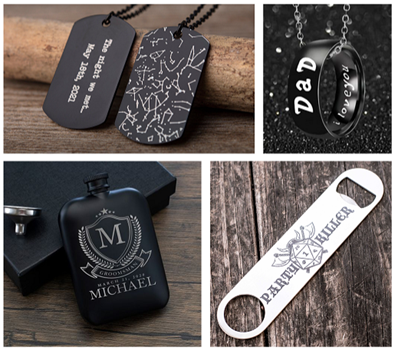
Best for: Barcodes, QR codes, serial numbers, logos on tools, surface contrast marking
Materials: Stainless steel, aluminum, brass, many industrial plastics
Typical depth: Cut and deep engrave 0.05–0.1 mm thick metal with efficiency
Speed: Less than 1 minute per stainless steel serial number or QR code
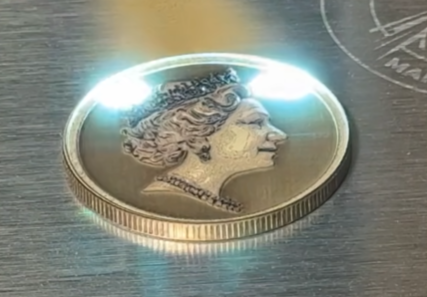
Note: Engraving a stainless-steel coin to visible depth takes 3–4 hours, making 20W unsuitable for deep engraving or batch production.
30W Fiber Laser Engraver — Faster Marking, Light Engraving Capability
Best for: Faster marking lines, light engraving, small shops needing faster engraving speed
Depth: Cut 0.1–0.3 mm metal with efficiency
Speed: 20–40% faster marking than 20W
Note: Still mainly for marking and shallow engraving; deep or tactile engraving remains slow.
50W Fiber Laser Engraver — Where Real Engraving Starts
Best for: Coins, medals, deep logos, mold marking, thin metal marking and cutting
Depth: Cut 1 mm thick metal with efficiency
Speed: 2–3× faster material removal vs 20W; coin engraving 30–60 min vs 3–4 hrs on 20W
Note: Entry point for serious engraving businesses balancing detail, depth, and efficiency.
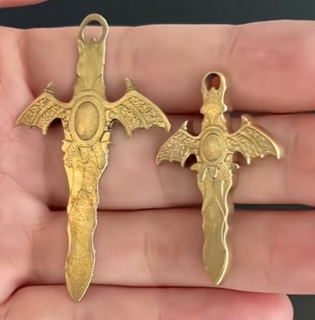
60W Fiber Laser Engraver — Faster Throughput with Similar Control
Best for: Same tasks as 50W but faster, scaling shops
Benefit: ~15–20% faster than 50W; fewer passes for same depth; better cycle time, cut 2mm thick metal with efficiency
Extra: MOPA tech enables superior pulse control for depth, detail, and color engraving on metal
Ideal for: Users validated 50W works and want higher throughput without jumping to 100W+
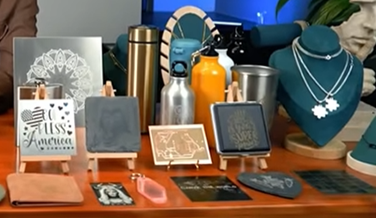
Check Desktop Fiber Laser Engraver for Heavier Duties
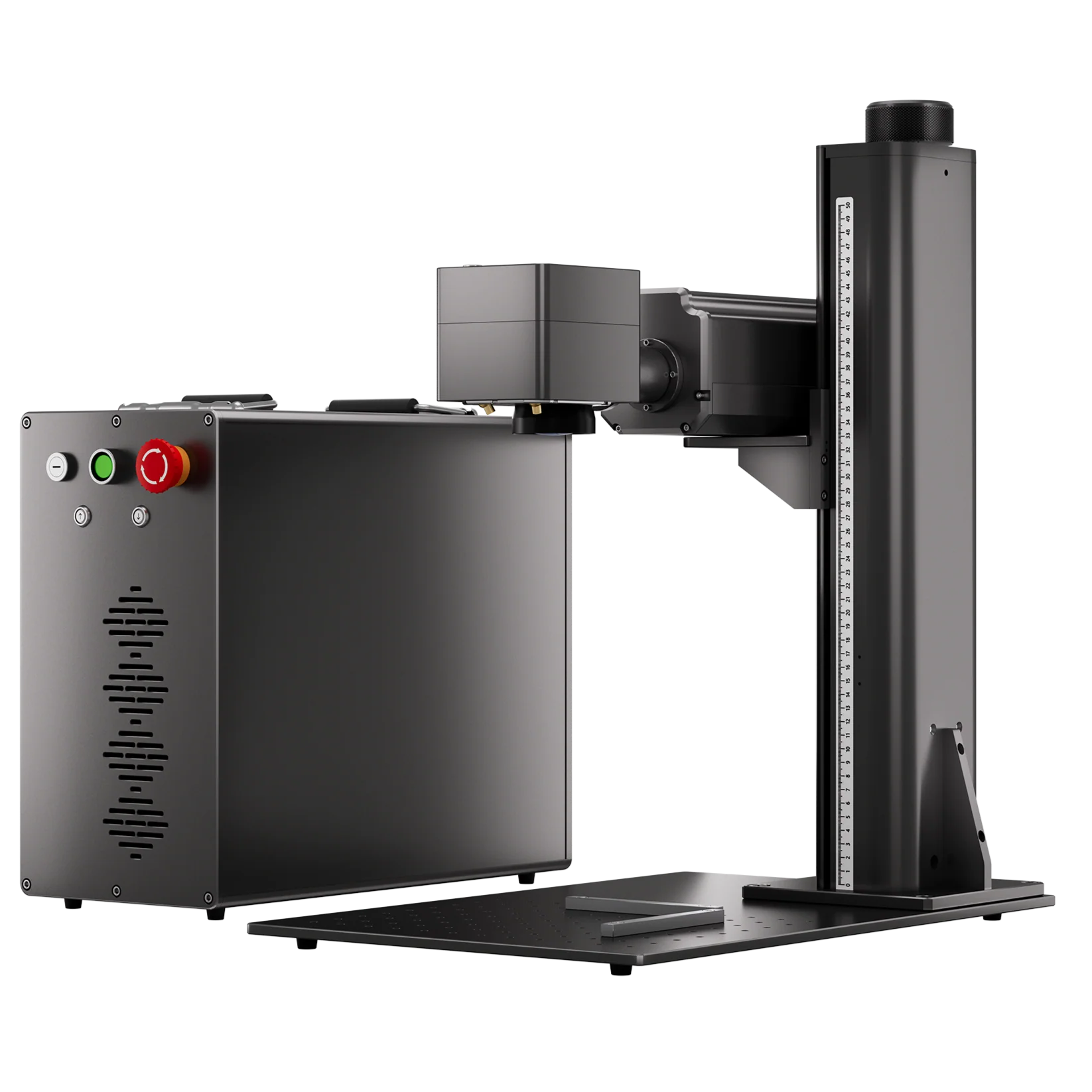
As power requirements increase, compare with integrated machines, split design desktop fiber laser engravers allow higher output, up to 200W.
Offering a balance between industrial performance and a desktop size.
100W Fiber Laser Engraver — High Efficiency, Deep Metal Engraving
Best for: Deep coin engraving, industrial parts, metal cutting, high-volume production
Depth: ~0.7–1.0 mm+
Speed: 30–50% faster than 50W on deep tasks
Note: Enables practical deep engraving and fast batch production.
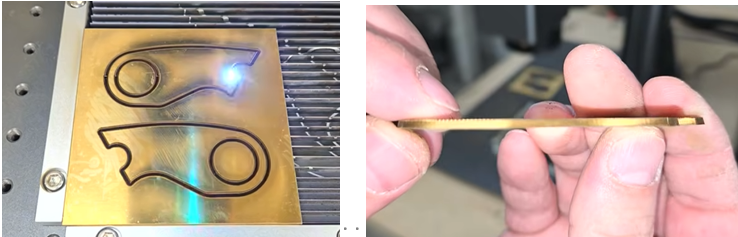
200W Fiber Laser Engraver — Maximum Power for Heavy-Duty Engraving
Best for: Deep engraving on coins and stones, parts and metal engraving and cutting, high-volume industrial jobs
Depth: 1.0 mm+ stainless steel engraving easily
Speed: 40–50% faster than 100W at similar depths
Note: Ideal for industrial-scale throughput and toughest materials.
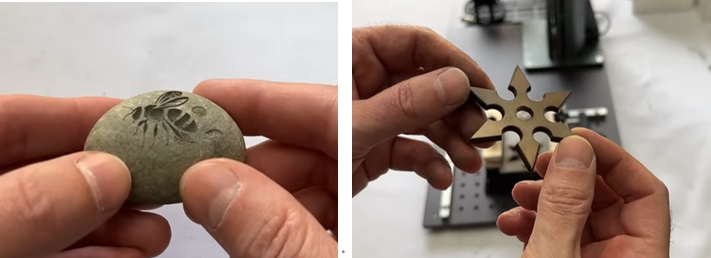
Check tips and performance of 200w fiber laser engraver cuting metal
Choose Your Machine Based on Real Business Needs
Instead of asking “What is the most powerful machine I can buy?”, ask:
“What do I engrave most often, and how fast do I need to finish each job?”
Practical guidelines:
- Barcodes, logos, surface marking → 20W / 30W
- Coins, deep logos, nameplates → 50W minimum
- Commercial production, deep industrial engraving → 100W
- Heavy engraving + high throughput → 200W
Buying less power leads to:
- Extremely long engraving times
- Lower profit per order
- Frustration as customer expectations grow
Buying far more power than needed leads to:
- Higher equipment cost
- Less control on delicate work
Final thoughts: Choose the portable laser engraver as a Production Tool
The best laser engraver for metal is the one that operates in its efficient sweet spot for your daily jobs.
With ComMarker, your investment powers real productivity, delivering faster turnarounds, deeper engraving, and higher profits every time.