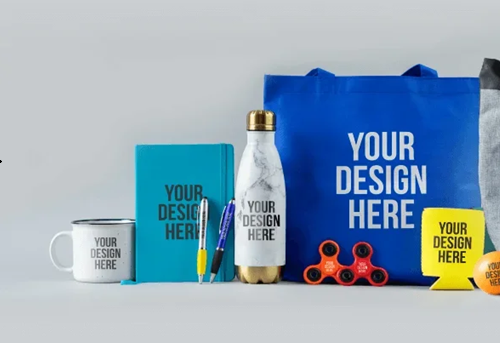
Looking to buy your first Laser Engraver? Whether you’re a DIY enthusiast, a small business owner, or just curious about creating custom designs on wood, metal, glass, or leather, starting with the right laser engraver is key to a smooth and rewarding experience.
This guide will walk you through what to look for in a beginner-friendly Laser Engraver, explore the most popular entry-level models, and share tips for getting started safely and effectively.

Why the Right Laser Engraver Matters for Beginners
Choosing the best Laser Engraver isn’t just about specs or price. It’s about ease of use, safety, versatility, and how well the machine matches your creative goals. Many first-time users make the mistake of buying too much power (or too little), skipping important features like autofocus, or investing in platforms that lack proper software support.
The ideal beginner engraver is:
• Easy to set up (no steep learning curve)
• Compatible with common design software
• Safe to use at home or in a shared workshop
• Capable of engraving popular materials like wood, acrylic, stainless steel, and glass

What to Consider Before Buying a Laser Engraver
1. What Materials Will You Work With?
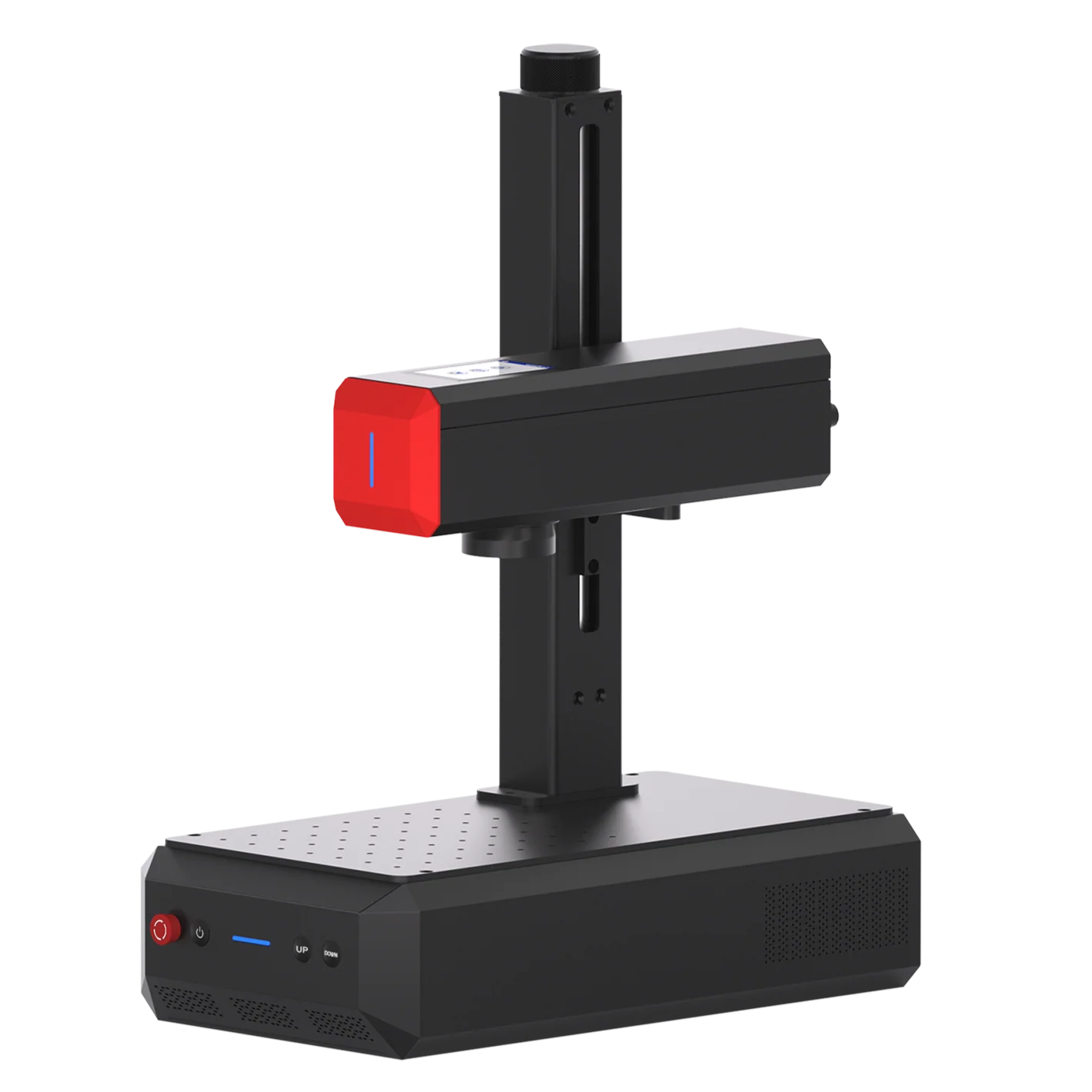
If you’re focusing on metal engraving, a fiber laser engraver like the ComMarker B6 is essential. For glass or wood engraving, a UV laser engraver such as the OMNI X provides better clarity and surface control.
2. Power and Precision
Beginners don’t always need high wattage. In fact, too much power can cause burns or ruin thin materials. Aim for:
• UV Laser: 5W
• Fiber Laser: 20W
• Diode: 10W (only for basic engraving)
From 2024 to 2026, the price of a standard 20W desktop fiber laser engraver dropped by roughly 30% to 40%. Around &1000 to $1400. Therefore, these machines have become much more budget-friendly for beginners looking to start today.
3. Software Compatibility
Common laser engraving software include:
• LightBurn (intuitive)
• EZCAD2 (for fiber systems, more advanced)
• Brand bases software (beginner friendly, more functionable such as 3D inner engraving and slide extension)
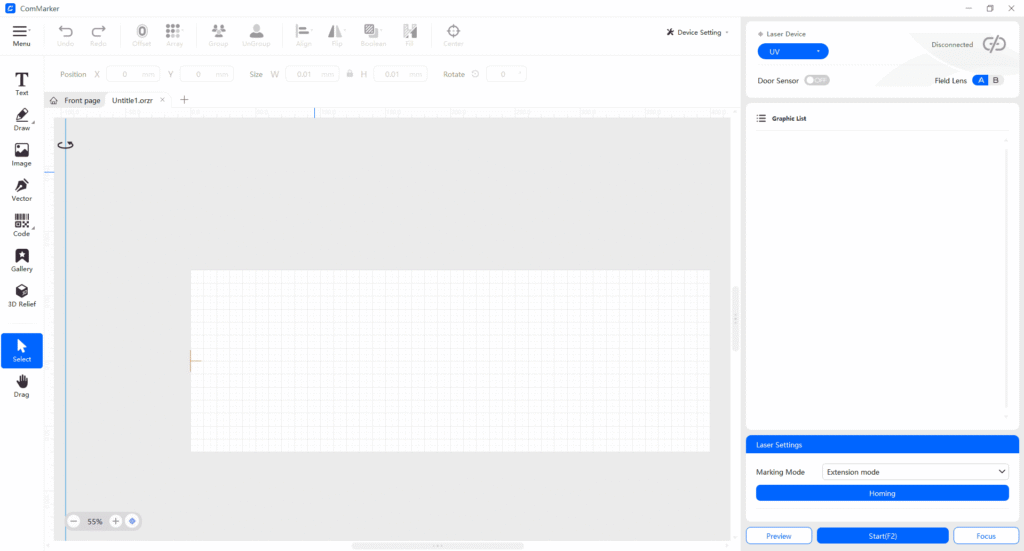
Many modern manufacturers now develop much simpler software. Compared to old industrial programs, branded software like ComMarker Studio uses an intuitive and clean interface to help users engrave easily, significantly lowering the steep learning curve maintaining the support for professional tools like LightBurn.
4. Safety Features
Your first engraver should have:
• Enclosed chamber or shields
• Emergency stop button
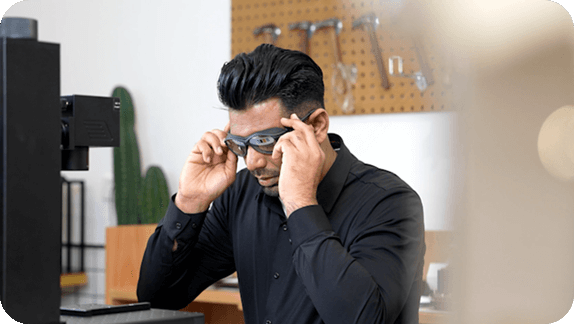
• Eye-safe wavelength or goggles included
Top 3 Beginner-Friendly Laser Engravers (2026)
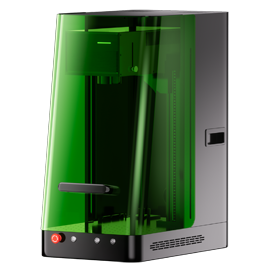
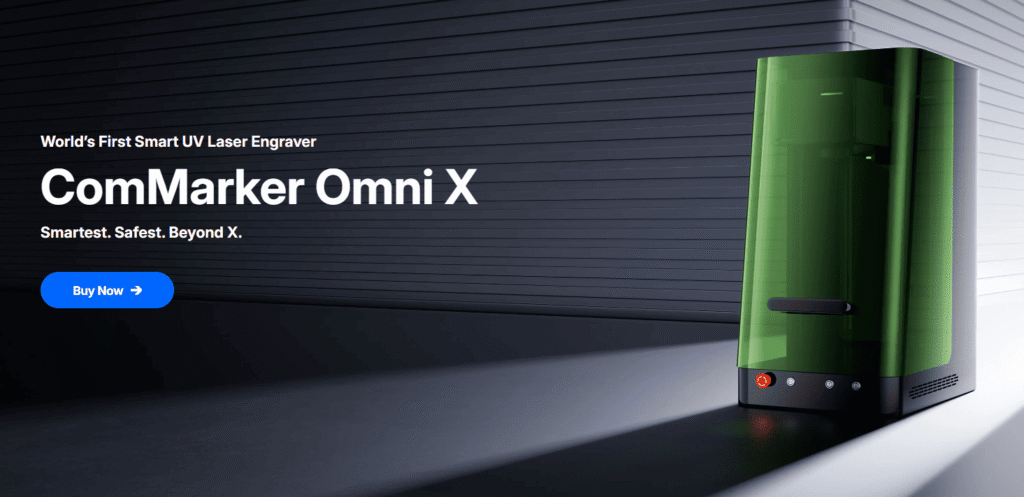
🔹 ComMarker OMNI X UV Laser Engraver
Type: UV Laser (355 nm)
Power: 6W / 12W
Materials: Glass, wood, leather, acrylic, coated metal, plastic
Work Area: 150×150mm/250×250mm (expandable to 250×400mm)
Why It’s Great for Beginners:
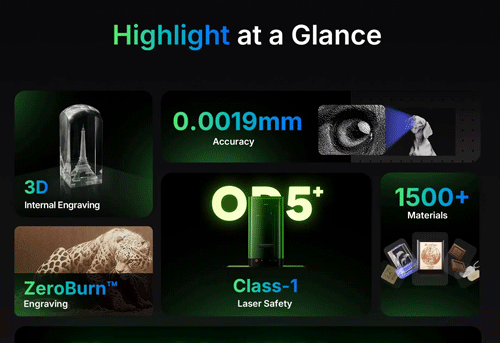
• Plug-and-play setup with intuitive controls
• 0.0019 mm precision
• ZeroBurn™ tech—no scorching on delicate materials
• Auto-focus and electric Z-axis lift
• Slide extension for larger engraving area
• Class 1 Safety with OD5 enclosure
• Free software ComMarker Studio, maintain compatability with LightBurn
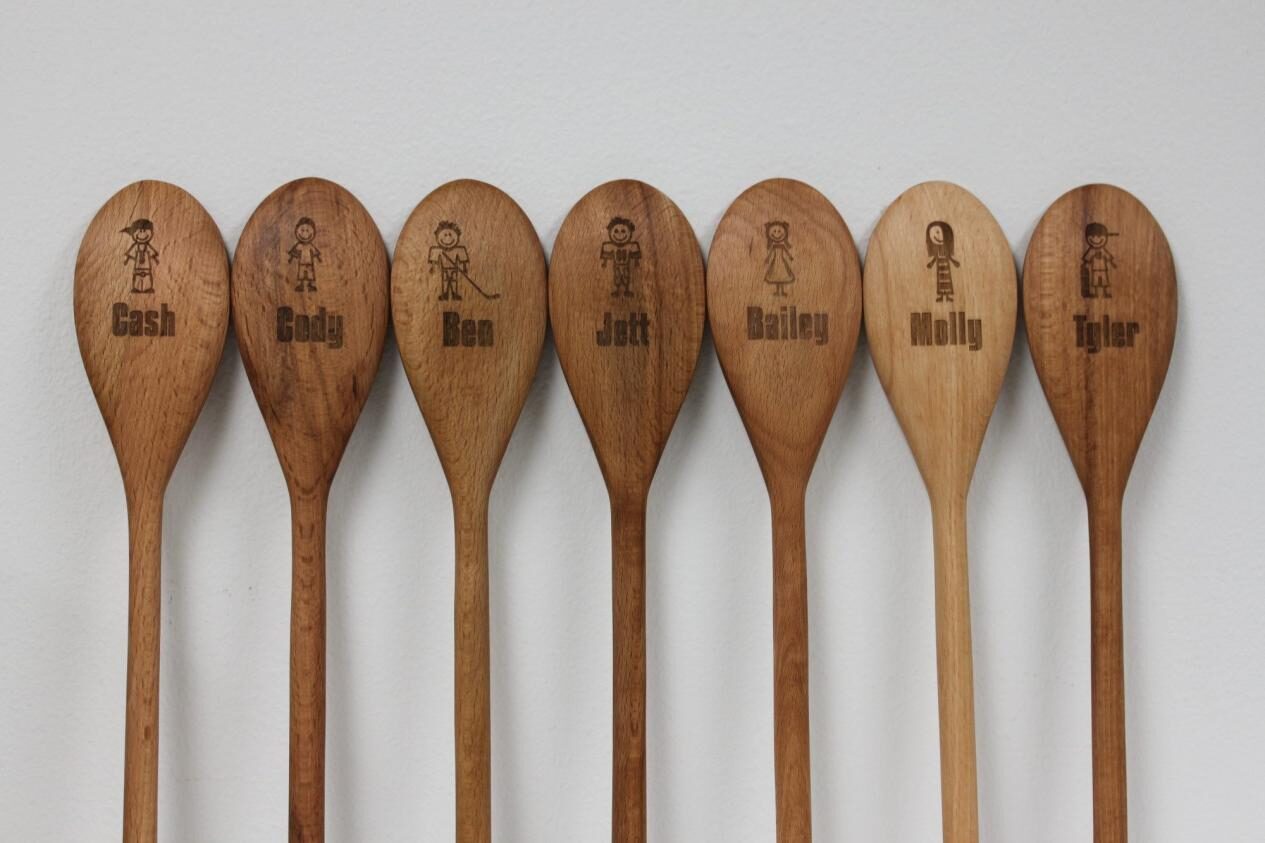
👉 Best for: Personalized gifts, wedding favors, glass etching, leather patches
🔹 ComMarker B6 MOPA Fiber Laser Engraver
Type: Fiber Laser (1064 nm)
Power: 20W / 30W / 60W
Materials: Stainless steel, aluminum, brass, titanium, hard plastics
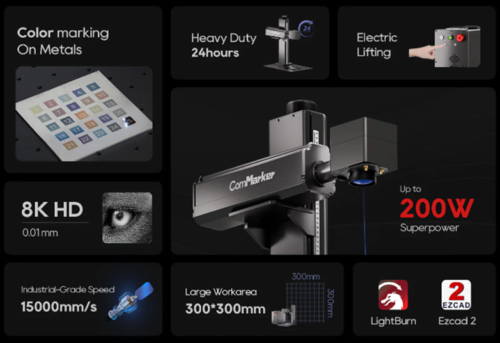
Work Area: 150×150mm (expandable to 300×300mm)
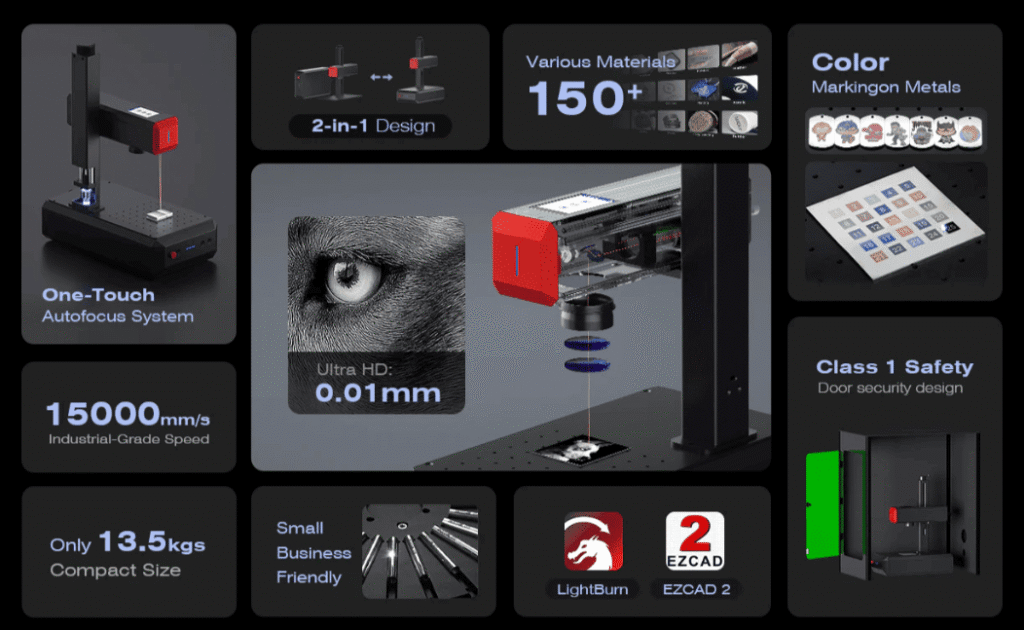
Beginner Benefits:
• Ultra-portable split design (only 13.5 kg!)
• High speed (15,000 mm/s) with precision up to 0.01 mm
• Capable of metal color engraving and 3D laser engraving
• Simple rotary upgrade for cylindrical items
👉 Best for: Dog tags, metal tumblers, nameplates, bar tools
Real-World Applications of a Beginner Laser Engraver
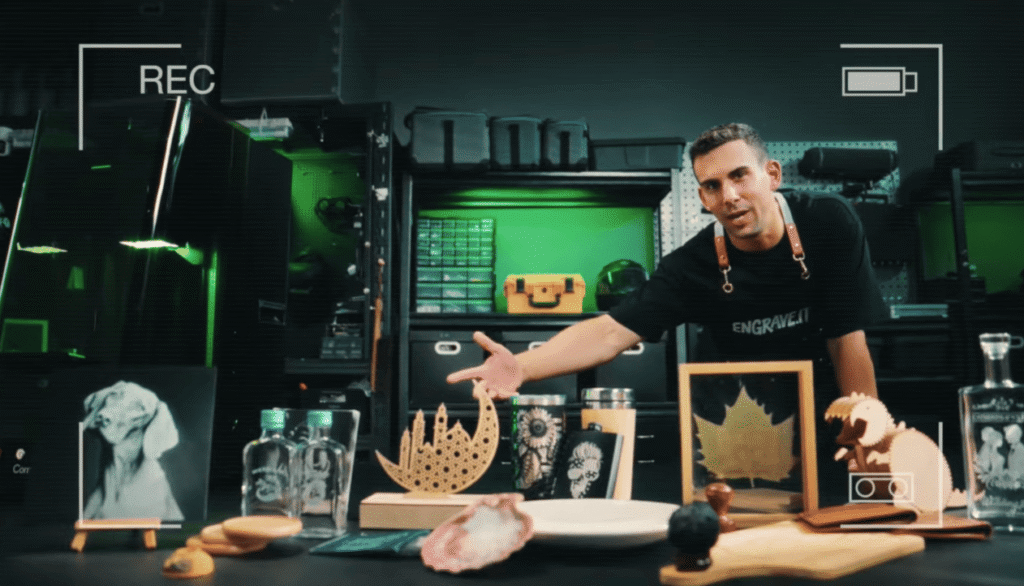
Here are a few small-scale projects that beginners can handle in the first week:
| Project | Material | Machine |
|---|---|---|
| Wood keychains | Birch, walnut | OMNI X, xTool |
| Stainless nameplates | Stainless steel | ComMarker B6 |
| Custom leather patches | PU/Genuine Leather | OMNI X |
| Engraved bottle openers | Stainless steel | B6 or Titan (Pro) |
| Wedding coasters | Glass or acrylic | OMNI X |
Each of these items can sell for $3–$15 depending on size and detail.
Getting Started: Tips for First-Time Laser Users
• Always run a test pass on scrap material before final engraving
• Mask surfaces (especially acrylic and wood) with transfer tape to reduce burn marks
• Clean lenses and exhaust vents weekly to maintain optimal performance
• Use jigs or printable templates for perfect alignment in batch projects
Which Laser Engraver Should You Buy?
If you’re a beginner looking to dive into laser engraving, you don’t need to spend thousands on industrial equipment. Instead, focus on reliability, ease of use, and software support.
✅ For engraving wood, glass, leather, and acrylic:
Choose the ComMarker OMNI X UV Laser Engraver
✅ For metal marking and more durability:
Go with the ComMarker B6 MOPA Fiber Laser Engraver
Both machines are beginner-approved, LightBurn-compatible, and backed by a brand trusted by creators worldwide.
Related Articles:
 Choosing the Right Laser Engraving Machine: A Guide for Beginners
 Is a Laser Machine Worth It in 2026? ROI Analysis for Businesses, Hobbyists & Artists
 Laser Engraver Buying Guide: Everything You Need to Know Before You Buy
 What is the Best Laser Engraver for Glass Engraving: UV vs CO2 vs Fiber vs Diode