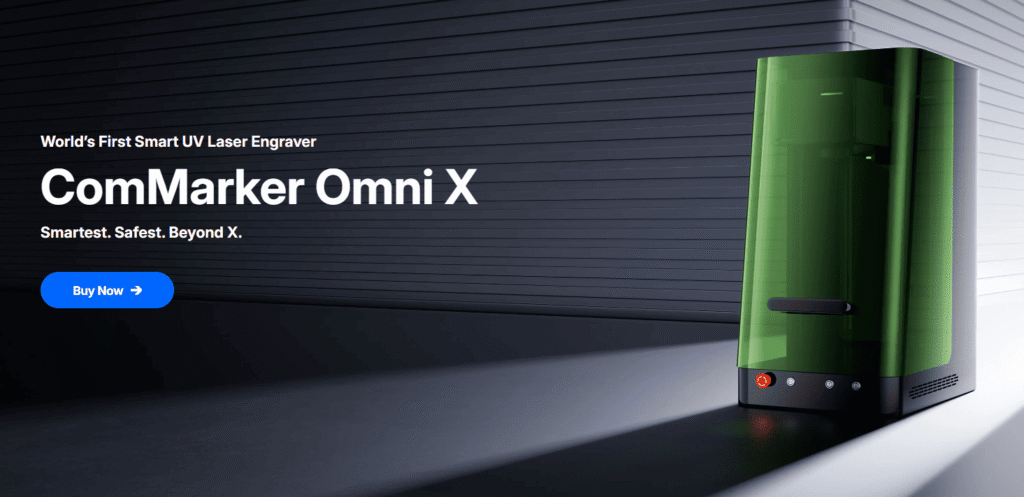
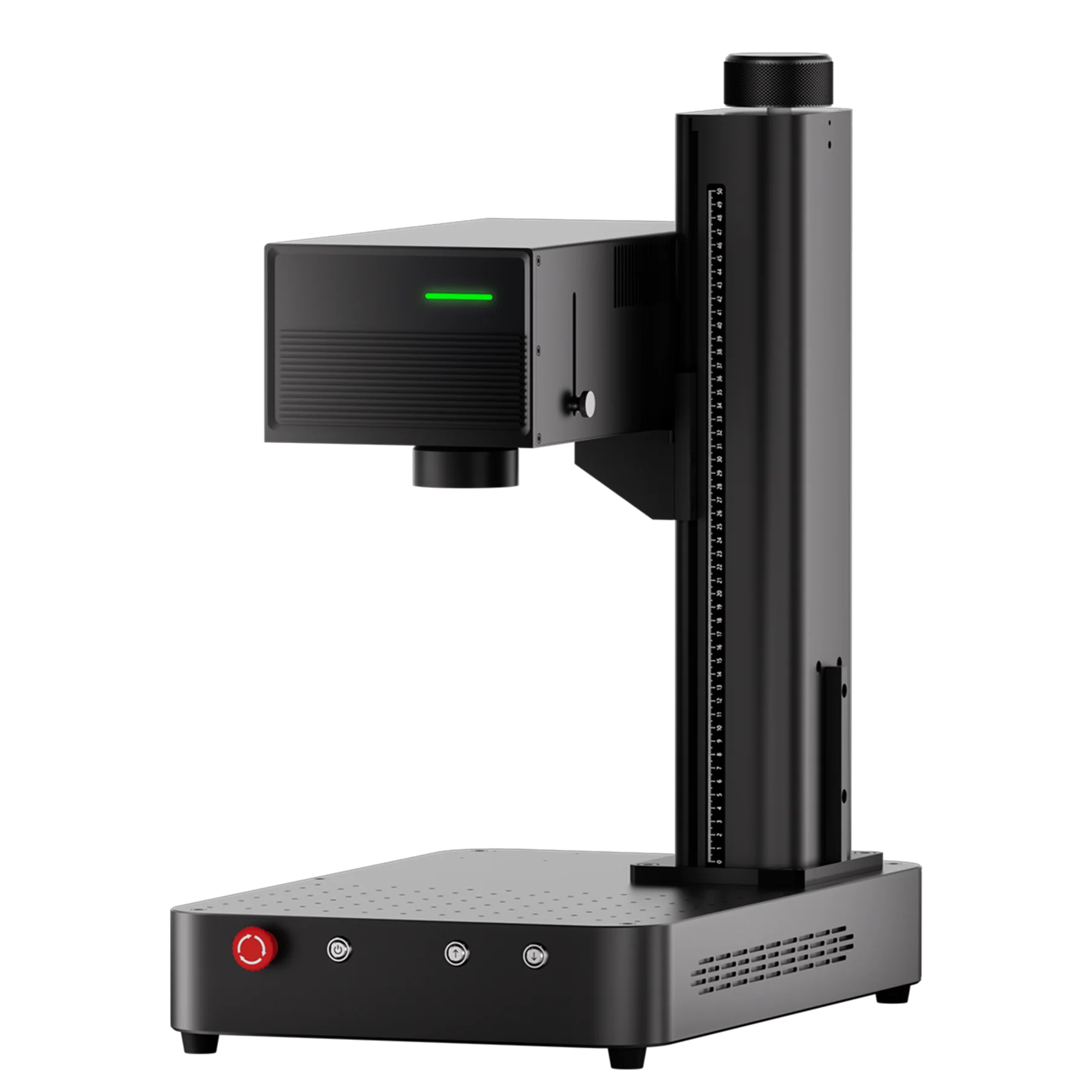
If you’ve ever wondered how a UV laser engraver performs across different materials—from wood and glass to metal, ceramics, and even dried leaves—this review will answer all your questions. Today, we’re diving deep into material testing with the ComMarker Omni X, a flagship UV laser that promises ultra-fine engraving precision without heat damage.
Whether you’re a hobbyist, small business owner, or someone researching your first UV laser, this guide will show you exactly what UV technology can (and can’t) do.
What Makes UV Laser Engraving Different?
Before jumping into the material tests, it’s important to understand why UV lasers behave differently from diode, CO₂, and fiber lasers.
Most laser engravers rely on heat.
-
Fiber lasers vaporize metal through infrared light
-
CO₂ lasers burn organic materials like wood or acrylic
-
Diode lasers melt or scorch surfaces at low cost
But UV lasers operate at 355 nm, a short-wavelength light that breaks molecular bonds without heating the material. This process is called photochemical ablation.
✔ What this means in real-world use:
-
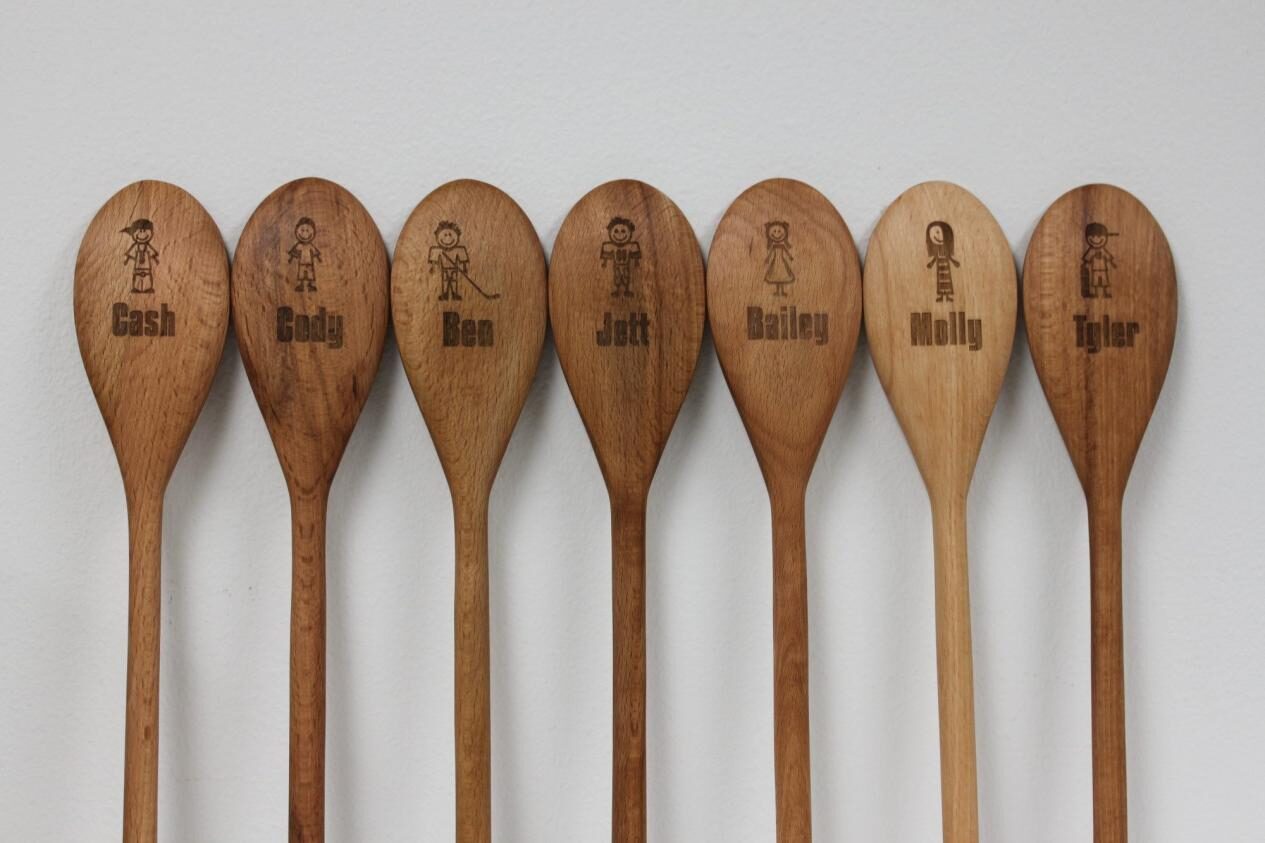
No charring on wood
-
No melting edges on plastic
-
Clean engravings on glass
-
Can mark transparent and reflective materials
-
Can engrave paper or leaves without burning
This is why UV laser engraving is popular for electronics, jewelry, medical components, and high-detail creative work.
Unboxing the ComMarker Omni X UV Laser
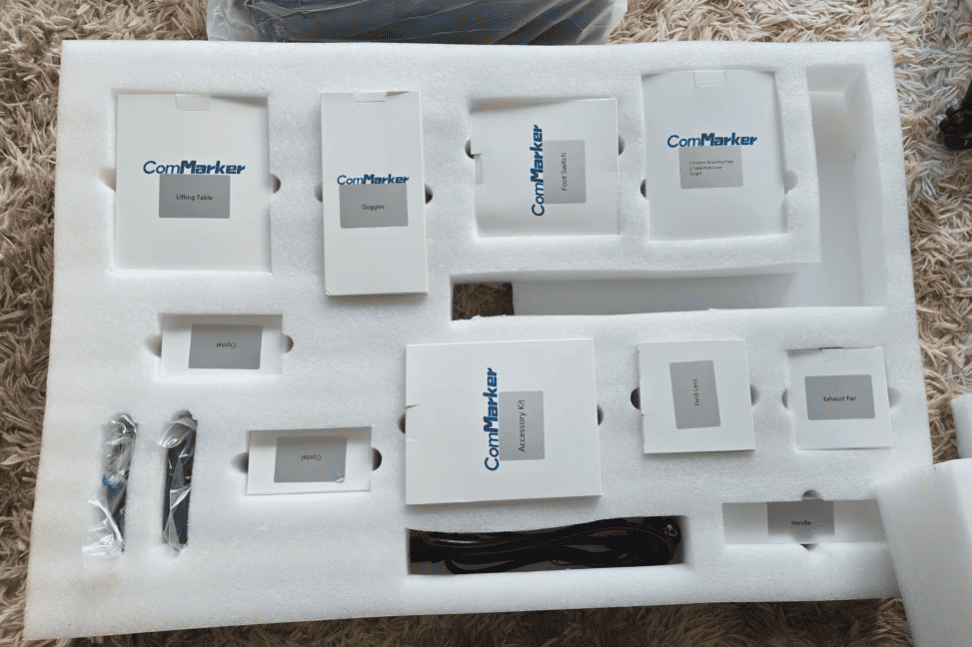
The Omni X arrived extremely well packaged—double boxed and mounted to a wooden base. Inside were accessory kits, sample materials, and the main machine split into five parts.
The machine came in five main parts, and assembly took around 30 minutes. The included instructions were simple and easy to follow. After setup, the machine connected immediately to ComMarker Studio, the company’s modern and clean engraving software.
Additionally, the Omni X is fully compatible with LightBurn, though this review focuses on ComMarker Studio because it offers native tools for UV engraving, QR generation, 3D relief setups, and more.
Material Test #1: Wood
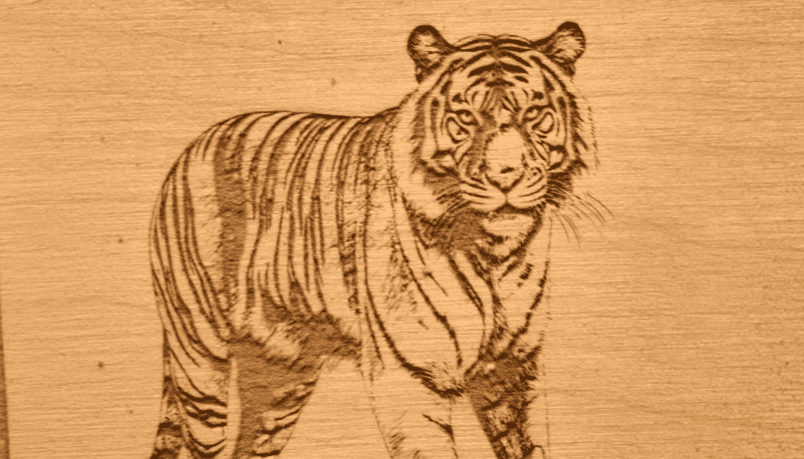
To start simple, wood was the first test.
Image Engraving
The first engraving—an image with low contrast—was readable but lacked depth.
Changing to a high-contrast tiger image produced a perfect, crisp, high-resolution engraving.
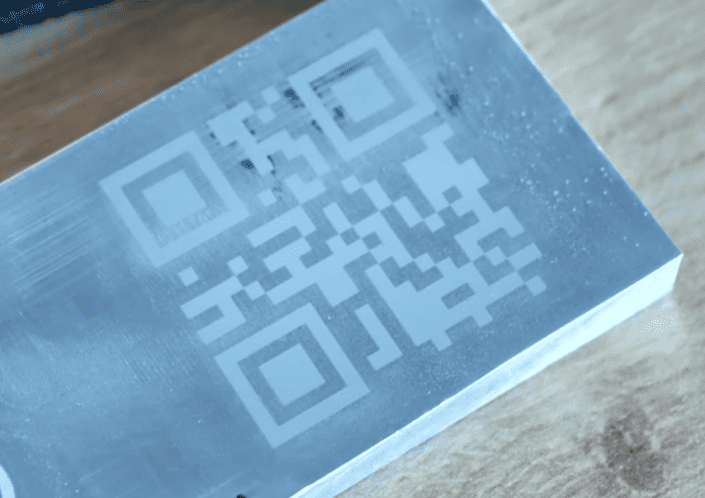
QR Code Engraving
Generating a QR code inside the software was easy. After increasing dwell time, contrast improved dramatically.
Verdict:
UV lasers don’t burn wood like CO₂ lasers, so engravings appear clean and precise. For darker contrast, slower speed or higher dwell time helps.
Material Test #2: Dried Leaves
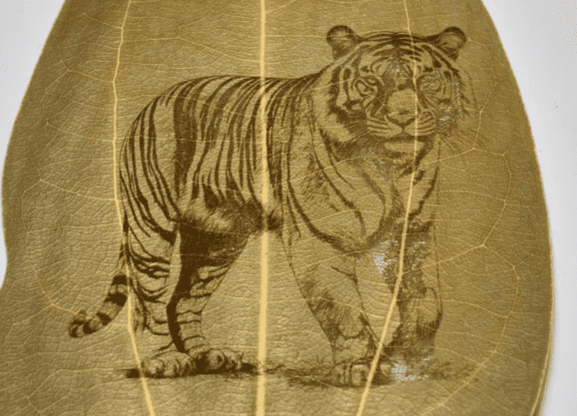
This was one of the most surprising results. Dried leaves are extremely fragile, and most lasers would burn them instantly. In contrast, the UV laser engraved the tiger pattern cleanly without damaging the leaf at all.
Running a second pass improved clarity even more.
As a result, this test clearly demonstrates the advantages of cold-marking technology.
Material Test #3: Metals
Aluminum
Initial results were faint because the aluminum had an oxidation layer.
After polishing it, engraving contrast improved dramatically—clean, bold, and crisp.
Copper PCB Plates
Using the built-in copper presets resulted in a sharp, high-detail engraving.
Stainless Steel
The channel logo engraved with excellent contrast and extremely fine detail.
Coated Aluminum Cards
These were the standout material.
The Omni X delivered flawless, high-contrast engravings, perfect for business cards.
Verdict:
UV lasers excel on coated aluminum, stainless steel, and polished metals. Raw aluminum may need surface prep.
Material Test #4: Glass — Surface Engraving and 3D Subsurface Engraving
Glass is one of the biggest reasons people choose a UV laser engraver.
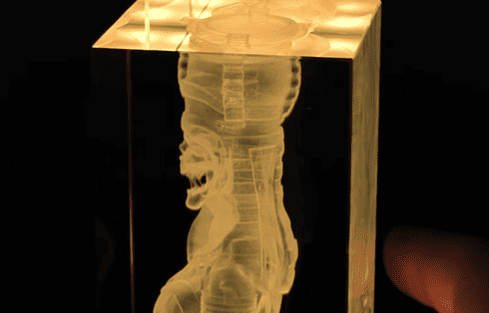
3D Crystal Cube Engraving
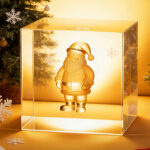
Using the built-in 3D relief tool, a 3D model was engraved inside the glass block.
The process took about 55 minutes, but the result was stunning—sharp internal detail and beautiful light refraction.
Roller Engraving on Drinking Glasses
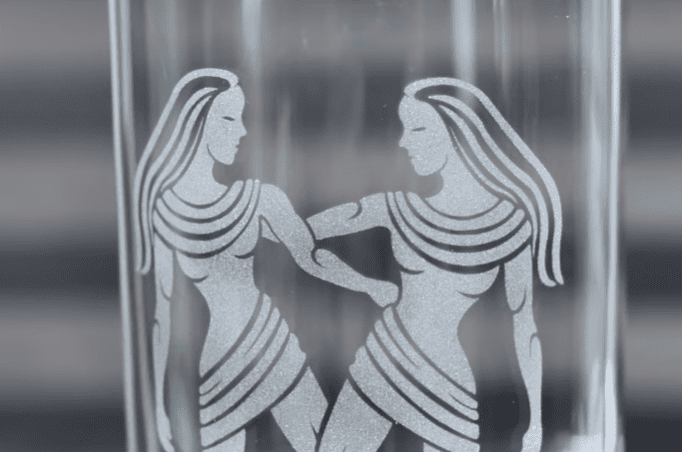
Switching to roller mode allowed engraving around glass cups.
Only one issue occurred: using the 70×70 mm lens limited the marking area. Once the design stayed within that field size, the results were perfect.
Verdict:
The Omni X is highly capable for both surface and internal 3D glass engraving—a major advantage over CO₂ or diode machines.
Material Test #5: Rotary Engraving with Chuck
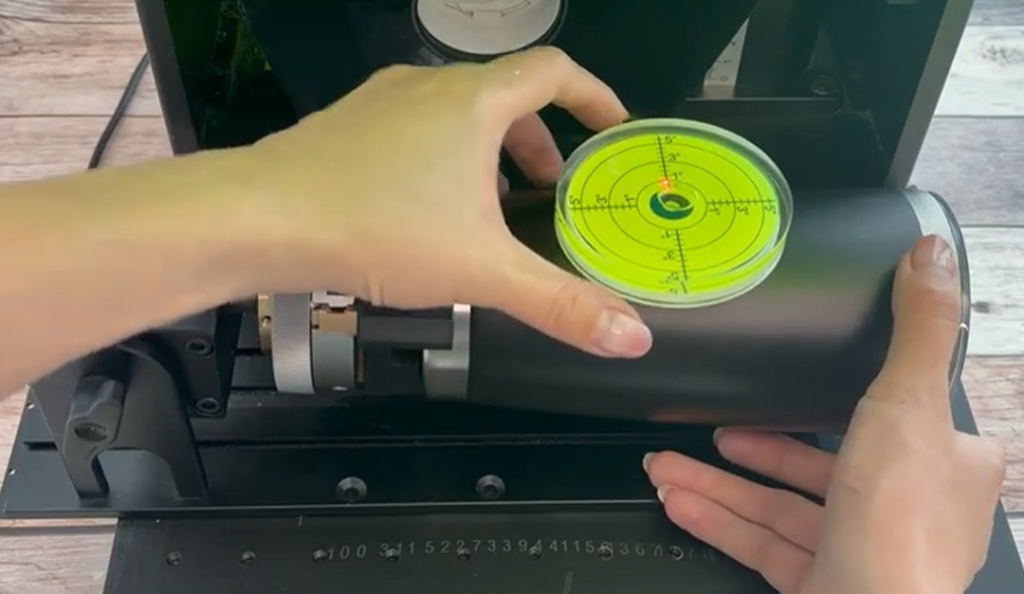
The chuck system was tested on a steel ring and wooden cylinder.
-
The ring engraving was crisp but misaligned due to user error (not centered and mirrored).
-
The wooden cylinder engraved well, though wood inconsistencies created tone variations.
Verdict:
Strong performance; precision depends on proper alignment.
Final Verdict: Is the Omni X Worth It?
Pros
✔ Exceptional engraving quality
✔ True cold marking with no burning
✔ Works across almost any material
✔ Software is modern and beginner-friendly
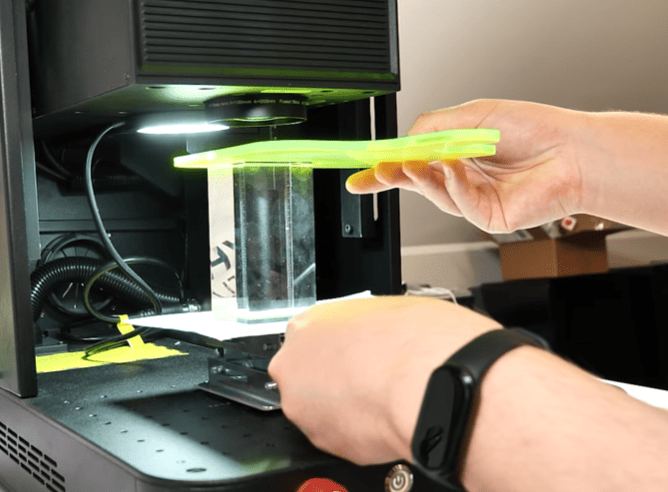
✔ Autofocus works flawlessly
✔ Superb for 3D crystal engraving
Cons
✖ Fans were loud (now fixed with a temp-controlled update)
✖ Machine is heavy
✖ Preview can be faint on some materials
✖ Roller preview alignment needs improvement
Should You Buy a UV Laser Engraver Like the ComMarker Omni X?
If your work requires:
-
ultra-fine detail
-
engraving on metals without prep
-
marking delicate materials
-
internal 3D glass engraving
-
no burning or melting
-
high-contrast results on plastics
Then a UV laser—especially the Omni X—is one of the most versatile engraving tools you can buy.
It outperforms diode, CO₂, and even fiber lasers in several specialized applications.