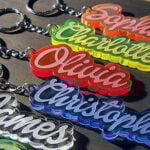
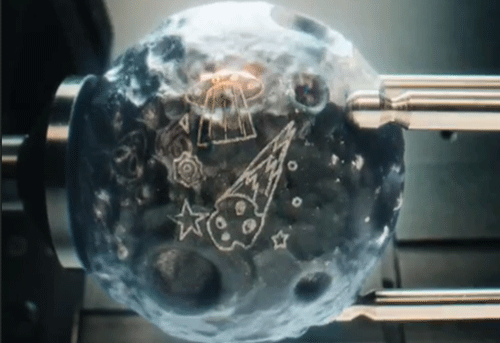
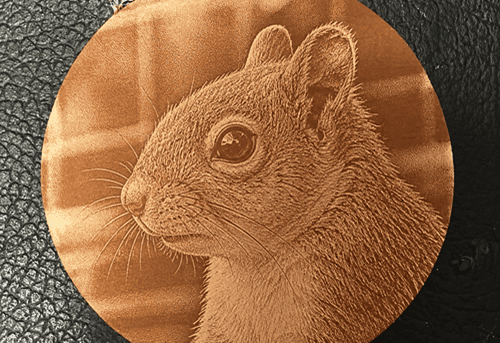
PLA is one of the most popular laser engraving 3D printed parts.
With the right laser engraver for 3d prints PLA and parameters, you can get sharp text as small as ~2 mm without melting or warping
This guide gives you real-world tested settings and advice for laser engraving plastic PLA.
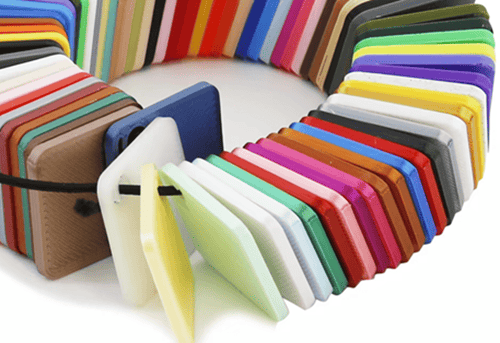
Can you laser engrave PLA?
Yes. PLA (Polylactic Acid) is one of the friendliest materials for laser engrave 3D print projects.
When engraving, be aware of its key features:
• Low melting point: ~150–180°C
• Carbrizes nicely: creates grey/white marks easily
• Less smoke than many engineering plastics
•Sensitive to overheating can warp, bubble, or curl with too much power
Best Laser Engravers for PLA Plastic
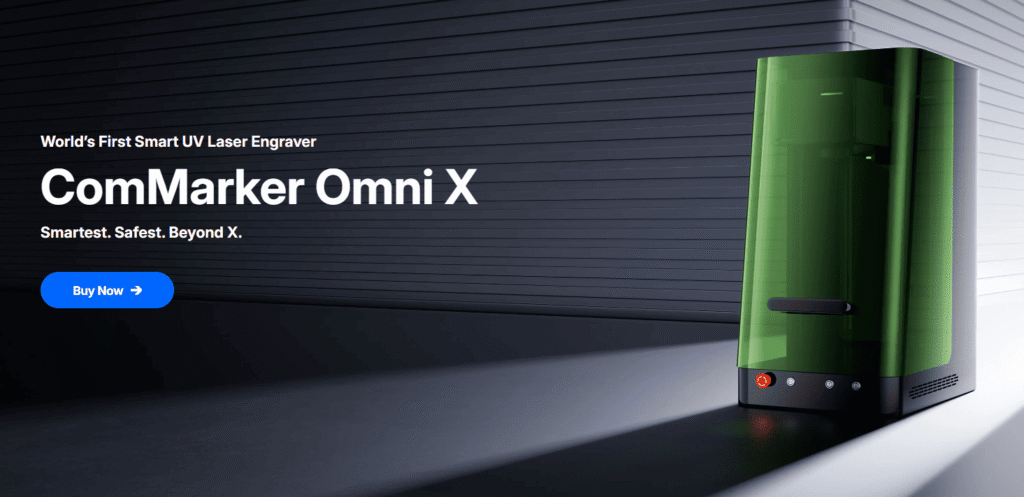
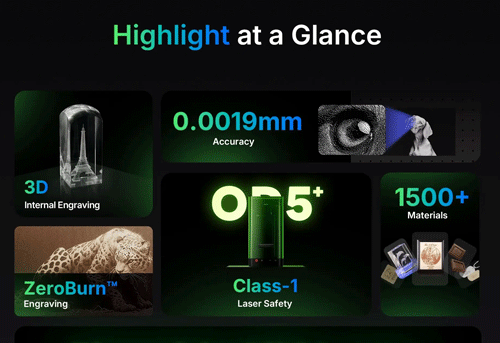
ComMarker Omni X UV Laser
(Best for Precision & Clean Results)
Why choose UV for PLA laser engraving:
•Cold processing: almost no melting or warping
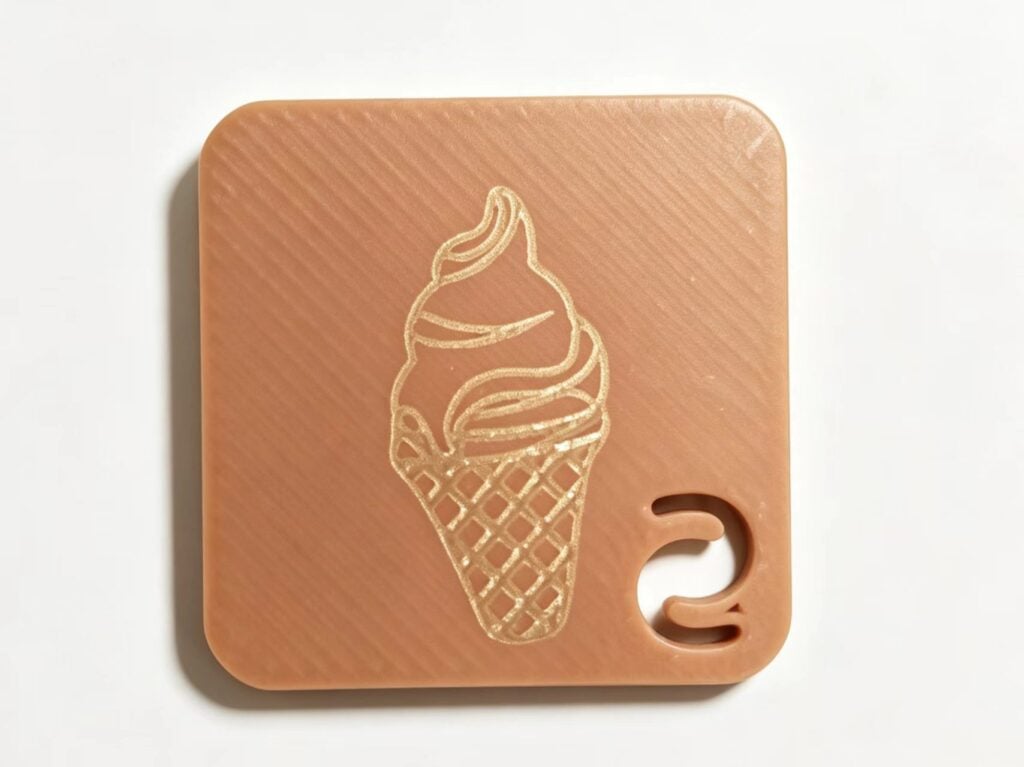
•16K HD Ultra-fine detail for small text, logos, QR codes
• Works on clear, white, color, and matte PLA
Best for:
High-quality branding, detailed art, heat-sensitive parts, professional finishes.
ComMarker B6 MOPA Fiber Laser
(Budget & Fast Option)
Why Fiber for PLA:
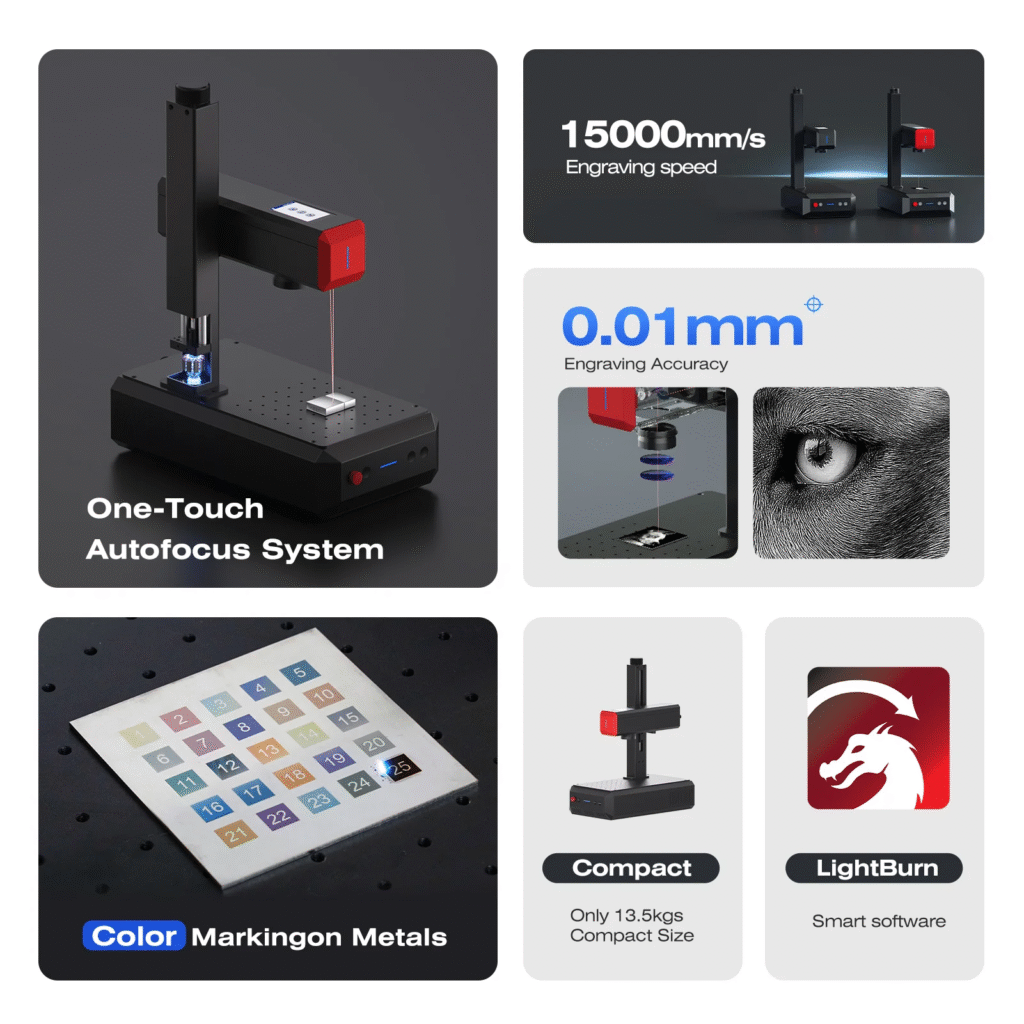
• 15,000 mm/s fast engraving
• Strong contrast on dark PLA
• Lower cost than UV systems
Limitations:
• Needs careful tuning to avoid surface melting
Best for:
Industrial marking, batch marking, dark PLA parts.
Less suitable laser type: CO₂ Laser
What happens:
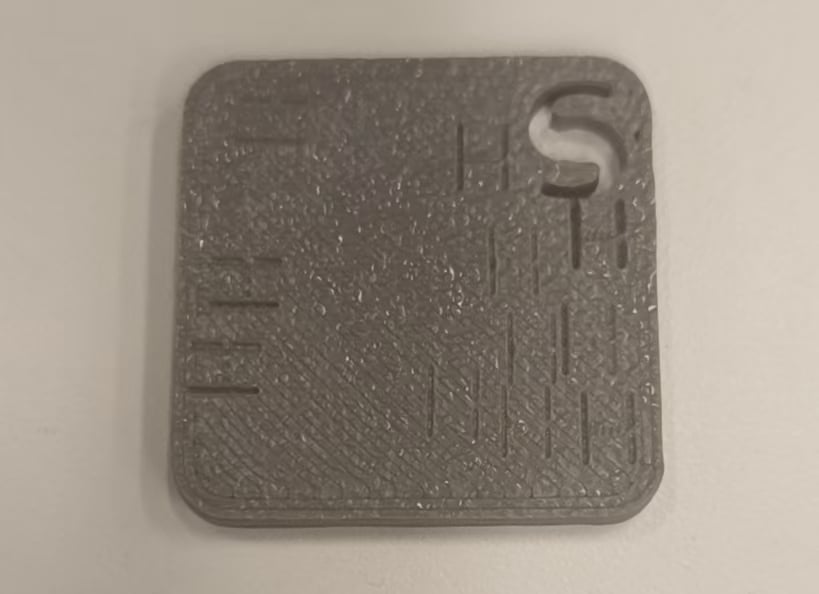
• Melts plastic instead of engraves
• Leaves a shallow groove with no real contrast
Recommended Settings Approach
ComMarker Omni X UV laser Engraver:
| Settings | Speed | Line Interval | Q-Pulse | Frequency | Image Mode |
| 6W UV Laser PLA engraving setting | 6000mm/s | 0.03 | 1 | 40 | Jarvis |
ComMarker Fiber laser engraver
| Laser Type | Material Color | Power | Freq | Speed | Pulse | Line Distance |
| 20w fiber | Black | 20% | 20kHz | 500mm/s | \ | 0.08 |
| 60w MOPA fiber laser | Black | 35% | 50kHz | 3400mm/s | 65 | 0.05 |
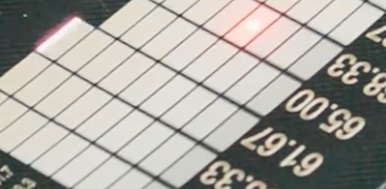
Tips for perfect PLA Laser Engraving
1. Always use high speed and low power
PLA has a low melting point. Success with PLA depends mostly on controlling heat and using the right laser type. Increase speed, reduce power, or increase frequency and pulse when you see melting.
2. Use darker PLA for better results
Black or dark filaments produce higher contrast and more readable results. Light-colored PLA is harder to mark clearly.
3. Every PLA is different
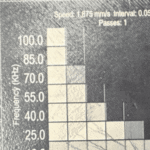
Settings can vary massively between brands and even colors of PLA. Running test grids is essential for dialing in good results.
4. Not all machines can do it
Some laser engravers will only melt PLA rather than mark it cleanly. If your results look messy, the limitation may be the machine, not your settings.
Final Thoughts
PLA is one of the easiest materials to start with for laser engraving. Success depends on using the right laser engraver and dialing in settings that minimize melting while maximizing contrast.
With the right setup and a bit of testing, you can achieve clean, sharp markings suitable for branding and detailed designs.