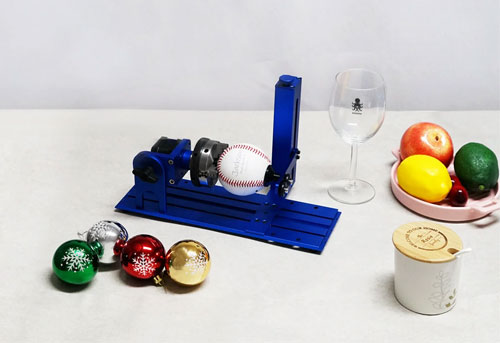
ABS plastics are everywhere. Its durability and versatility make it a popular material, but when it comes to laser engraving plastic, ABS can be tricky to work with.
Because ABS is heat-sensitive, improper laser settings or the wrong type of machine can easily cause melting, burn marks, or poor detail quality.
In this guide, you’ll learn how to successfully laser engrave ABS plastic, which is the best laser engraver for plastic, and how to achieve clean, professional results using UV, CO₂, and fiber lasers.

What is ABS Plastic?
ABS (Acrylonitrile Butadiene Styrene) is a common thermoplastic known for its strength, impact resistance, and affordability.
Key characteristics:
- High durability and toughness
- Good machinability
- Sensitive to heat
Common applications:
- Electronic enclosures (USB cases, laser engraving keyboards)
- Automotive parts
- Industrial labels and nameplates
- Nail plates laser engrave
Because ABS reacts quickly to heat, choosing the right laser technology is critical for achieving clean engraving results.
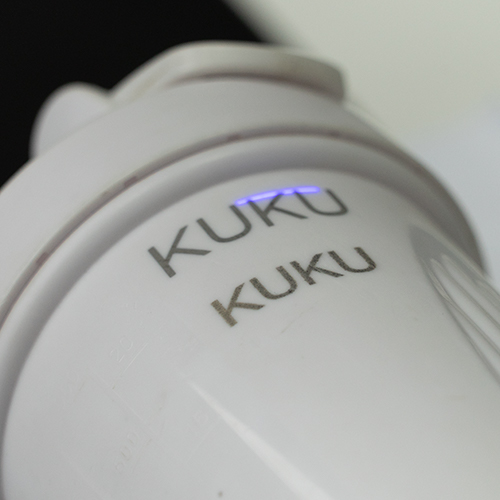
What Is the Best Laser Engraver for ABS Plastic?
If you are choosing an ABS plastic laser engraving machine, these are the most practical options.
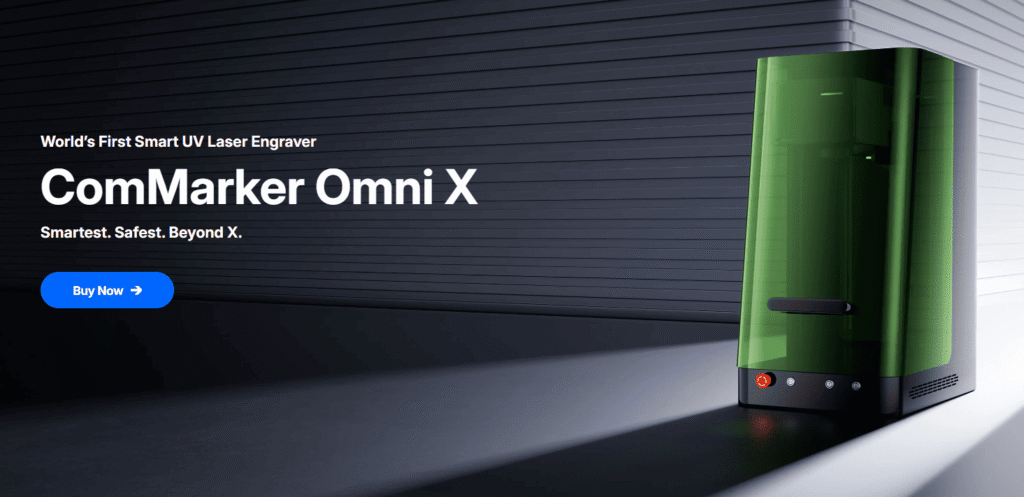
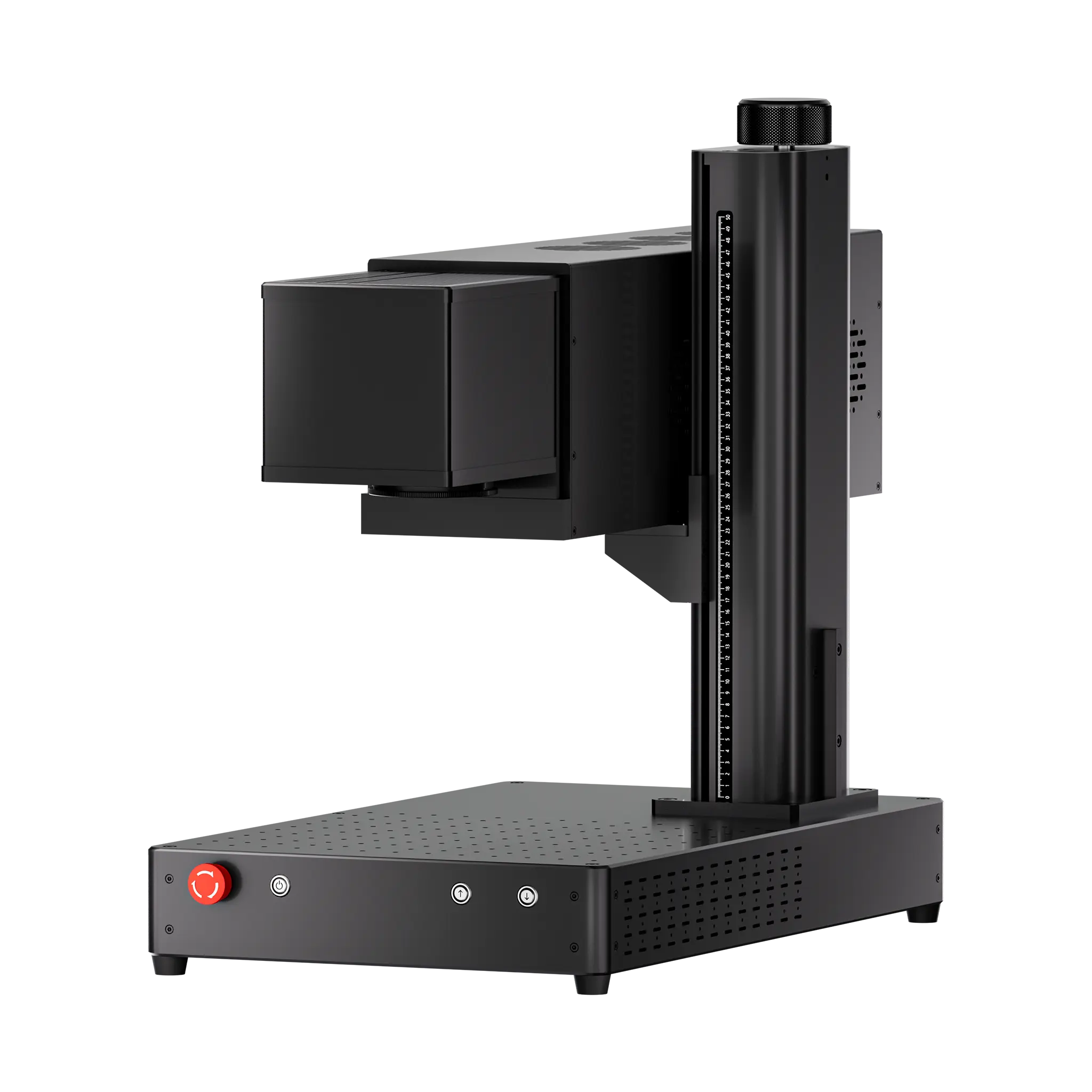
ComMarker Omni X UV Laser Engraver
Best for Precision & Clean Results
UV laser engravers use a cold processing method, meaning they generate minimal heat during engraving.
Why it works best:
- No burning or melting
- Extremely high precision
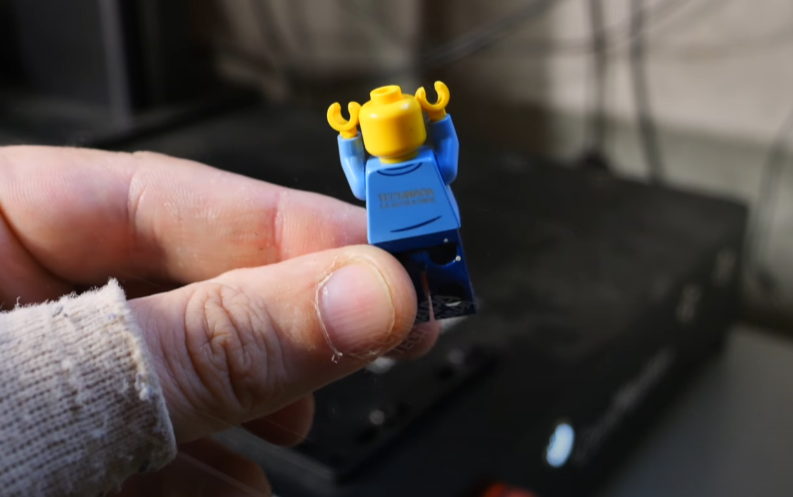
- Perfect for detailed logos and parts like laser enrgaving keyboards and lego pieces
The ComMarker Omni X UV Laser is an ideal solution for engraving ABS plastic, especially for small businesses and customization workflows. It delivers clean, high-contrast results without damaging the material.
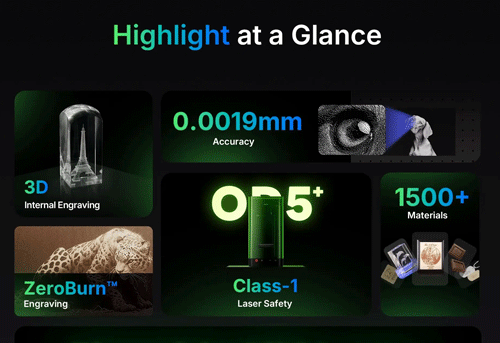
ComMarker Titan Fiber Laser Engraver
Best for Industrial Use but Parameter Sensitive
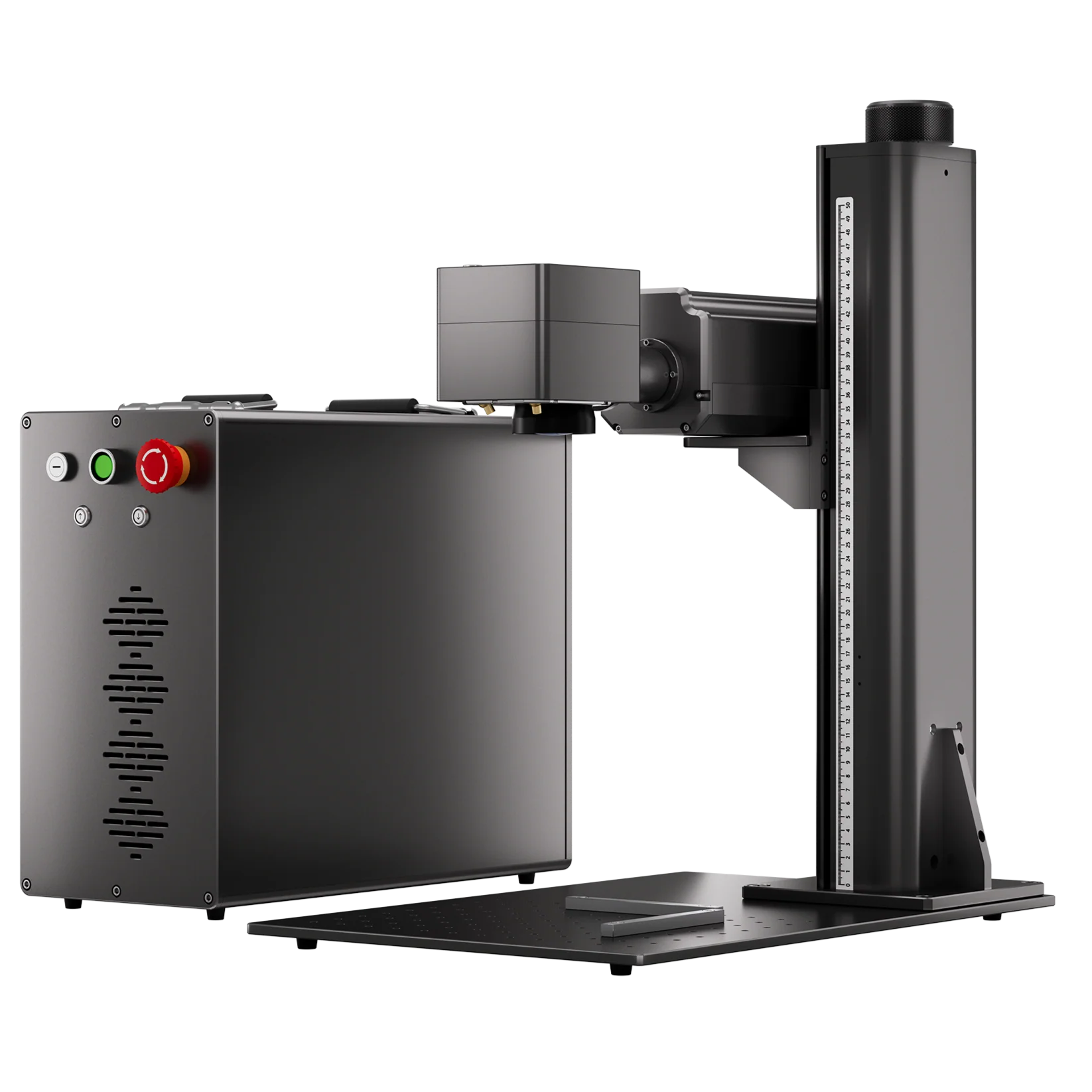
Fiber lasers are typically designed for metal engraving, but certain plastic like ABS can be marked under specific conditions.
They are frequently chosen for ABS laser engraving in factories for their low maintenance need, fast engraving speed, and long lifespan.
What to expect:
- Dark or white markings
- Results require precise setting adjustment
- Best for batch fast production. Commonly chosen as Best Laser Engraver for Ear Tags
The ComMarker Titan Fiber Laser, especially with MOPA technology, allows more control over pulse duration, making it possible to experiment with ABS in advanced workflows.
Recommended Laser Settings for Laser Engraving ABS Plastic Results
Here are general starting points (always test before production):
| Parameter | UV Laser | Fiber Laser |
| Power | Low | Low |
| Speed | High | High |
| Passes | 1–2 | Test required |
| Focus | Precise | Critical |
| Sample settings | 12W-250mm White ABS:
Passes: 1, Speed: 2000 mm/s, Frequency: 50, Pulse: 15, Line spacing: 0.03 6W-150mm White ABS: Passes: 1, Speed: 1000 mm/s, Frequency: 40, Pulse: 15, Line spacing: 0.03 |
60W-200 mm lens:
Power 15%, Speed 500 mm/s, Freq 30, Line Space 0.03 |
To achieve clean and professional ABS engraving:
- Use low power with higher speed to reduce heat buildup
- Set the focus about 0.8 mm below the engraving surface to improve the marking result. That’s about half a turn of the knob on ComMarker Fiber Laser Engravers.
- For modified ABS, slightly increasing power, reducing speed, and raising frequency
- Dark ABS absorbs laser energy more easily. That means lower power and multiple passes offer better result
- Apply masking tape to minimize surface burn
- Use proper ventilation or exhaust systems
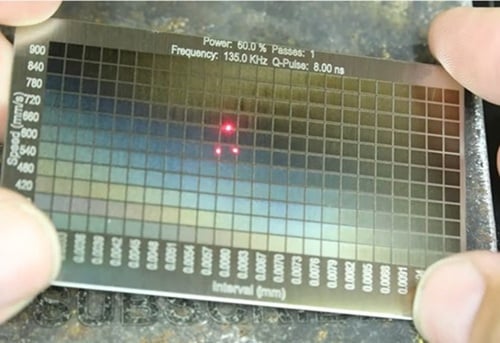
- Always run a test grid before production
FAQ
Is ABS safe for laser engraving?
It can release fumes, so proper ventilation is required.
Why does ABS melt during engraving?
Because it is heat-sensitive and reacts quickly to high temperatures.
What is the best laser for ABS plastic?
Choosing the right machine depends on your application:
- For precision engraving and clean results: Go with the ComMarker Omni UV Laser
- For industrial use or advanced materials: The ComMarker Titan Fiber Laser is your best choice
Can I use CO2 laser engraver for ABS plastic?
No. CO2 laser engraver creats groove instead of marks laser engraving ABS plastic.
Conclusion
Can you laser engrave ABS plastic? Yes. The best results come from matching the right laser type with the right material and settings.
For the best results, UV laser engravers stand out as the top choice thanks to their low heat impact and exceptional precision. Fiber laser engravers can still be useful, but they require more careful control and specific use cases.
If you’re looking to achieve clean, professional ABS laser engraving, choosing the right ComMarker laser system is the first step toward consistent, high-quality results.