Thinking about using a laser for plastic projects at home or in your shop? Whether you want to customize acrylic keychains, label plastic bins, or laser etch your logo on ABS or PET sheets, it’s completely possible with the right plastic laser engraver.
In this post, we’ll walk through:
- Which plastics are safe for laser engraving
- Common mistakes beginners make when engraving plastic (and how to fix them)
- Laser engraving plastic settings that deliver burn-free results
- The best laser engravers for clean, burn-free plastic marking
Let’s get into it.
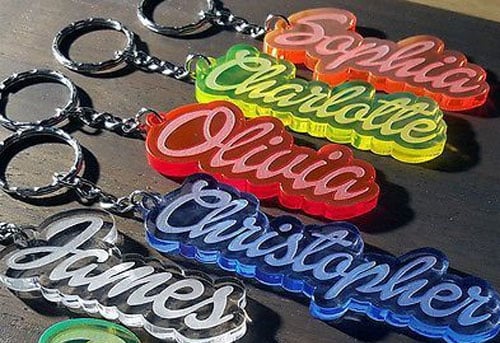
What Plastics Can You Engrave with a Laser?
Before anything else, not all plastics are laser-safe. Some plastic sheets will melt, burn, and others (like PVC) can release toxic gas that damages your laser and harm your lungs.
Safe plastics for laser engraving:
- Acrylic (PMMA) – Great for engraving plastic signs, keychains, tags
- PET / PETG – Used in plastic packaging, cards, display cases
- ABS – Good for prototypes, labels and custom parts like laser engraving keyboards
- Polycarbonate – Works, but may discolor (test first)
Plastics to avoid for laser engraving:
- PVC / Vinyl – Releases chlorine gas when lasered
- Polystyrene – Melts and smells terrible
- HDPE / LDPE – May warp or give uneven burns
Pro Tip: Always check for “laser-safe” labels when buying plastic sheets.
Learn more about which plastics work best with different laser wavelengths: Can You Laser Engrave Plastic?
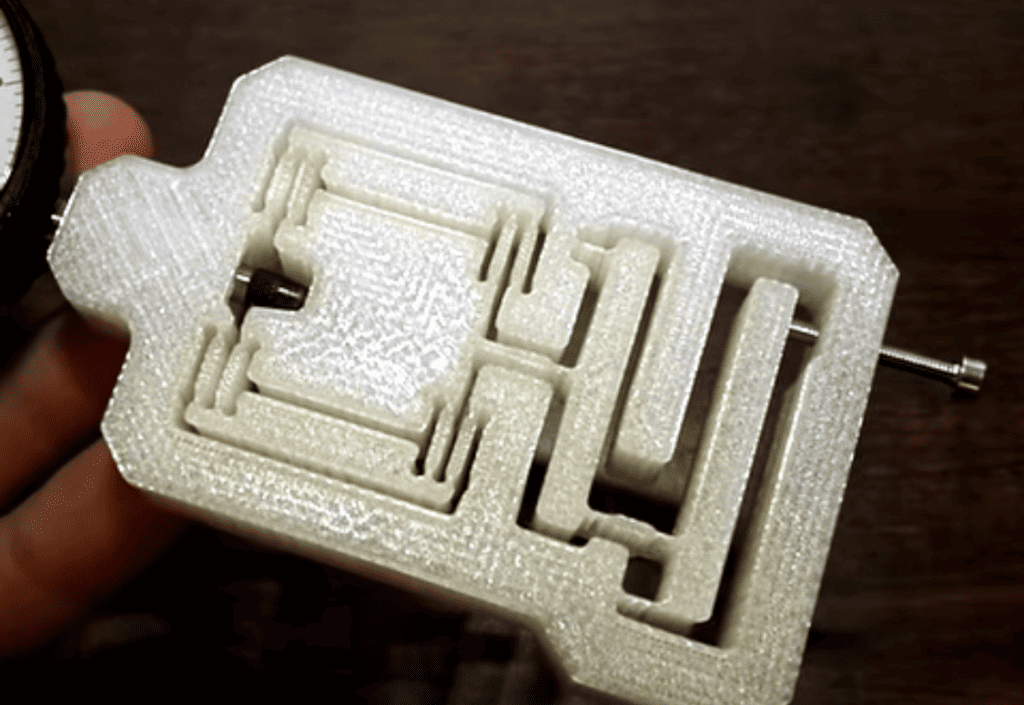
My First Plastic Engraving Looked Burnt. Why?
If your plastic laser engraving comes out with black edges or melted spots, here’s what might be happening:
| Problem | What’s Going Wrong |
|---|---|
| Plastic melts or curls | Power too high or speed too slow |
| Burn marks / soot | Diode laser not ideal for clear plastic |
| Fumes or smell | Material is not laser-safe (likely PVC) |
| Edges look rough | Dirty lens, poor focus, or wrong speed |
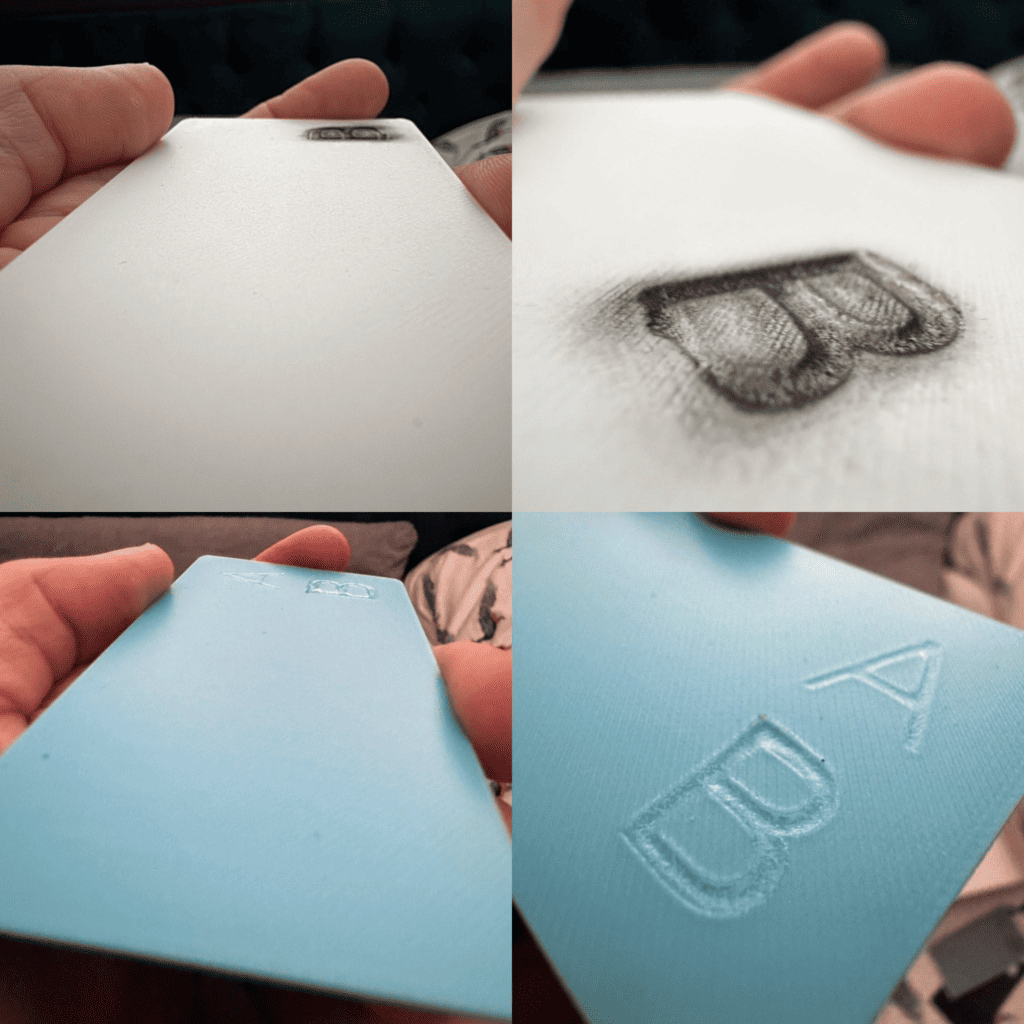
Top Laser Engravers for Plastic Projects
If your goal is engraving plastic cleanly and safely, here are three top laser engravers for plastic I’ve used:
The best laser engraver for plastic depends on three things: the plastic material; the level of detail you need; your budget and production volume
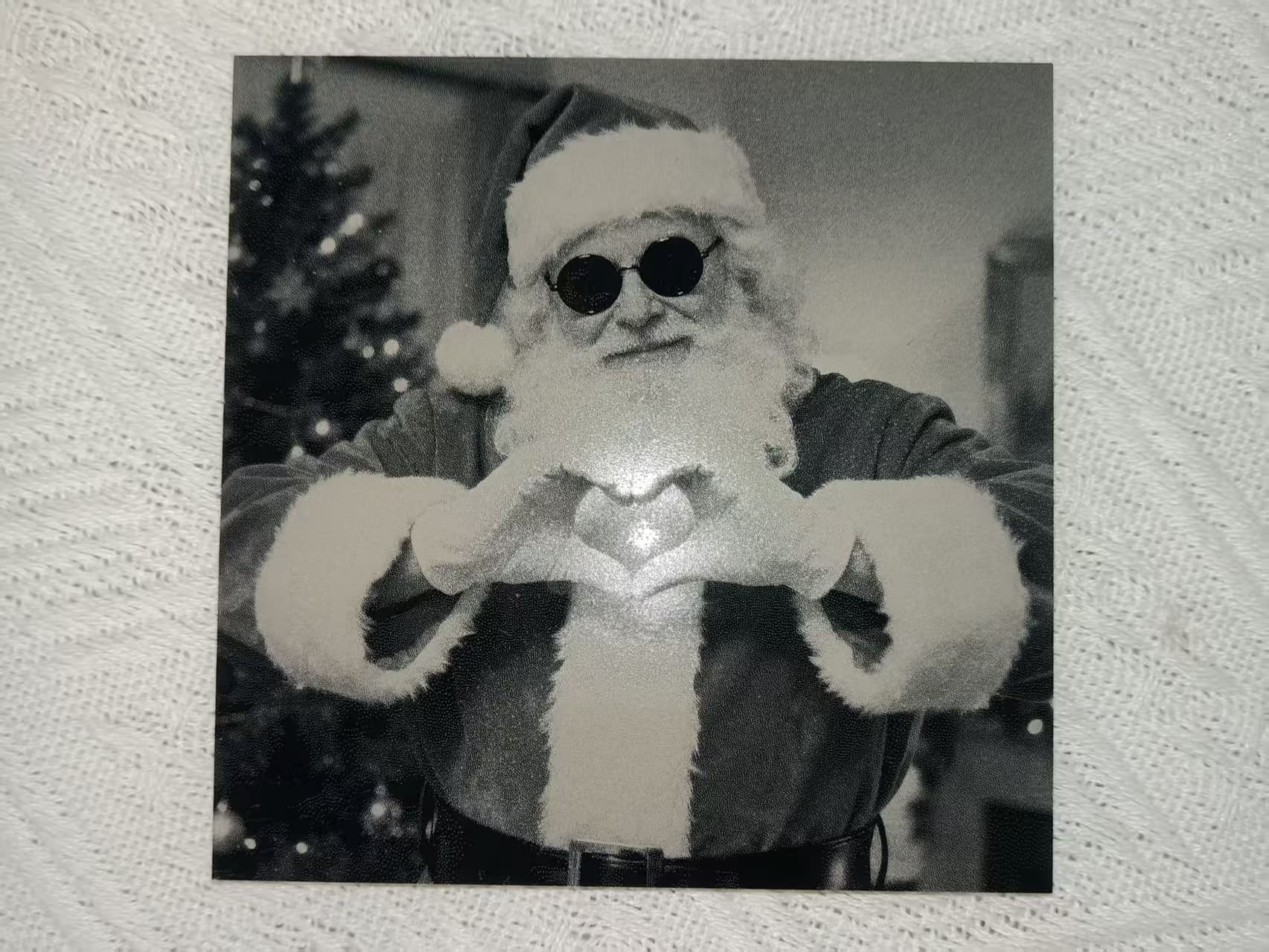
Best overall: UV laser for clean plastic engraving
|
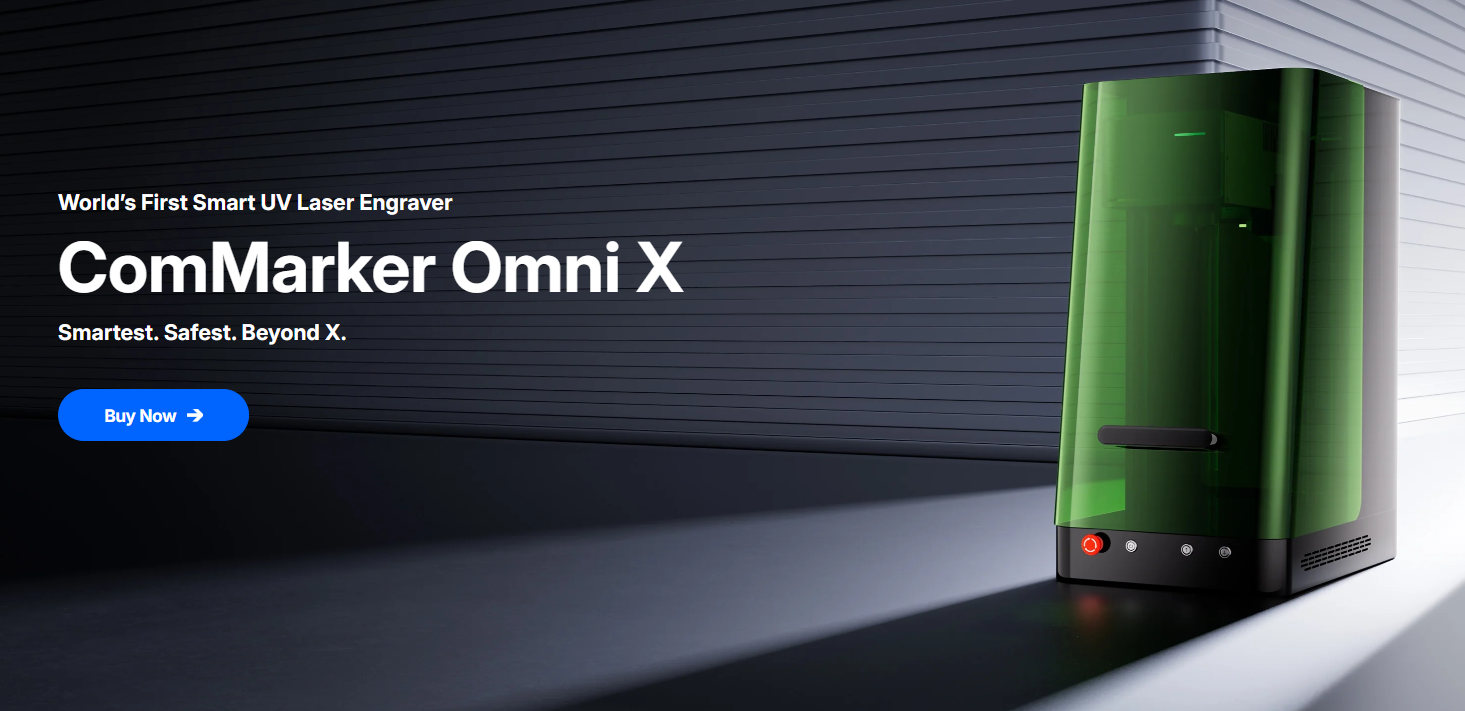
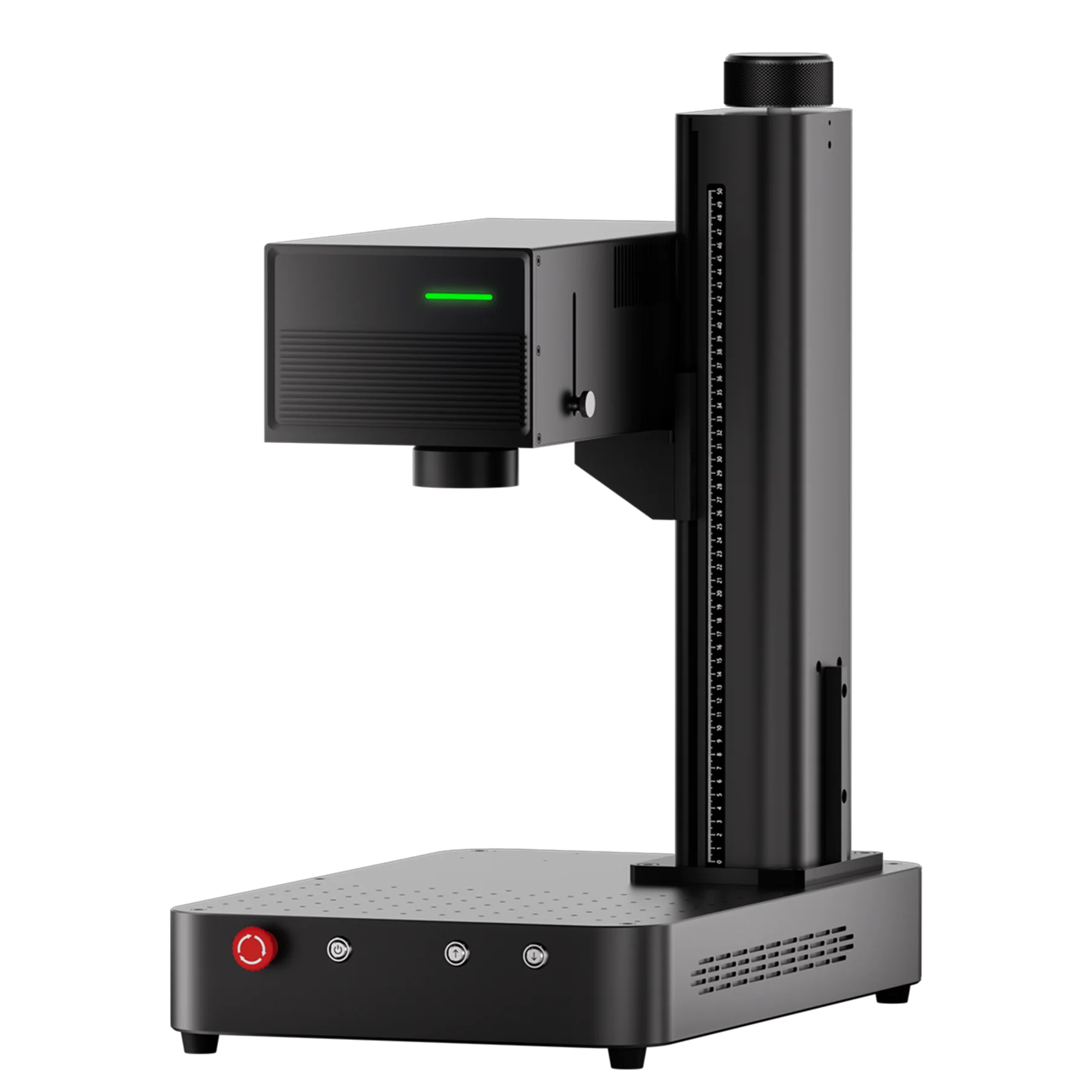
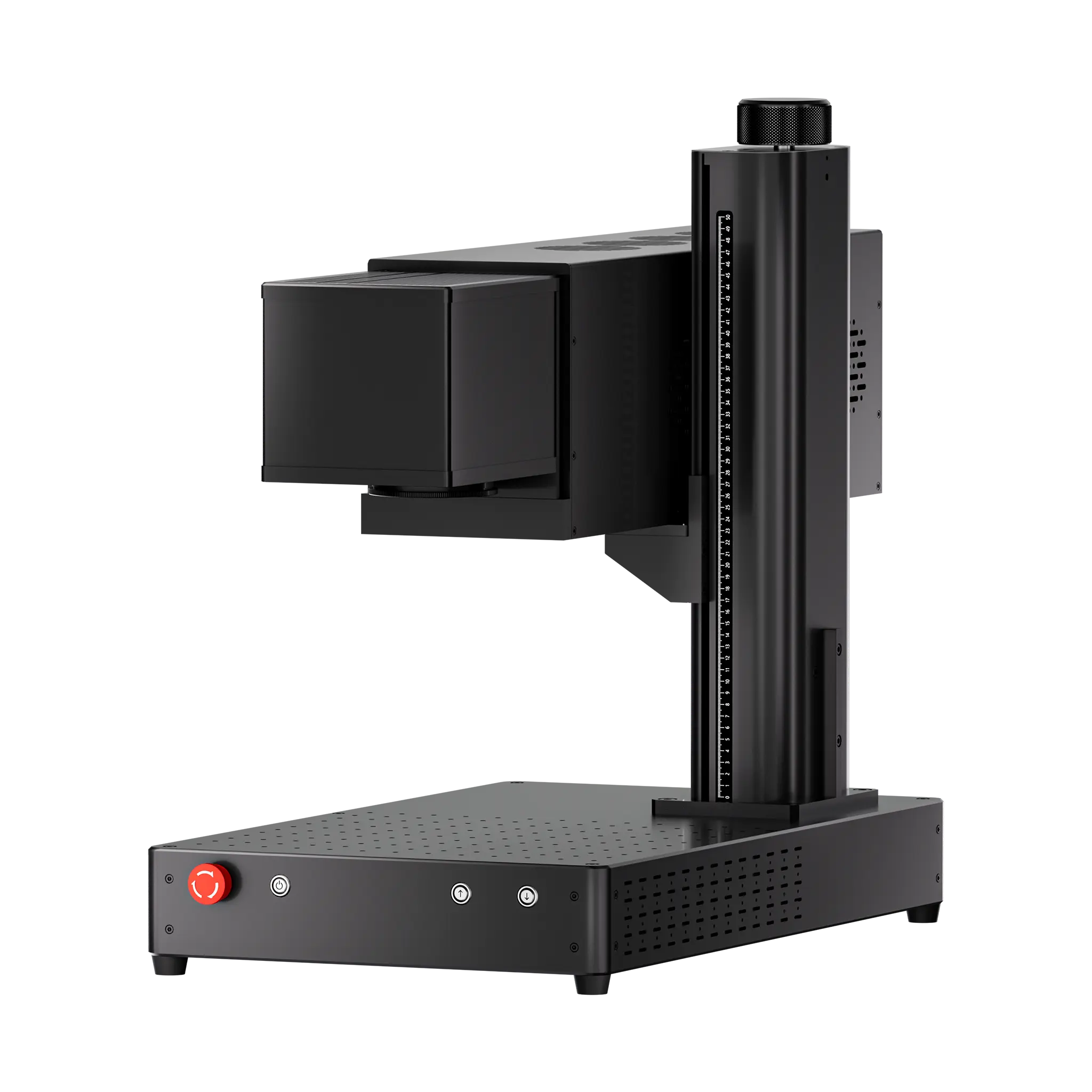
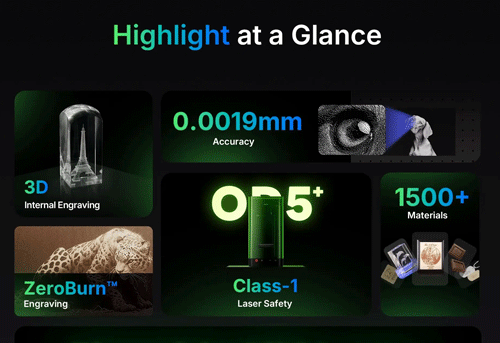
ComMarker Omni X UV Laser Engraver If you want reliable results across a wide range of plastics, a UV laser is the strongest choice. Why it works • cold laser processing helps reduce melting and deformation Best for • gift and customization businesses
|
 |
Best budget option: CO₂ laser for acrylic and general non-metal work
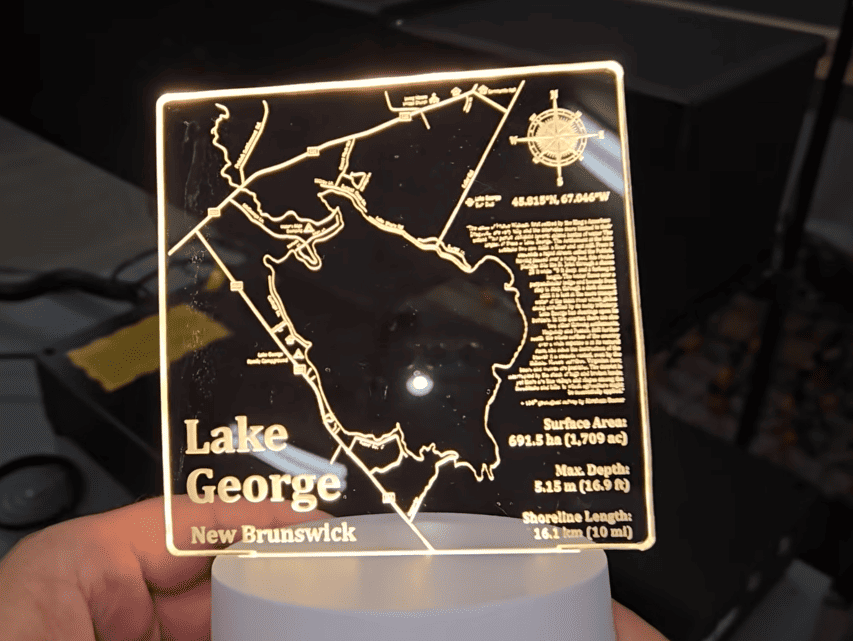
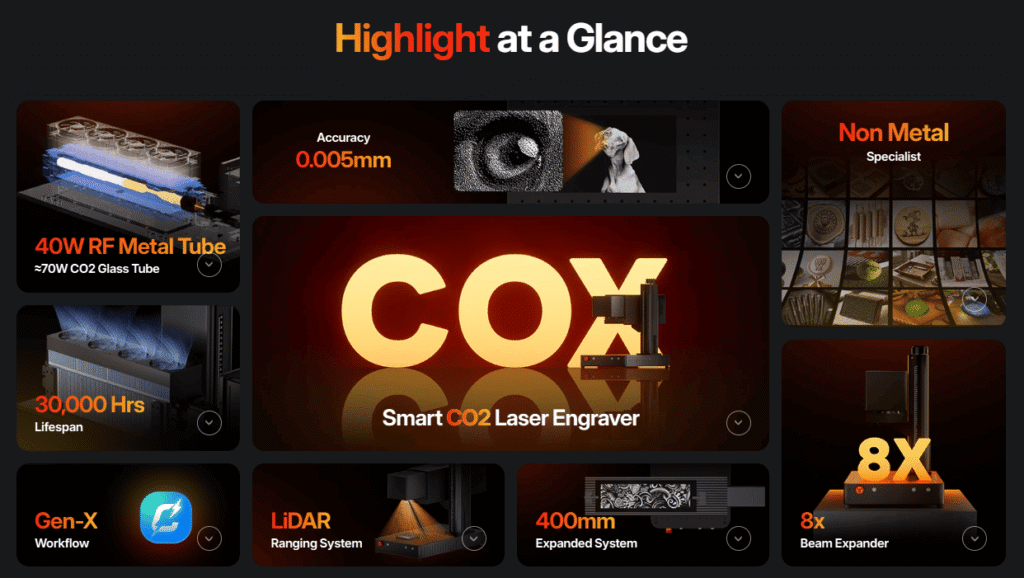
ComMarker COX Laser Engraving MachineCO₂ lasers are a cost-effective option for acrylic and other non-metal materials. They are a practical choice if your main focus is acrylic engraving. Why it works • strong absorption on acrylic Limitations • stronger heat can melt PET, PETG, and PLA more easily
|
 |
Best for industrial marking: Fiber laser for production use
|
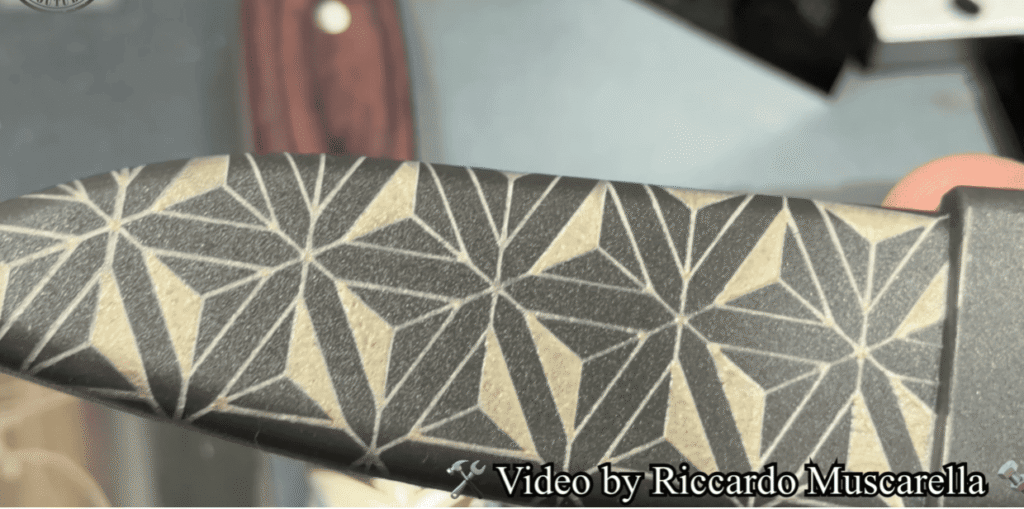
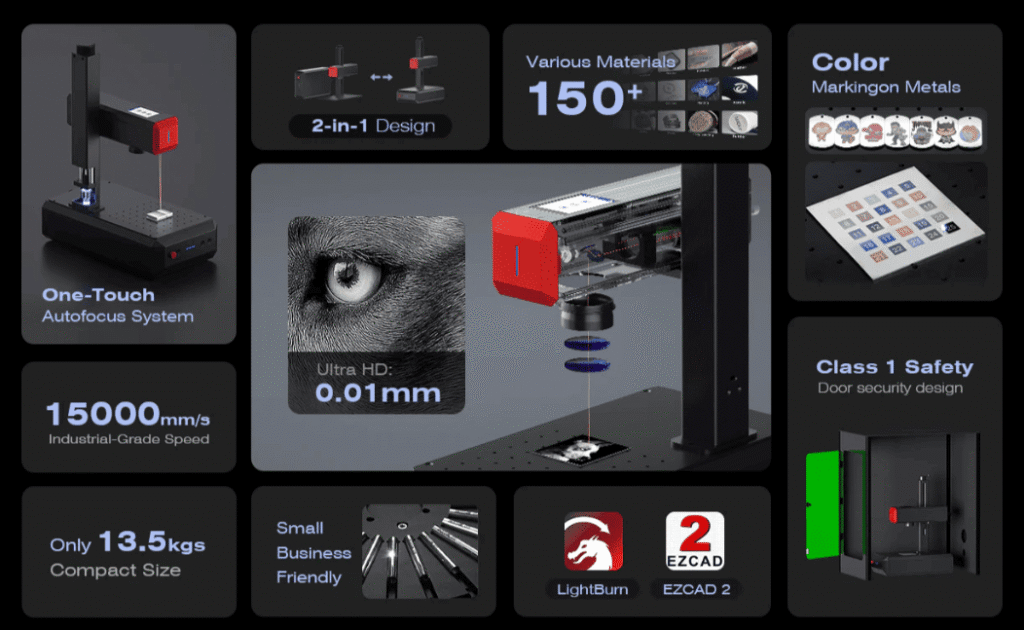
ComMarker B6 MOPA Fiber Laser Engraver Fiber lasers are widely used for metal engraving. They are also strong for fast, repeatable work on plastic parts and dark surfaces. Why it works • 15000mm/s high marking speed Best for • industrial labels
|
 |
Note: UV laser engravers can’t cut transparent acrylic, and Co2 laser engravers are more suitable for cutting bath acrylic pieces.
What laser engraver for plastic should you choose and why?
Both fiber laser engraver and UV laser engraver can mark plastic with great results.
For laser marking large batch of plastic parts, fiber laser engravers are recommend with their budget friendly price and durable life span.
For laser etching plastic with great details and zero burn, UV laser engraver like the ComMarker OMNI 1, is the best choice. UV beams don’t burn plastic. They break the surface photochemically. That means no melting, and no discoloration and clean lines.
For laser cutting, UV laser engravers can cut nontransparent plastic with zeroburn, for trasnparent acrylic cutting, Co2 laser engraver is the way to go.
Common Questions About Plastic Laser Engraving
Q: Why does my diode laser not engrave plastic well?
Diode lasers (blue light) often pass through clear materials like acrylic without engraving. Try painting the surface black or upgrading to a UV laser.
Q: Do I need air assist for plastic?
Not usually. It can blow fumes and melt residue around. If needed, use it gently.
Q: How do I avoid ghosting or double images?
Make sure your material is taped down or secured with a jig — even a small shift will blur the design.
Q: Is plastic engraving dangerous?
Only if you use unsafe materials (like PVC) or engrave in a non-ventilated area. Always use a fume extractor or exhaust system.
Laser Engraving Plastic Is Easier Than You Think
With the right plastic laser engraver and safe materials, engraving plastic is one of the most rewarding DIY applications. Whether you’re making gifts, customizing parts, or launching an Etsy side hustle, a laser engraver for plastic can deliver sharp, professional results.
If you’re just starting out, the ComMarker OMNI X UV is hands-down the best choice for precision, ease of use, and safety with plastic materials.
👉 Explore the OMNI X now and get ready to engrave cleaner, sharper plastic projects: