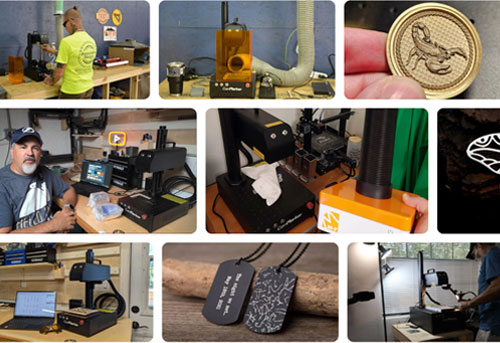
Are you looking for a laser engraving machine for plastic? Or hoping to mark plastic for your business? Laser engraving plastic can deliver clean professional finish. But the result depends on the plastic you choose and the laser engraver for plastic you use.
In this guide, we will explain which plastics can be laser engraved, how different laser types interact with plastic materials, and what settings can help achieve clean engraving results.
Quick answer: Can you laser engrave plastic?
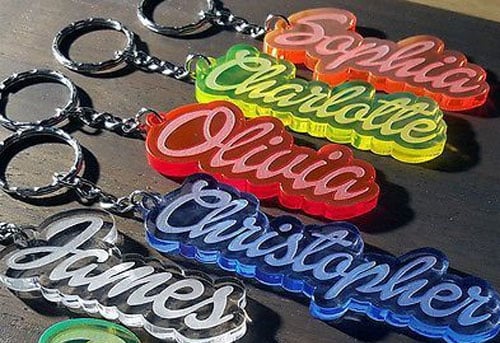
Yes, but the success depends on matching the right plastic with the right laser type. Lasers mark plastics through three main processes: Carbonizing the surface for dark contrasts, Foaming it for lighter marks [19], or Ablation to remove material [20]. However, not all plastics behave the same. While some produce clean, high-contrast marks, others may melt or release toxic fumes. In some advanced applications, laser-reactive additives are mixed into the plastic to produce a precise color change without damaging the surface [19]. Ultimately, while a CO2 laser is perfect for marking Acrylic, a UV is often a far better choice for high-contrast marking on PETG, ABS, or PET
What plastic can you laser engrave?
If you are choosing material for laser engraving plastic, these are the most common options.
Acrylic (PMMA)
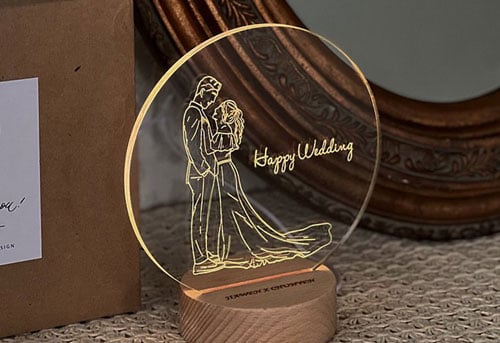
Acrylic is one of the easiest plastics to engrave and usually gives the cleanest, most consistent results. If you want a full breakdown, read our Acrylic laser engraving guide. [1][2][3][4] 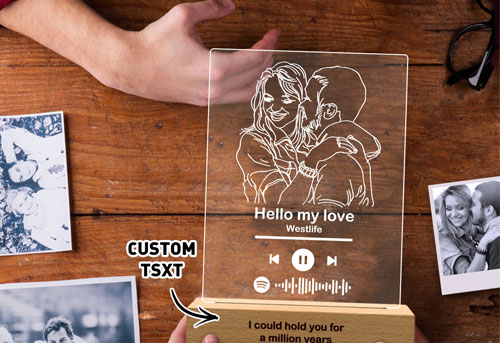
ABS
ABS can produce strong contrast and readable marks, but it needs careful heat control and good ventilation. For settings and practical tips, see laser engrave ABS plastic. [5][6][7] 
PETG
PETG can be marked successfully, especially with the right laser and settings, but it is more heat-sensitive than acrylic. Learn more in our PETG laser engraving guide. [8][9] 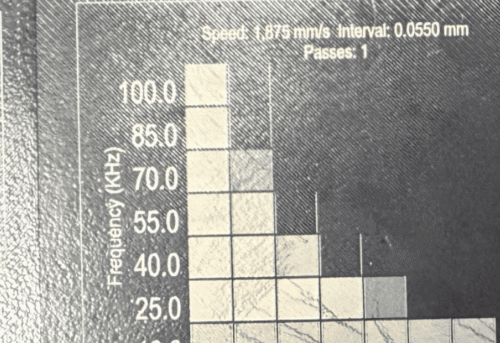
PLA
PLA is common in 3D printing and its more temperature sensitive then PETG. For more details, see laser engrave PLA. [10][11] 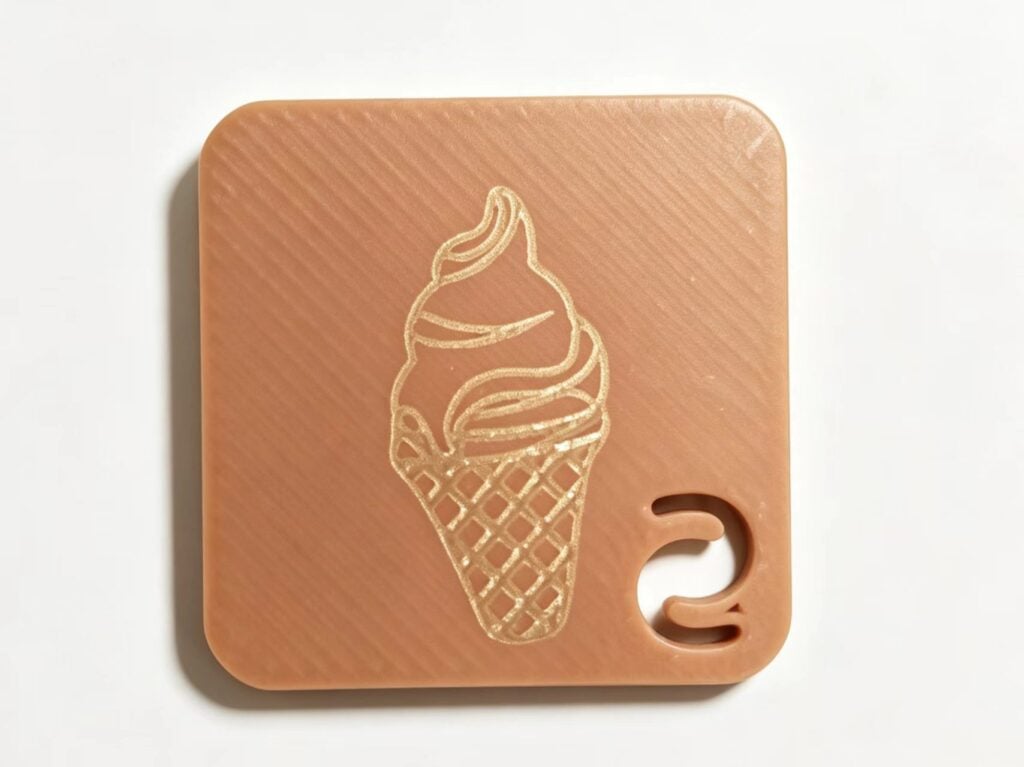
PET
PET is widely used in packaging and is also commonly laser marked for labels and product identification. However, the results depend heavily on the laser type and process control. Read the full guide in PET laser marking. [12][13][14][15][16] 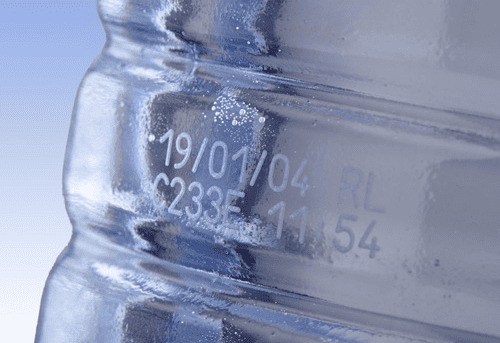
Other plastics that can be laser marked
Beyond the materials above, plastics such as Delrin (POM), Mylar, polyimide, polyester, and polyurethane can also be laser marked. However, their behavior varies widely depending on additives, color, and laser wavelength, so testing is always required before production.
Plastics you should avoid
Some plastics should not be laser engraved at all. Such as PVC and vinyl. These materials can produce chlorine and other toxic byproducts during laser processing, which is dangerous for both the operator and the machine [17][18]. If the plastic is unlabeled, unknown, or missing a material safety sheet, do not assume it is safe. Check the material information first before running it through a laser.
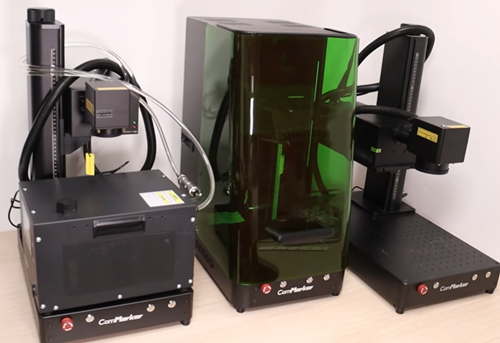
What is the best laser engraver for plastic? UV vs Fiber vs CO₂
| Machine | Best for | Plastic compatibility | Main advantage |
| Omni X UV | High-detail plastic marking | Wide range of plastics | Lowest heat, cleanest result |
| B6 MOPA Fiber | Industrial marking | Dark plastics, batch work | Fast and stable |
| CO₂ Laser | Acrylic and non-metal materials | Acrylic, some plastics | Budget-friendly |
For more practical tips, see our guide on best laser engraver for plastic engraving.
Laser Engraving Plastic Settings for 5W UV laser engravers
Here are some baseline settings with a 5w UV laser engraver for different plastics:
| Material | Speed (mm/s) | Power (%) | Frequency (kHz) | Notes |
|---|---|---|---|---|
| Acrylic | 500 | 30 | 30 | Use masking tape for crisp lines |
| PETG | 600 | 20 | 40 | No assist air needed |
| ABS | 300 | 25 | 35 | Go lighter to avoid burn tint |
| Polycarbonate | 200 | 20 | 20 | May need multiple passes |
Tip: Always test your settings on a scrap piece before starting a full project.
Settings for ComMarker Omni X 12W UV Laser engraving acrylic(250mm lens):
| Material | Passes | Speed/dwell time | Freq | Q-pulse | Line Distance | Note | |
| Black Acrylic Engraving | 1 | 1500 | 60 | 10 | 0.03 | ||
| Black Acrylic Photos | 1 | 400us | 40 | 15 | DPI:350 | nagetive image | |
| Black Acrylic Cutting(3mm) | 25 | 10 | 50 | 1 | 0.03 | Mind the heat | |
| Acrylic | Transparent Acrylic Engraving | 1 | 1500 | 40 | 5 | 0.1 | |
| Transparent Acrylic Photos | 1 | 300us | 50 | 1 | DPI:400 | ||
| Colorful Acrylic Engraving | 1 | 1500 | 50 | 1 | 0.03 | ||
| Colorful Acrylic Photos | 1 | 200us | 50 | 15 | DPI:600 | nagetive image | |
| Colorful Acrylic Cutting(3mm) | 85 | 60 | 60 | 1 | 0.03 | ||
| PC/ABS | 1 | 2000 | 50 | 15 | 0.03 | ||
| PC Plstic Cutting (0.5) | 10 | 100 | 40 | 1 | 0.03 | ||
| Plastic/Silcone | TPU | 1 | 2000 | 50 | 10 | 0.05 | |
| PET/PI(PET Film) | 1 | 1200 | 40 | 1 | 0.03 | ||
| PVC | 1 | 1200 | 40 | 1 | 0.03 |
How to laser engrave plastic
1. Choose the right plastic Start with laser-safe materials such as acrylic, PLA, or PETG.
2. Select the right laser type Use a UV laser for precision and low heat, a fiber laser for industrial marking, and a CO₂ laser mainly for acrylic.
3. Secure the material Make sure the plastic is flat, stable, and fixed in place so it does not move during processing.
4. Prepare the machine Turn on the machine, confirm that ventilation is working, and focus the laser correctly on the material.
5. Import the design and set your parameters Load your file into the software and start with low power and higher speed. Then adjust based on the material and the result.
6. Run the engraving Start the job and watch the first pass carefully, especially when testing a new plastic.、
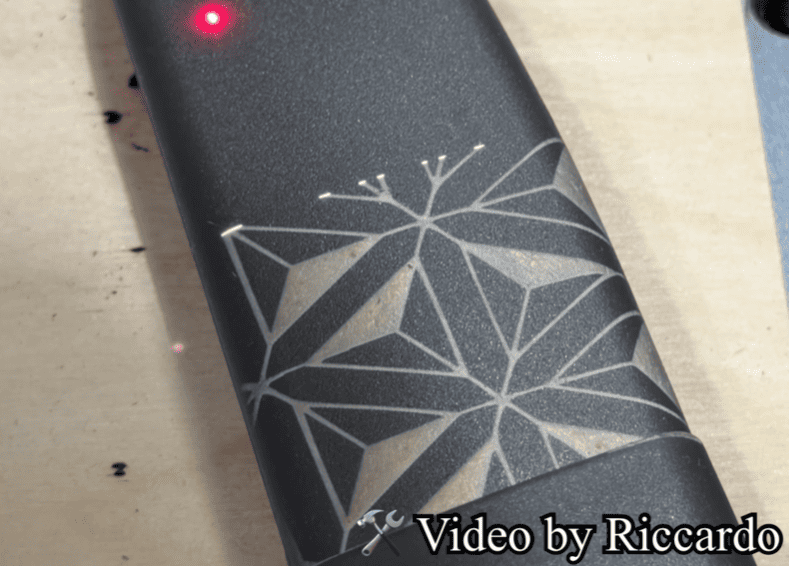
Safety guide for laser engraving plastic
1. Verify the material before engraving Never engrave PVC or vinyl. If the plastic is unfamiliar, check the material safety sheet first.
2. Use proper exhaust or filtration Plastic engraving should never be done without effective ventilation.
3. Do not leave the machine unattended If the settings are too strong or the material behaves unexpectedly, plastic can melt or burn quickly.
4. Wear eye protection or keep the enclosure closed Use proper laser safety glasses with open machines, or keep the enclosure closed during engraving to protect your eyes from laser exposure.
Tips for DIY Plastic Engraving
✅ Most importantly – use Fume Extractor to maintain good ventilation.
✅ Secure your workpiece – especially on round or small pieces
✅ Use UV for clean plastics – no melting, no smell
✅ Clean your lens weekly – plastic vapor builds up fast
✅ Don’t guess your settings – run a material test grid first
✅Add color to your design – achieve photo-like results
Final thoughts
Laser engraving plastic is all about heat control, material selection, and choosing the right laser system. If you want clean, consistent results, pick a UV laser engraver. This will save you time, reduce failed tests, and make your workflow much more predictable. Fine-tuning your settings is key to getting the best engraving quality, and proper ventilation is essential to keep the process safe. Choosing the right setup from the start will make a noticeable difference in both result quality and overall efficiency. 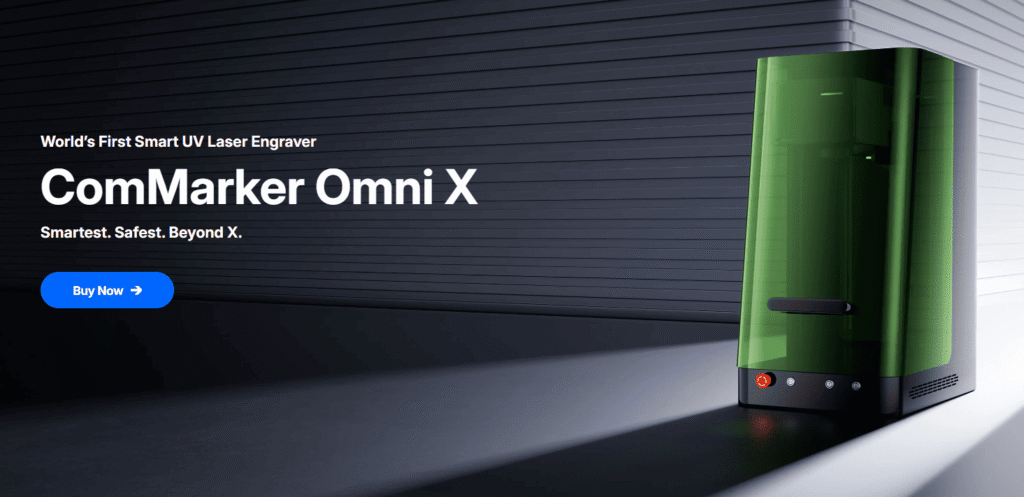
References
- Britannica – Polymethyl methacrylate (PMMA)
- Dudala et al. (2020) – CO₂ laser ablation of PMMA
- Hernandez et al. (2017) – Laser micro-machining study
- Bui (2026) – Laser engraving on acrylic
- Huang et al. (2026) – ABS degradation mechanism
- Forjan et al. (2026) – Laser-engraved polymer channels
- NIST (1985) – ABS pyrolysis & toxicity
- Mercado-Colmenero et al. (2020) – PETG mechanical properties
- Romeijn et al. (2022) – PETG additive manufacturing
- Pang et al. (2010) – PLA research & development
- Wu et al. (2021) – PLA fabrication optimization
- Augustyn et al. (2023) – Laser ablation of thermoplastics
- Xu et al. (2021) – UV laser processing of PET
- Wu et al. (2021) – PET laser cutting
- Nielsen (1983) – Laser processing of polymers
- Dadsetan et al. (1999) – CO₂ laser effects on PET
- Sinclair (2019) – Laser cutter safety guide
- Vassie et al. (1995) – PVC laser fumes study
- Zhong et al. (2015) – Laser-marking mechanism of TPU/Bi2O3 composites
- Ravi-Kumar et al. (2019) – Laser ablation of polymers: mechanism and applications