PETG is often common for people who want to laser engrave 3d print parts.
While PETG can be laser engraved, professional results require understanding both the material and the laser system.
This guide breaks down what actually works in real-world testing.
What is PETG? Is PETG laser engravable?
PETG (Polyethylene Terephthalate Glycol) is widely used in 3D printing and industrial applications. It offers good impact resistance and clarity.
Unlike acrylic laser engraving, PETG doesn’t vaporize cleanly. It softens from 80°C, leading to inconsistent results when engraving.
Because of this, successful PETG engraving depends on choosing the right laser type and carefully tuning settings.
Best Laser Engraver for plastic PETG
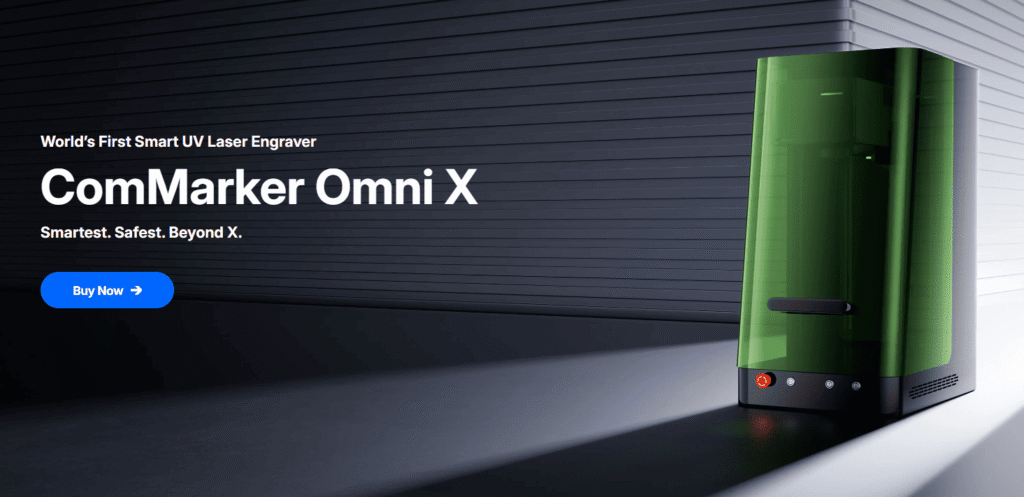
ComMarker Omni X UV Laser
(Best for Precision & Clean Results)
Why choose UV:
• No melting with cold burning process
• 16K HD high precision: great for small text, logos, fine details
• Works on clear, light, and dark PETG, and on a wide range of plastics
Best for:
Detailed engraving, high-quality logos, and heat-sensitive parts
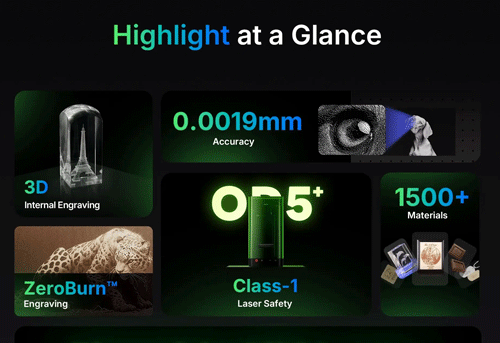
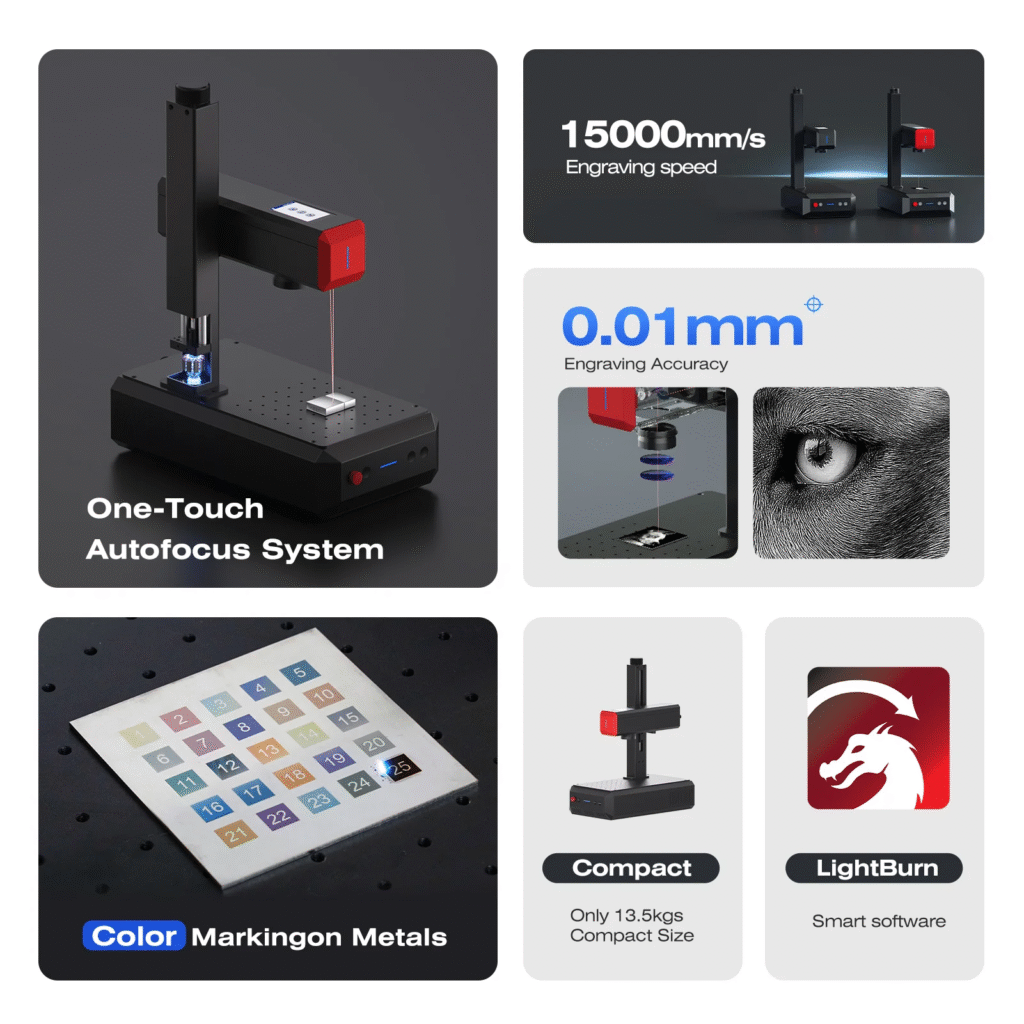
ComMarker B6 MOPA Fiber Laser Engraver
(Budget friendly option)
Why choose Fiber laser for PETG laser engraving
• Cheaper than UV laser systems
• 15000 mm/s fast engraving
• Effective on marking dark PETG
Limitations:
• Needs careful settings to avoid surface defects
Best for:
Industrial marking on dark plastics
Not Recommended for PETG: CO₂ Laser
What happens:
• Melts plastic instead of engraves
• Leaves a shallow groove with no real contrast
Result:
• Poor quality and unusable for precise marking
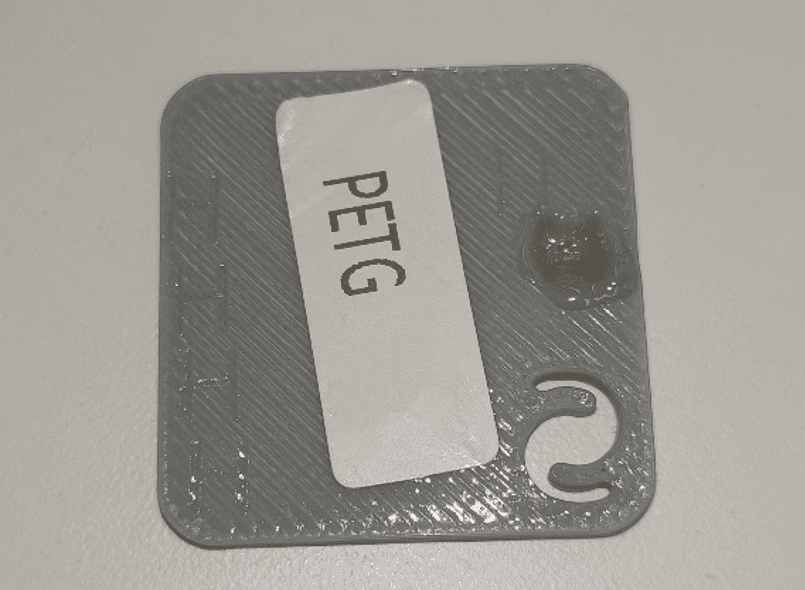
Recommended Settings Approach
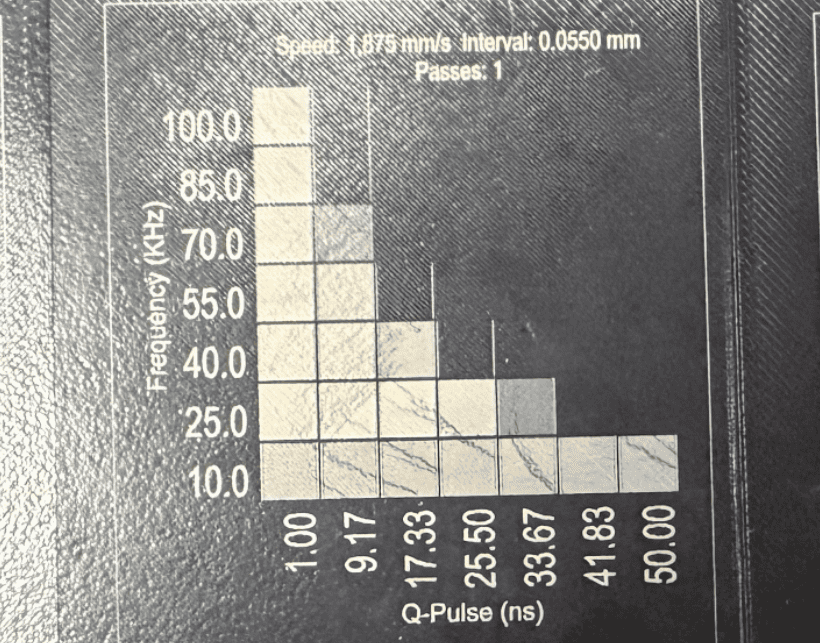
ComMarker Omni X UV laser Engraver:
| Settings | Speed | Line Interval | Q-Pulse | Frequency | Image Mode |
| 6W UV Laser PETG engraving setting | 1875 mm/s | 0.03 | 1 | 25 | Jarvis |
ComMarker Fiber laser engraver
| Laser Type | Material Color | Power | Freq | Speed | Pulse | Line Distance | Note |
| 20w fiber | Black | 25% | 15 | 1200 | \ | 0.15 | Slightly above surface |
| 30w MOPA fiber laser | Black | 25% | 200 | 3000mm/s | 25 | 0.05 | 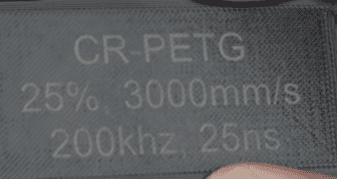 |
| 30w MOPA fiber laser | Blue | 50% | 100 | 1000mm/s | 25 | 0.05 | 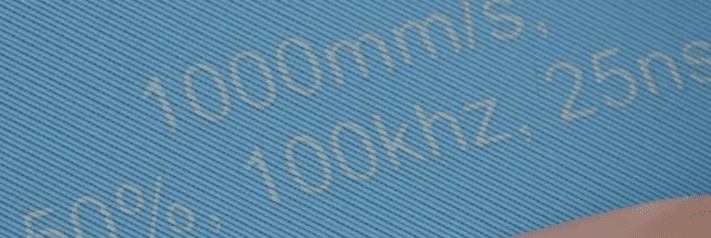 |
Real-World Tips for PETG Laser Engraving
PETG engraving behavior is not always intuitive. Real-world testing reveals several key insights:
1. Contrast depends on color
A marking that looks sharp in brighter PETG may appear less clear in darker ones. Black PETG sometimes develop a slightly yellow-ish cast.
2. Brand and formulation matter
Different PETG brands behave differently under the same laser settings.
3. Residue and dust affect final quality
Fine particles affect engraving results. Proper airflow direction and cleaning after engraving are important for consistent output.
Meanwhile, applying a topcoat can sometimes reduce or distort the marking instead of protecting it, depending on the chemical interaction.
Final Thoughts
PETG laser engraver for 3d prints projects depends on laser type, material variation, and precise parameter tuning.
UV laser engravers deliver the most consistent and high-quality results when laser engrave PETG, while fiber laser remain a practical option for general use with careful adjustment.
With proper testing and setup, laser engraving PETG can achieve clean and reliable outcomes.