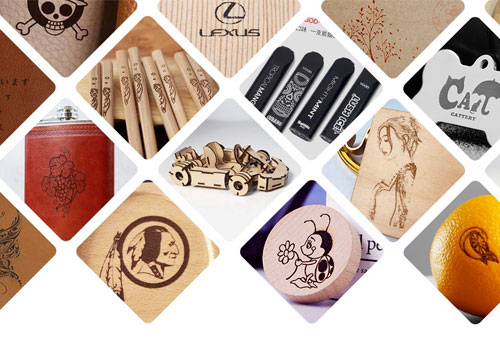
If you already own a fiber laser engraver, or you’re considering buying one, you may have wondered whether it can do more than just metal.
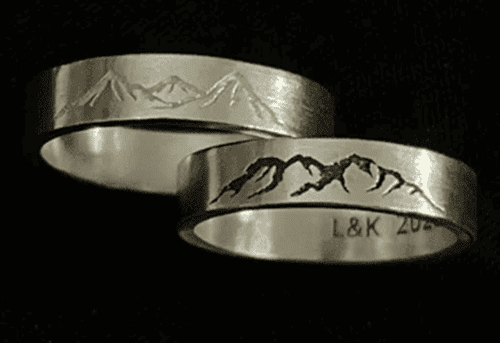
It’s true that metal engraving is where fiber lasers perform best. But that doesn’t mean you can’t get some surprising result on other materials.
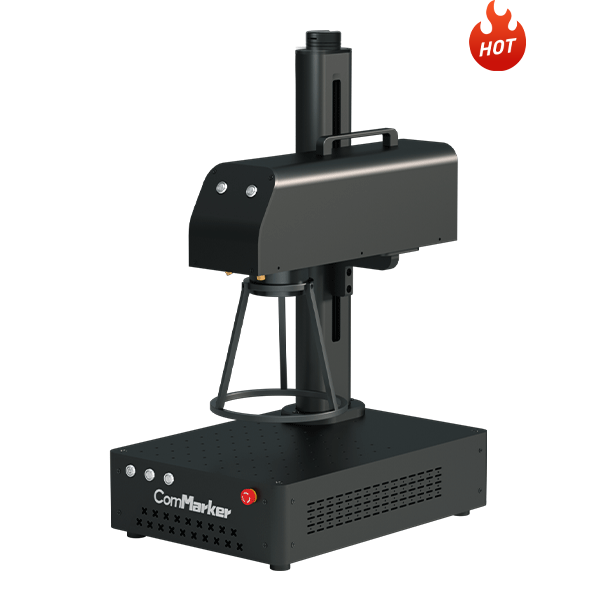
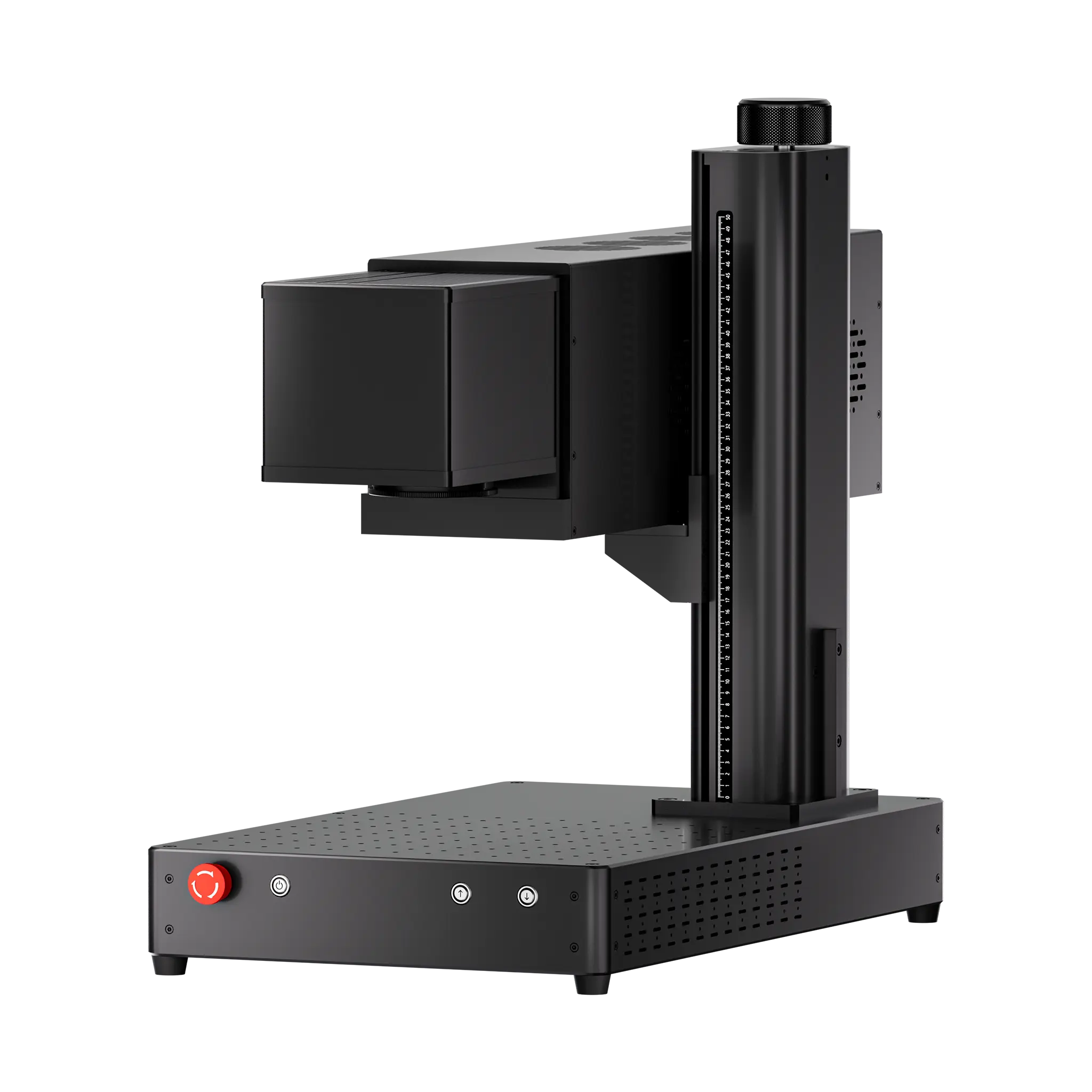
With a 50W ComMarker B4 fiber laser engraver, we tested a range of non-metal materials including leather, stone, paper, rubber, glass, wood, and plastic. Here’s what we learned.
Quick Answer: What Non-Metal Materials Does a Fiber Laser Engraver Stands a Chance?
Before we go deep, here’s a practical overview:
| Material | Result |
| Leather | Success |
| Slate / Stone | Success |
| Paper | Success |
| Rubber | Success |
| Acrylic / Plastic | ⚠ Engraving only (no clean cutting) |
| Wood | ⚠ Requires pre-treatment (still fails easily) |
| Glass | ⚠ Requires pre-coating |
A fiber laser is more versatile than most expect. And with the settings below, you can start testing these materials with your fiber laser engraver today.
Fiber Laser Engraver vs Non-Metal Materials: Tips & Tricks for Successful Engraving
(1) Preferred Materials — Stunning Results, No Pre-Treatment Required
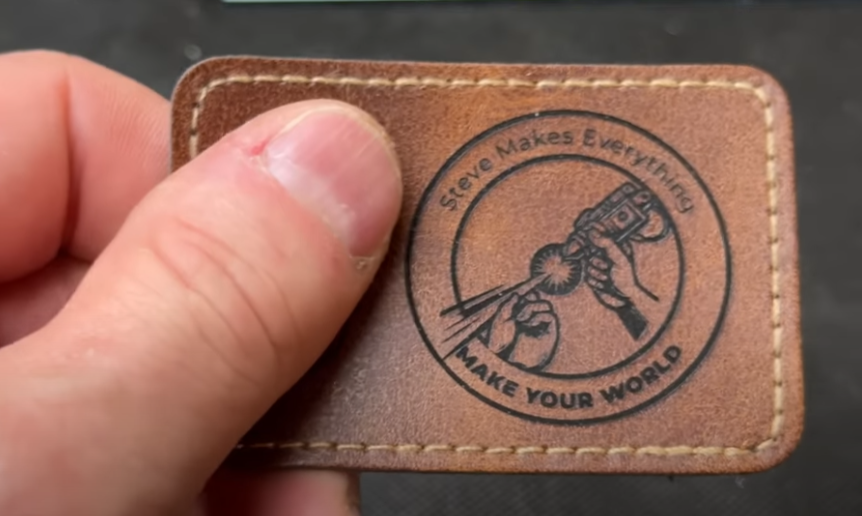
1. Leather Engraving (Genuine Leather and Synthetic Leather)
Test results: Everything from shallow surface marking to deep black high-contrast engraving can be achieved.
Synthetic leather often looks cleaner than genuine leather for a finish with no bleeding, no discoloration, sharp edges, and almost no cleanup required.
Recommended parameters (50W ComMarker B4 fiber laser engraver-110mm lens):
| Operation | Speed | Freq | Power | Interval | |
| (genuine leather) | Marking | 300mm/s | 20 kHz | 100% | 0.1mm |
| Cutting | 50mm/s | 20 kHz | 100% | ||
| (synthetic leather) | Marking | 300mm/s | 20 kHz | 40% | 0.1mm |
| Cutting | 160mm/s | 20 kHz | 100% |
Post-processing tip: Wiping the surface with isopropyl alcohol after engraving can clean it, but alcohol will slightly smear the carbonized residue and darken the genuine leather color a bit.
Suitable products: Custom leather patches, pet collars, notebook covers, bag logos
2. Slate and Stone
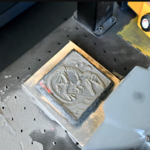
Test results: By adjusting parameters, you can achieve a range of effects from dark gray and brown to even bright white on slate.
In addition to slate, stone (such as granite) can be processed with 3D laser engraving, making them suitable for textured designs and depth-based artwork.
Recommended parameters:
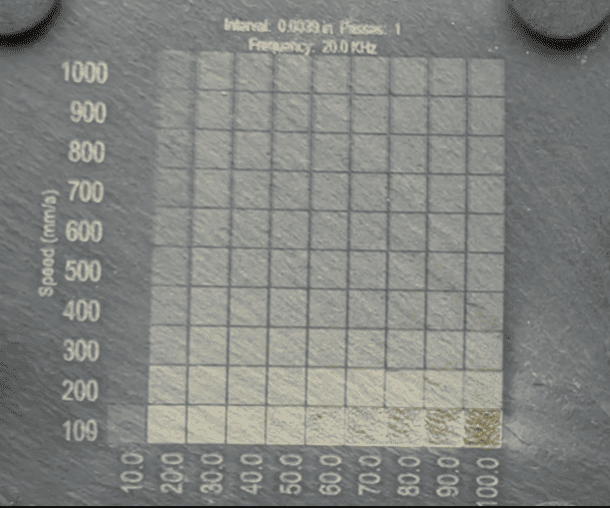
Stone: 50%power 300 speed 30frequency 6 cross passages angle 45
Suitable products: Custom coasters, memorial plaques, engraved photos, stone relief artwork, home decor, commercial signage
3. Paper and Cardstock
Test results: The logo engraving on black paper was crisp. It is also possible to achieve near-photographic image reproduction.
Recommended parameters (50W fiber laser reference-110mm lens):
| Material | Speed | Power | Freq | Interval | Notes |
| Black Paper Marking | 600mm/s | 30% | 20 kHz | 0.1mm | |
| Black Paper Cutting | 160mm/s | 100% | 20 kHz | ||
| Black Paper Photo | 150mm/s | 25% | 20 kHz | 0.1mm | Jarvis |
| Office Paper Marking | 300mm/s | 60% | 20 kHz | 0.05mm | |
| Office Paper Cutting | 160mm/s | 100% | 20 kHz | ||
| Corrugated board Marking | 300mm/s | 30% | 20 kHz | 0.07mm | |
| Corrugated board Cutting | 160mm/s | 100% | 20 kHz |
Suitable products: Packaging prototypes, custom invitations, intricate paper art, personalized bookmarks
4. Rubber
A fiber laser can engrave stamp rubber with enough depth and clearly defined edges. Intaglio styles, where only the base background picks up ink for printing, work far better than relief styles that leave ink only on raised text.
Recommended parameters (50W fiber laser reference-110mm lens):
| Material | Speed | Power | Freq | Interval |
| Rubber Engraving | 200mm/s | 100% | 20 kHz | 0.1mm |
| Rubber Cutting | 100mm/s | 100% | 20 kHz |
Post-processing: Powder will be produced during engraving, keep good ventilation. Simply clean it with soap water and a brush.
Suitable products: Custom company logo stamps, handmade brand stamps, personalized postmarks
5. Black Acrylic and Colored Plastic
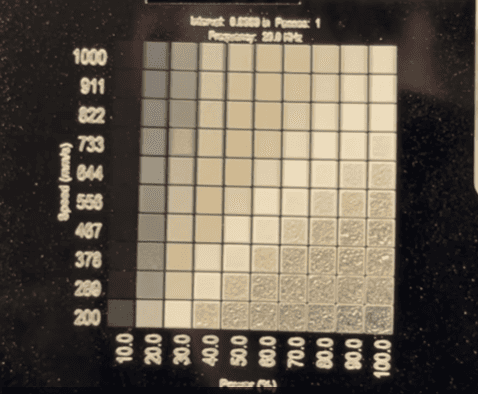
A fiber laser can engrave black acrylic and plastic with color, but it cannot cut it cleanly as the laser will melt the acrylic and cause stringing.
Recommended parameters (50W fiber laser reference-110mm lens):
Acrylic:
| Material | Speed | Power | Interval | Freq |
| Black Acrylic (White Mark) | 550mm/s | 60% | 0.1mm | 20 kHz |
| Plastic (Black to White) | 1200mm/s | 10% | 0.15mm | 15 kHz |
(2) Conditional Processing — Requires Technique
The following materials are not impossible to process, but they require special treatment or some compromise in results.
1. Glass Laser Engraving
A fiber laser cannot engrave transparent glass directly. However, with a workaround, it can still leave clear, permanent, high-quality marks on glass.
The principle is to spray a layer of coating on the glass surface that can absorb 1064nm wavelength. The laser heats the coating layer, and the heat transfers to the glass surface to form a permanent frosted mark.
Steps:
- Clean: Thoroughly clean the glass surface with isopropyl alcohol to remove grease, fingerprints, and dust
- Spray: Apply a thin, even layer of matte white spray paint to the engraving area
- Dry: Let it sit for 15–20 minutes and dry thoroughly in a dust-free environment
- Engrave: Use the fiber laser to engrave on the paint layer
- Clean: Wipe away the remaining paint with a lint-free cloth dipped in paint thinner or acetone
Parameters to try (50W fiber laser reference-110mm lens): Speed 200mm/s, Power 85%, Freq 80, line spacing 0.05
2. Wood (Hit or Miss)
Direct engraving raw wood with a fiber laser often looks patchy and uneven.
However, with surface pre-treatment, usable results become possible.
Baking soda helps increase surface absorption and improves thermal coupling under a 1064nm fiber laser, resulting in better contrast.
Steps:
- Prepare the solution: 1 part baking soda + 10 parts hot water, stir well
- Apply: Use a brush or spray bottle to apply an even layer on the wood surface
- Dry: Let it dry completely (about 20–30 minutes)
- Engrave: Use much lower power than normal and a faster speed
- Test: Always test on a small scrap piece before the final engraving
Result: Dark brown to black high-contrast marking.
Wood selection: Prioritize woods with tight grain and light color, such as maple and poplar for better contrast.
Parameters to try (50W fiber laser reference-110mm lens): Power 30%, Speed 3000mm/s, Freq 50kHz.
Should You Choose a Fiber Laser for Your Business?
If your business is built around metal, industrial marking, jewelry, tools, automotive parts, a ComMarker B4 fiber laser engraver will serve you well.
However, if products made from wood, acrylic, leather, glass, and other non-metal materials account for a significant portion of your revenue, CO2 and UV laser engravers are also worth considering.
While a fiber laser CAN process some of these materials with some tips, CO2 and UV systems are often more efficient, more consistent, and easier to use for high-volume production.
| Model | Price | Metal Engraving | Non‑Metal Engraving |
| ComMarker B4 Fiber Laser Engraver | $1,399+ | ⭐⭐⭐⭐
Standard Engraving+Cutting |
⭐ |
| ComMarker B6 MOPA Fiber Laser Engraver | $3,599+ | ⭐⭐⭐⭐⭐
Standard Engraving+ Cutting + Color metal engraving |
⭐⭐
Better control with pulse control (especially for fiber laser engraving glass) |
| ComMarker COX CO2 Laser Engraver | $3,999+ | ❌
only coated metals |
⭐⭐⭐⭐
Fast engraving on wood, acrylic, leather, fabric, etc. |
| ComMarker Omni X UV Laser Engraver | $3,599+ | ⭐⭐⭐⭐
16k HD precise marking Can’t deep engrave and cut thick metal |
⭐⭐⭐⭐⭐
1,500+ materials 3D glass internal engraving Zeroburn engraving on wood, leather, ceramics, plastics, stone |
Final Thoughts
Fiber lasers are far more powerful than many people realize. Metal remains their undoubted strength, but leather, slate, paper, and rubber can also produce surprising results.
That said, these tests demonstrate what a fiber laser can achieve, not necessarily the most efficient production workflow.
For businesses focused primarily on non-metal materials, CO2 and UV laser systems often provide faster, more consistent, and more scalable results.
Grab your machine, test the settings above, and see what works best for your specific setup. You may be surprised by how much your fiber laser engraver can do.