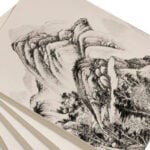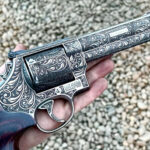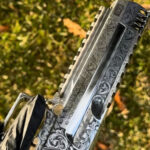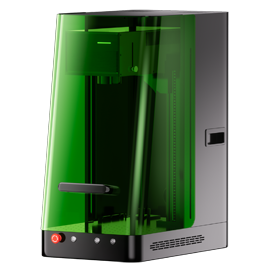
Yes, a laser engraver machine simply allows you to engrave any design pattern on the material of your choice, whether it’s about engraving a cup or a tumbler.
Undeniably, Modern laser engraving technology opens endless engraving possibilities, with its effectiveness extending to all industries and businesses.
With ComMarker laser engravers, you can customize almost any item using a wide range of laser-able materials, such as wood, plastics, glass, leather, or metal.
Understanding Laser Engraving
Laser engraving is a marking process carried by a high-power laser beam to inscribe patterns, designs, and images onto the surface of the material.
This Laser beam machinery uses thermal energy to remove material from metallic or non-metallic surfaces, creating a recessed or raised design. Using a focal point, the energy heats the material, which first melts and then vaporizes. Modern laser machines sublimate (from a solid to a gas state) the material to avoid any heat impact.
The whole procedure is performed by a laser engraver machine through EZCAD and Lightburn software that designs and controls each part of the process. Once the digital work is completed, it then regulates the machine to produce the engraving, following the path of the design.
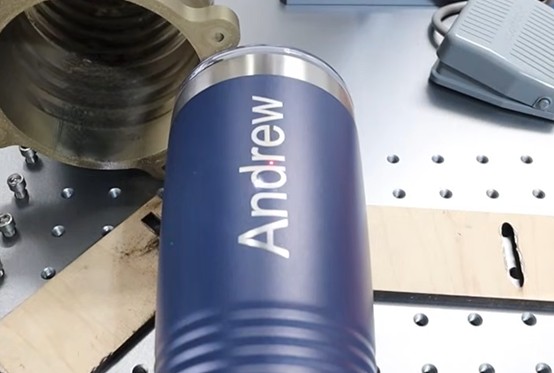
Several factors contribute to the engraving results- the laser source power, speed, frequency, the quality of the software, the machine compatibility, and the operator’s skill and knowledge that dictates how well and precise your artwork would be.
Best Laser Engraver for Cup Customize: CO2 vs UV and fiber lasers
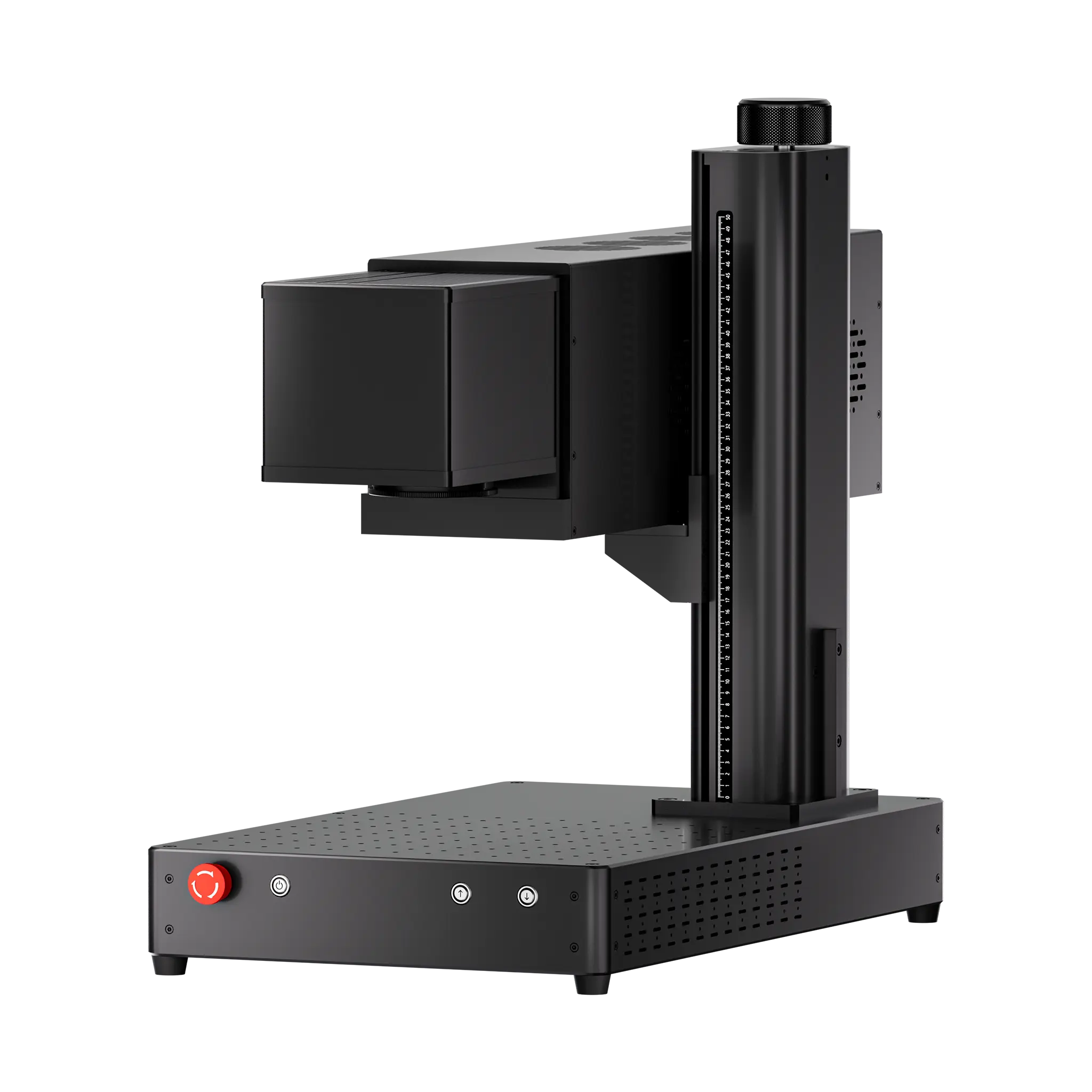
For bare stainless steel and other metals, ComMarker B6 MOPA fiber laser is usually the strongest choice because they directly mark metals and are designed for bare metal engraving and marking. That makes them a good fit for stainless steel tumblers and metal drinkware.
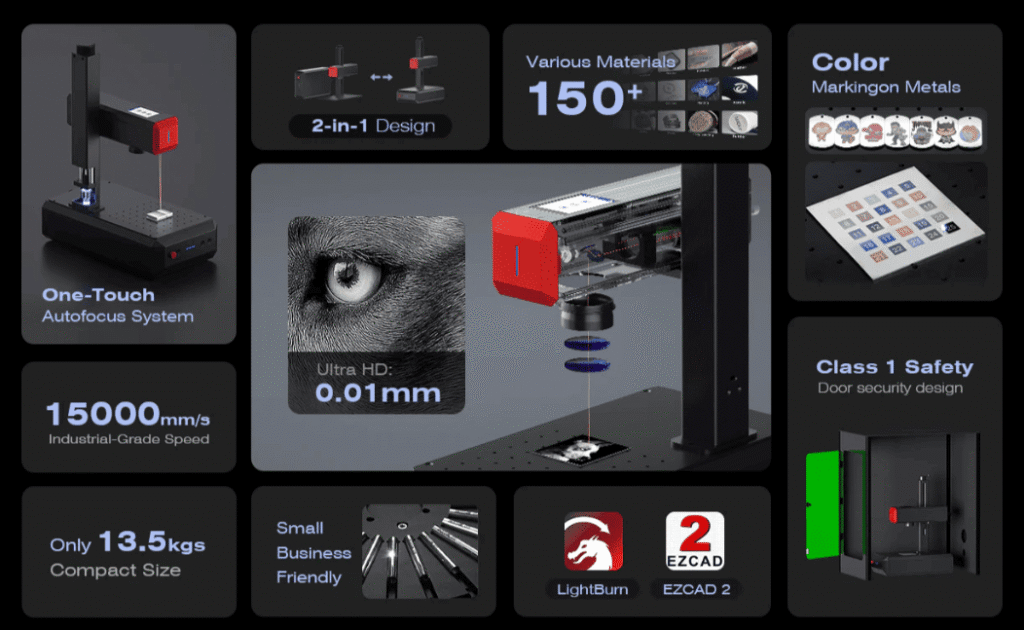
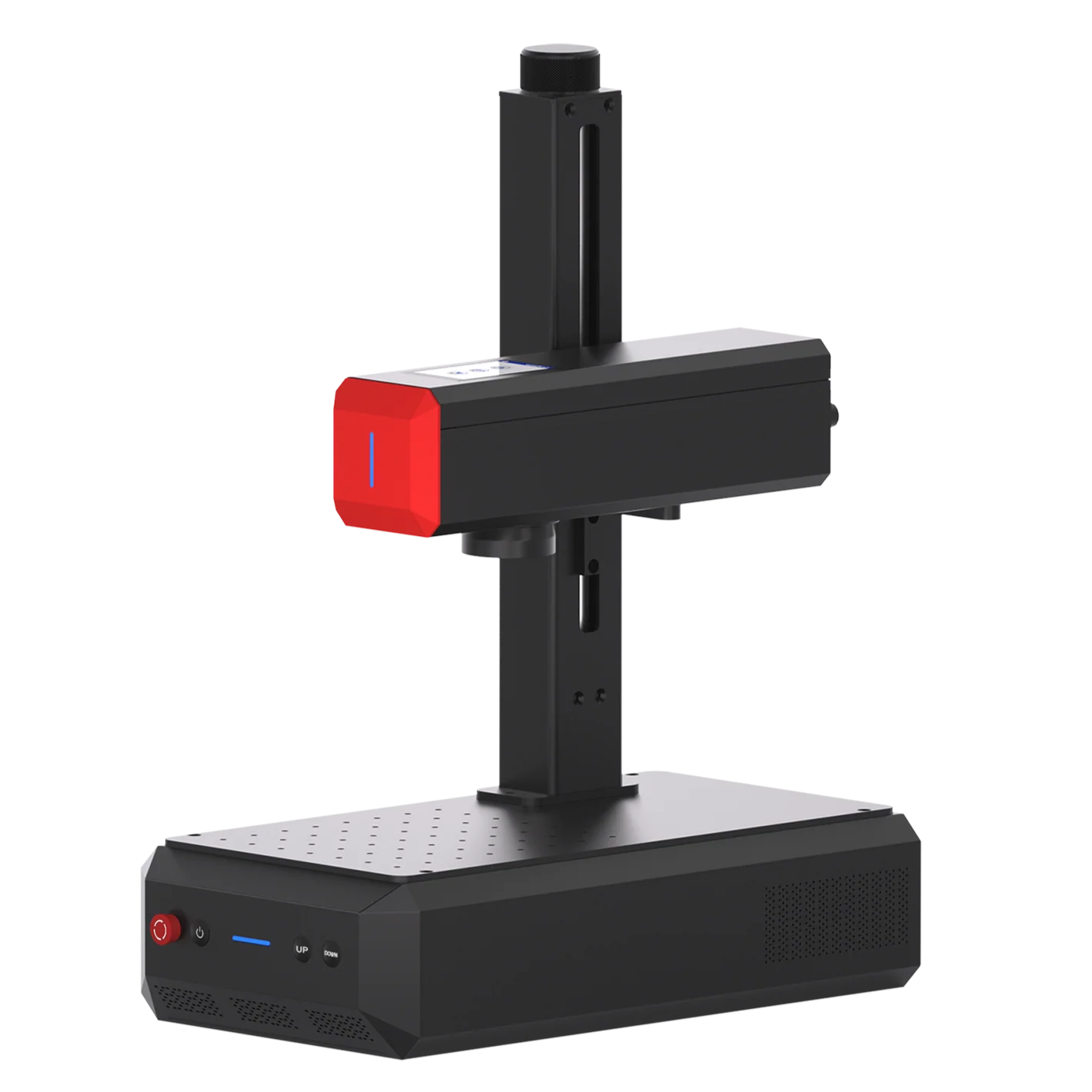
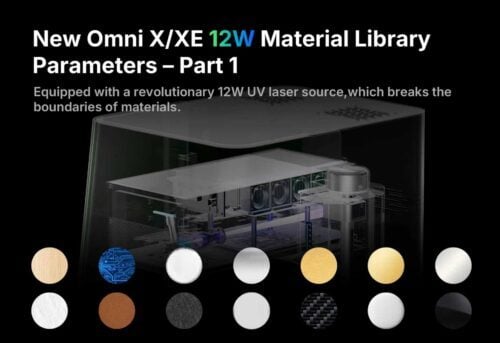
For glass and ceramic, ComMarker Omni X UV lasers is the best option. UV lasers offer precise marking and least damage for laser engrave glass both inside and subsurface.
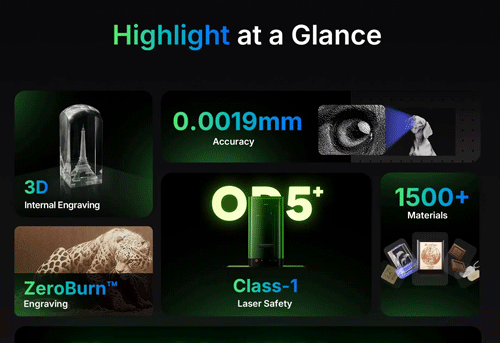
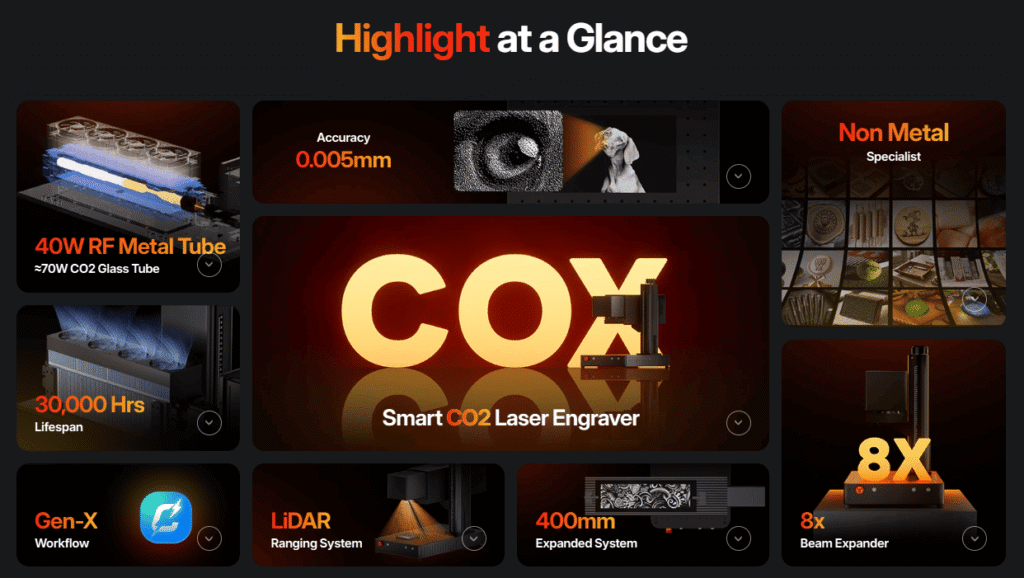
For powder-coated tumblers, ComMarker COX CO2 laser can remove the coating and without affecting the metal below, which is why this method is popular for personalized insulated cups. When bare metal marking is needed with a CO2 setup, a marking spray or paste can also be used.
Materials Suitable for Cup Laser Engraving
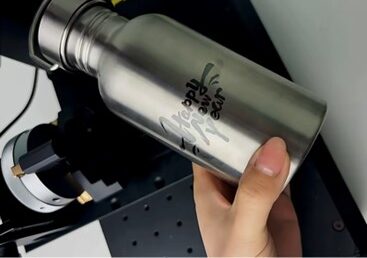
Stainless Steel Tumblers
Stainless steel is a commonly used material for cups/tumblers because of its shiny surface, durability, and corrosion resistance. They’re rust and puncture-resistant. It represents a high added value for identification, traceability, and personalization applications.
Stainless steel tumbler laser engraved with personal details and can be perfect for friends and families. They are practical and economical and can engraved into customizable patterns like personalized numbers, names, logos, or images.
When you laser engrave stainless steel cups, using different parameters, you can achieve the original color, yellow or black effect on the stainless steel. But achieving non-burnt black engraving requires technical expertise, and commarker’s after-sales service team can help you achieve the desired effect.
Ceramic Mugs
Ceramics refers to inorganic, nonmetallic materials made from clay that is hardened by heating. Cups made of ceramics are known for their blend of aesthetic allure and functionality. Ceramics have exceptional thermal stability, enabling them to endure high laser beam temperatures without deforming or breaking.
Ceramic mugs are particularly well-suited for laser engraving logos, part numbers, serial numbers, barcodes, and other information for identification and traceability purposes. Due to their hardness, heat resistance, and smooth surface, they allow for extremely fine and precise engravings.
Almost all ceramics can be engraved with ComMarker UV Laser and diode lasers. Our lasers’ good beam quality and ultrashort pulses enable stress-free processing without heat-induced effects.
Because ceramic plates are durable and come in various colors and glazes, they call for a marking approach that’s both gentle and effective.
Lasering ceramic generally leaves minimal residue, so a quick wipe-down with a dry cloth is usually all you need.

Glass Cups
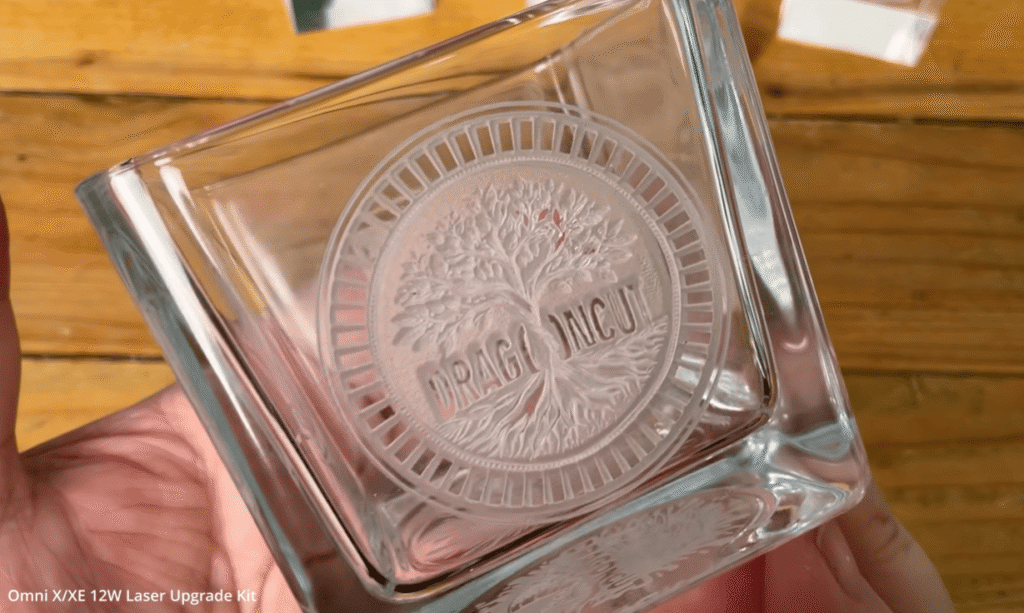
Glass mugs are generally assumed to be the wrong choice to absorb highly concentrated laser beams due to their sensitivity, but ComMarker laser machines can do it perfectly.
Whether it’s pint glasses, wine bottles, shot glasses, or coffee mugs, lasers work wonderfully for engraving all kinds of glass products.
Glass engraving with ComMarker UV Laser Marking Machine produces fine, beautiful frosted patterns, allowing you to etch custom logos and designs on nearly any glass product.
However, keep in mind that different glass materials require different settings on the router, including changes in power and speed.
Some Glass material has a lot of lead content that can be prone to blowing up. High-quality lead crystal glass has more crystal and tends to crack more easily under the laser’s beam.
When you notice that the engraving outcome on glass is below standards, you should avoid engraving over the same design again because the laser beam can cause cracking or shattering of the Glass due to its intense heat.
For this, you can use a low resolution (around 300 DPI) or heat transfer paper to help with heat dissipation and achieve the desired results.
To laser engrave glass cups, you must pay extra attention to safety. To determine the lead content in the glass, you can use metal chopsticks or a spoon to tap on the glass. If the sound is very low, the lead content is low.
Safety Precautions When Using a Laser Engraver
With diverse project applications, laser systems are worth the choice; however, if mishandled incorrectly, they can possibly create hazardous incidents, so be mindful of the following points.
| Keep yourself in a position where your eyes don’t approach the axis of a laser beam.Some materials can catch fire during engraving operations, such as wood and plastics, so a fire extinguisher nearby is what you should pay attention toAlways keep the engraving area free of debris, clutter, and flammable materials.Prioritize frequent cleaning of internal engraving parts to ensure good quality results.Use protective glasses during exposure to heat.Use a beam path enclosure to prevent human access to the beam, as well as to prevent dust or other airborne debris from contaminating the optics, which could permanently damage the laser. Read the instructed manual for careful guides and safe application processes. |
The Actual Engraving Process: Step-By-Step Demonstration
1.Preparing the Mug/Tumbler: Cleaning and Positioning
Begin your engraving journey by thoroughly cleaning the outside surface of the mug/ tumbler. You can use a towel dipped in alcohol or soapy water. This is done to remove any fingerprints, oily smudges, or dirt scratches that may undermine the quality of the laser mark.
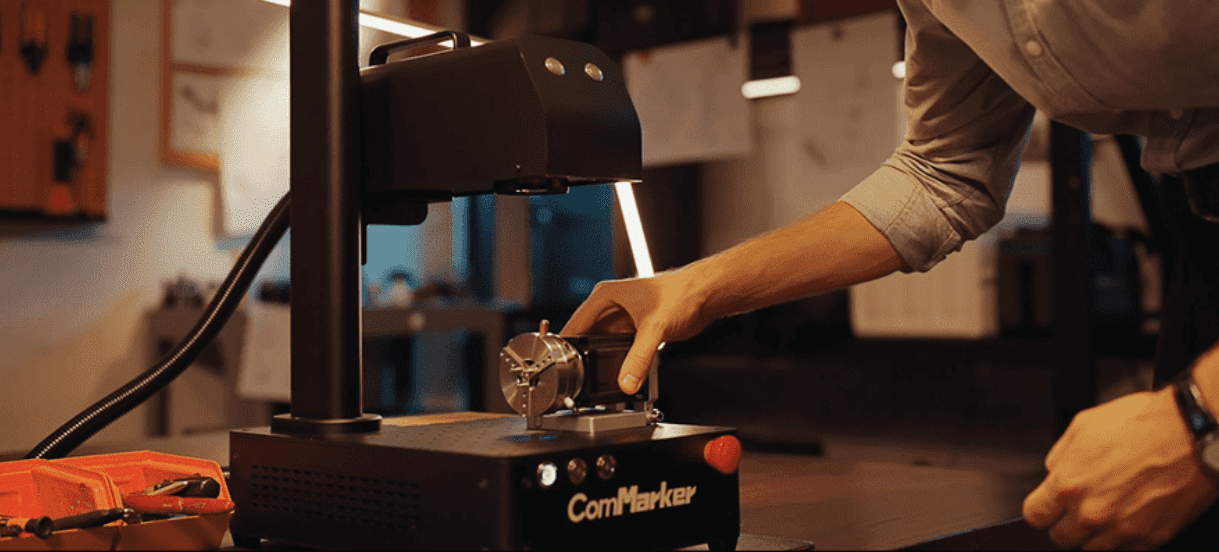
The cylindrical shape of the cup is an added complexity to the carving process, but ComMarker engravers can perform cylinder engraving by linking the marking rotary axis.
Attach your mug to a rotary attachment and position it exactly under the laser head through the red cross focusing on the spot where you’d like the engraving to appear. Use shims to ensure the piece remains level throughout, then manually focus the machine. The rotary moves at a controlled speed while the laser provides an even, continuous pattern.
2.Design Considerations: Choosing the Right Design and Format
For the design configurations, you must measure different mug dimensions from edge to edge using calibers. The measurements include mug circumference and height. Prepare the artboard on the software using different graphics, fonts, or import drawings of your own. We recommend using Lightburn or EZCAD as your graphic design software.
Once you create your graphic or text, then save the file as a transparent file. An added note here is; that you need to rotate your file 90 degrees to correspond to the positioning of the Rotary Device.
3.Setting up the laser engraver: Power, and Speed Settings
Use the correct parameters corresponding to the wattage of your machine to send the job to the laser.
For a glass ceramics engraving, the ComMarker UV Laser Marking Machine would finely engrave your pattern using 4000mm/s Engraving Speed.
With a working area of 110mm x 110mm and wavelength of 355mm, it can mark with 0.05mm accuracy.
4.Finish the engraving & Cleaning the Engraved Area
If you have applied paint to the surface of the glass, you will need to use alcohol or glass cleaner to remove it quickly. After the graphic engraving is completed, rinse off the marking compound with water, and your brand-new custom stainless steel cup is ready to use or gift!
Anyone who engraves on cups knows that the laser leaves an unattractive residue on the etched portion of the item. Everyday cleaning products often don’t remove the residue and can damage the material.
Even when performing “clean” laser processing at ultraviolet (UV) wavelengths and using short pulses, some debris is usually formed during the laser process. The best possible approach is to minimize the amount of debris generated.
Regularly cleaning the machine, preferably after each use, is necessary. It would drastically impact the engraving results.
Maintenance Tips to Ensure Longevity
- A laser engraver generates a lot of heat, often making its tube extremely hot. To dissipate this heat and prevent damage to the tube, ensure the machine’s water cooling system works correctly, check the water level daily, and refill the water if necessary.
- Mirrors and lenses are critical components of a laser engraving machine and must be inspected regularly for scratches, dirt, or other defects. If any of these components are damaged, try replacing them immediately.
- If needed, apply a sealant to finished engravings to prevent oxidation or corrosion and improve durability. Sealants also enhance contrast for improved visibility.
- Clean away debris from the workpiece and engraving table after engraving. The equipment or work surface residue can damage components or the next workpiece.
- ComMarker laser engraver has moving parts, including rails, bearings, and other components, enabling the laser head to move smoothly over the workpiece. They all require regular lubrication to prevent wear and ensure optimum performance.
Possible Challenges and Solutions
Marking is a form of art that requires higher expertise and knowledge to be proficient in the act. While using the laser equipment, you may face potential pitfalls and mistakes, which obviously, can be remedied with these solutions.
Error # 1: When the engraved pattern is vague or not precise.
Solution: It could mean an inaccurate focus. You may need to adjust the height of the support bar and require the material to be placed under the beam head.
Error # 2: When the engraving is misaligned or deformed
Solution: It is due to the severe wear and tear in the laser head pulley. Assess the alignment of the laser beam and make it perpendicular to the surface of the engraving material.
Error # 3: When the laser beam is not concentrated or it may get burning Hot
Solution:If the laser beam cannot be focused or the temperature is too high, you may need to adjust the focal length. If the problem persists after adjusting the focal length, you may need to replace the laser lens.
Error 4: When the material is hard to engrave on, such as pure metal surfaces
Solution: Invest in a high-power fiber laser engraver or process using metal with an oxide or lacquer coating.
Error 5: When the laser energy is difficult to penetrate within the material, such as transparent acrylic, transparent glass, and other transparent materials.
Solution: Spraying a layer of water-soluble paint on the surface of the material or change a kind of laser machine.
Error # 6: When the Engraving is misspelled or the wrong engraving is done
Solution: Cover all areas that don’t need repair with masking tape first, then try a coarse or medium grit wet/dry sandpaper on the offending mark.
Error # 7: When engraving is performed using the rotary attachment, but the pattern is placed outside the engraving area.
Solution: Simply move the pattern in the software to the right place. Make sure recheck by previewing before engraving
Is it Worth it to Customize Cups/Mugs?
To answer it briefly, customizing items like cups increases the product’s value, enhances its uniqueness, and makes it exclusive.
Research in support of this point concluded that “companies that excel at personalization generate 40 percent more revenue from custom engraved items than average players”.
The notion that “mine is not ordinary” has hit the engraving market for those who want a difference between their belongings and others.
It’s an inarguable fact that when you provide people with something rare, innovative, or, let’s say, customized, you’re probably taking your business one step ahead, especially for small business owners or vendors.
From a business perspective, it’s easier to sell customized engraved products that are not mass-produced and standard-style, all with a minimum investment.
To improve the customer’s shopping experience, you can offer in-store personalization by investing in top-quality laser engravers from ComMarker.
As per the consumer’s side, personalized objects are now viewed as the default standard for engagement, value, and relationship building.
From thoughtful gifts to promotional items for companies, these uniquely engraved mugs are more than just vessels for our favorite drinks. They also serve as a symbol of personal expression and celebration, with individuals often displaying them proudly on their tables and shelves as a token of love.
It can be your favorite thing to give to someone on birthdays, anniversaries, and achievements with positive experiences that make them feel special. This demonstrates your investment in the relationship, not just the formality. Thoughtful touch points like these can help you earn a big impact overall.
Cost Considerations
If you’re like most business owners, you would always look for ways to save money and streamline your operations. The laser engraving systems represent a major investment. It involves a lot of expenses- buying laser system, setup cost, maintenance, labor, and consumables costs- so sometimes, it makes sense to ask whether it’s better for you to outsource your laser engraving needs.
In-House Laser Engraving? Or Outsourcing the Task? What is the Best Option?
If you’re new to the engraving business, some thoughts might hit you analyzing the two variables- Is it better to send out a portion of your engraving job to manufacturers who specialize in that kind of work? Or would buying the machinery be a better option regarding revenue and cost?
Well, it’s all a matter of doing that dreaded cost/benefit analysis and being mindful of the application procedures. If you’re doing the engraving task on a business level, even if it’s small, bringing the process in-house might be worth it. This would allow the highest level of quality control, reduce your average cost per part, and help achieve mass-engraving projects.
Obviously, The cost per hour of bringing laser engraving into your manufacturing facility will vary from case to case. ComMarker offers the best fiber laser engraving machines to suit any size shop and nearly every application.
Experts believe that outsourcing the process serves better when the component requires a lot of complex engraving and tight tolerances. Under such circumstances, partnering with a team of experts with extensive knowledge in the field is a good idea. For example: in metal fabrication, precision is the most required thing. Sometimes, the need to produce ever more complex cuts, fine contouring, and customized engraving presents uncertainty for metal fabricators.
Obviously, you being new to this technology, will take time to excel in it; in that case, It seems a wise decision to put the headache to the one who can master this engraving art and save you from high initial upfront costs and additional costs of labor and maintenance.
Also, if you’ve got a small to medium-sized machine shop and your business output is too low for the demands of an industrial laser, a more viable and probably wise step is to defer to outsourcing.
Still, the shift to choices depends on the engraving level. To help you make the right choice, you need to explore the pros and cons of owning a laser engraver compared to why one might turn to outsourcing.
| In-House Laser Engraving | Outsourcing To the Laser Specialist |
| Pros: You’re independent of using your machine whenever you want.No logistics cost involved and deadline to maintain with your suppliers.Reduce costs when you’ve batch orders, and you can run the laser 24/7. | Pros: There are no major expenses except the outsourcing fee for your laser projects.You can access the best specialist in the laser dedicated to your laser production line.Laser suppliers have many types of laser machines, so they can scale your production fast and run your projects in parallel. Laser suppliers have teams of experts, so your work could result in superior performance. |
| Cons: Major investment is needed- machine cost, maintenance, and the cost of laser specialists operating the machine.One type of machine often restricts you from achieving different laser applications.Development time is involved, i.e., launching a laser project can take weeks before you get what you want. | Cons: If engraving is an ongoing business, it would be costly for you to get your work done by others for years.A considerable part of your money is dedicated to logistics as objects need to be traveled.The suppliers often don’t meet the required deadlines, which could result in delayed orders. |
Factors Affecting the Engraving Costs.
Getting your ornaments, mugs, or tools customized using laser engravers would obviously involve a price. But no fixed cost can be set to be true for each model. These factors come down to the type of engraved material, design complexity, and number of items needed to be engraved. These all would add up to the final costs.
Type of Material
Not all types of materials are the same. They possess different physical properties and respond differently to laser beams. For instance, for engraving metals, their thermal conductivity and thickness should be considered to estimate the cost. Deep engraving requires double processing, which could raise electricity costs. Also, stainless steel is a more expensive material than wood, so there would be a difference in cost for this fact.
The Complexity of the Design
Cost also varies depending on the design type. More complex engraving, such as customized patterns or images, requires more power, time, and resources to produce. Similarly, color engravings and layering would also add up to the cost.
Engraving Quantity
The volume of items needed to be engraved is another considerable factor influencing the cost. As the quantity increases, the cost per part will usually decrease, applying the economies of scale. But huge-size engraving needs additional resources and power, so that they may raise the price.
Suggestions for the Cost-Effective Laser Machines
With so many laser machines on the market, from the cheap ones costing a few thousand dollars up to the most expensive 5-axis machine, it often becomes difficult to figure out which one will fit your project.
Well, the right kind of laser machine is the one that serves your application criteria. So, ask yourself these questions,
- How many pieces do you need to process every month?
- What precision do you need?
- What kind of material will you engrave?
- Which level of design will be engraved onto the material?
Conclusion
ComMarker Laser engravers are a reliable method to personalize your mugs and tumblers. This employs lasers to create permanent marks like designs or text onto material substrates with engraving results that are highly durable and long-lasting. Lasering mugs are versatile and perfect for personal, promotional, and commercial applications.
The advanced technology of ComMarker engravers provides skilled and professional laser engraving services and can effortlessly engrave on various materials and surfaces.