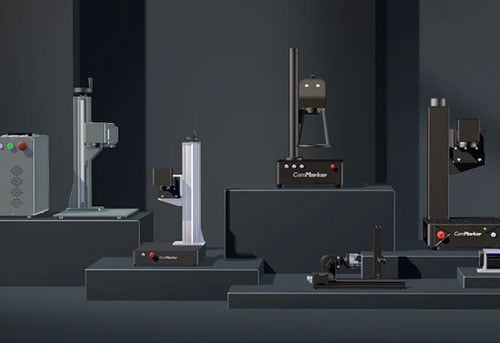
Spend loads of head scratching hours researching how to buy laser engravers? Nearly every machine claim to be the best. More power, higher speed, additional features, all of them promising top results.
After working with users across hobby shops, small businesses, and production environments, one issue shows up repeatedly:
Most people do not regret the brand they choose. They regret choosing the wrong type of laser engraver.
In this guide, we will share how to find the best laser engraving machine, based on the experience and advice from our 280000+ clobal ComMarker users.
Start With Materials: Match the Laser Type with What You Produce
The right laser engraver choice is basically about material interaction, which means the material you process directly leads to what laser engraver to buy.
Choose a fiber laser engraver-If Metal Is Your Revenue Driver
|
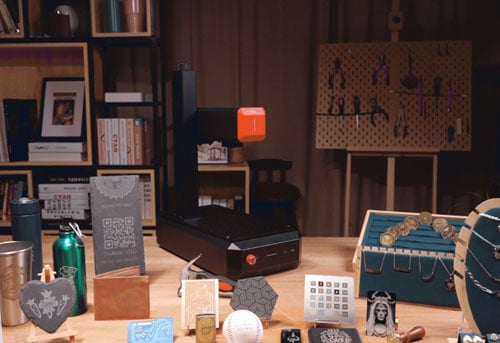
Fiber laser engraving machines deliver the precision, speed, and repeatability required for metal engraving. They are built for serialization, permanent marking, and high-duty cycles. Common applications include:
When aligned with that direction, fiber laser engraving machines is one of the highest ROI laser engravers for their 100,000 hours lifespan and ease to maintain. For best fiber laser engraver for small business, desktop fiber laser engravers like the ComMarker B6 and ComMarker B4 are often recommended. Meanwhile, with MOPA fiber laser engravers, you get more to offer by capable of color engraving on metal. |
 |
Choose a UV laser engraver-If Your Business Centers on Premium Custom Laser Marking
|
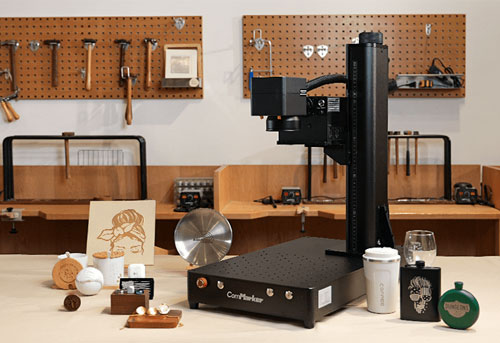
UV laser engravers generate minimal thermal impact, enabling crisp marks on 1500+ materials with high speed and detailed engraving. Applications include:
A UV laser marking machine often replaces multiple marking tools and laser engravers for small businesses, where marking quality directly influences product value. UV laser machines are ideal for exploring laser engraving business ideas for the adaptability, allowing tests with no worries. |
 |
Choose a CO2 laser engraver-If You Work With Wood, Acrylic, Leather, or Fabric
|
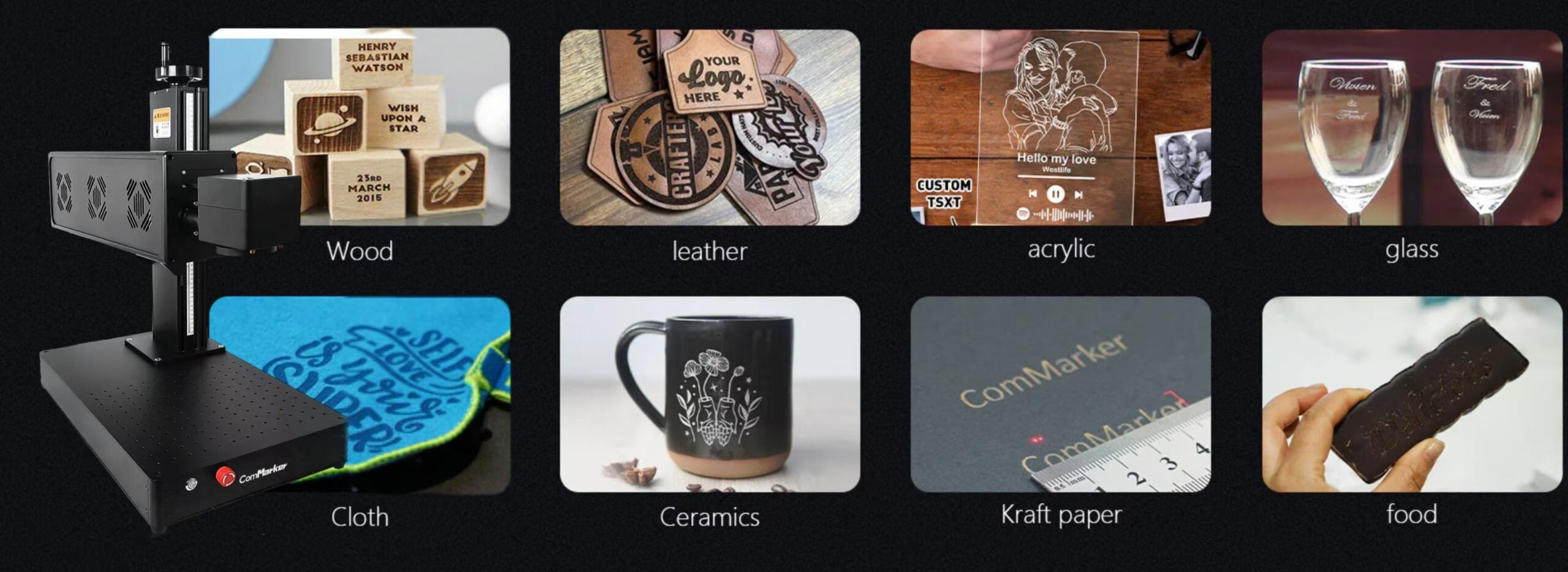
CO2 wavelengths are highly absorbed by organic materials, allowing both clean engraving and efficient cutting. For many small businesses, CO2 laser engraver is the most economically stable starting point because it supports both product variety and production workflows. This is why CO2 laser marking machines are often seen making signage, décor, personalized gift business, and craft manufacturing. If you’re starting a laser engraving business or holding a laser engraving business plan, a CO2 system is a reliable first investment. |
 |
Choose a Diode Laser Engraver-If You Are Testing a Business Idea or Entering the Market
|
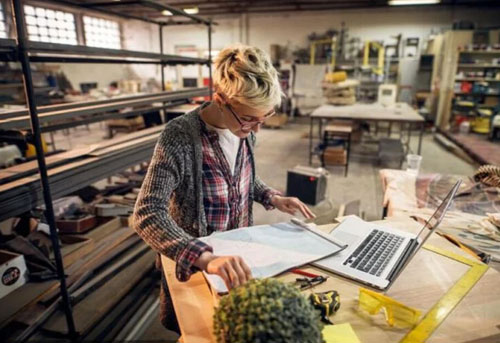
Diode laser machines offer the lowest startup cost for laser engraving business. Typically, a diode laser engraver price at the entry level is around $500. |
 |
These machines can process wood and some plastics reliably, though at slower speeds than CO2 systems, and less clean than UV laser marking machines.
Many successful shops begin with diode laser system as a side hustle, prove their market, then upgrade with far more confidence.
Leading Laser Engraver Brands in 2026: What Each Brand Is Known For
The laser engraving market includes different brands targeting different users.
Some brands focus on beginner-friendly machines, while others specialize in professional marking systems.
| Category | Brands Known For |
| Consumer Diode Laser | xTool, Creality, Atomstack, Sculpfun |
| Desktop CO₂ Laser | Glowforge, xTool, OMTech |
| Professional Fiber Laser Marking | ComMarker, Cloudray, Epilog, Trotec, industrial laser suppliers |
| UV Laser Personalization | ComMarker, xTool, professional UV laser manufacturers |
ComMarker: Professional Fiber and UV Laser Engraving Solutions for Small Businesses
ComMarker focuses on professional desktop laser marking systems designed for businesses that need precision, flexibility, and reliable production capability. Its product range includes fiber laser engravers, MOPA fiber lasers, and UV laser engravers for applications such as:
|
• Jewelry personalization • Metal engraving • Product branding • Electronics marking • Premium customized gifts • Small-batch manufacturing |
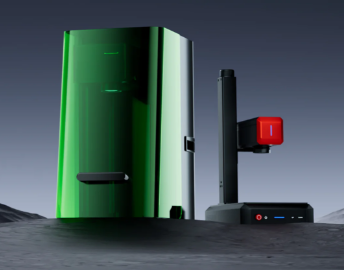 |
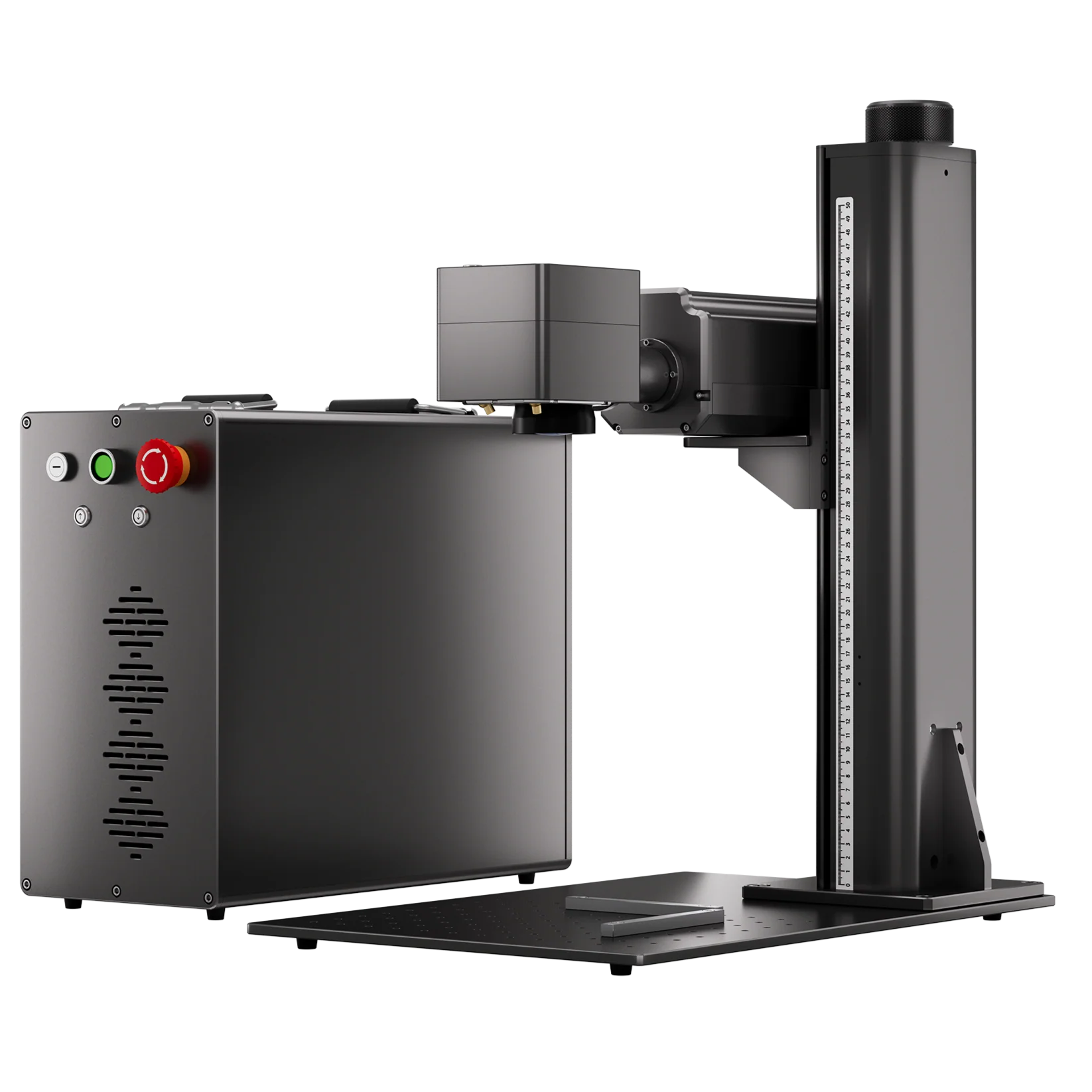
The ComMarker B6 MOPA Fiber Laser is designed for businesses working with metals and demanding applications. It supports fiber laser processing, metal engraving, color marking, rotary engraving, and high-speed galvo operation.
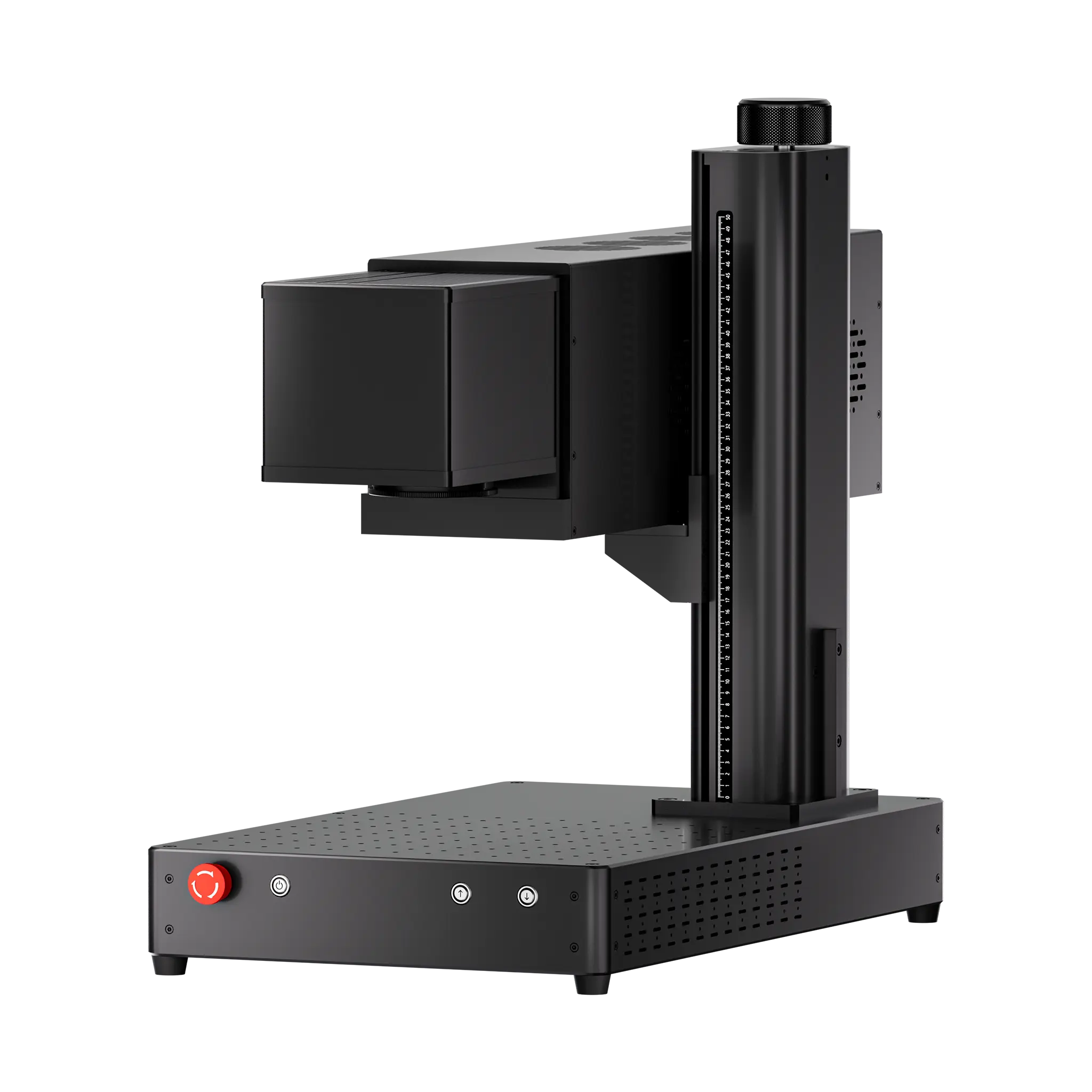
For businesses requiring fine-detail personalization on delicate materials, the ComMarker Omni X UV Laser uses a 355nm UV source and is designed for applications requiring precise marking with reduced thermal impact.
A Practical Perspective on Wattage
For small batch production of around 100 pieces per month, mid-range power is enough. Typical mid-range wattage by laser type is:
- Diode laser engraver 10–20W(around $200 – $600)
- CO2 laser engraver 30–50W(around $1,500 – $4,000)
- UV 5W laser engraver (around $2,500 – $4,000)
- Fiber laser engraver 20–50W(around $2,000 – $3000)
Higher power boosts speed and cutting capability
|
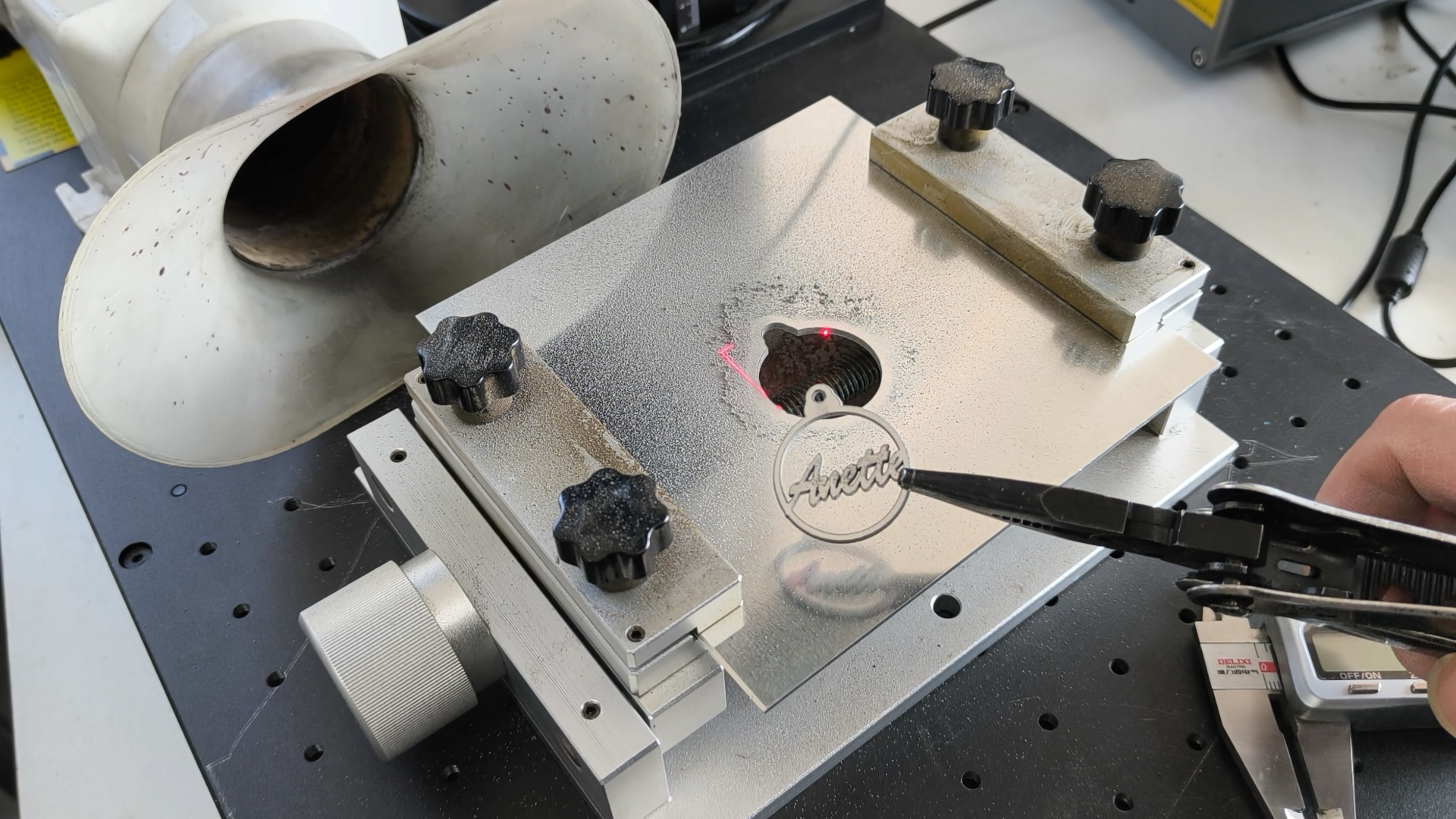
For fiber laser engraver, a 50W ComMarker B4 cuts 1mm aluminum in 1 minute 25 seconds while a 200W ComMarker Titan slices through 1.5mm aluminum in 10 seconds. |
 |
|
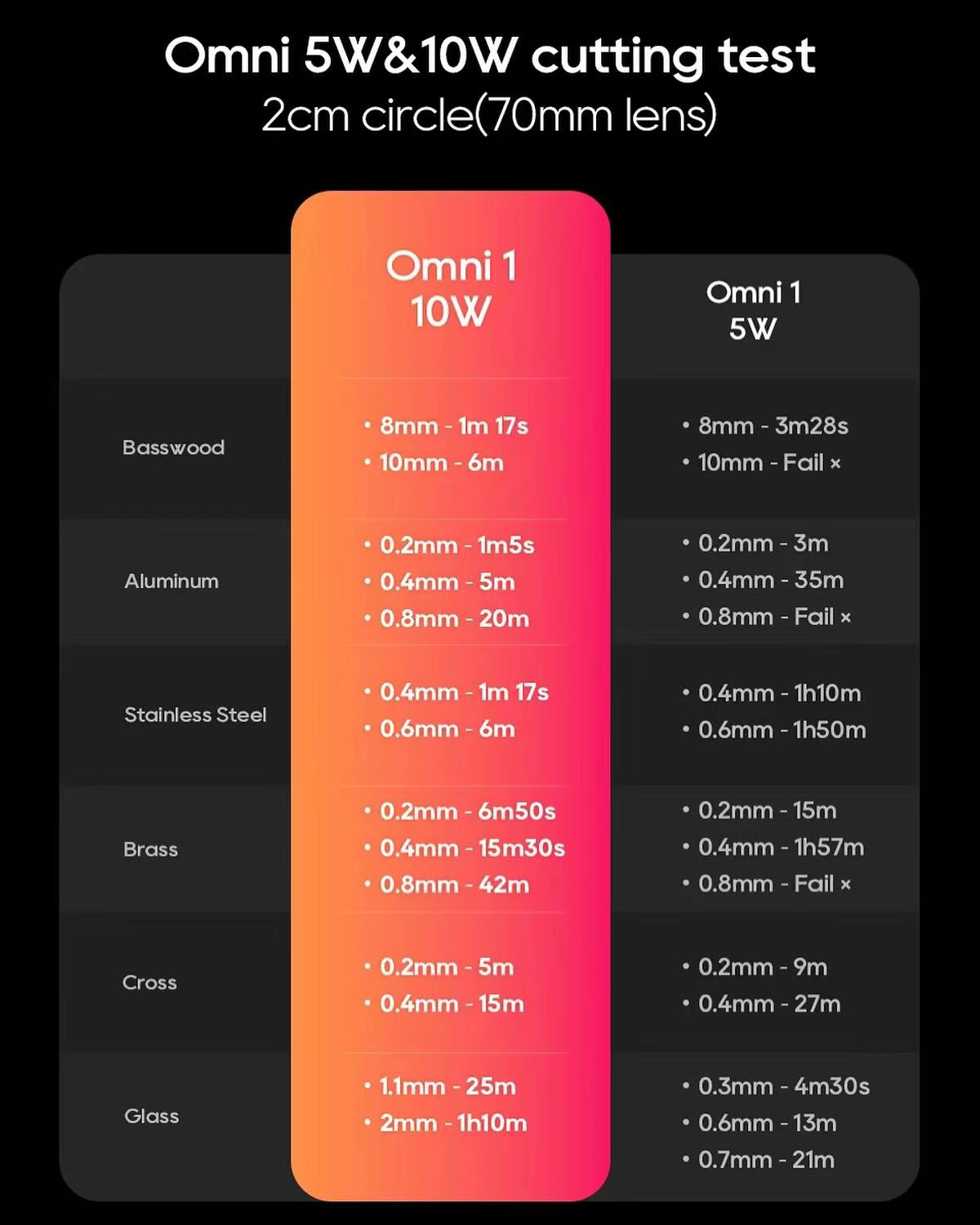
For UV laser engravers, a 5W ComMarker Omni 1 takes 3 minutes 28 seconds to cut an 8mm basswood circle, and a 10W UV laser engravercompletes the same cut in 1 minute 17 seconds. |
 |
Invest in capacity that fuels your next stage of growth, not an imagined scale.
Choosing the best laser engraver and cutter for small business means balancing your real workload with growth plans.
Laser Software: What to Know
Laser software is increasingly influencing the answer of what laser engraving machine to buy.
Most laser brands now include bundled software that works well with their machines and unique features like autofocus or rotary attachments. For beginners, this is often enough.
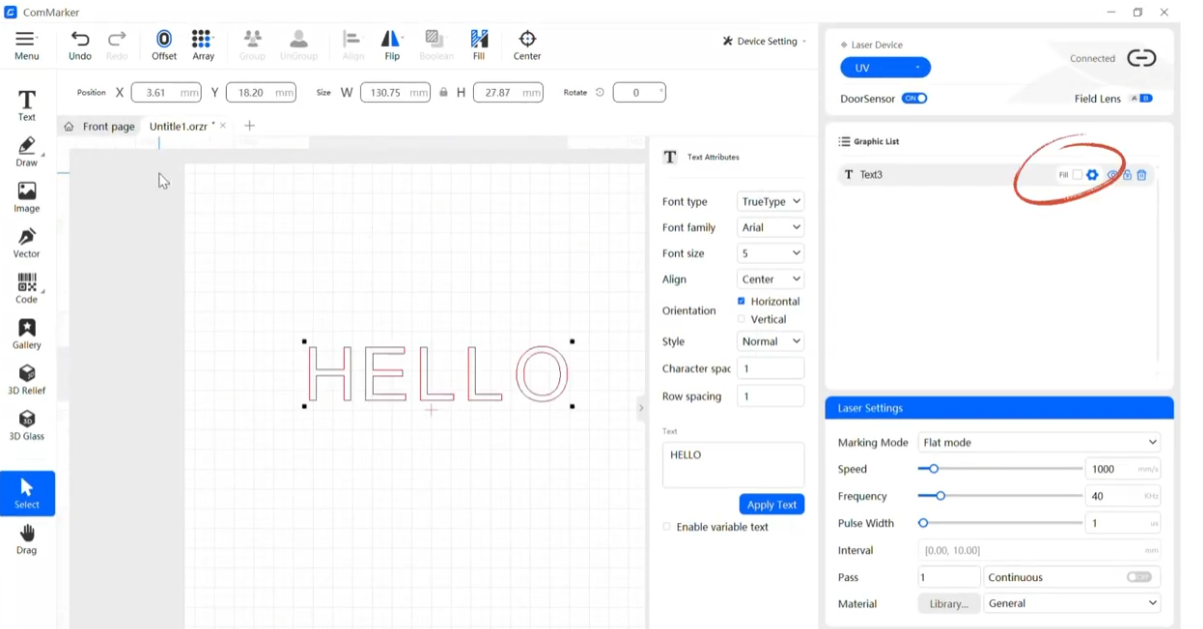
For users running multiple laser machines or wanting more control, LightBurn offers advanced design editing, and laser control. It’s a classic, stable, and essential choice. The go-to software for professional laser users.
Can a Laser Engraver Support a Profitable Small Business?
Laser engraving can be a profitable small business when the machine matches the right products, customers, and production needs.
Before choosing a laser engraver, think about what you plan to sell and which materials you will process.
Learn more: How to Start a Laser Engraving Business That Makes Money
Popular Laser Engraving Products to Sell in 2026
The most profitable laser engraving products usually combine high customization value, repeat demand, and efficient production.
• Popular categories include:
• Personalized metal products
• Tumblers and drinkware
• Corporate gifts
• Jewelry and accessories
• Leather products
• Acrylic signs and decorations
Choosing the right products first can help you select the right laser engraver for your business.
Explore more: 19 Profitable Laser Engraving Business Ideas Most Sellers Overlook
Key Takeaways
- Choose the laser machine that matches your materials and production goals: CO2 for organics, fiber for metals, UV for plastics, diode for testing and learning.
- Pick laser software that fits your workflow and growth plans.
- Match wattage to your actual workload.
By keeping these in mind, you’ll know which laser engraver to buy and avoid the common regret of picking the wrong type.
The right choice drives efficiency, speed, and ROI for your laser engraving business.
Related Articles:
 Laser Engraver for Sale: How to Find the Right Machine for Your Budget and Projects
 Laser Engraver Buying Guide: Everything You Need to Know Before You Buy
 What to Know Before Buying a Fiber Laser Engraving Machine
 Best Budget Laser Engravers for Metal in 2026: Top Picks for Affordability and Performance