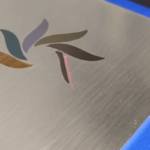
A MOPA fiber laser can do more than create black marks or ordinary color markings on stainless steel. With carefully controlled parameters, it can produce vivid iridescent colors and diffraction effects that change as the viewing angle or lighting changes.
This guide explains how MOPA laser parameters affect stainless steel color and diffraction, how to build a calibration test, and how to turn simple diffraction gratings into complex images.
What Are Iridescent and Diffraction Effects in Laser Marking?
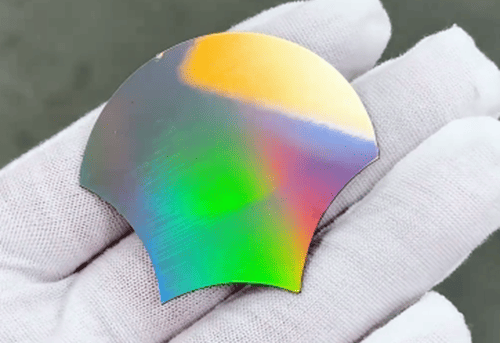
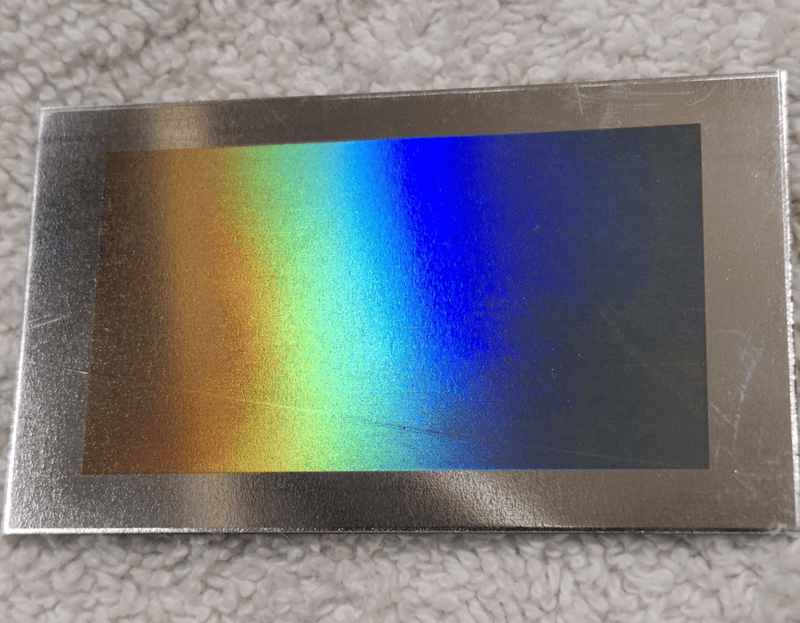
Iridescent effects are colors that shift or shimmer with the viewing or lighting angle. On stainless steel, laser heating forms a thin oxide layer whose thickness and optical properties affect light interference, producing visible colors.
Diffraction effects occur when light interacts with a regular microscopic structure, separating wavelengths and producing rainbow-like colors.
The two are related but different: iridescence describes the appearance, while diffraction describes an optical mechanism that can produce it. A MOPA laser can create both by precisely controlling the laser-induced surface structure.
How Does a ComMarker MOPA Laser Create Diffraction on Stainless Steel?
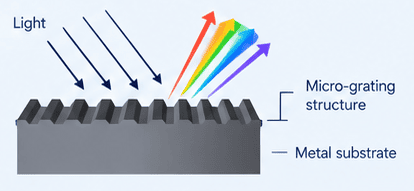
A MOPA fiber laser‘s independently adjustable pulse frequency and pulse width provide greater control over heat input and surface modification, which allows it to create a highly regular microscopic optical structure.
When light interacts with this periodic structure, different wavelengths are diffracted at different angles, producing the characteristic rainbow-like effect.
The process has a limited range of suitable parameters and is highly sensitive to Stainless-steel grade and parameter changes.
Careful material testing and parameter tuning are essential for achieving a stable and repeatable result.
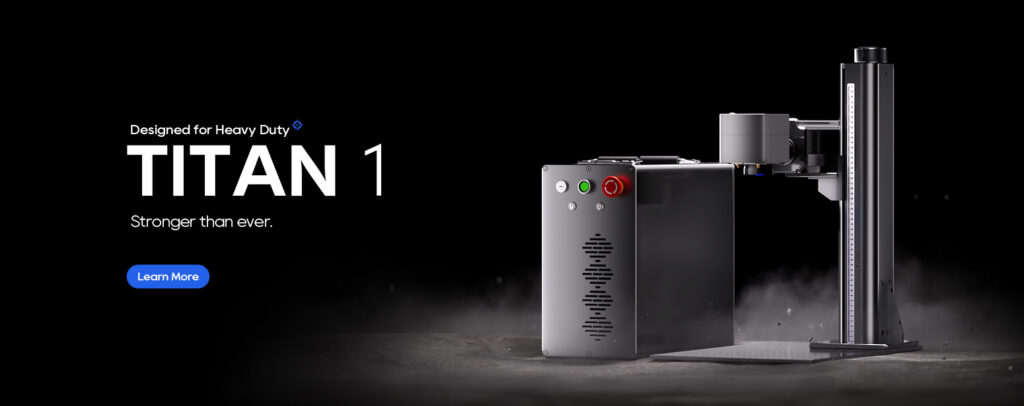
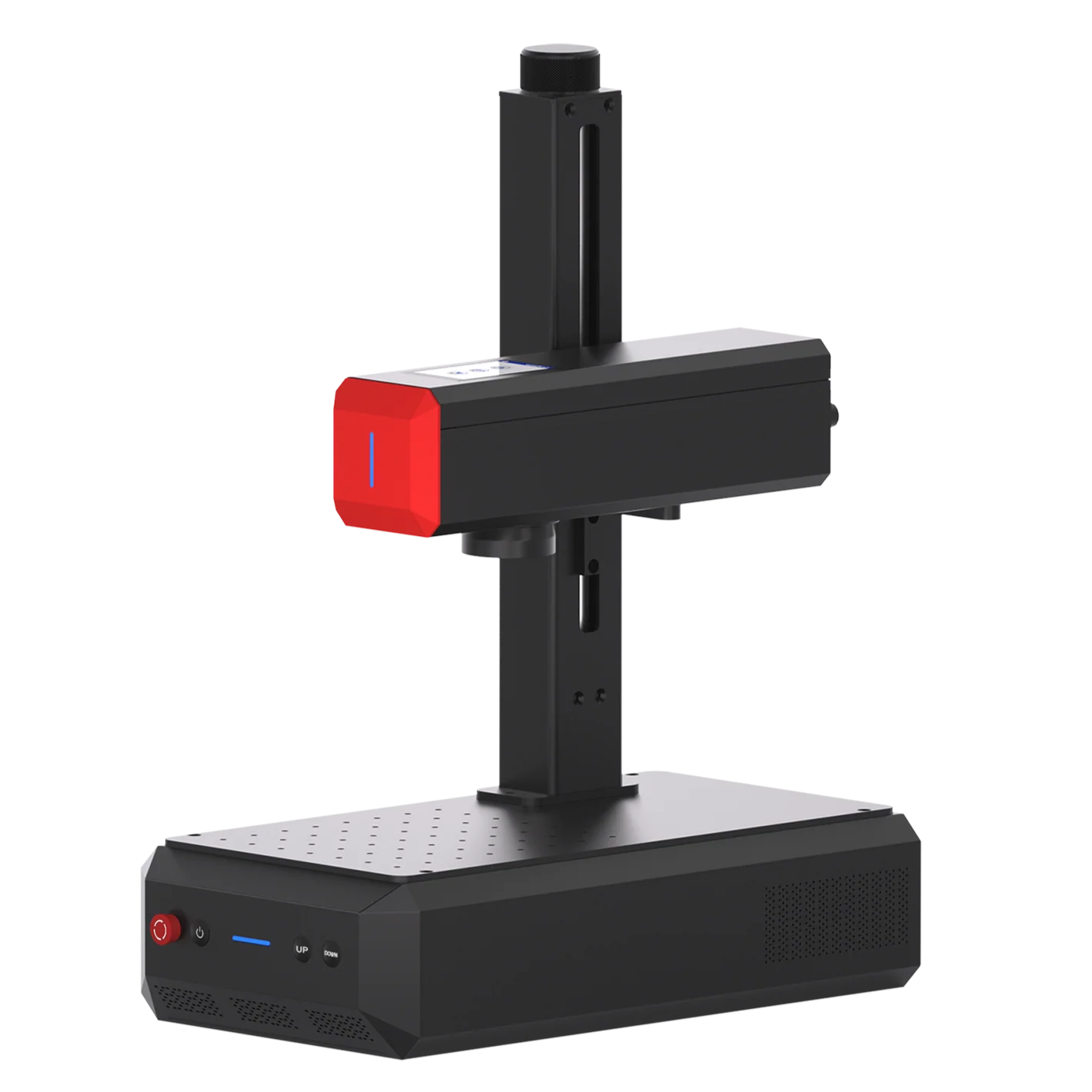
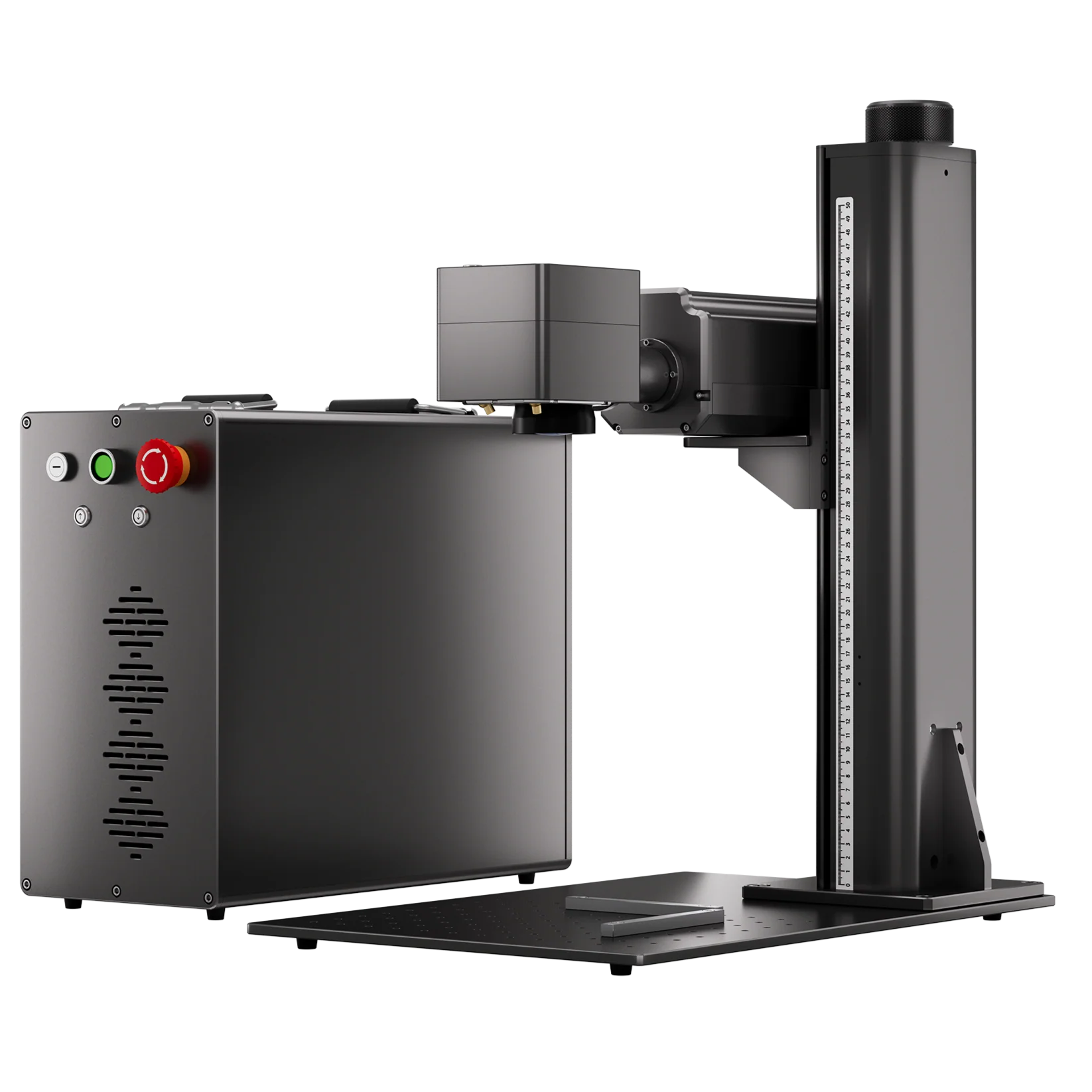
Why Consider the ComMarker Titan 1 for Color and Metal Engraving Work?
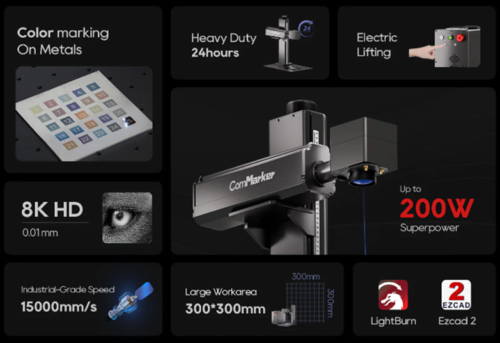
• 60W–200W MOPA options: MOPA pulse control supports color marking, while higher power expands deep engraving and cutting capability.
• JPT laser source for stable laser out put and beam quality
• Wide metal compatibility: Process stainless steel, aluminum, brass, copper, gold, silver, and other metals for different metal engraving applications.
• Production-ready performance: Up to 15,000 mm/s marking speed and 8K HD precision support both detailed designs and higher-volume work.
How to Test Diffraction Settings on Stainless Steel
Before creating a detailed diffraction design, first find a parameter range that produces a clear and repeatable effect on your MOPA laser.
Step 1: Prepare a Flat, Polished Stainless Steel Sample
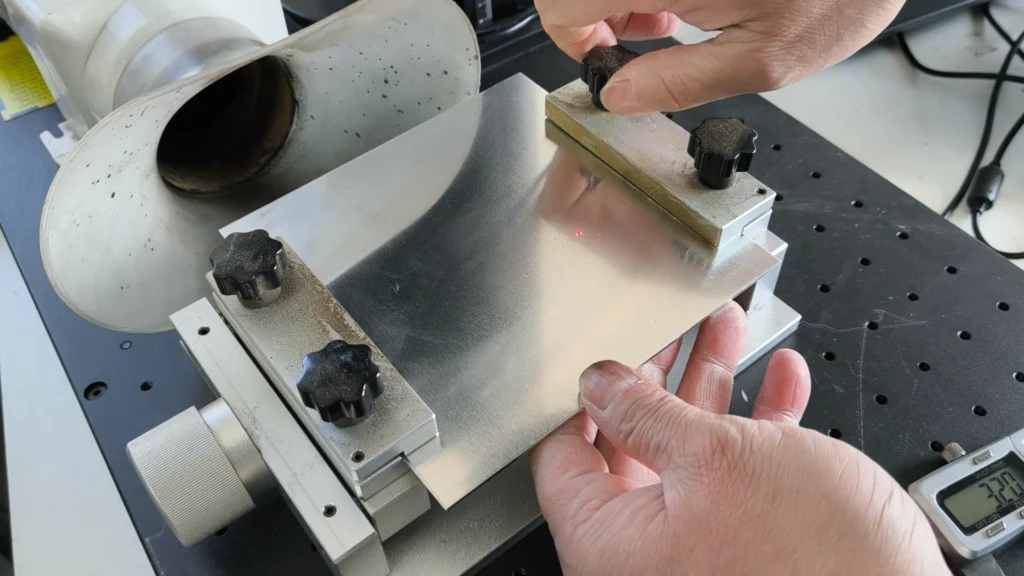
Use clean, polished stainless steel for your first test. Keep the material flat and make sure the laser reaches the same focal position across the test area.
Use a metal sheet holder when appliable.
Step 2: Start With a Baseline
For a ComMarker Titan 100W fiber laser with the 300 mm optional lens, you can use the following settings as a starting point for testing:
| Parameter | Starting Point |
| Speed | 300 mm/s |
| Frequency | 300 kHz |
| Power | 19% |
| Pulse width | 60 ns |
| Line interval | 0.06 mm |
| Material | Polished stainless steel |
Your laser source, lens, stainless-steel grade, surface finish, and software settings may require different values.
Step 3: Test Speed and Frequency Together First
The goal is to find a speed and frequency range that produces a clear, repeatable diffraction effect.
Keep power, pulse width, line interval, and focus constant while testing different speed and frequency combinations.
Speed and frequency determine the nominal spacing between successive laser pulses along the travel direction. A periodic structure in the micrometer range can interact with visible light, whose wavelengths are roughly 0.4–0.7 µm, and produce visible diffraction.
For example:
300 mm/s ÷ 300,000 pulses/s = 0.001 mm/pulse = 1 µm/pulse
*300 kHz=300,000 pulses/s
Please mind that different speed/frequency combinations with the same pulse spacing can produce different results as they also change the laser’s heat input and thermal behavior. Look for a working range for your material and laser system.
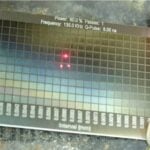
How to Check: Use a lateral strong light (such as a mobile phone flashlight) to shine on the sample at a certain angle. If a certain block shows bright colors that change with the angle (such as rainbow colors), it indicates that a regular LIPSS grating has been formed under that parameter.
Step 4: Test Power and Pulse Width
Now you need to find the lowest or most reasonable energy level that produces a strong, clean effect.
A lower-energy setting may produce a weak or incomplete effect. Increasing energy may make the diffraction clearer, but too much heat can reduce the contrast of the effect and increase warping.
Test power and pulse width while keeping your selected speed, frequency, line interval, and focus fixed.
Step 5: Test Line Interval
The goal is to find a line interval that gives the surface even diffraction coverage without excessive heat buildup.
A smaller interval increases overlap between neighboring scan lines. That can increase heat without necessarily making the diffraction effect better.
Keep your selected speed, frequency, power, pulse width, and focus fixed. Then test several line intervals around your starting point, such as 0.045 mm, 0.05 mm, and 0.06 mm.
Step 6: Check Focus, Flatness, and Scan Direction
This step is about finding out whether the result is stable and repeatable.
First, repeat the same test on another area of the stainless-steel sheet.
If the result changes from one area to another, check whether the material is warped, as changes in surface height can affect the laser’s focal position and energy density.
You can also compare uni-directional and bi-directional scanning. Both can produce diffraction, but the result may differ depending on the machine and process.
By the end of this step, you should be able to find a parameter that can reproduce the same diffraction effect across THIS material to create designs.
How to Create Diffraction Designs with Diffraction Laser Engraving
Once you have a stable diffraction process, you can use the grating to create different types of designs on stainless steel.
1. Create Logos and Simple Graphics
The simplest application is to fill a normal logo, text, or graphic with parallel grating lines. The finished mark can show an iridescent color effect that changes with the viewing or lighting angle.
Note: For most diffraction logos and graphics, Fill is the simpler choice because it creates parallel grating lines. Offset Fill can be useful for hollow shapes or contour-based designs, where following the shape can reduce unnecessary travel.
2. Create Patterns with Different Scan Angles
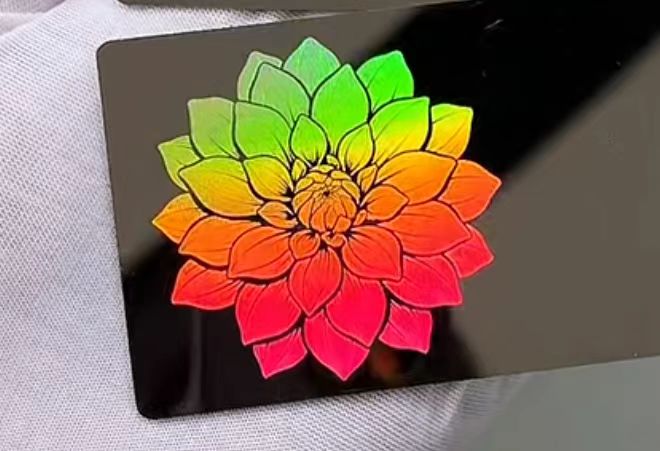
You can create more complex diffraction patterns by changing the Scan Angle between different areas of the design. For example, a logo can use one scan angle while its background uses another. As the metal is tilted under the light, different areas can diffract light in different directions, making parts of the pattern become more or less visible or show different colors.
This allows you to create angle-dependent logos, geometric patterns, stripes, borders, and other decorative effects without adding conventional colored coatings.
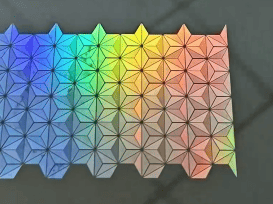
3. Draw Images with Changing Grating Directions
For more complex artwork, the grating direction can change across the image. A grayscale image can be converted into an SVG where different grayscale values correspond to different grating angles. The resulting pattern can create a shimmering image whose appearance changes as the viewing angle moves.
FAQ: Why Didn’t My Diffraction Effect Work?
The most common problems are usually related to heat, focus, material variation, or parameter mismatch.
| Problem | What to check |
| Weak or barely visible rainbow | Test frequency, speed, power, and viewing angle |
| Surface turns gray instead of colorful | Reduce heat input and compare pulse width/power |
| Different areas show different colors | Check focus, material flatness, surface finish, and heat accumulation |
| Thin sheet warps | Use thicker material or better hold-down; reduce heat input |
| One scan direction looks different | Compare uni-directional and bi-directional settings |
| Result works on one stainless sheet but not another | Rebuild the material test for the new grade, finish, or thickness |
| Diffraction is visible only from certain angles | Change the grating orientation and viewing/lighting angle |
Final Thoughts
Creating iridescent and diffraction effects on stainless steel is a tricky but valuable laser-marking process requiring precise control of speed, frequency, pulse width, power, line interval, focus, and material response.
Once the parameters are stable, you can move beyond simple color patches to iridescent logos, angle-dependent patterns, and image-based diffraction designs.
This versatility is also where a quality MOPA platform becomes valuable. The ComMarker Titan 1 combines the pulse control needed for color and diffraction experiments with the power for deeper engraving, cutting, and faster metal marking. That lets you explore diffraction without limiting the machine to one specialized application.
Ready to turn precise laser control into something more than a mark? Explore the ComMarker Titan 1 and discover what you can create with MOPA laser technology.