Buying your first laser engraver feels exciting. You want a powerful and reliable machine that can handle different materials and support your ideas.
Eventually, those $200 to $500 machines look like the smart way to begin.
But here is the reality. Cheap laser engravers can cost you more. More time, more money, and a lot more frustration.
You may end up spending more time fighting the machine than actually creating anything.

Weak Performance Limits Your Creativity
A low-power machine struggles to cut even basic materials. For example, even a 20W fiber laser engraver requires significant time for metal cutting.
Simple tasks like cutting plywood can require multiple passes. Engraving becomes slow, and increasing speed often reduces quality.
In comparison, a more capable machine unlocks real creative potential.
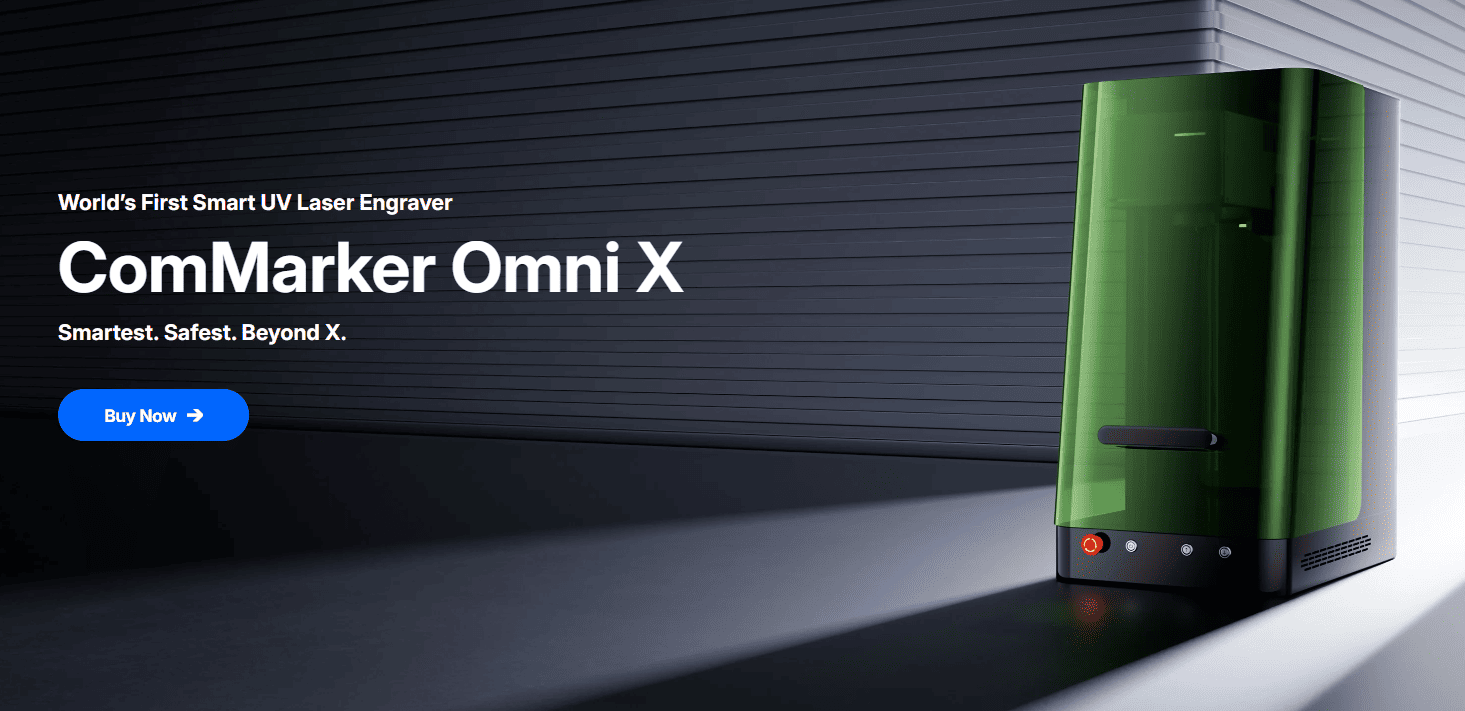
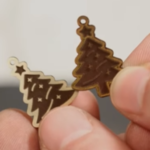
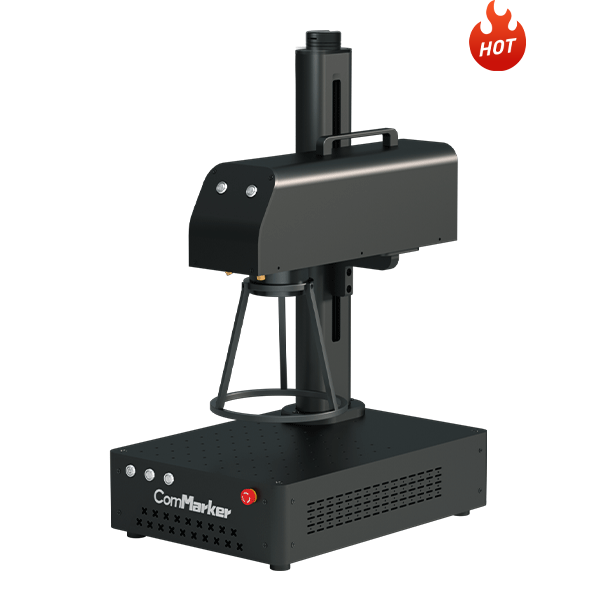
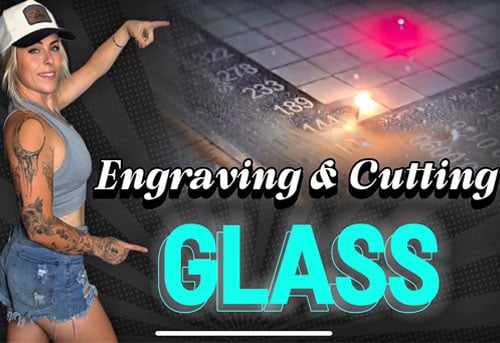
A ComMarker Omni X UV laser engraver can cut through 0.3mm glass in 5 minutes. It also supports plywood cutting, fabric engraving, and even cutting on acrylic for earrings.
Machines like the ComMarker B6 MOPA laser engraver support deep engraving, metal color engraving, cutting, and marking without limiting your creativity.
Key Features
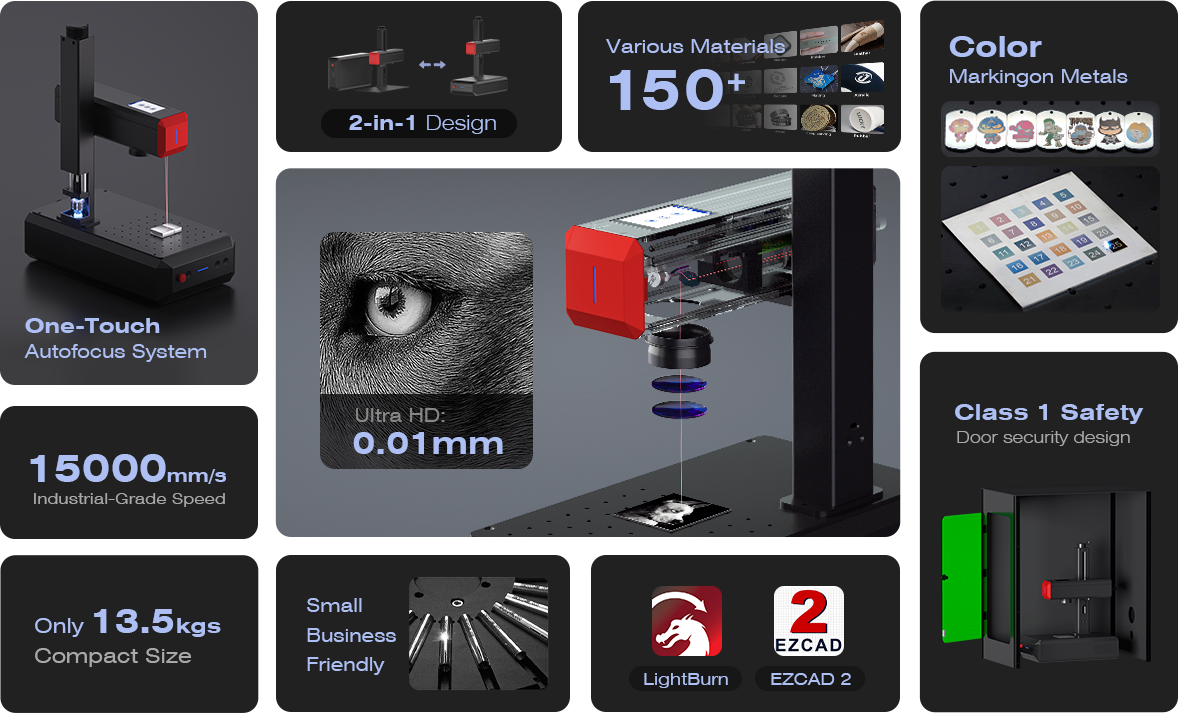
- Power Options: Available in 20W, 30W, and 50W configurations, giving you the flexibility to work on different material thicknesses.
- Engraving Speed: It offers engraving speeds of up to 15,000 mm/s, which makes it ideal for high-volume production.
- Accuracy: With a precision of 0.01mm, the B6 is perfect for fine details, even on metals.
- Software Compatibility: Compatible with EZCAD 2 software (included) and LightBurn (requires purchase).
- Materials: Primarily used for metals (stainless steel, aluminum, brass, titanium), but can also engrave on certain plastics and leather.
Hidden Costs Add Up Quickly
A cheap laser engraver is rarely just the price you see.
Most budget machines come with an open frame design, which means you need to buy essential laser engraving accessories just to use it safely and effectively.
You will likely need:
•An enclosure to contain smoke and improve safety
•Protective glasses to avoid eye damage
•A stronger exhaust system to remove fumes
•A honeycomb bed to prevent burn marks
By the time you add these, your low-cost machine is no longer low-cost.
In contrast, the ComMarker Omni X UV Laser Engraver offers a fully enclosed structure
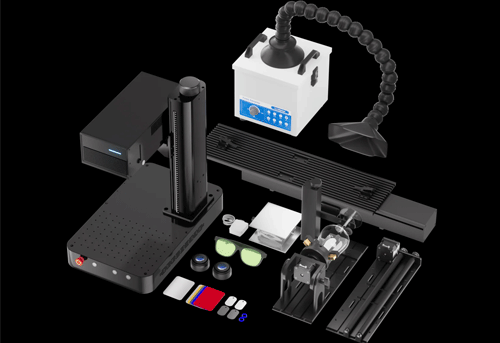
Protective glasses are included for free. As well as free cutting panels included during promotions
Key Features
- Laser Type: UV Laser (355nm), which allows for non-heat engraving, making it perfect for heat-sensitive materials like wood, acrylic, and glass.
- Precision: Offers incredible precision, with a minimum line width of 0.0019 mm, making it ideal for intricate designs.
- Speed: Engraving speed of up to 10,000 mm/s, which is fast enough for most personal and small-business applications.
- Materials: Works with wood, acrylic, glass, leather, plastic, ceramics, and even some metals.
- User-Friendly Software: Compatible with ComMarker Studio and LightBurn software, with intuitive operation for beginners and professionals alike.
Poor Quality Leads to Inconsistent Results
Cheap laser engravers often suffer from unstable performance.
Some budget machines are built with minimal materials to reduce costs, what you get might be a machine made of plastic and duct tape.
You may experience alignment issues where the laser is not perfectly straight. Engraving results can shift slightly, ruining precision work and the material you pay for.
ComMarker machines are designed differently
With full metal construction and strict calibration, each machine is tested to ensure stable performance.
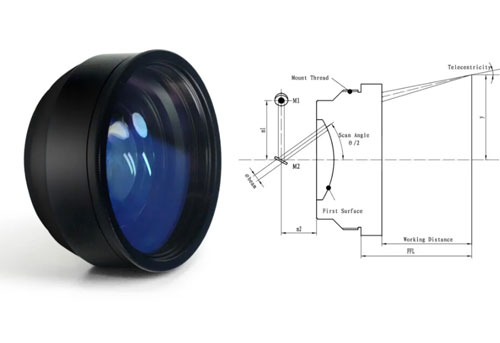
The ComMarker B6 fiber laser engraver uses JPT laser sources, one of the leading brands in the industry. The ComMarker Omni X uses an upgraded 6W Omni 1 laser source for higher precision and consistency.
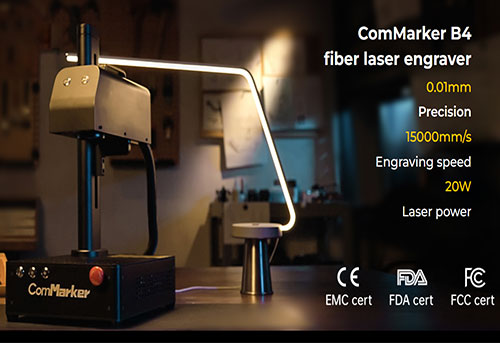
Even entry-level models like the ComMarker B4 provide industrial-grade stability, making them suitable for both beginners and professional use.
Material Limitations Become Frustrating
As you get deeper into laser engraving, you will naturally want to try more materials.
You will see projects on glass, metal, acrylic, leather, and more. Then you will look at your machine and ask, can it do this?
In many cases, the answer is no.
For example, trying to cut glass with a diode laser is almost impossible. Many materials either do not respond well or produce poor-quality results with cheap laser engraver.
This is where frustration builds. You spend money on materials only to discover your machine cannot handle them.
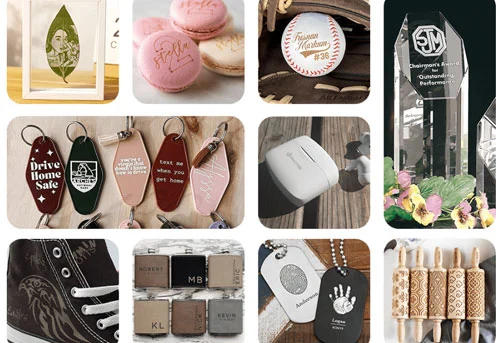
The ComMarker Omni X UV laser engraver supports over 1500 materials. You can experiment freely without worrying about limitations. With 16K HD precision, you can achieve detailed and professional results across a wide range of applications.
Software Limitations Slow You Down
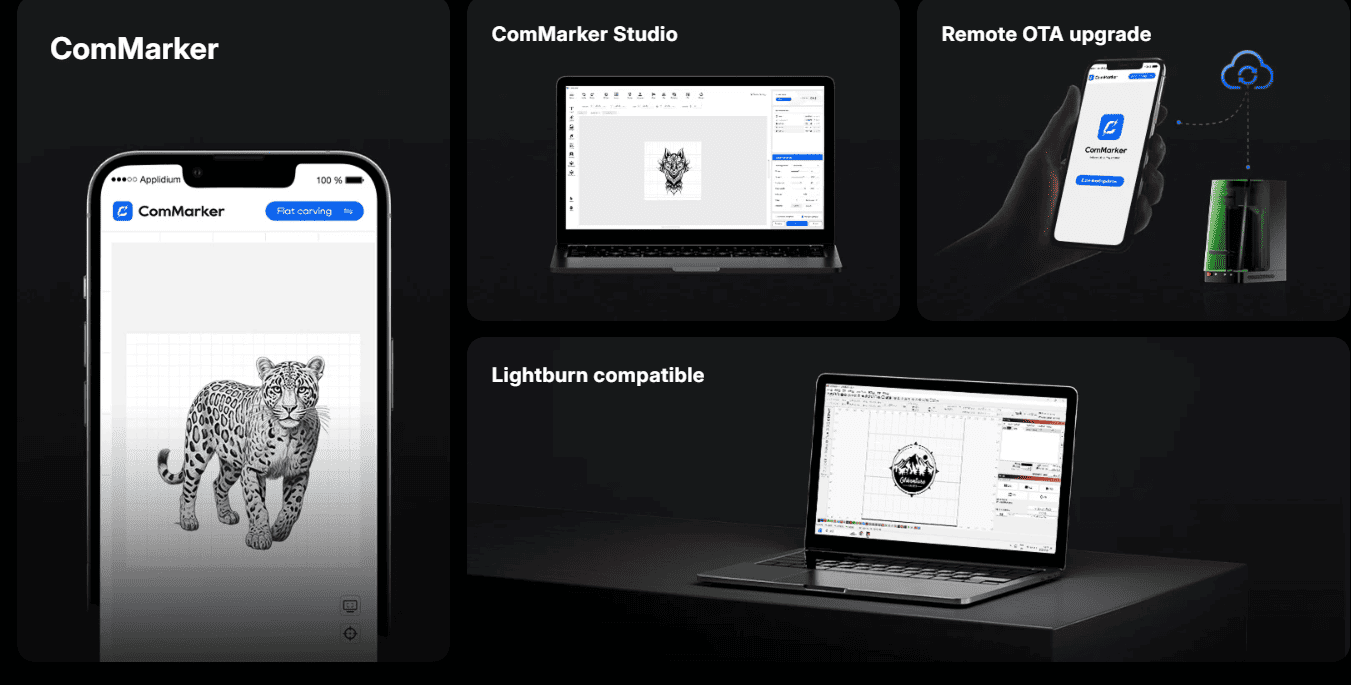
Many cheap machines require you to purchase additional software like LightBurn, or they come with poorly optimized programs that slow down your workflow.
Learning becomes harder, and basic operations take longer than they should.
ComMarker Omni X UV laser engraver uses self-developed software designed to be intuitive and stable.
One-click focusing make it easier for beginners to get started without unnecessary complexity.
Lack of After-Sales Support
When something goes wrong with a cheap laser engraver, you are often on your own.
Many low-cost brands offer little or unhelpful support. You may not even find a proper manufacturer website or reliable documentation. Not to mention when you need a replacement or refund.
This becomes a serious problem when you encounter technical issues or need guidance.
ComMarker has been developing laser engravers since 2017, with experienced support team ready to help with machine issues or engraving challenges.
Final Thoughts: Don’t Let Cheap Laser Engravers Kill Your Passion
If you are serious about creating high-quality engravings, starting a side business, or simply enjoying the process, the wrong machine can hold you back.
Cheap machines quickly expose their limitations. If you enjoy the hobby, you will feel frustrated with your machine fast as your experience grows. If you do not enjoy the experience, you may walk away entirely feeling you have waste money and turn down the possibility of having a fun, beneficial hobby.
If you want consistent results, creative freedom, and a smoother learning experience, choosing a more capable machine from the start.
Do not let a low price limit your potential.