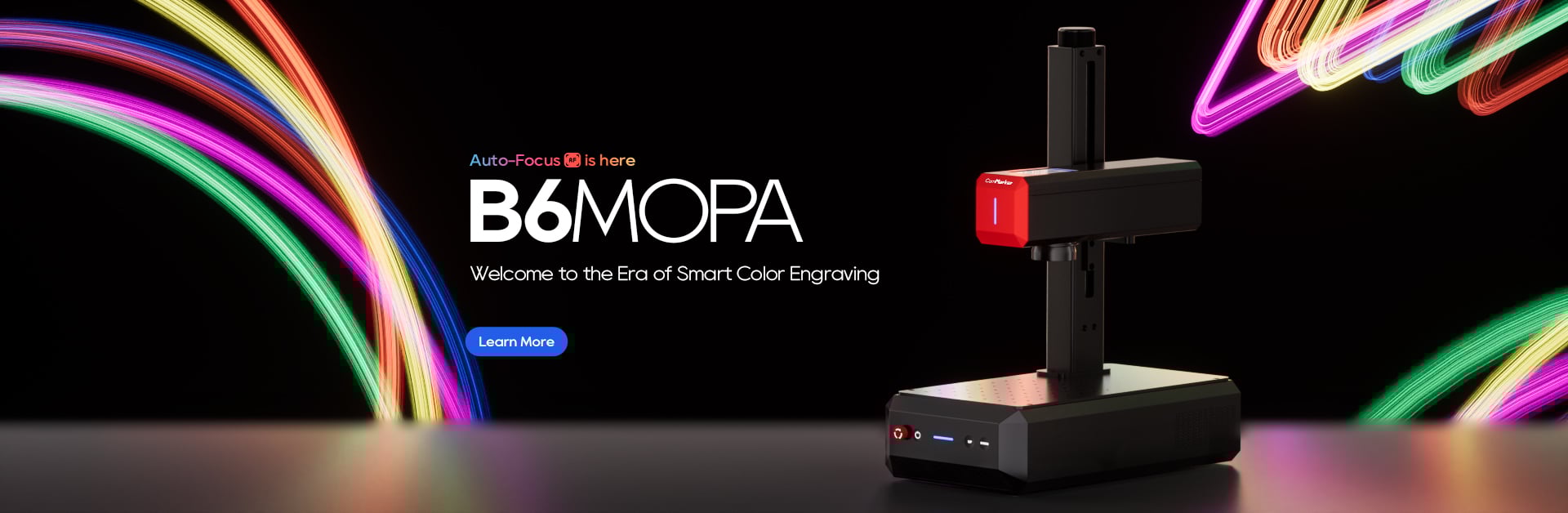
Laser engraving on mirror stainless steel is a highly sought-after technique, particularly for personalized gifts, trophies, and decorative items. If you’ve been wondering how to engrave intricate designs, including photos, on this shiny, reflective surface, you’re in the right place. In this guide, we’ll walk through how to achieve perfect photo laser engraving on mirror stainless steel using the ComMarker B6 Mopa 60W fiber laser engraver.
Why Choose Mirror Stainless Steel for Engraving?
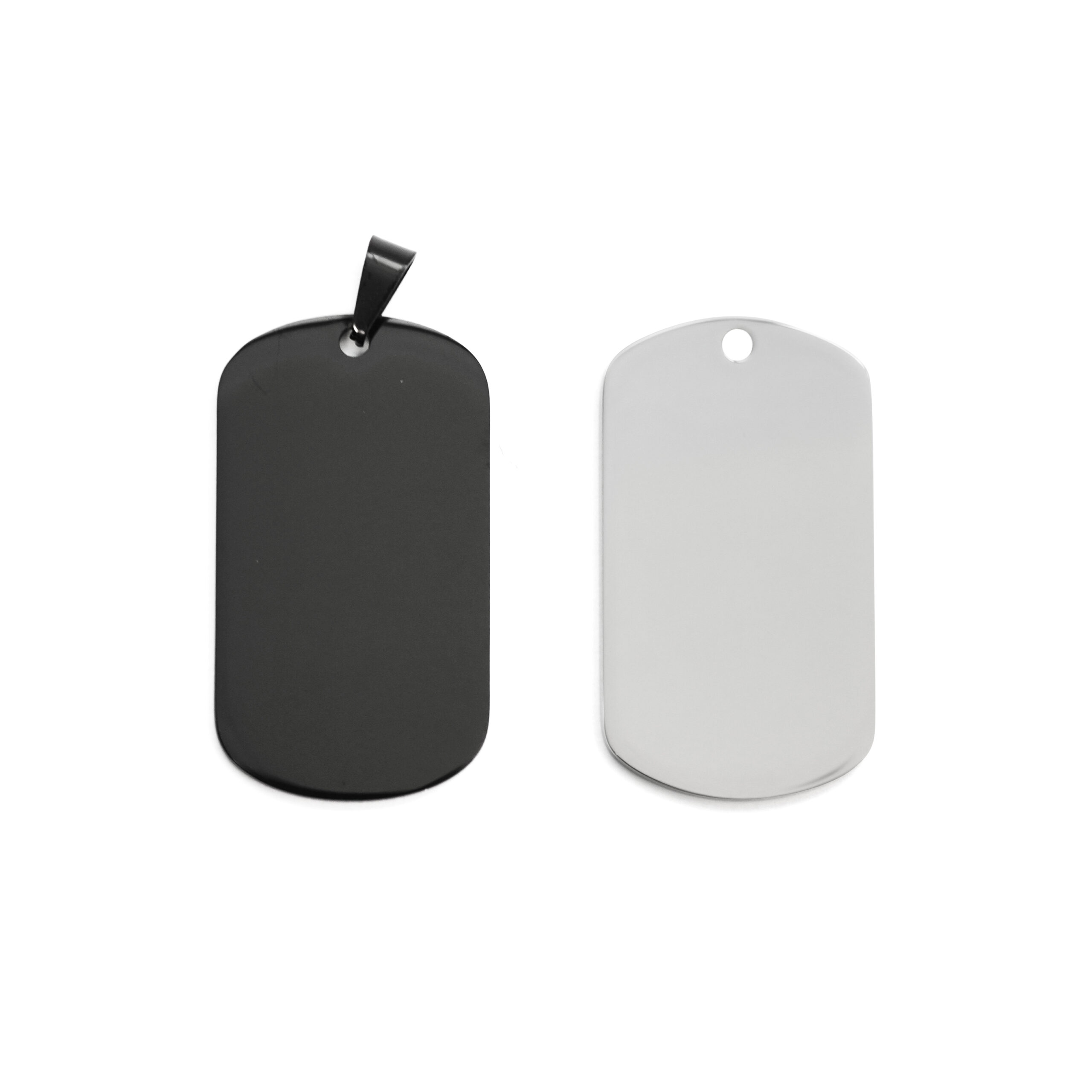
Mirror stainless steel offers a high-quality surface with exceptional shine, making it perfect for creating polished, professional designs. It’s widely used for trophies, plaques, photo engravings, and custom gifts. However, engraving on mirror-finish stainless steel can be tricky due to its reflective nature. This is where the right technique and the right tools make all the difference.
Preparing the Mirror Stainless Steel Surface
Before you start the engraving process, it’s essential to prepare the surface properly:
-
Clean the Surface: Ensure that the mirror surface is free from scratches, fingerprints, and dust. Use a microfiber cloth and a mild cleaning solution to wipe down the surface thoroughly. This step helps avoid any unwanted marks during the engraving process.
-
Check Focus Settings: For best results, you must use the automatic focus feature of the ComMarker B6 Mopa 60W fiber laser engraver. This ensures that the laser is at its optimal focal point, which is crucial for achieving sharp and clear details, especially when working on such a polished surface.
Step-by-Step Guide to Engraving Photos on Mirror Stainless Steel
1. Set the Right Parameters for Photo Engraving
To achieve the best results when engraving photos on mirror stainless steel, the settings must be precisely adjusted. Use the following parameters for engraving photos:
-
Speed: 1500mm/s
-
Power: 27.5%
-
Frequency: 23kHz
-
Q-pulse: 200ns
-
Line Spacing: 0.0508mm (DPI:500)
-
Scan Angle: 180°
-
Image Mode: Jarvis (this mode ensures smooth transitions and high-quality photo engraving)
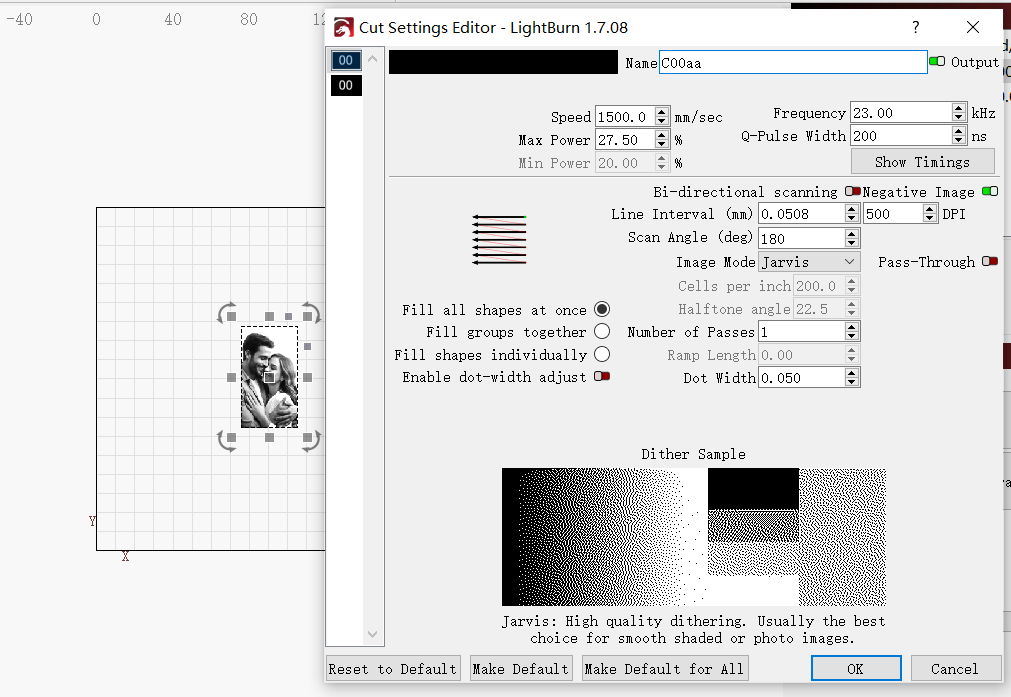
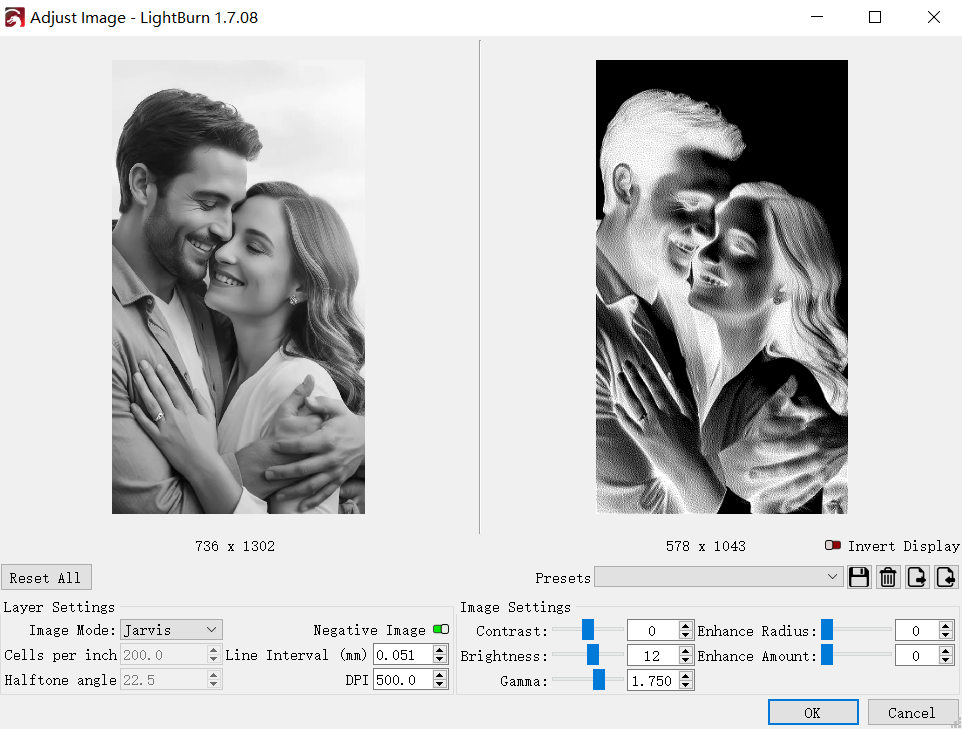
Once these settings are set, right-click on the image you want to engrave and select Adjust Image. From here, modify the contrast and brightness to get the best visual result before engraving.
2. Engraving Text on the Backside
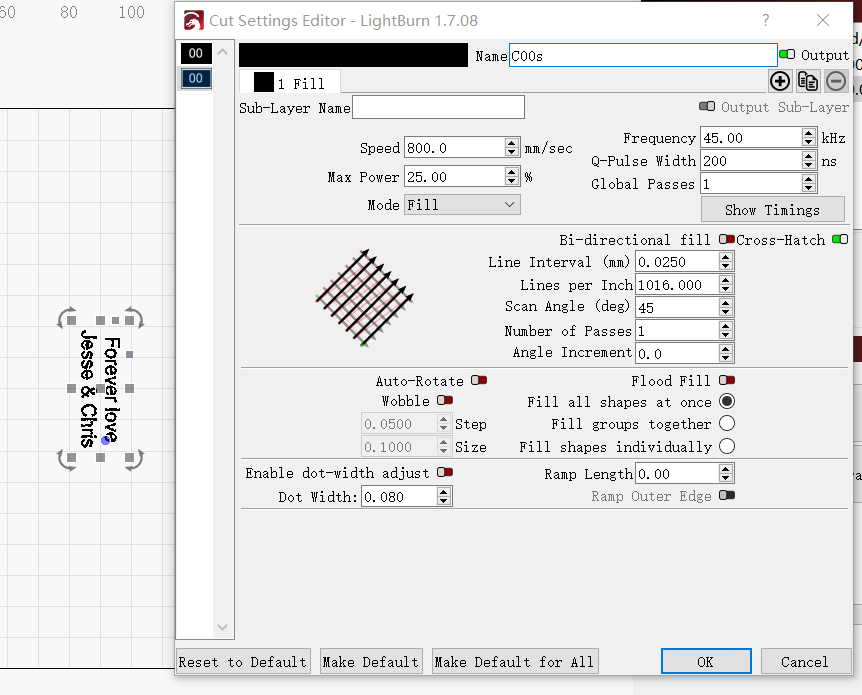
If you’d like to engrave text on the back of the mirror stainless steel, it’s essential to set the correct parameters for clean, readable text. We recommend the following settings for engraving text:
-
Speed: 800mm/s
-
Power: 25%
-
Frequency: 45kHz
-
Q-pulse: 200ns
-
Line Spacing: 0.025mm
-
Scan Angle: 45°
Ensure the text is visible and clearly defined by adjusting the laser’s power and speed according to your material’s needs.
3. Additional Tips for a Flawless Finish
-
Negative Image: For photo engraving, always check the Negative Image option when adjusting your image before engraving. This inverts the image, giving it the correct light-to-dark contrast for engraving on reflective surfaces.
-
Depth Control: Since the surface is reflective, it’s important to maintain a consistent engraving depth. Monitor the laser’s focus and adjust the distance slightly if necessary during the process to ensure the design’s depth is consistent.
-
Cooling and Safety: After engraving, let the piece cool down completely. Avoid handling the engraved areas immediately to preserve the quality of the photo and text. Ensure that your workspace is well-ventilated, as laser engraving can produce smoke and fumes.
Why Use the ComMarker B6 Mopa 60W Fiber Laser for Engraving?
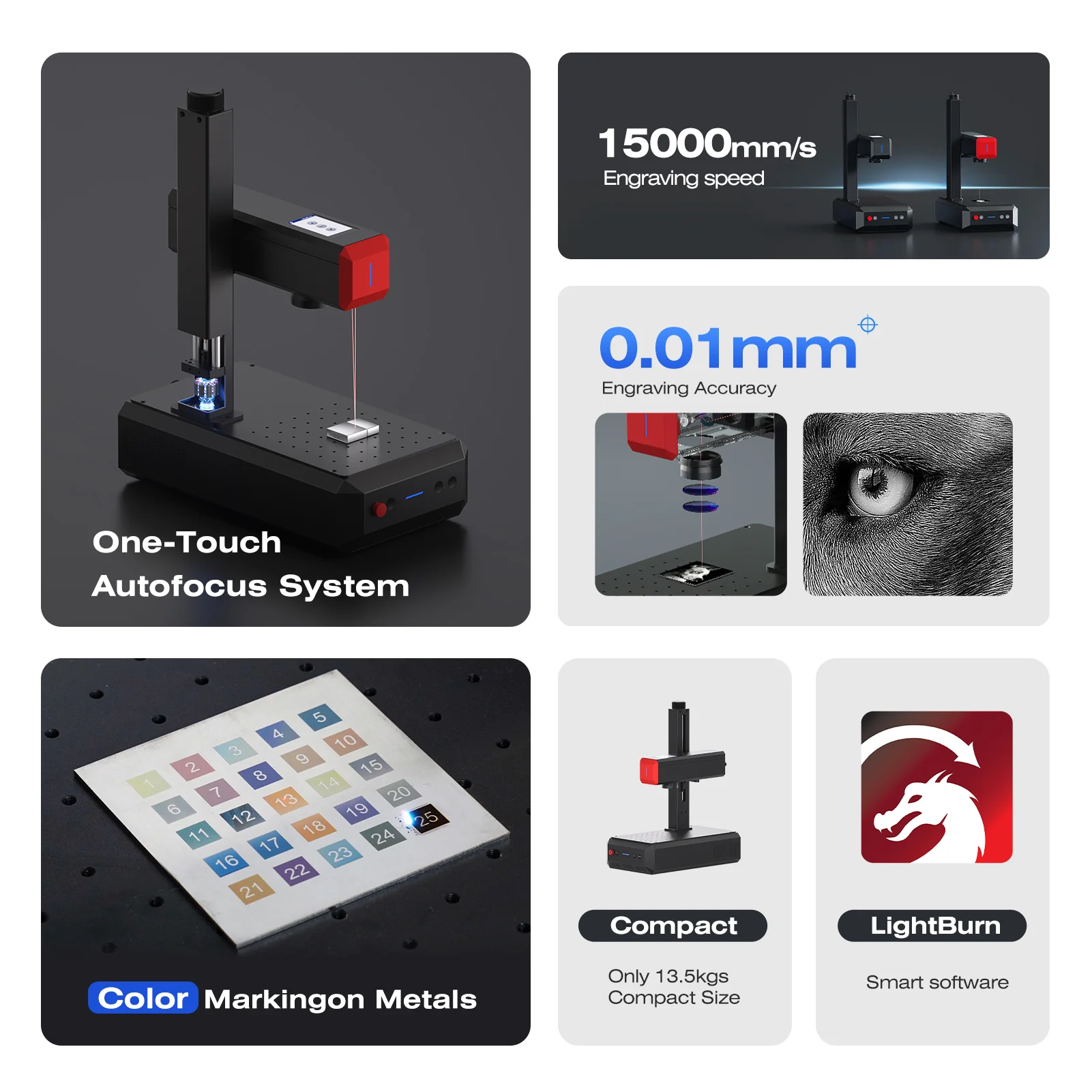
The ComMarker B6 Mopa 60W is specifically designed to handle delicate materials like mirror stainless steel. The benefits of using this laser engraver for your projects include:
-
Precision and Detail: With high precision and a small laser spot size, the B6 Mopa 60W can engrave intricate designs, photos, and text with amazing detail.
-
Versatility: This laser can handle a wide range of materials, including metals, plastics, and slate, making it a perfect tool for a variety of projects.
-
Cold Processing: The Mopa technology ensures minimal heat impact, which prevents warping or burning the material, especially critical when working on mirror-finish surfaces.
Final Thoughts
Engraving photos and text on mirror stainless steel is no longer a daunting task with the ComMarker B6 Mopa 60W fiber laser engraver. With the right preparation, settings, and attention to detail, you can create stunning, high-quality personalized items that stand out. Whether you’re making custom gifts or professional-grade products, this tool provides the precision and reliability you need to take your engraving projects to the next level.