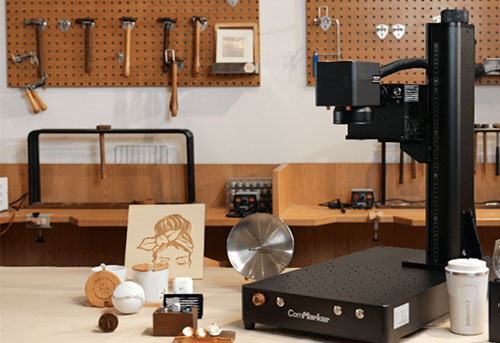
Starting a customization business is about choosing a technology that matches your customers, pricing strategy, and profit margin.
A UV printer and a UV laser engraver can both turn ordinary products into customized products, but they create value in completely different ways.
A UV printer creates designs by adding layers of ink onto a product surface, making it ideal for colorful images, photos, and decorative products.
A UV laser engraver creates permanent designs by modifying the material surface itself, making it ideal for precision personalization, premium gifts, and durable marking.
For business owners, the key question is not simply which technology is better. It is which technology better matches your products, customers, and business model.
UV Laser vs UV Printer: Different Technologies, Different Business Models
Before comparing costs, it is important to understand how these technologies work.
| ComMarker Omni X UV Laser Engraving | UV Printing | |
| Core technology | Uses a 355nm ultraviolet laser beam to modify or remove material through photoablation | Uses UV-curable ink deposited onto a surface and instantly cured with UV light |
| How designs are created | Changes the original material surface | Adds new ink layers onto the product |
| Main output | Engraving, marking, frosting, texture, permanent patterns | Full-color images, photos, gradients, decorative effects |
| Color capability | Material contrast, grayscale effects, specialized color marking | CMYK, white ink, varnish, and multi-color printing |
| Durability | Design becomes part of the material surface, offering excellent permanence for many marking applications | Depends on ink adhesion, curing process, material, and usage environment |
| Main advantage | Precision, permanence, low consumable cost | Unlimited color possibilities and visual creativity |
| Main limitation | Not designed for replacing full-color photo printing workflows | Requires ink management and ongoing consumable costs |
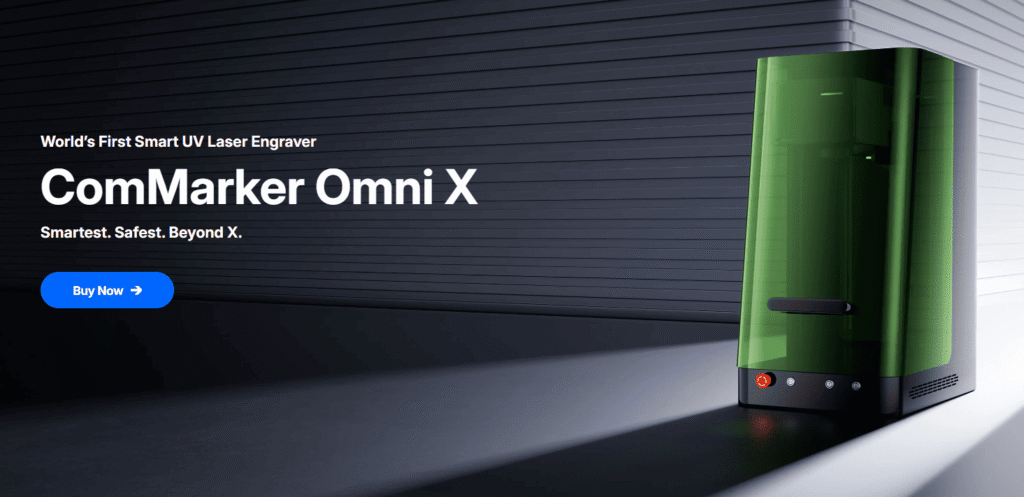
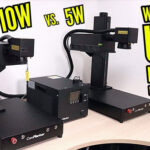
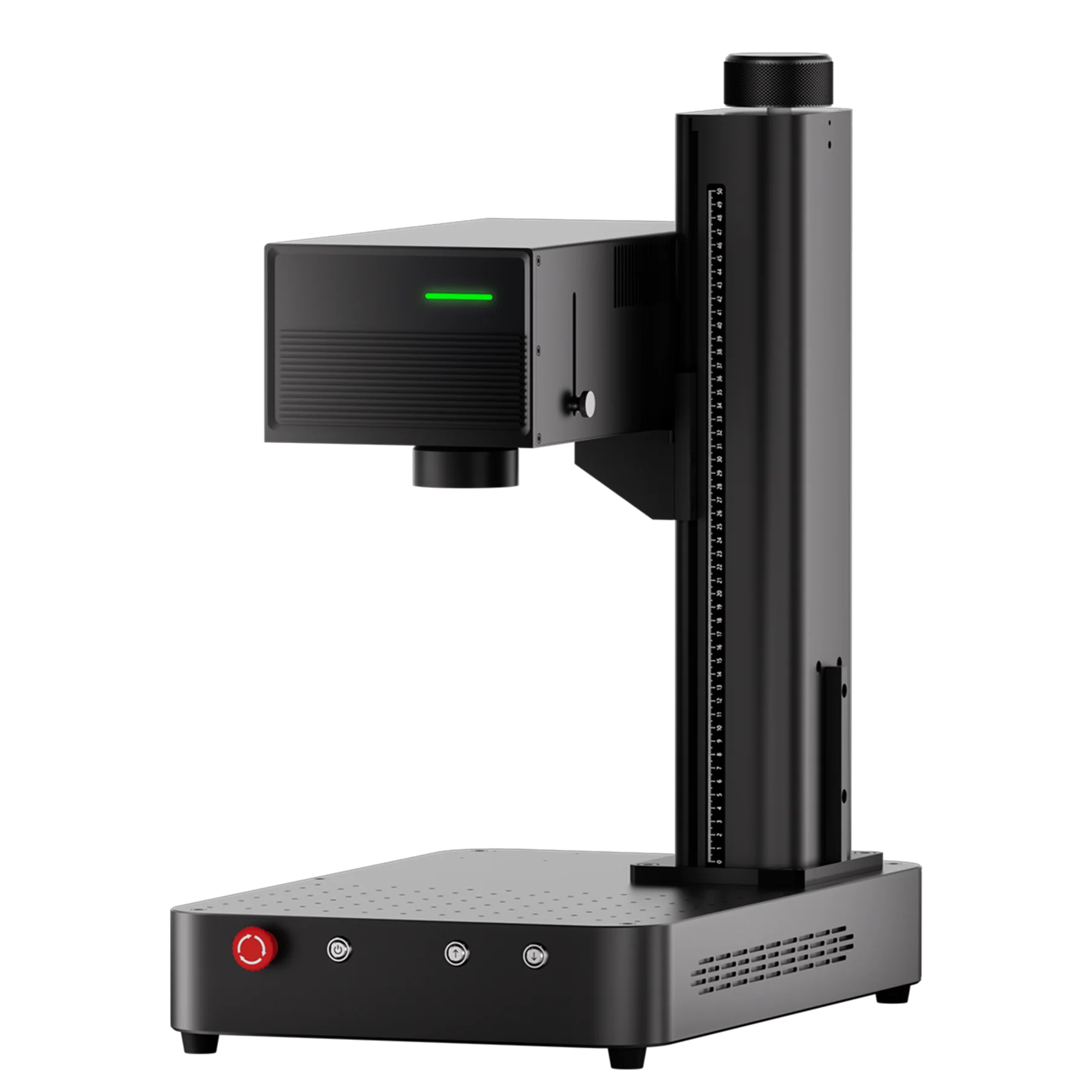
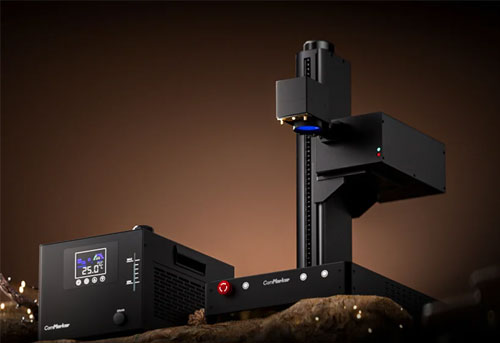
The ComMarker Omni X UV Laser Engraver uses 0.0019 mm laser spot designed for precision engraving applications, featuring 16K HD engraving capability and 10,000 mm/s high-speed galvo marking.
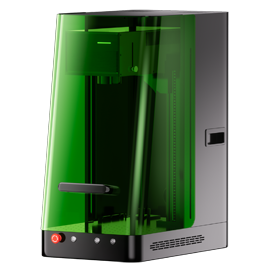
UV printers, such as the xTool O1 Omni Printer, focus on adding color through UV printing technology with options including CMYK, white ink, and varnish effects for different product applications.
UV Laser vs UV Printer Cost and Maintenance: Which Is Better for a Small Business?
1. Machine Price: Initial Investment Comparison
The first question most business owners ask is: “How much do I need to invest before I can start selling?”
UV Laser Investment
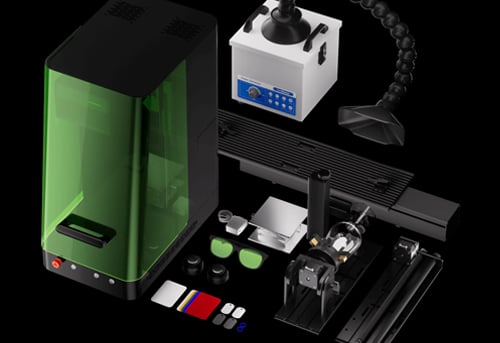
A desktop UV laser business setup typically includes:
| Item | Estimated Cost |
| ComMarker Omni X UV laser engraver | $3,599+ |
| Rotary attachment (optional) | $288 |
| Slide extension (optional) | $559 |
| Fume extraction (optional) | $359 |
A UV laser setup is mainly a hardware investment.
After purchase, most production costs come from electricity and blank material for engraving.
UV Printer Investment
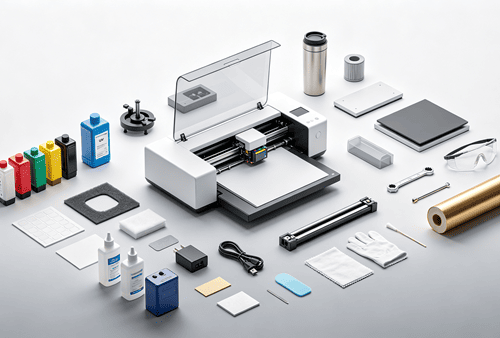
A UV printing setup usually includes:
| Item | Estimated Cost |
| UV printer | $2,499+ |
| Ink cartridges (Ongoing cost) | From $43/100ml |
| Cleaning solution (Ongoing cost) | From $40/100ml |
| Rotary Attachment (optional) | $400 |
| Slide Attachment (optional) | $500 |
Modern desktop UV printers have become more accessible, but the purchase price is only part of the total investment.
The ongoing workflow cost is equally important.
2.Operating Cost & Maintenance Comparison: UV Laser vs UV Printer
Operational cost
| Factor | UV Laser | UV Printer |
| Main cost | Electricity + minimal maintenance | Ink + cleaning supplies + maintenance |
| Consumables | No ink required | CMYK ink, white ink, varnish, cleaning fluid |
| Operation Cost | $0.04 per hour | $43 per 100ml ink |
| Best advantage | Lower operating cost and predictable workflow | Full-color output and creative flexibility |
Hidden Maintenance Risk: The Cost of Idle Time
For small businesses, the biggest challenge of a UV printer hides at keeping the ink system healthy.
Because UV printers rely on liquid ink and precision printheads, they require regular maintenance even when production volume is low.
| Factor | UV Laser | UV Printer |
| Daily maintenance | Occasional lens cleaning | Regular nozzle checks, printhead cleaning, ink circulation, waste ink management |
| Downtime risk | Minimal routine maintenance | Extended idle periods may require additional cleaning before production resumes |
| Consumable waste | None | Cleaning cycles consume ink ($40 per 100ml) and generate waste ink |
| Maintenance complexity | Simple | Higher due to ink system management |
If a UV printer sits unused for an extended period, dried ink can clog the printhead and reduce print quality. In severe cases, replacing a damaged printhead can become a significant unexpected expense.
For seasonal businesses or beginners who do not have consistent daily orders, maintenance requirements can directly affect profitability.
By comparison, the Omni X UV laser engraving system does not rely on ink, printheads, or liquid consumables. Its maintenance routine mainly involves optical lens cleaning and regular machine inspection.
UV Laser vs UV Printer for Business: Which One Is More Profitable?
The biggest difference between UV laser engraving and UV printing is not only the machine cost.
It is how each technology affects:
• Cost per product
• Selling price
• Gross margin
• Production scalability
To understand the business impact, let’s compare two common customization scenarios.
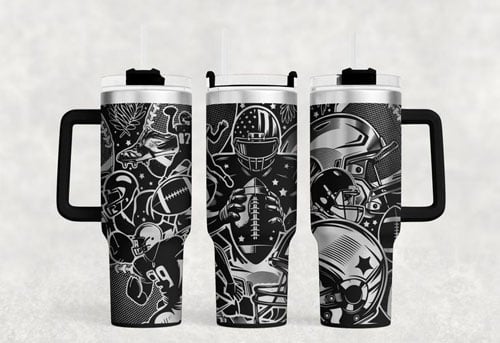
Case Study 1: Corporate Logo Tumblers (The 30-Minute Efficiency Test)
The Business Goal:
A corporate client places an order for custom-branded gifts (e.g., 20oz powder-coated stainless steel tumblers with a single-color company logo).
Let’s look at the hard data over a standard 30-minute production window, based on real workshop environments:
| Financial & Operational Metrics | Desktop UV Printer (e.g., eufyMake E1) | ComMarker Omni X UV Laser |
| Actual Time per Unit | ~10 mins / pc (Setup, white base + ink layers, UV curing) | ~5 mins / pc (Precision rotary alignment, focusing, and etching) |
| 30-Min Output | 3 pcs (Physical limit of the inkjet scan-head) | 6 pcs (A 100% capacity boost) |
| Retail Selling Price | $28.00 / pc | $28.00 / pc |
| 30-Min Total Revenue | $84.00 | $168.00 |
| Blank Tumbler Cost | $36.00 ($12.00 / pc) | $72.00 ($12.00 / pc) |
| Ink & Hidden Maintenance Cost | ~$3.60 ($1.20 / pc due to automated head cleaning) | $0.02 (electricity cost) |
| 30-Min Gross Profit | $44.40 | $95.98 |
The UV Printer Bottleneck: Slow Multi-Layer Printing
• The Reality: UV print heads must move back and forth mechanically to spray CMYK layers and cure ink.
• The Business Impact: This drags out production cycles, severely limits daily output, and causes you to lose time-sensitive, high-volume corporate orders.
The Omni X UV Laser: Hardcore Specs = Scaled Profits
• 10,000 mm/s Speed: While inkjet heads slowly chug along on a single item, the Omni X permanently brands an entire batch of corporate flash drives in under 10 seconds. This high turnover scales your volume profits.
• 0.0019 mm Spot / 16K HD Engraving: You can etch razor-sharp corporate slogans inside a 1-centimeter ring. This micro-fine, permanent craftsmanship gives you the leverage to command a $20 price premium from high-end clients.
Case Study 2: Standard Merchandise Business
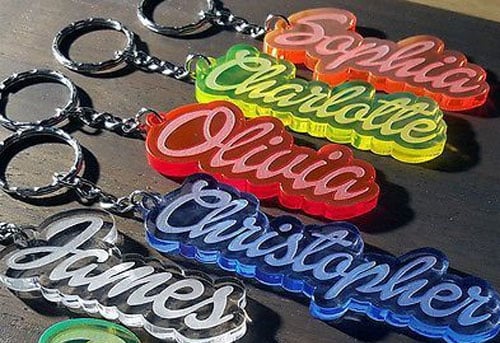
Custom Acrylic Keychains
Assumption:
• Production time: 30 minutes
• Product category: Standard personalized merchandise
• Goal: High-volume sales
| Financial Metric | UV Printer | UV Laser |
| Product type | Full-color acrylic keychain | Frosted engraved acrylic keychain |
| Production quantity | 20 pcs | 30 pcs |
| Blank material cost | $12.60 | $18.90 |
| Ink / operating cost | $2.25 | $0.02 |
| Total production cost | $14.85 | $18.92 |
| Cost per product | $0.74 | $0.63 |
| Average selling price | $12.50 | $6.00 |
| Total revenue | $250 | $180 |
| Gross profit before labor & overhead | $235.15 | $161.08 |
Business Insight
For high-volume merchandise businesses, UV printing may create stronger revenue potential because customers often purchase based on:
• Colorful designs
• Photos
• Artwork
• Visual appeal
In these markets, production volume and design variety may matter more than premium personalization.
Material Compatibility: Which Technology Fits Your Products
| Material / Product | UV Laser | UV Printer |
| Metal products | ★★★★★ | ★★★ |
| Jewelry | ★★★★★ | ★★ |
| Leather goods | ★★★★★ | ★★★★ |
| Glass products | ★★★★ | ★★★★ |
| Acrylic products | ★★★★ | ★★★★★ |
| Phone cases | ★★★ | ★★★★★ |
| Photo gifts | ★★★★ | ★★★★★ |
| Promotional products | ★★★★ | ★★★★★ |
| Industrial marking | ★★★★★ | ★★ |
Final Verdict: Choose the Technology That Matches Your Profit Strategy
UV laser engraving and UV printing support different business models.
Choose a UV laser engraver if your goal is:
• Premium customization
• Durable personalization
• Higher-value products
• Lower consumable dependency
Choose a UV printer if your goal is:
• Full-color products
• Photo-based customization
• Decorative merchandise
• High visual variety
For growing customization businesses, the better choice depends on whether customers value design variety or product uniqueness.
If your business focuses on premium personalization, jewelry, gifts, leather goods, and products where customers pay for uniqueness, UV laser engraving can provide stronger margin opportunities.
If your business focuses on colorful merchandise, artwork reproduction, and high product variety, UV printing may better fit your workflow.
Still unsure which technology fits your products?
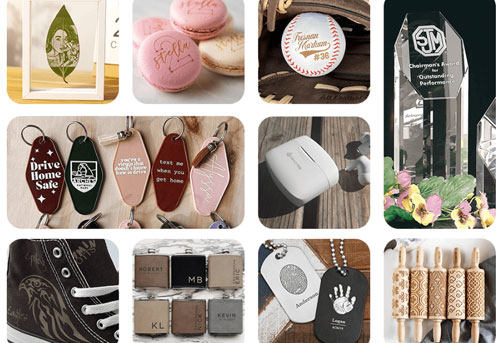
Explore real engraving samples from the Omni X UV laser or compare common business scenarios before making your investment.