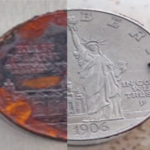
Metal plates used for nail stamping and pad printing require clean edges, consistent engraving depth, and a surface that supports reliable ink or polish transfer.
Compared with traditional plate-making methods, laser engraving provides a digital alternative that can simplify production, increase precision, and speed up production.
In this guide, we will share how to make precise metal plates with laser engraver, how to choose the right laser, and tips laser engraving nail stamping and pad printing applications.
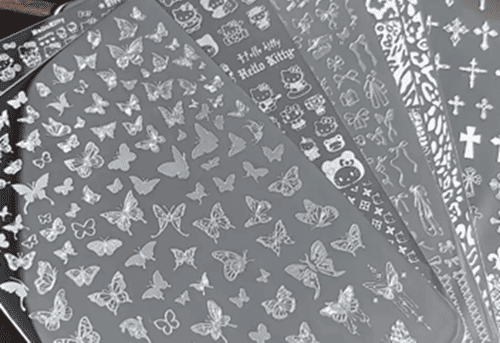
Can You Use a Laser Engraver for Precision Metal Plates?
Yes. Laser engraving creates recessed areas directly from digital artwork, enabling precise and repeatable engraving of fine patterns, text, and graphics.
Compared with conventional photochemical plate-making, laser engraving can remove production steps such as film preparation, exposure, development, and chemical etching. It also provides more control over engraving position and pattern details.
How to Choose a Laser Engraver for Metal Plate Engraving
1.Choose The Correct Laser Type
Fiber lasers operating around 1064 nm are widely used for processing metals such as stainless steel, steel, brass, and aluminum.
2.Precision
Fine artwork requires a small laser spot and accurate positioning.
3.Laser Power
More power is not automatically better.For shallow engraving and fine details, 20W or 30W may provide sufficient processing capability.
Higher power becomes useful when you need deeper engraving, larger engraving areas, or shorter cycle times
4.Adjustable Parameters
Plate engraving quality depends on the interaction between Power, Speed, Frequency, Pulse width and other laser metal engraving parameters.
A MOPA laser provides additional adjustment on pulse width and frequency, which is essential for controlling engraving quality.
5.Beam Quality
Stable beam quality helps maintain consistent energy distribution and fine engraving details.
6.Scanning Speed
Higher speed can reduce cycle time and reduce heat effect zone, while deeper engraving may require multiple passes and slower speed
7.Working Area
Check the laser working area to make sure it covers your engraving size requirement.
What Makes ComMarker B6 MOPA Suitable for Nail Stamping and Pad Printing Plates?
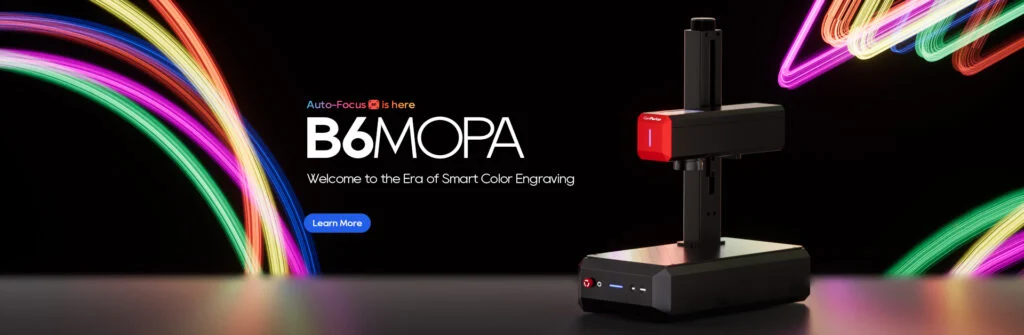
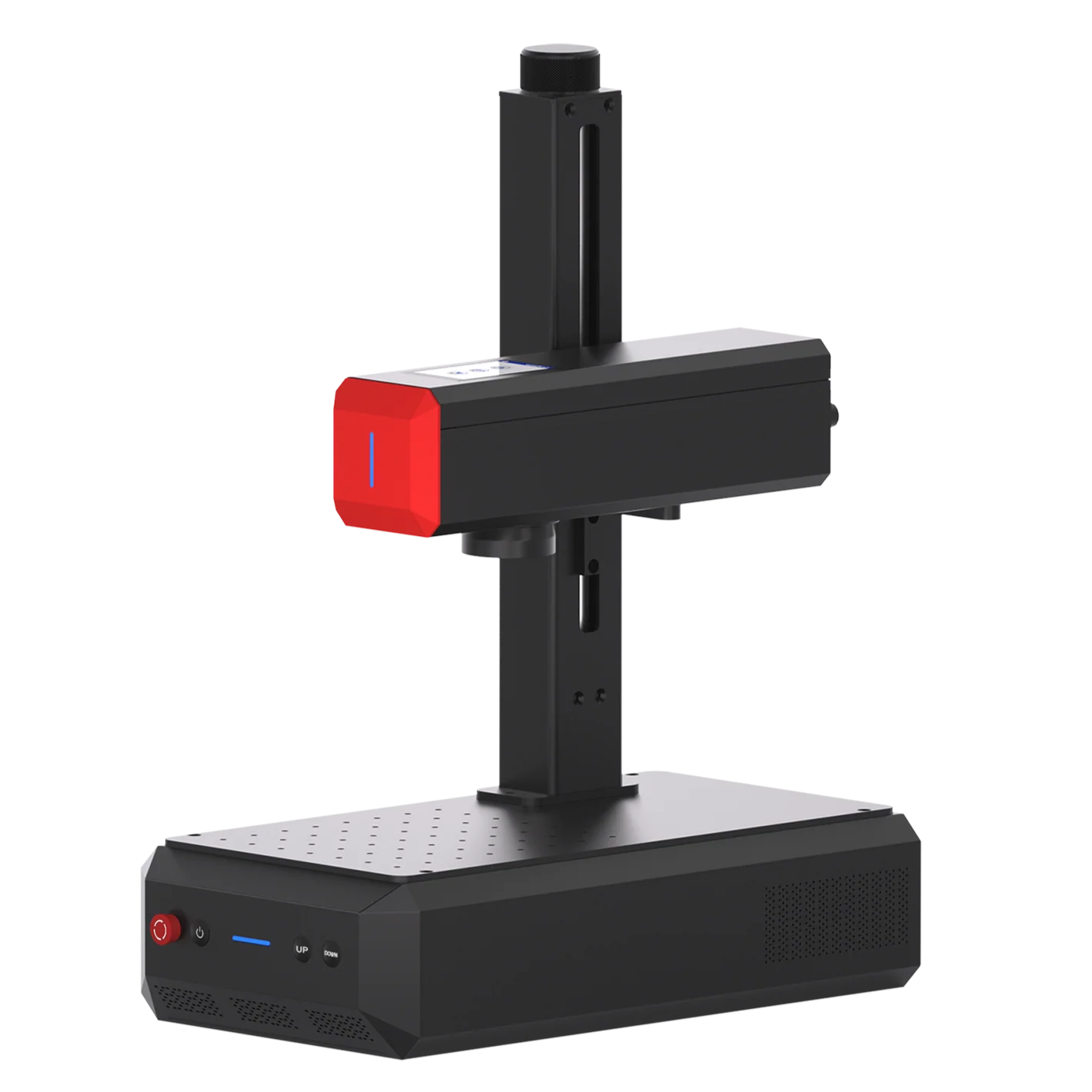
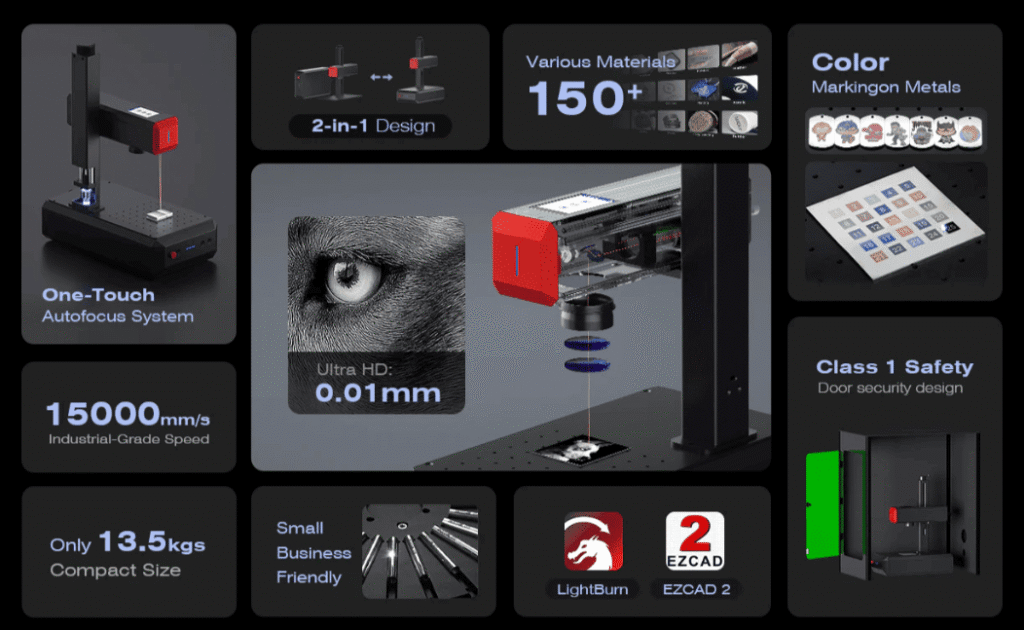
The ComMarker B6 MOPA combines a JPT MOPA fiber laser, high-speed galvo scanning, and automatic focusing, making it well suited to precision metal plate engraving.
Flexible Pulse Control
ComMarker B6 MOPA uses JPT MOPA source supports adjustable frequency and pulse width, with beam quality<1.5. This gives operators more control and stable quality when developing recipes for different materials and engraving depths.
Fast, Fine-Detail Engraving
With a maximum speed of 15,000 mm/s and 0.01mm laser spot, the ComMarker B6 MOPA can efficiently process small, detailed patterns with fast turnaround.
Multiple Power Options
Available in 20W, 30W, and 60W configurations, giving users flexibility to choose the power level based on engraving depth, material, and production needs.
Working Area for Common Engraving Sizes
The B6 MOPA comes with a standard 150 × 150 mm working area, which fits many nail stamping plates and pad printing clichés. A 300 × 300 mm option is also available when a larger engraving area is required.
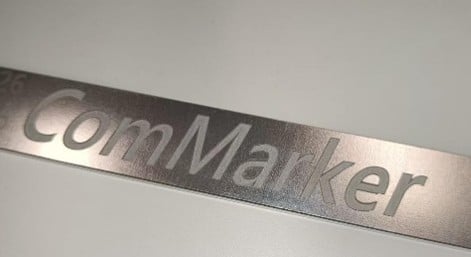 |
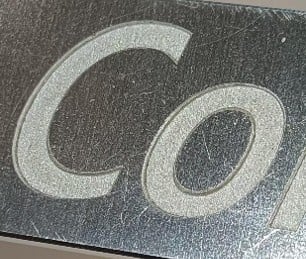 |
How to Get Better Results When Laser Engraving Metal Plates
1.Balance Power and Speed
Too little energy may produce insufficient depth. Excessive energy can increase heat input and affect edge quality.
Rather than trying to achieve the entire cavity in one aggressive pass, use controlled multiple passes when appropriate.
2.Use MOPA Pulse-Width and Frequency Control
Longer pulse widths, such as 200–500 ns, combined with high power can increase material removal rates but may result in a rougher surface.
Shorter pulse widths, such as 2–50 ns, allow for finer and smoother engraving.
Higher frequencies, such as 50–100 kHz, can produce a smoother metal surface, while lower frequencies, such as 20–50 kHz, deliver higher single-pulse energy and are better suited for deeper engraving.
3.Control Hatch Spacing
An excessive spacing results in grooves on the bottom surface, while a too small spacing leads to reduced efficiency and heat accumulation. It is recommended to set the line spacing at 0.04–0.06mm, and use it in conjunction with a lower power to minimize heat input.
4.Use Multiple Passes
Multiple controlled passes can provide better depth control than one highly aggressive pass.
After testing, measure the cavity depth and inspect the engraved features before moving to production.
How to Laser Engrave a Metal Plate with a ComMarker B6 MOPA
Step 1: Prepare the Artwork
Use clean vector artwork whenever possible. For pad-printing artwork, check whether the image needs to be mirrored before engraving.
Step 2: Prepare the Plate
Clean the plate and remove oil, fingerprints, dust, and other contaminants.
Secure the plate firmly so it cannot move during engraving.
Ensure the plate and the laser head are both horizontal.
Step 3: Set the Focus
Press the Autofocus button to complete focusing.
Step 4: Run a Parameter Test or Import setting
Choose the combination that produces the required depth while maintaining the required feature geometry and surface quality.
Step 5: Engrave and Inspect
After processing, clean away loose debris and inspect the engraving depth, fine-line integrity, edge definition, bottom surface, and any burrs or redeposited material.
For pad printing and nail stamping, always perform an actual transfer test. A visually attractive engraving does not automatically guarantee good printing or stamping performance.
Tips for Laser Engraving Nail Stamping Plates and Pad Printing Plates
Nail Stamping Plates
Used to transfer decorative patterns onto nails. The main focus is fine detail, clean edges, and a smooth engraved surface.
Material Selection: 304 stainless steel is commonly used for reusable stamping plates. A thickness of around 0.15 mm provides a practical balance of rigidity and flexibility.
Engraving Considerations: Fine patterns such as lace and floral designs require precise engraving and a clean cavity. A starting depth of around 0.03–0.05 mm can provide enough space for polish while maintaining pattern clarity.
Pad Printing Plates / Clichés
Used to transfer ink onto products with flat, curved, or irregular surfaces. The main focus is controlled cavity depth, ink transfer, and long-term consistency.
Material Selection: Common materials include GCr15, SK5, 304 stainless steel, and SKD11. The appropriate material and thickness depend on the printing process and required durability.
Engraving Considerations: Designs can range from text and line graphics to fine halftones. Engraving depth is commonly around 0.017–0.03 mm, depending on the plate, ink, artwork, and printing system.
Laser Engraving vs. Traditional Chemical Etching
Laser engraving is not automatically better for every production situation. The right process depends on the material, volume, artwork, and required quality.
| Factor | Laser Engraving | Chemical Etching |
| Artwork workflow | Direct digital workflow | Multiple preparation steps |
| Design changes | Fast | More process setup |
| Chemicals | No etchant required | Chemical etchants required |
| Short runs | Flexible | More setup-intensive |
| Prototyping | Convenient & Fast | Less flexible |
| Repeatability | Digital recipes can be saved | Depends on process control |
Computer-to-plate laser systems can eliminate film and chemical processing steps and provide direct digital image output.
This makes laser engraving particularly attractive for short runs, prototypes, frequent artwork changes, and customized plates.
Final Thoughts
Laser engraving offers a direct and flexible way to produce nail stamping plates and pad printing clichés with precise digital control. The right laser power, pulse settings, engraving depth, and plate material all play a role in achieving consistent results.
Looking for a fiber laser for nail stamping plates or pad printing clichés? Explore the ComMarker B6 MOPA and choose the configuration that fits your materials, engraving depth, and production needs.