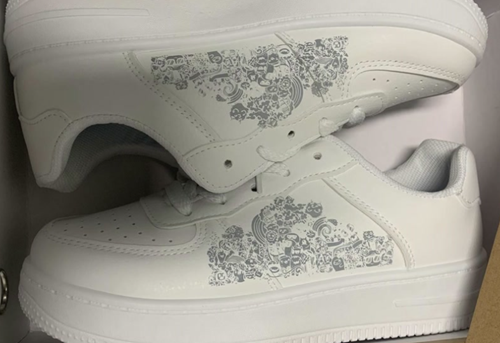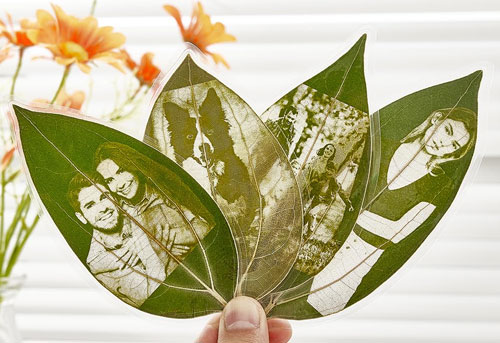
Machines such as 3D printers, laser engravers, and CNC machines have become more accessible and affordable in recent years. Starting a business at home with your own equipment has never felt more achievable and more exciting.
However, buying a machine without first identifying a viable business opportunity can turn your money into an expensive paperweight.
The right choice depends on what you plan to sell, who your customers are, and which capabilities you need to deliver products or services profitably.
Define Your Business Before Buying a Machine
A machine can help you make products, but it cannot guarantee that people will buy them or that your business will be profitable. You can use these questions to evaluate.
What Do Customers Actually Wan?
Are you creating products because you find them interesting, or because customers actually need them? Identify a product or service with clear demand, a defined target audience, and a realistic path to market before investing in the equipment.
What Will Set Your Business Apart?
Do you have specialized skills, original designs, industry knowledge, or access to sales channels that could give your business an edge? Choose equipment that helps you build on these advantages, rather than relying on the machine that your neighbor can get a similar one.
What Can You Sell?And How Much Will Customers Pay?
What value will your product or service deliver, and how much are customers willing to pay for it? A machine becomes a valuable business asset when it helps you solve a real customer problem and that allows you to earn a profit.
3D Printer vs. Laser Engraver: What Can You Make and Sell?
|
Business Consideration |
3D Printer |
Laser Engraver |
|
Primary Function |
Build plastic objects from digital models |
Engrave materials |
|
Key Limits |
Long print cycles Material and printer capability limitations |
Color effects depend on the laser type and material Limited ability to change 3D geometry |
|
Key Skill Requirement |
CAD and 3D modeling |
Graphic and vector design Laser parameter testing |
|
Typical Products |
Custom phone stands and organizers |
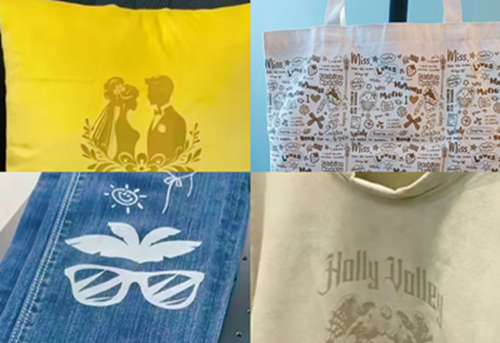
Personalized tumblers and gifts |
|
What Can Go Wrong? |
Generic products can be easy to copy, making price competition a challenge. Long print cycles, failed prints, and post-processing can also reduce profit margins. |
Basic personalization can face similar competition. Incorrect settings or unsuitable laser choice can damage products and increase production costs |
What Do These Differences Mean for Your Business Choice?
Choose 3D printing if you have skills in 3D modeling and product development. Your competitive advantage comes from original designs, functional solutions, and products that are difficult to find elsewhere.
Choose laser engraving if you have strong graphic design skills and a good eye for product selection. Your advantage comes from understanding what sells, choosing the right products, and offering personalization or specialized finishes that justify a higher price.
Which Is Easier for Beginners?
Both machines are relatively easy to operate for basic tasks, but their learning curves for making premium products focus on different skills.
If you enjoy CAD & Blender, mechanical design, and painting the final product, a 3D printer may feel more natural.
If you prefer graphic design, have good market taste, or already have products to sell, a laser engraver may be a better fit.
Which Makes More Money? Real Business Sample
Compare the machine price with the cost of getting a sellable product out the door.
First, Compare Upfront Machine Prices
|
Machine |
Example Price |
What to Consider |
|
From $299 |
An affordable entry point for single-color 3D printing. Multi-color printing requires the Combo version with AMS Lite, adding to the initial investment. |
|
|
From $1,549 |
A more advanced system with dual-nozzle and multi-material printing, offering greater flexibility for complex designs and multi-color products. |
|
|
From $1,399 |
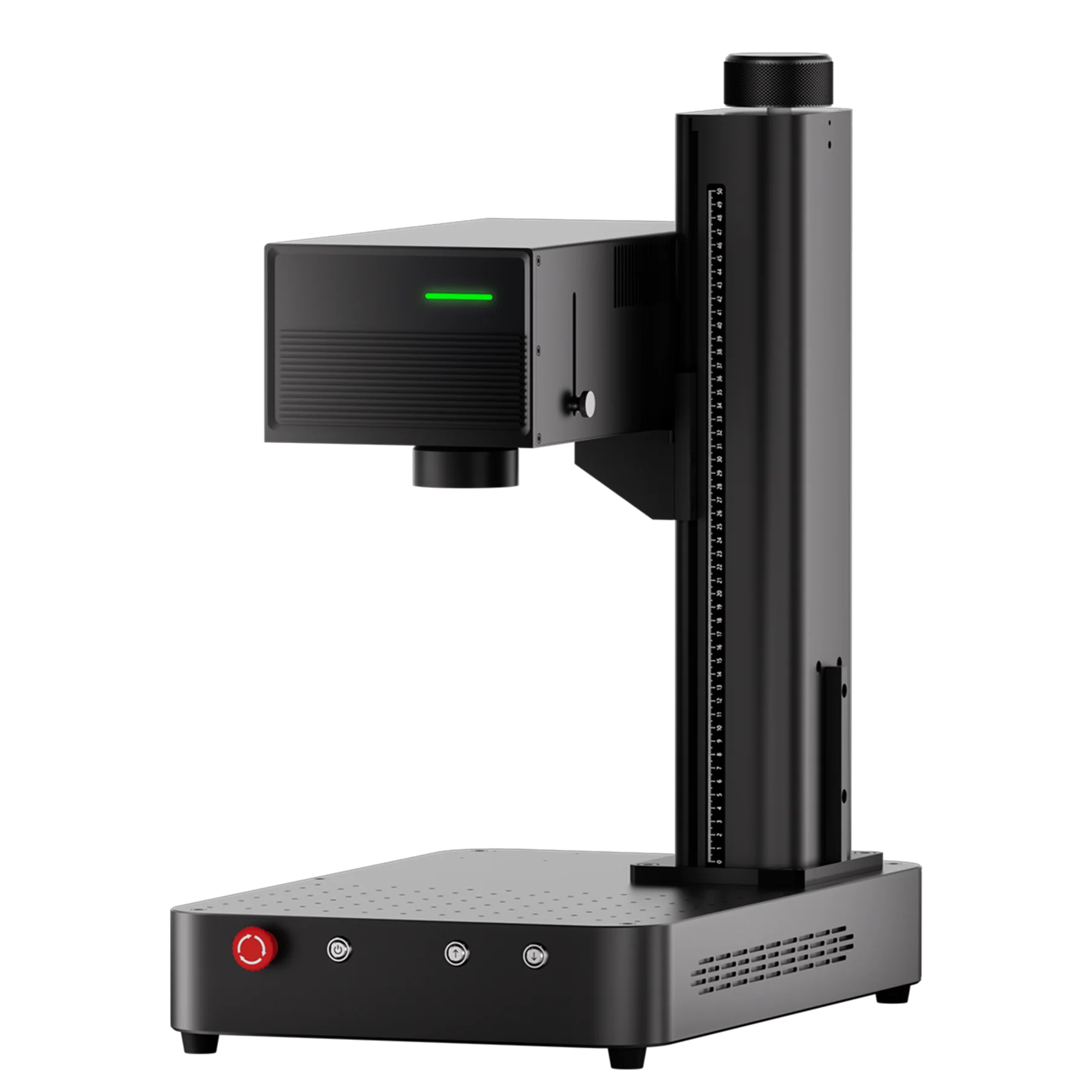
A professional entry point for metal engraving and marking, suitable for customized metal products, jewelry, and identification marking. |
|
|
From $2,599 |
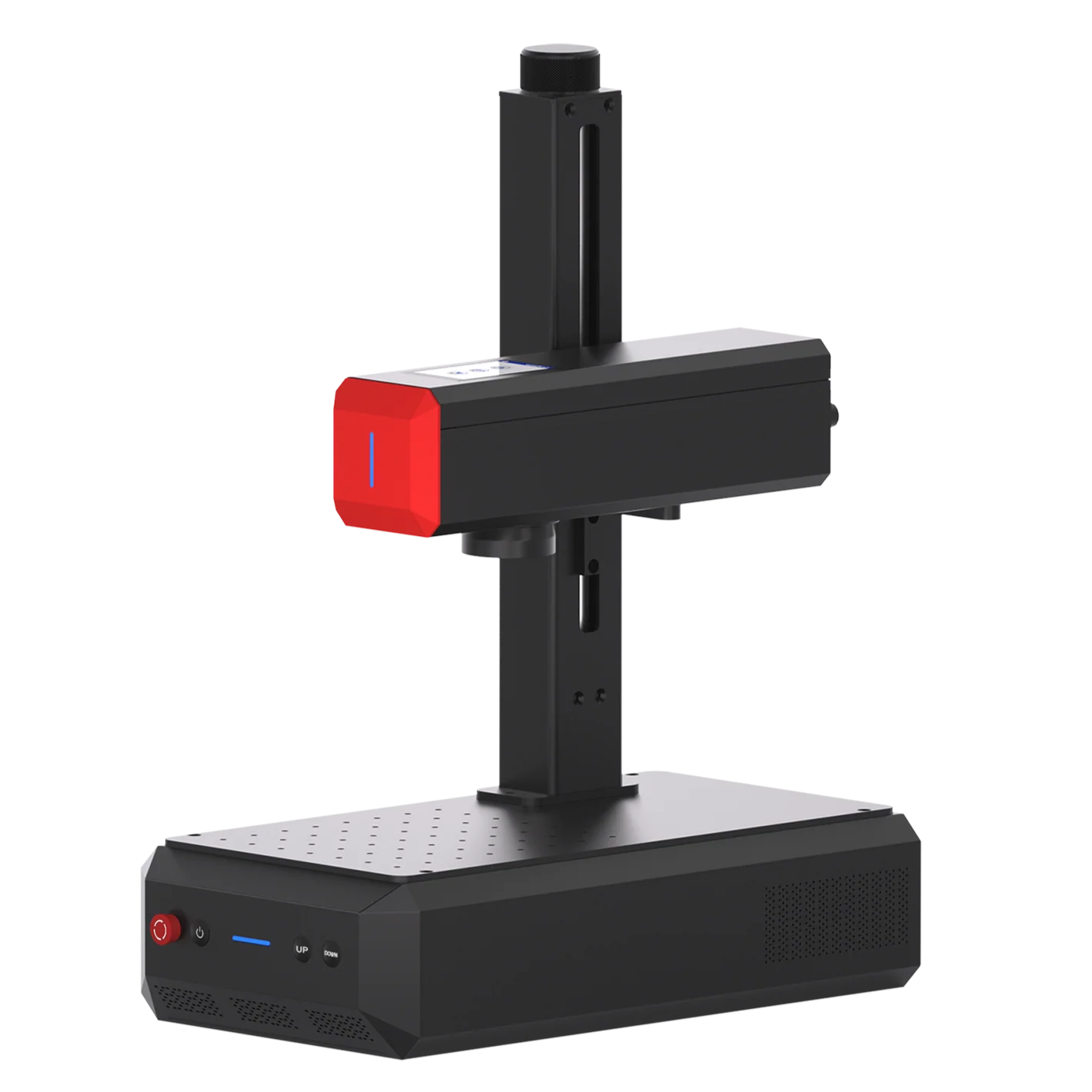
Offers more adjustable laser pulse control for specialized marking effects, including color marking on certain metals. |
|
|
From $3,299 |
Designed for high-detail engraving on glass, crystal, plastics, and other compatible materials, including 3D engraving inside crystal. |
*Prices listed are of U.S. regional and for reference only.
Then, Compare Material and Operating Costs
3D printing consumes material with every product. Bambu Lab lists 1 kg of PLA Basic filament for $19.99. A product using 10 g costs about $0.20 in filament alone. More complex or higher-value products may require multicolor printing or model design, this means more premium hardware, more material, and longer production times.
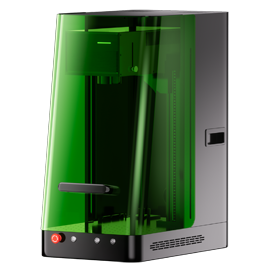
Laser engraving has no comparable material feedstock cost. You can buy ready-made blanks and add value through personalization, branding, or specialized engraving effects. Your machine’s capabilities alsp affect what you can offer and how much you can charge. For example, the ComMarker Omni X / XE UV laser engravers can create 3D subsurface glass engraving photos which can bring $160+ per order. A standard fiber laser cannot produce the same effect.
Production: What Can You Sell, and How Long Does It Take to Profit?
|
Product Example |
Listed Selling Price |
Main Material Cost |
Illustrative Processing Time |
How Quickly Could You Recover the Equipment Cost? |
|
$4.40+ |
About $0.20 for an assumed 10 g of PLA |
About 20–30 minutes for one small print with basic Bambu A1 |
72 orders |
|
|
$150–$300 including finishing and painting |
CAD design: $125/hour. About $0.25 per gram of PLA |
Depends on the design and post-treatment |
Depends on the design |
|
|
$24.99 |
$7.16 per blank |
About 3–5 minutes of laser runtime, with ComMarker B4 rotary bundle |
88 orders |
|
|
$160 |
$10.4 per compatible blank |
About 30-40 minutes for one engraving with Omni XE |
23 orders |
*The processing times and price are for reference only. ComMarker doesn’t guarantee third party product quality.
What Does the Numbers Tell?
Both 3D printing and laser engraving can be started at a similar entry-level budget, but how quickly you recover your investment depends on what you sell and how you create value.
3D printing rewards design. Original designs and practical solutions can help you command higher prices.
Laser engraving rewards smart positioning. The right product, a clear target market, and valuable customization can help you earn more from each order.
Quick Decision Guide: 3D Printer vs. Laser Engraver: Which Fits Your Business?
Based on the differences in production methods, skills, costs, and business models discussed above, here’s a quick summary of which machine may be a better fit for your business.
|
Your Goal or Strength |
Better Fit |
|
Develop prototypes, functional parts, or original products |
3D Printer |
|
Enjoy 3D modeling, mechanical design, and building things |
3D Printer |
|
Personalize ready-made products with names, logos, or graphics |
Laser Engraver |
|
Have a strong eye for product selection, graphic design, and market trends |
Laser Engraver |
|
Add customization to products you already sell |
Laser Engraver |
|
Create custom-shaped products with custom marks |
Both |
How to Choose the Right Laser Engraver for Your Business
When choosing a laser engraver for your business, check these three factors:
Laser Type: Choose the laser type base on the material you plan to engrave. Fiber lasers are commonly used for metal engraving. UV for detailed engraving and material compatibility. CO₂ laser for fast non-metal processing.
Feature of Laser Engravers: Consider work area, rotary attachments, power needed, software, safety equipment for an efficient and safe workflow.
Before investing, make sure the machine can consistently deliver the results your customers expect on your intended materials.
For a more detailed checklist, read our Laser Engraver Upgrade Guide: How to Choose the Right Machine for Your Business.
Can You Use a 3D Printer and Laser Engraver Together?
Yes. The two machines can complement each other in a single production workflow.
A 3D printer creates the product’s shape, while a compatible laser process can add names, logos, decorative details, or identification marks. You can also use 3D printing to make custom fixtures or positioning jigs for laser engraving. This combination lets you offer more customization capability and offer higher product quality.
For practical guidance on laser marking 3D-printed parts, see our Laser Engraver for 3D Prints: Best Laser Type & Engraving Tips.
Final Thoughts: Choose the Machine That Fits Your Business
Both 3D printing and laser engraving can turn ideas into valuable products. But buying an exciting machine doesn’t automatically build a successful business. The right machine amplifies your strengths, helping you recover your investment faster and improve your earning potential.
Startup costs for a business ready setup can be comparable. If you’re good at 3D modeling, product design, and solving practical problems, 3D printing may give you an advantage. If you excel at graphic design, product selection, and spotting market trends, laser engraving may be the better fit.
Start with the product, validate demand, calculate your profit per order, and then choose the machine
If laser engraving fits your business goals, explore ComMarker laser engravers to find a machine suited to your materials, products, and production needs.
Related Articles:
 How One Small Business Boosted Productivity 40% with the Omni 1: A Glass Engraving Success Story
 Laser Guide for Nail Art: Easy Way to Mark Press-Ons & Make Stamping Plates
 Benefits of UV Laser Marking Machines: What Real User Survey Reveal 2026
 7 Glass Engraving Ideas to Make the Best Valentine Gift