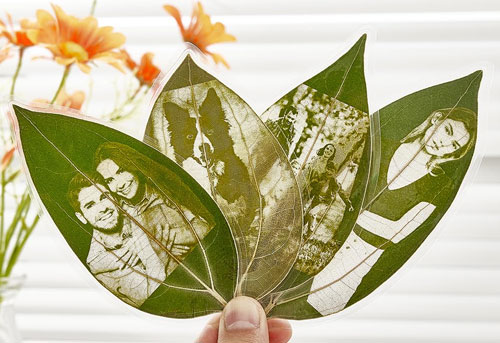
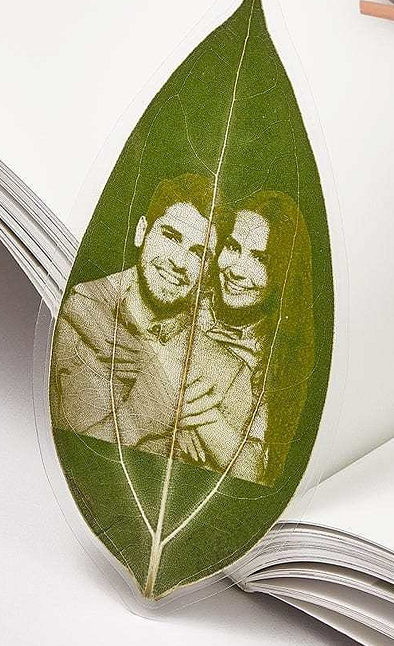
Have you ever seen skeletonized leaf art featuring human portraits being sold? The shop owner may claim each piece is made on-site and entirely by hand,
but if you take a closer look inside the workshop, you’ll likely find a UV laser engraving photo on leaves. Leaf portraits can be used as bookmarks, gifts for friends, and others.
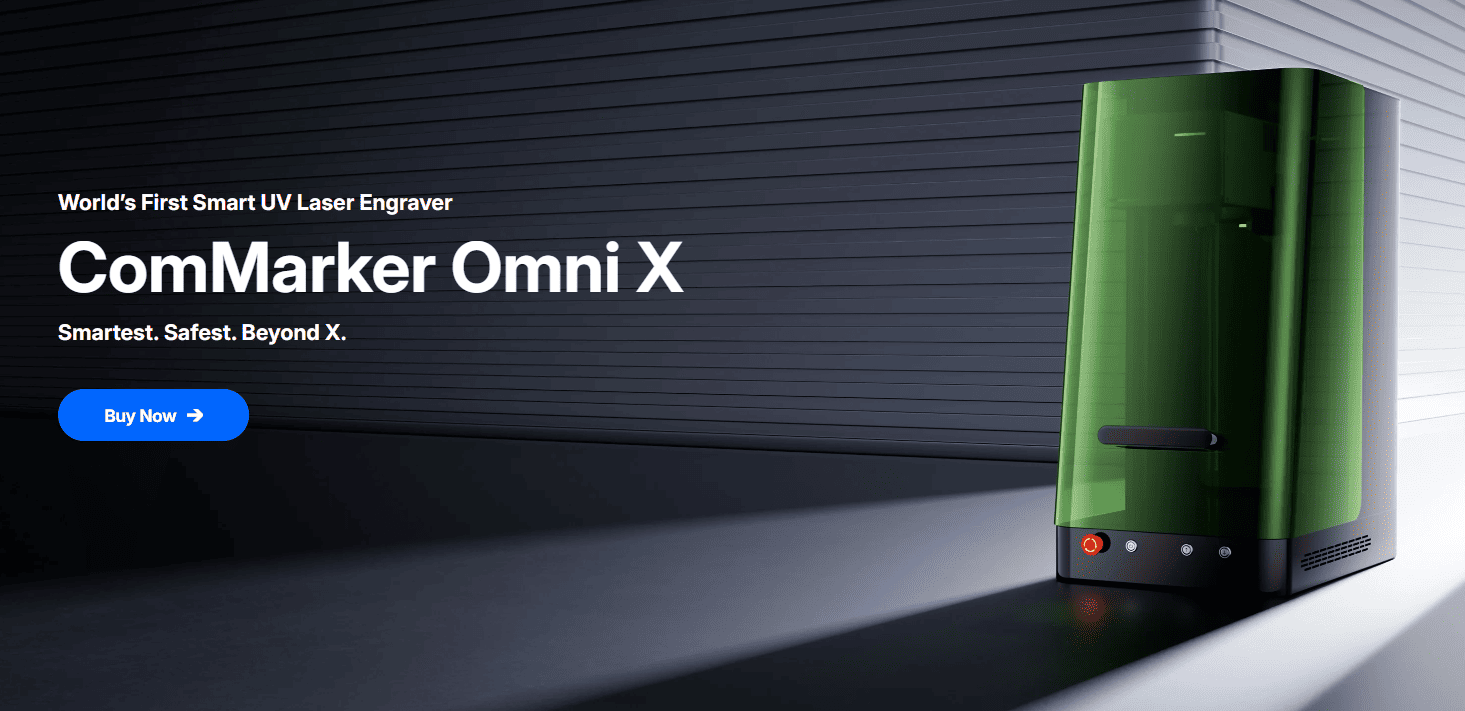
In this guide, we’ll disclose the secrets behind creating leaf portraits, from how leaf carving is done to business setup, and how a ComMarker Omni X Laser Engraver generate profit for you.
1. What is and Why Leaf Carving? The Art & the Opportunity
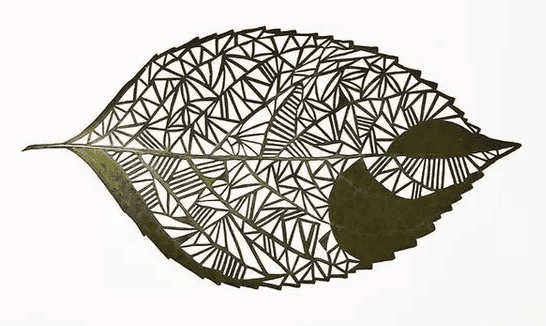
Leaf carving transforms delicate natural canvases into miniature works of art. Each leaf adds organic depth that no man‑made substrate can match for their veins, texture, and color.
As consumers increasingly seek eco‑friendly, artisanal products, leaf carvings check all the boxes: unique, sustainable, and conversation‑starting.
Market Potential
• Home Décor: Framed carvings as wall art.
• Personalized Gifts: Names, dates, and custom motifs.
• Corporate Branding: Logo‑etched leaves for events.
• Event Favors: Weddings, anniversaries, and memorials.
According to a 2024 craft market report, demand for “nature‑inspired art” has grown 35% year‑over‑year. With low material costs and high perceived value, leaf carving offers strong margins and rapid ROI.
2. Understanding Leaf Carving Techniques
2.1 Traditional Hand Carving
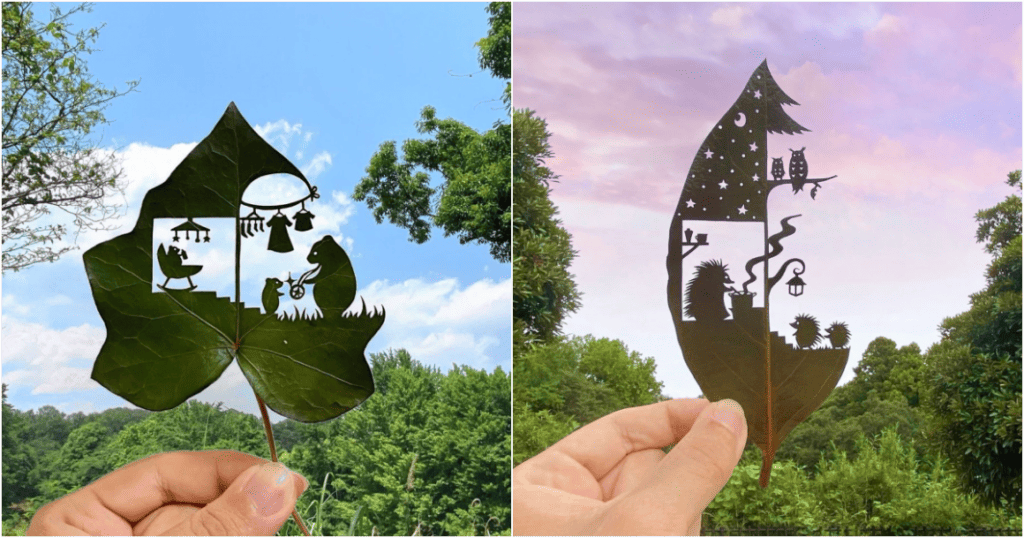
•Tools: Scalpel blades, X‑Acto knives, fine needles.
•Process: Manual removal of leaf tissue around the design.
•Limitations: Time‑intensive, steep learning curve, inconsistent depth.
2.2 Laser Engraving on Leaves
•Precision: Micron‑level accuracy ensures uniform depth.
•Speed: 10000mm/s speed to Laser Engrave leaf with complex patterns in seconds.
•Consistency: Identical repeats for sets and wholesale orders.
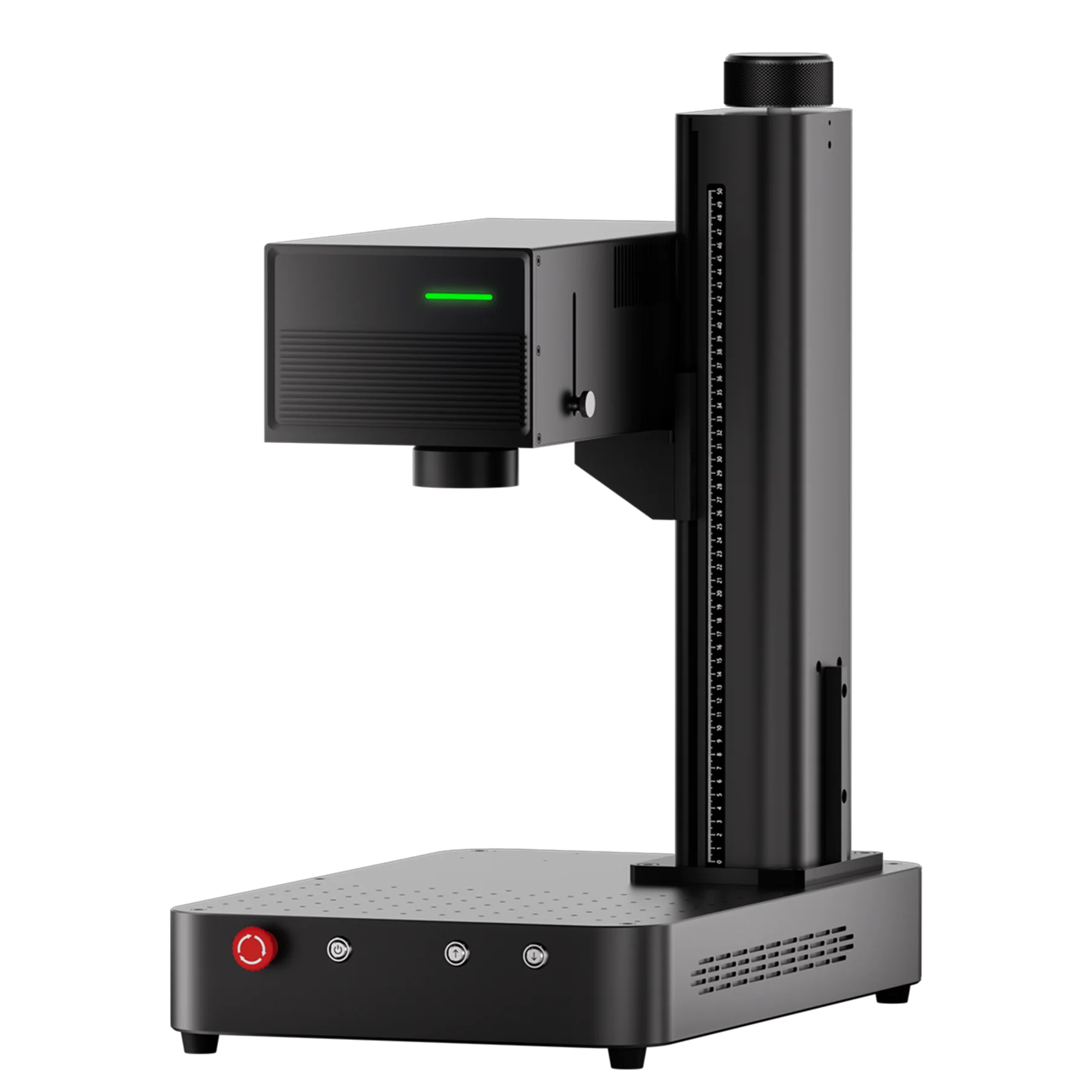
Here’s where the ComMarker Omni X UV Laser Engraver stands out. Its precise UV laser and advanced control system make leaf carving faster, cleaner, and easy to scale for multiple pieces.
3. Choosing the Right Tools & Materials
3.1 Natural vs. Artificial Leaves
•Natural Leaves: Sycamore, palm, maple. Dry them and treated for stability.
•Artificial Leaves: Poly‑film or wood veneer cut in leaf shapes.
3.2 Hand Tools vs. Laser Engraving
| Feature | Hand Carving | Laser Engraving (ComMarker Omni X) |
|---|---|---|
| Precision | Variable | 0.0019 mm (16K HD) |
| Speed | 10–30 min per leaf | <1 min per leaf at 10,000 mm/s |
| Learning Curve | High | Moderate with tutorial support |
| Batch Consistency | Low | High |
3.3 Introducing the ComMarker Omni X Laser Engraver
•World’s 1st Smart UV Laser Engraver: Smart control for delicate leaf designs.
•16K HD Accuracy: Captures fine details without damaging veins.
•Support 1500+ Materials: Engraves any leaf with confidence.
•Class-1 Laser Safety: Fully enclosed for safe operation.
•10,000 mm/s SpeedMax™ Engraving System: Completes complex designs quickly.
•250×400 mm Max Working Area with Slide Extension: Work on multiple leaves at once.
•ZeroBurn™ Engraving Technology: Protects edges and colors.
•ColdFront™ 2.0 Thermal Technology: Prevents cracking or discoloration.
4. Step‑by‑Step Guide on UV Laser Engrave Photo Portraits on Leaves
1) Select & Prepare Leaves
Harvest at peak color.
Press and dry between absorbent paper for 2–4 weeks.
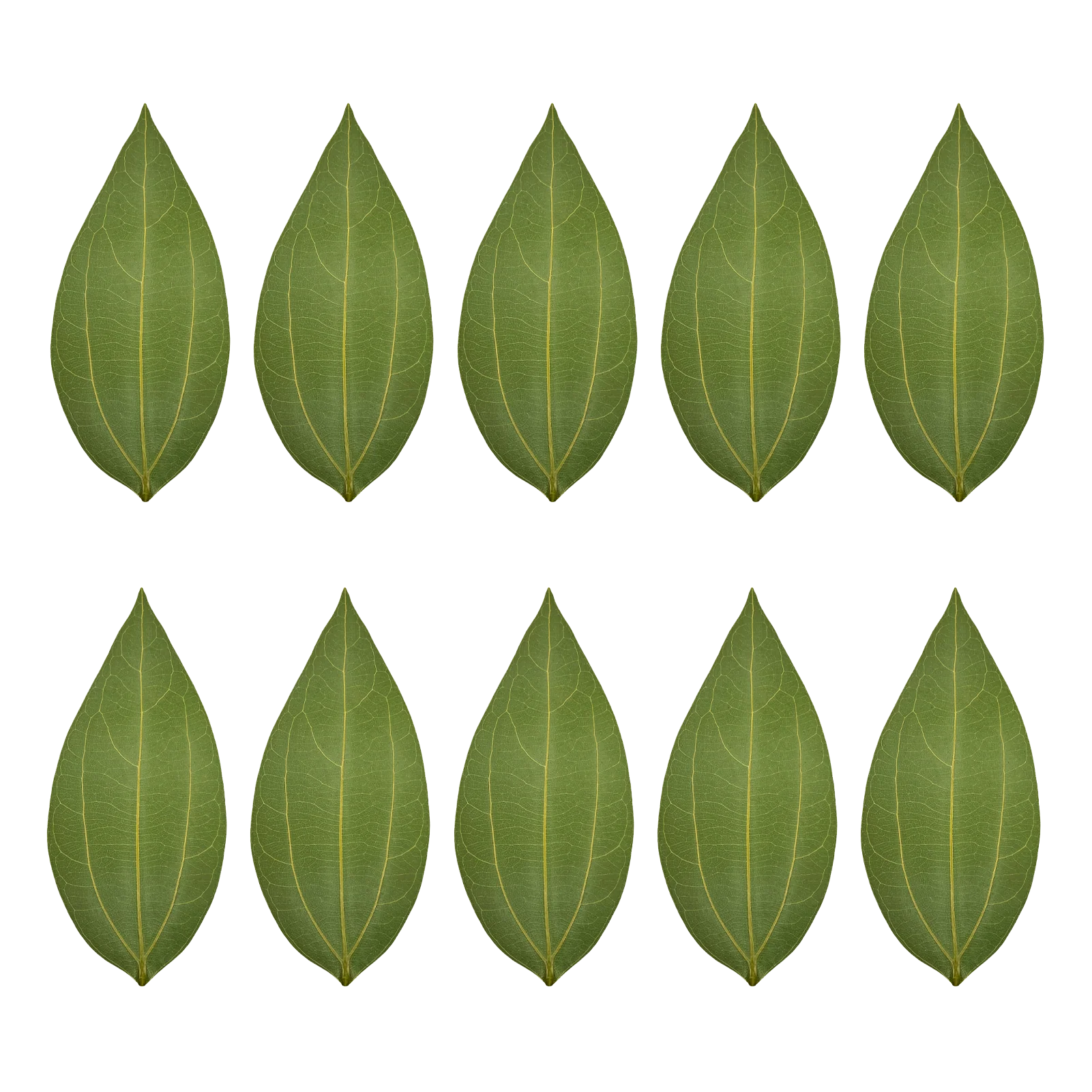
Or get blank leaves at ComMarker Blank Leaf Engraving Kit (10pcs)
2) Design Creation
Use vector software (CorelDRAW, Adobe Illustrator) for design and import into LightBurn or ComMarker Studio for Laser Engraving.
Simplify designs to clear outlines and line widths ≥ 0.2 mm.
You can also use photo you like.
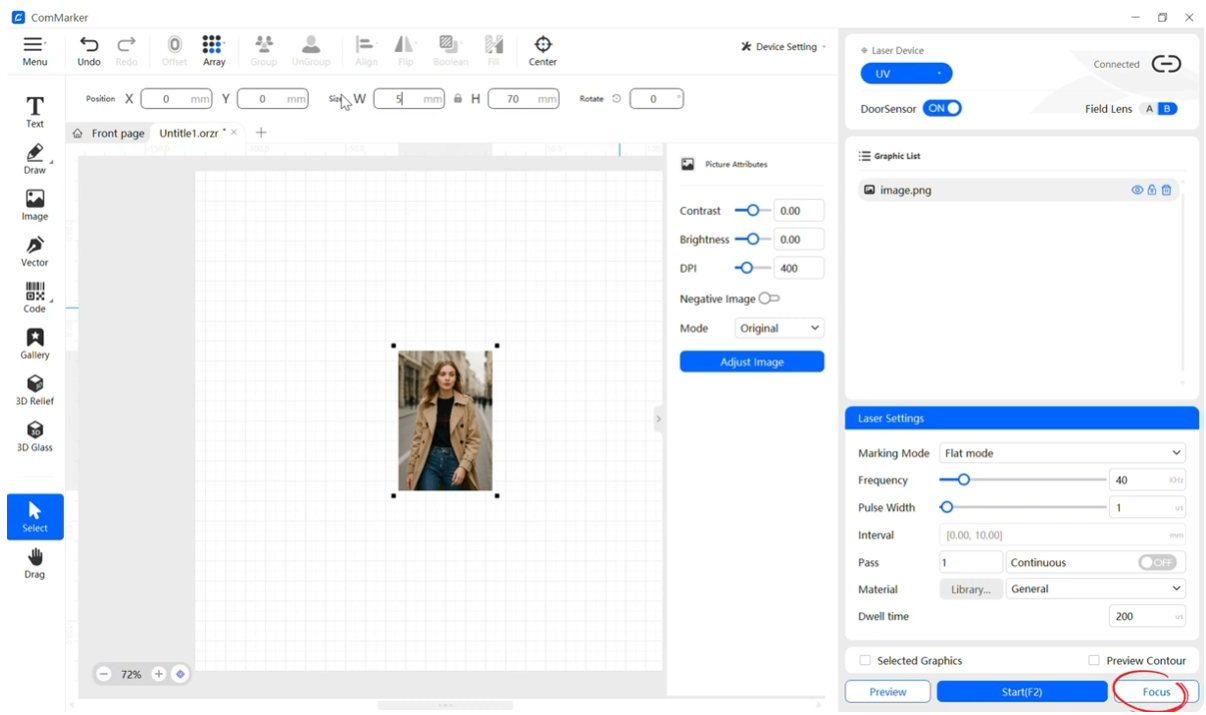
3) Machine and Material Set Up
Place the leaf on the engraving bed, align the red dot on the leaf.
Press the Focus button to let the machine auto-focus.
4) Test Engraving
Run a small patch at 20% power, 200 mm/s, 300 DPI. Inspect for clean lines, no burn marks.
ComMarker Omni X UV Laser Engraver 6w Leaf Engraving Settings: 30–40% power, 500–1000 mm/s, 600 DPI.
5) Press Start and Finish
Monitor the process. ComMarker Omni X’s 10000mm/s high speed completes most designs in under 30 seconds.
6)Finishing
Gently dust off leaf debris.
Mount on backing (glass, wood, or acrylic) for framing.
5. Troubleshooting & Maintenance
5.1 Common Laser Issues & Fixes
•Burn Marks: Reduce power or increase speed; use masking tape.
•Uneven Engraving: Re‑level work bed; recalibrate focus.
5.2 Leaf Quality & Environment
•Humidity: Store dried leaves in airtight bins with desiccant.
•Brittleness: Avoid over‑drying; test new batches.
5.3 Machine Upkeep
•Weekly lens and mirror cleaning with isopropyl alcohol.
•Monthly belt tension check and lubrication.
5.4 Advanced Techniques & Creative Inspiration
•2.5D Engraving: Vary power to create shallow relief effects.
•Multi‑Pass Engraving: Build depth in layers for 3D appearance.
•Mixed Media and Material: Combine leaf carvings with watercolor backgrounds or laser engraved acrylic back boards.
•Interactive Art: QR codes engraved on leaves linking to audio stories or poems.
5.5 FAQs
Q1: Can I carve real leaves without burning them?
A: Yes. ComMarker Omni X ZeroBurn™ technology prevents scorching by using a cold UV laser source
Q2: What file formats does the Omni 1 support?
A: Supports BMP, GIF, JPG, JPEG, PNG, DXF, AI, SVG, and more
Q3: Do I need special software?
A: ComMarker Omni 1 works with EZCad2 and LightBurn on Windows and MacOS. ComMarker Omni X UV laser engraver supports ComMarker Studio and LightBurn
Q4: How long does a leaf carving take?
A: Simple designs can take under 30 seconds; complex patterns up to 2–3 minutes.
6. Setting Up Your Leaf Carving Business
6.1 Legal & Administrative Steps
•Register a business entity (LLC, sole proprietorship).
•Obtain any required permits for selling art.
•Set up a business bank account and bookkeeping system.
6.2 Workspace & Safety Considerations
•Dedicated bench with proper ventilation and fire extinguisher.
•Laser‑rated safety goggles.
•Storage for dried leaves and finished inventory.
6.3 Sourcing Materials & Inventory Management
•Bulk purchase of drying paper, frames, and mounting supplies.
•Inventory software (e.g., Airtable, Excel) to track orders, materials, and yields.

7. Pricing, Packaging & Selling Your Work
7.1 Cost Analysis & Pricing Models
•Material Cost: Leaves, frames, backing, shipping.
•Machine Cost per Piece: Amortize Omni 1’s cost over projected volume.
•Labor & Overhead: Time to design, carve, finish, and ship.
Example:
•Leaf + frame = $2
•Machine time & labor = $5
•Packaging & shipping = $3
•Retail Price: $20–$30
7.2 Branding & Packaging Ideas
•Eco‑friendly kraft boxes with custom stickers.
•Branded care cards explaining leaf care and origin.
7.3 Sales Channels
•Etsy & Shopify: Set up a clean, photo‑rich storefront.
•Craft Fairs & Farmers Markets: Live demos attract attention.
•Local Boutiques & Galleries: Consignment partnerships.
Check more about platforms to sell laser engraving products→
8. Marketing Strategies for Leaf Carvers
8.1 Social Media & Content Marketing
•Instagram: Time‑lapse of engraving process.
•YouTube: Tutorials and “behind the scenes”
•Blog Posts: “The Art of Leaf Carving”,”How to Care for Pressed Leaves”
8.2 SEO & Blogging
•Target keywords: “leaf carving art” ,”laser leaf engraving”,”unique botanical gifts”.
•Long‑form articles (2,000+ words) on your website to drive organic traffic.
8.3 Partnerships & Collaborations
•Collaborate with botanical gardens, wedding planners, and eco‑gift shops.
•Offer workshops and live demos at local art centers.
9. Scaling Up: From Solo Artist to Studio
9.1 Hiring Assistants & Outsourcing
- Train part‑time helpers for leaf prep, framing, and shipping.
- Use virtual assistants for customer service and social media.
9.2 Wholesale & B2B Opportunities
- Supply corporate clients with branded leaf awards and plaques.
- Partner with interior designers for custom installations.
9.3 New Product Lines
- Leaf Laser Engraved Jewelry: Encased in resin pendants.
- Coasters & Trays: Embedded leaf designs under glass.
- Art Installations: Large panels for hotels and restaurants.
Conclusion & Final Thoughts
Starting a leaf carving business merges nature’s beauty with cutting‑edge technology. The ComMarker Omni X UV Laser Engraver gives you unmatched precision, speed, and versatility. Transforming delicate leaves into high‑value art. With careful planning, strong marketing, and a commitment to quality, you can turn this niche hobby into a thriving enterprise.
So power on your ComMarker Omni X and set up your workshop. Practice carving with simple designs, then expand your portfolio. Launch your online store and begin marketing to your target audience.
Let the leaves speak through your innovation. Your journey from skeletonized leaf art to small business starts today.