What is PCB Laser Engraving? What’s the benefit?
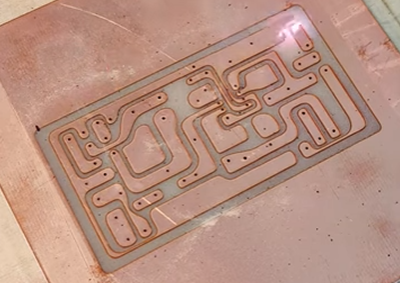
Laser engraver circuit board is done by removing the cooper from blank PCB boards. They can also cut PCB and drill holes same time.
In PCB Manufacturing Industry, Compared with traditional chemical methods, laser pcb marking machine offers faster processing, higher precision, and cleaner results.
With modern UV and fiber laser engravers, makers and engineers can produce detailed PCBs with micron-level accuracy,
How to Do PCB Laser Marking?
1. Prepare copper clad PCB board
2. Import PCB design (Gerber / vector file)
3. Adjust laser power and speed settings
4. Start laser engraving to remove copper layer
5. Clean the PCB and inspect circuit traces
Check details in A Step-by-Step PCB Engraving Tutorial →
Best PCB Engraving Laser Engraver
ComMarker has been working on laser engraver PCB Producing since 2017.
We Hope to Bring your fantasy to reality.
Every single one of your craziest, most impractical, and most creative ideas, Turns reality now.
Your thoughts , Our focus
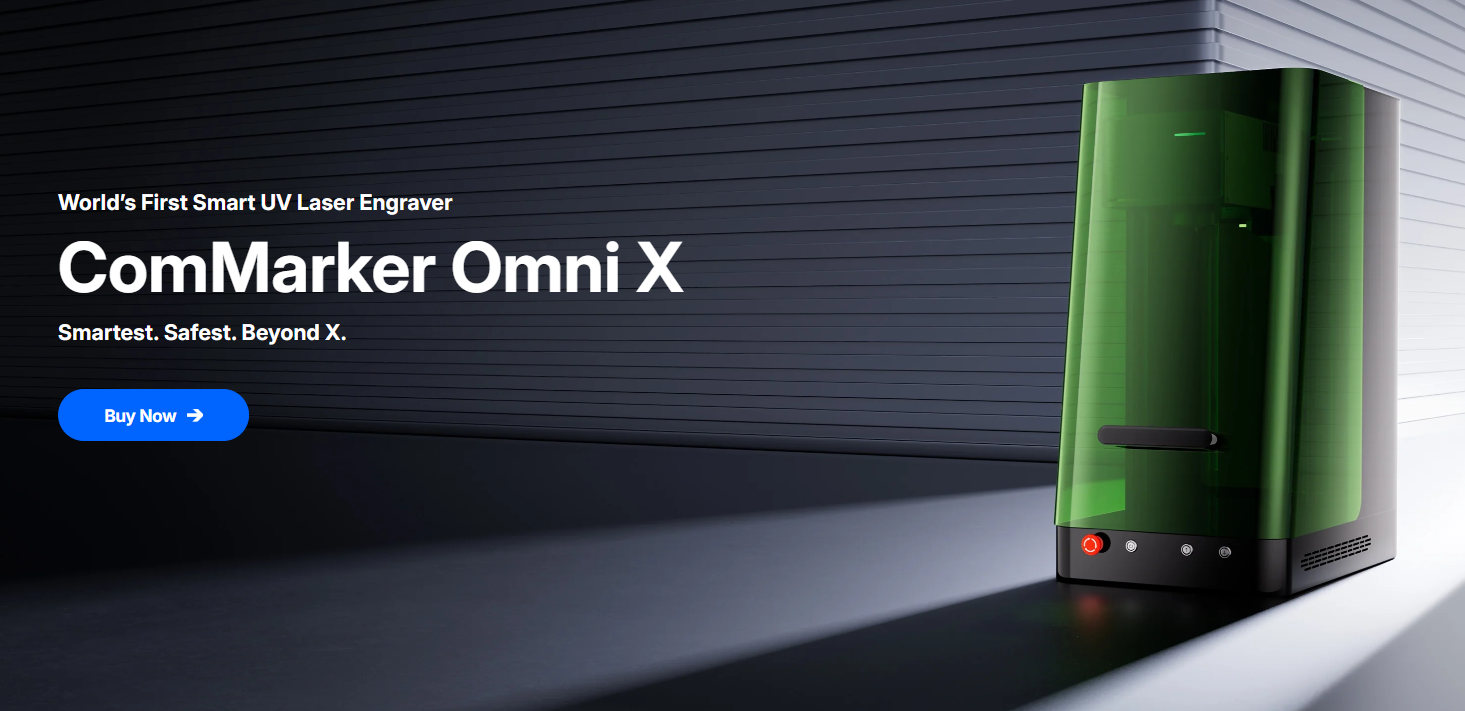
ComMarker Omni X UV Laser Engraver
World’s 1st Smart UV Laser Engraver
Power: 6W/12W Price from:USD $3,999
- 16K HD Accuracy for PCB Laser Marking
- ZeroBurn™ Technology for Clean Cutting
- Class-1 Laser Safety, fully closed for health
- 10,000mm/s SpeedMax™ Engraving for quick finsh
- Auto-Focus with LiDAR Ranging System
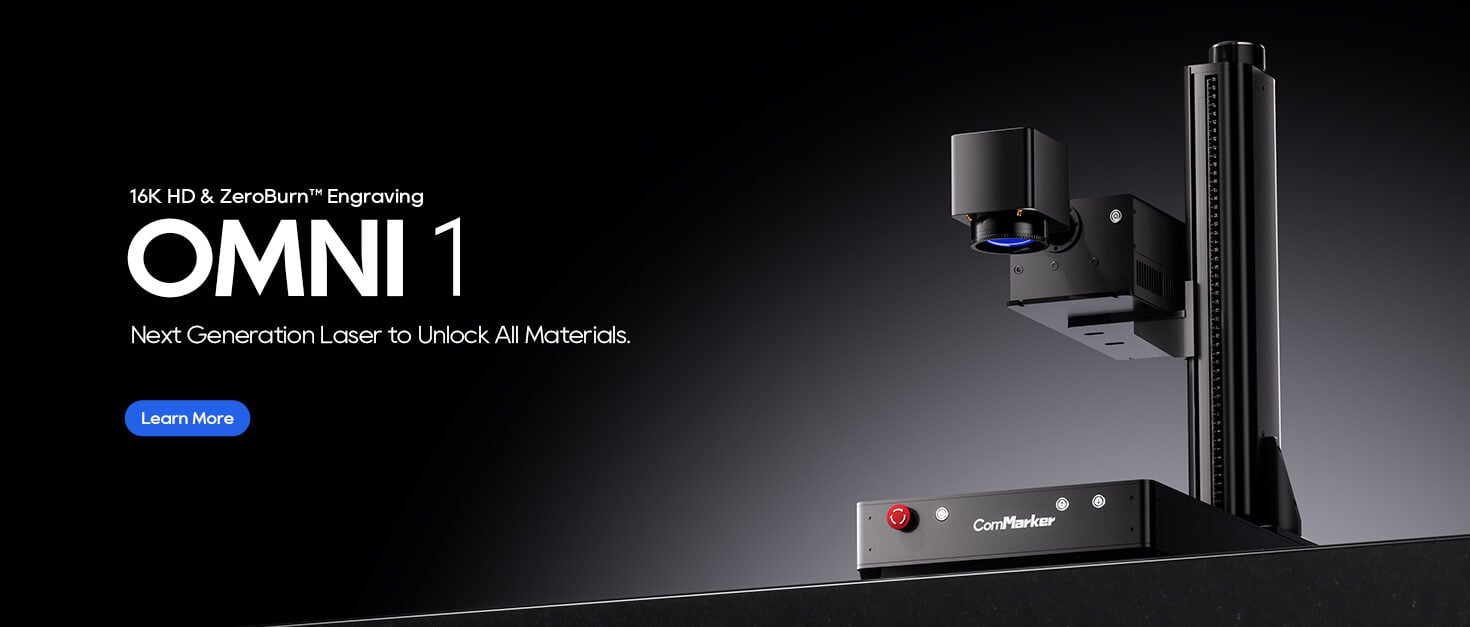
ComMarker Omni 1 Laser Engraver
UV Laser to Unlock All Materials
Power: 5W/10W Price from:USD $3,299
- ZeroBurn™ Technology for the Perfect Done
- World’s 1st 16K HD Laser Engraver, afffordable yet powerful
- 10,000mm/s Engraving System for fast finish
- Electric Lifting with 2 Optional Lenses
- Compatible with EZCAD and LightBurn
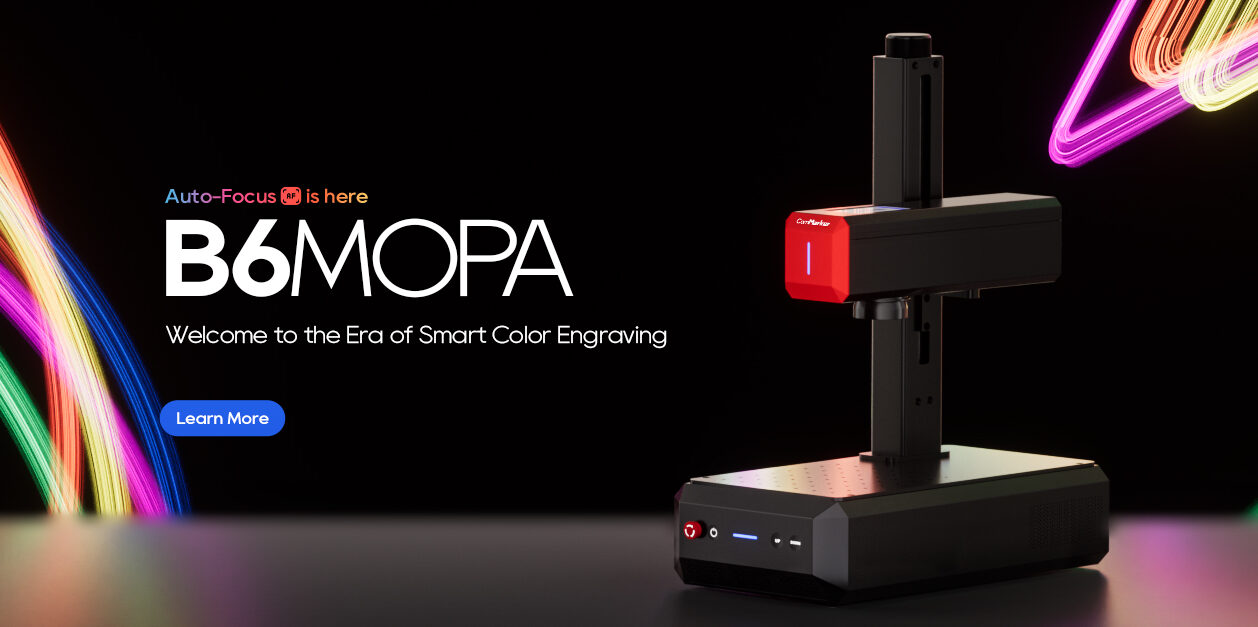
ComMarker B6 JPT MOPA Fiber Laser Engraver
Welcome to the Era of Smart Color Engraving
Power: 20W/30W/60W Price from:USD $3,299
- Record-Breaking Compact Size
- Color Marking Ability
- Super 3D Engraving & Cutting Ability
- 2-in-1 Design
- Auto-Focus Technology
- 15,000mm/s SpeedMax™ Engraving
- 8K HD Accuracy
- Smart LED Touch Screen
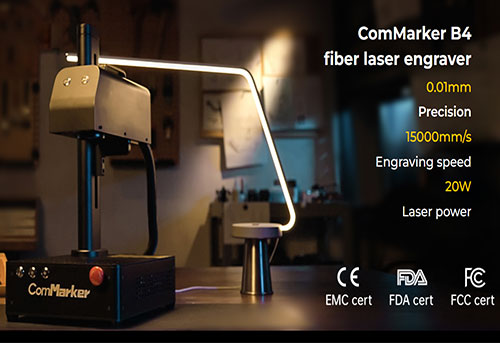
ComMarker B4 PCB Marking Fiber Laser Engraver
Classic & Professional Fiber Laser engraver
Power: 20W/30W/50W/100W Price from:USD $1,399
- Portable for Quick Mission
- Electric lifting motor for fast focus
- 200mm Max work area
- LightBurn & EZCAD2
ComMarker Fume Extractor-100W
Eliminating micrometer-level dust in PCB engraving
Price from:USD $359
- 100W Industrial Grade Efficiency
- 3 Layer Filtration Technology
- Smoke Removal | Smog Removal | Odor Removal
- 0.03μm Particle Level
- 360° Bamboo Arm
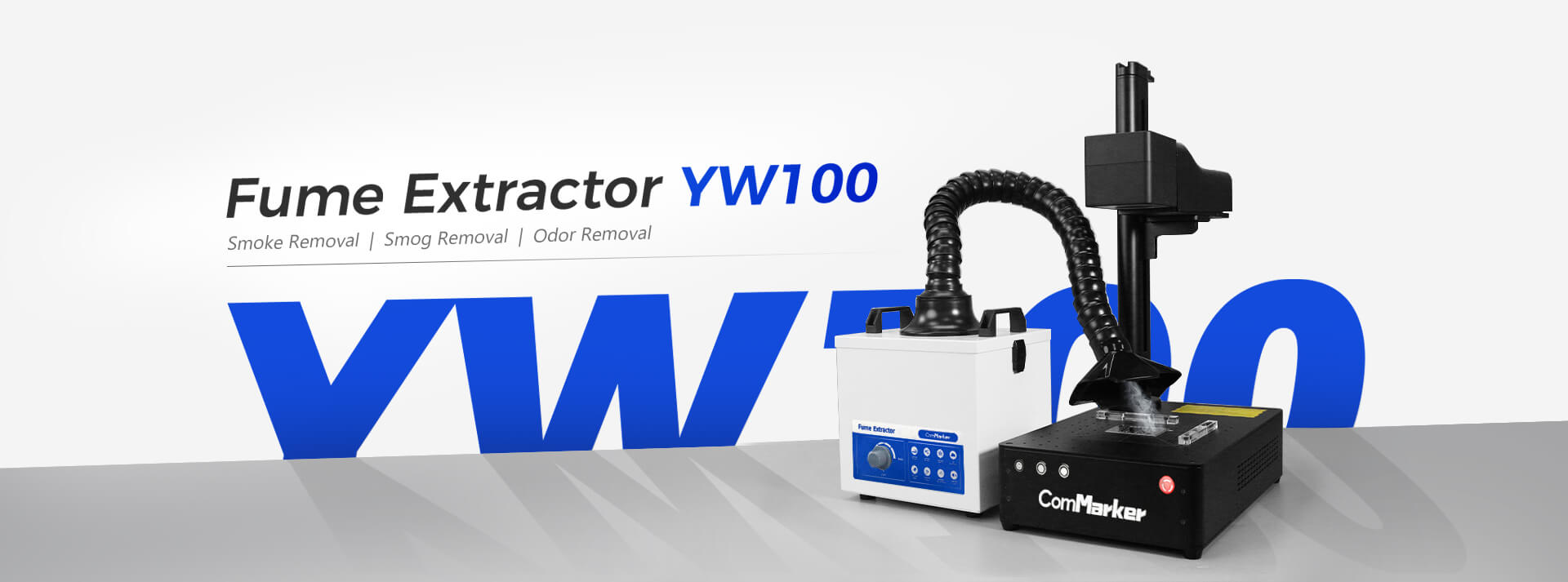
ComMarker Metal Sheet Holder
Price from USD $134
Black
- 125×125mm Maximum Clamping Range
- Secure the work[piece for laser engraver circuit board
- 1.9kg Light and Delicate Weight
- Classic Black & Gold Color
Silver
- 152×152mm Maximum Clamping Range
- Clip your material for pcb laser marking
- 5.5kg Durable and Sturdy Weight
- Modern Silver Metal Color
Color Options:
- Black-L120
- Silver-L150
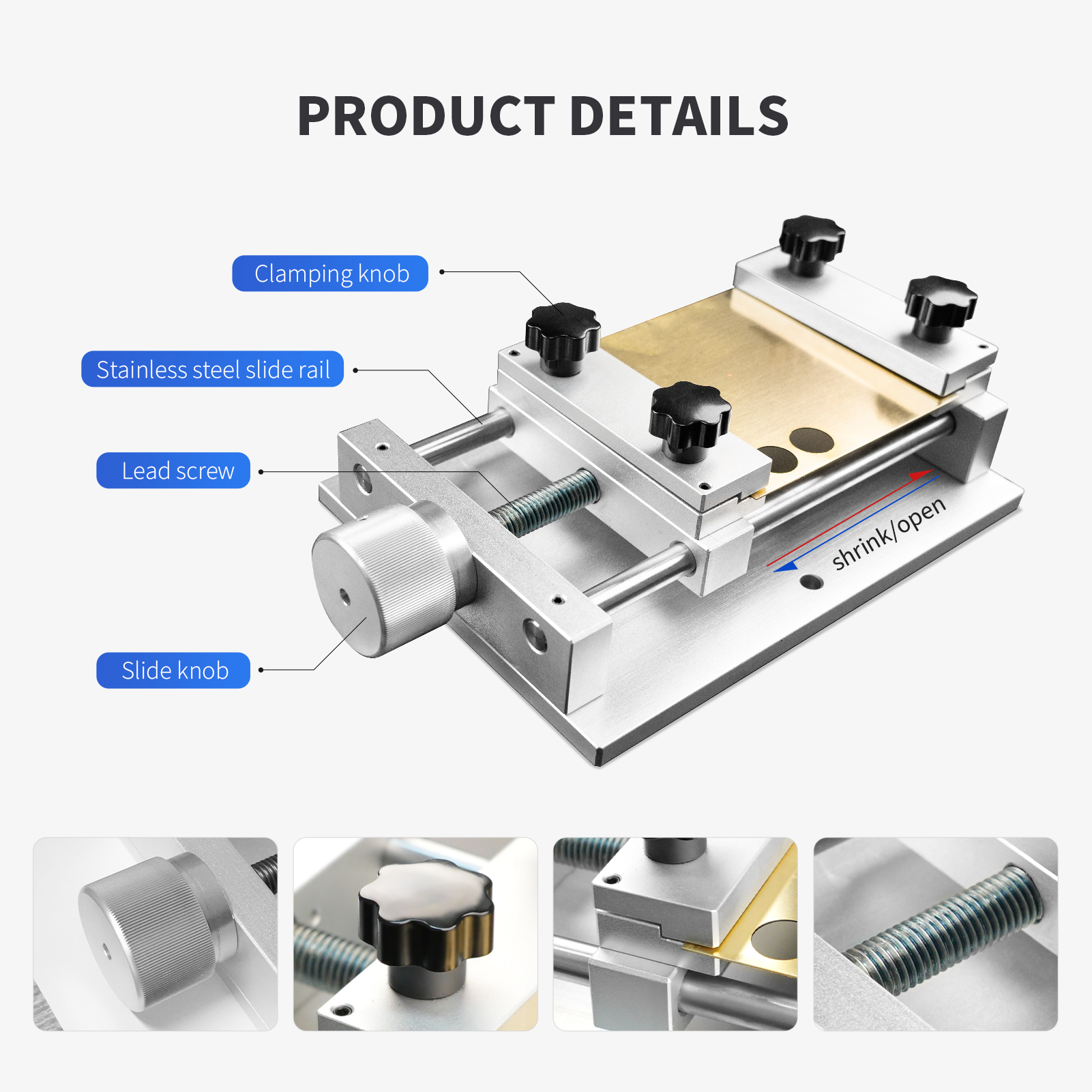
ComMarker Safety Enclosure Pro
Your safety is always our top priority
Price from USD $458
- Enclosed Anti-Smoke Design
- 360° Comprehensive Protection
- Safety Laser Shield Material
- LED Built-in Light
- Reduces 50 dB Noise
Size Options:
- L
- M
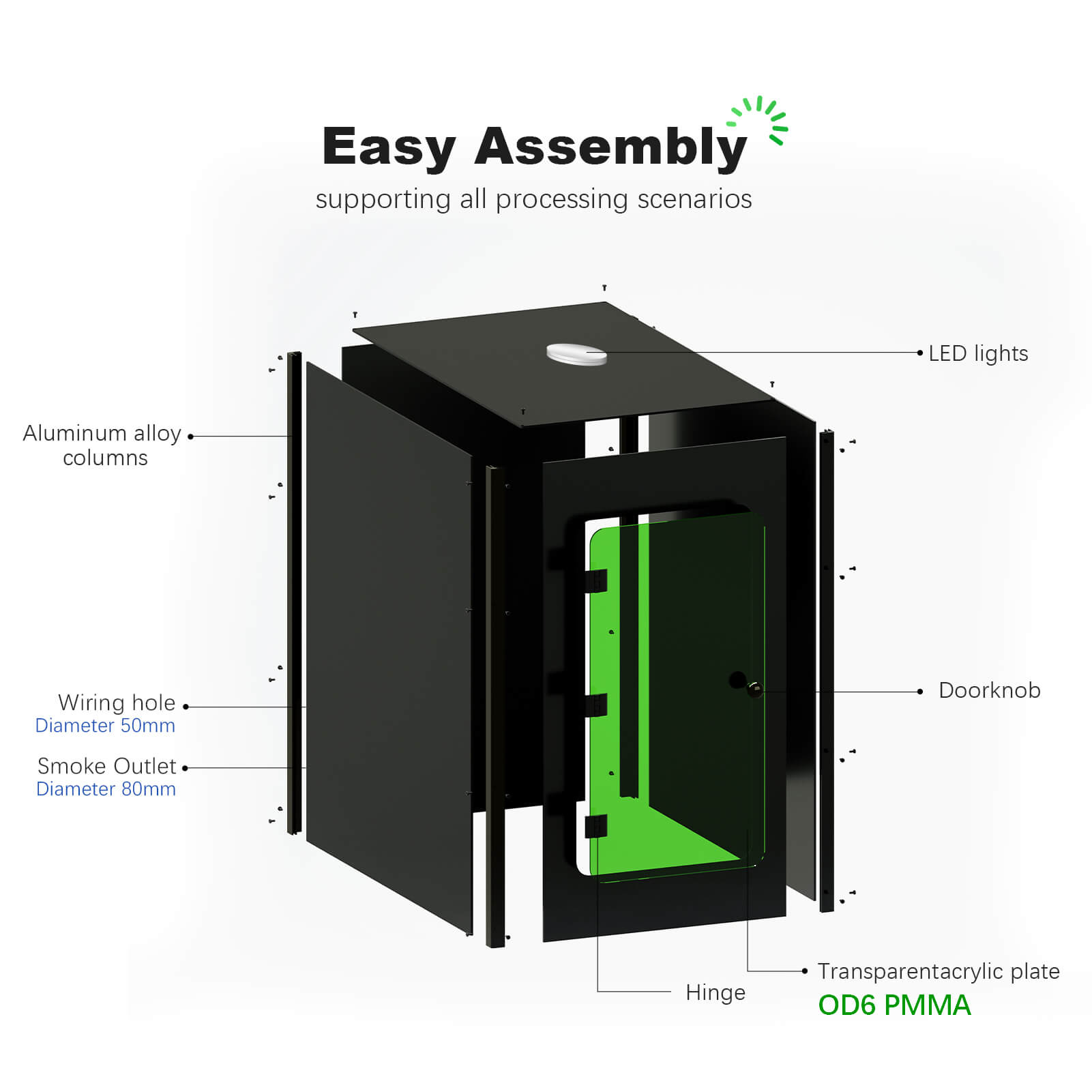
ComMarker Field Lens
Price from USD $74
- 359% Accuracy Increase
- 78% Time Reduction (under same conditions)
- 4.59× Energy Increase
- 15% Decrease in Energy Loss
Why Choose Us?
Multiple assurances. Discover ComMarker with confidence.
Fast & Free shipping
Free shipping from US, DE and China warehouses
15 Days Return
15 days return & 30 days replace
2 Year Warranty
Two-year warranty & 100% secure payment
24/7 Online Support
Email to [email protected]
Unlock The Secrets Of Small Businesses
FAQs
What causes uneven engraving depth?
Uneven engraving depth can be caused by incorrect laser power settings, improper focus, or an uneven PCB surface.
How can I prevent burning or over-cutting during laser engraving?
To prevent burning or over-cutting, reduce laser power and increase scanning speed. Adjust the pulse frequency and width as needed.
Why do I get blurry or jagged edges in my laser engravings?
Blurry or jagged edges can be caused by insufficient resolution, high scan speed, or incorrect lens choice. Lower the scan speed, increase resolution, and ensure the correct lens is used.
What can cause inconsistent laser marking on a PCB?
Inconsistent laser marking can be caused by inconsistent beam focus, dirty or damaged optics, or incorrect calibration. Regularly clean the optics, check the beam focus, and calibrate the machine.
How can I avoid surface damage during laser engraving?
To avoid surface damage, decrease the power setting to avoid burning the PCB’s surface. Consider using cooling systems or water jets to dissipate heat. Handle the PCB with care to avoid scratching or damaging it.