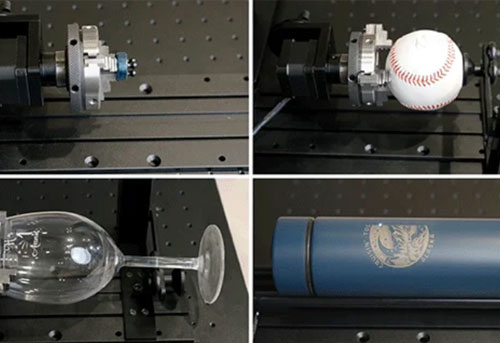
Are you wondering if you can start a laser engraving business without design background? Or hoping to start a laser engraving business but find it hard to differentiate your offer?
The difference between hobby engraving and a sellable product often comes down to three things: design uniqueness, customization quality, and how well the design matches the material and laser process.
In this guide, we will explain how professional laser engraving files are created, which software experienced users choose, how AI tools help beginners design faster, and how the right file preparation workflow helps turn digital ideas into profitable products.
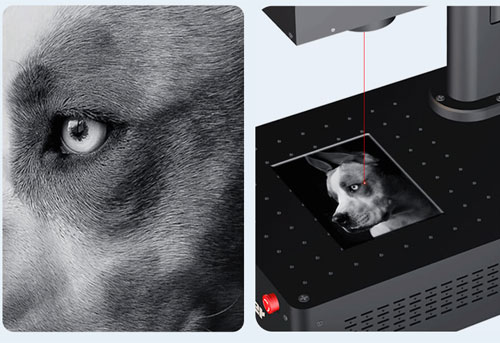
Where Do Profitable Laser Engraving Designs Come From?
There are three common ways businesses obtain laser files.
However, the most successful laser engraving businesses usually do not depend on a single method. They combine ready-made resources, customization, and original creativity to create products with higher value.
Lowest customization value Download Existing Designs
Many beginners start with ready-made designs.
Examples:
• Provided by laser brands
• Bought on marketplaces such as Etsy
• Shared by laser engraving communities
This approach is useful for learning machine operation or creating simple products.
However, businesses usually need more customization to stand out. The same file can be downloaded by hundreds of sellers, which makes it difficult to build a unique product identity or charge premium prices.
For example, engraving a standard logo on a tumbler may only create a low-cost customization service.
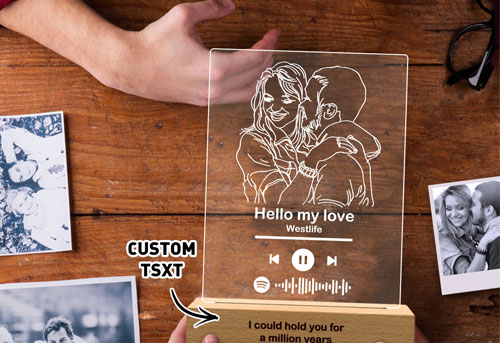
Adding customer names, special artwork, dates, or personalized patterns can significantly increase the perceived value of the final product.
More profitable: Modify Existing Designs
This is how many small businesses operate.
Instead of creating everything from zero, sellers often start with an existing template and improve it.
For example:
• A seller downloads a wedding sign template and changes names, dates, and event details.
• A creator adjusts an image for a cleaner laser engraving result.
• A small business combines multiple design elements to create a unique product style.
The goal is to create a product customers cannot easily find elsewhere.
Read more about [How to Adjust Images for Better Laser Engraving Results].
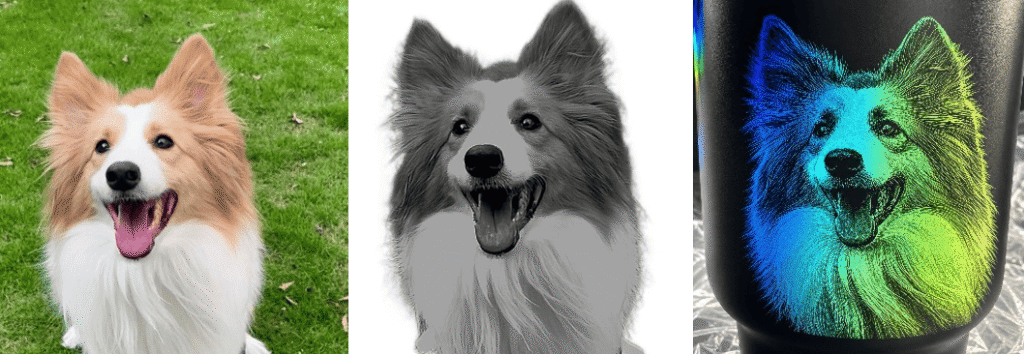
Top Level: Create Original Designs
Professional laser users often create their own files using design software. However, creating laser engraving designs does not always require advanced design skills.
For beginners, there are simpler ways to get started.
Beginner-Friendly Design Route: Canva + ComMarker Studio + LightBurn
Many new laser users start with easy-to-use design tools before moving into professional workflows.
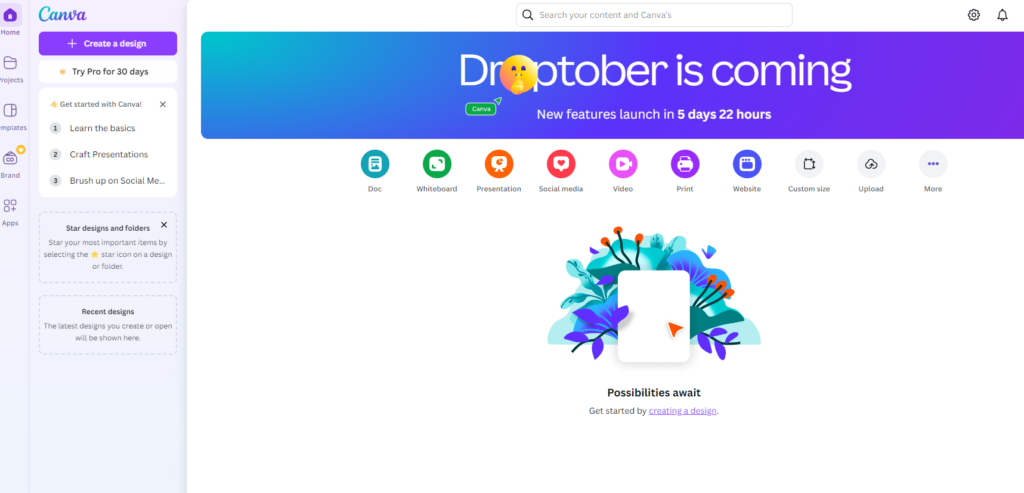
Canva can be used for many beginner-friendly laser engraving designs, especially for:
• Personalized gifts
• Text-based products
• Simple logos
• Social media-inspired designs
• Basic line graphics
After creating a design, users can further prepare it for engraving with laser software.
ComMarker Studio provides built-in design tools that help beginners quickly create and edit engraving projects without learning complex graphic software.
Users can:
• Add and edit text
• Import images
• Adjust engraving layouts
• Prepare files directly for ComMarker machines
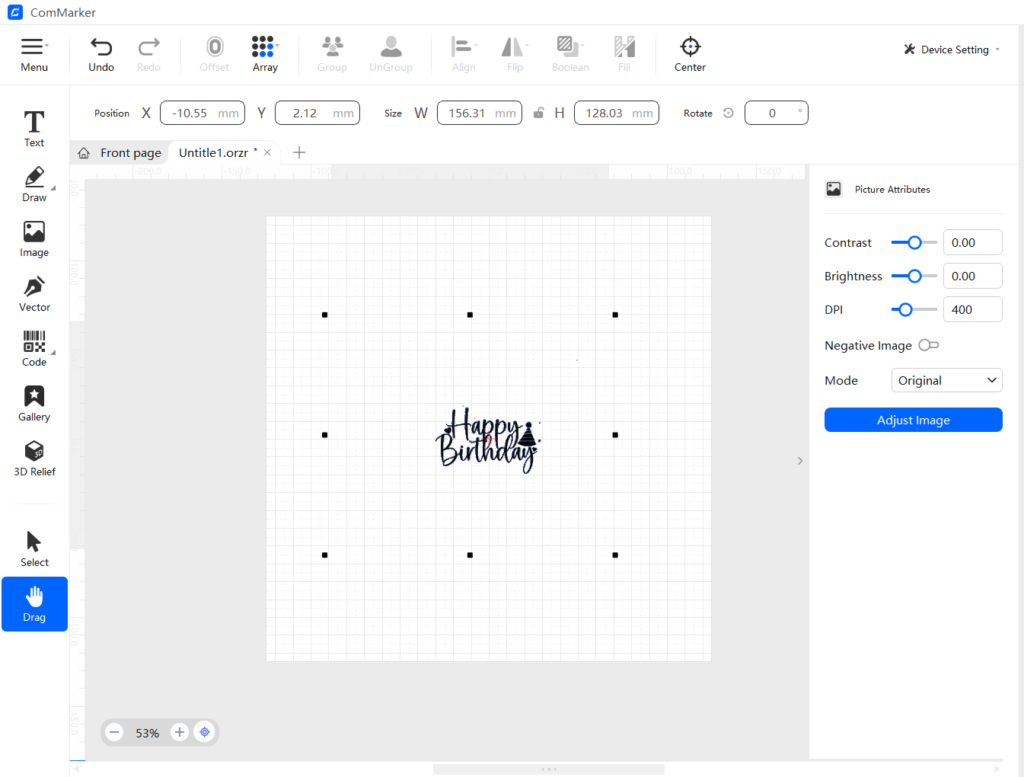
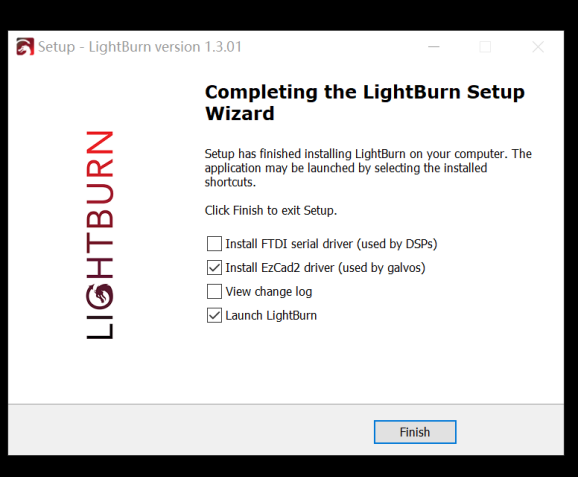
For more advanced control, LightBurn offers a balance between design adjustment and production preparation. It allows users to:
• Edit vector graphics
• Optimize engraving paths
• Adjust layers and parameters
• Manage the complete engraving workflow
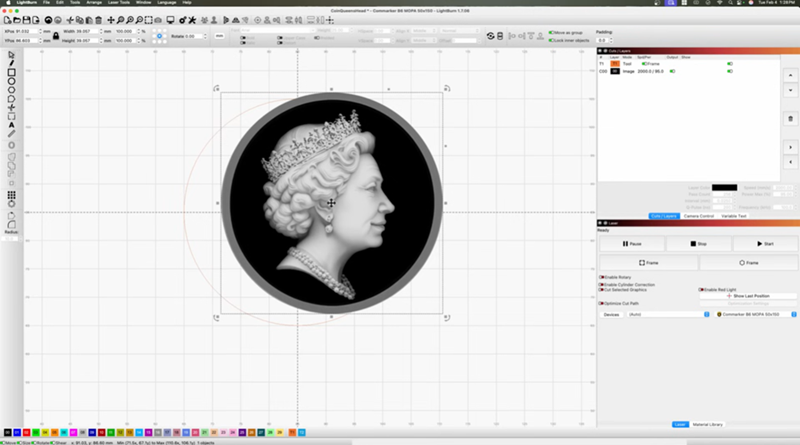
This creates a natural learning path:
Canva → ComMarker Studio → LightBurn → Professional Design Software
Beginners can start creating products quickly, while experienced users can gradually develop more advanced design skills.
Professional Design Software for Advanced Users
For creators who want complete control over their designs, professional software includes:
• Adobe Illustrator
• Affinity Designer
• Inkscape
• CorelDRAW
• CAD software such as AutoCAD or Fusion 360
These tools are commonly used for creating highly customized products, complex vector designs, mechanical parts, and commercial engraving projects.
Check a video for how to design files for laser engraving:
How AI Is Changing Laser Engraving Design
In 2026, AI tools are making laser engraving design more accessible for beginners.
Creators can use AI to:
• Generate creative concepts
• Create reference images
• Produce engraving-ready artwork
• Develop 3D engraving resources
For example, SculptOK depth map generator can help users create grayscale images for 3D laser engraving projects.
Check our coin laser engraving guide to see how to engrave coins with ComMarker B6 MOPA fiber laser .
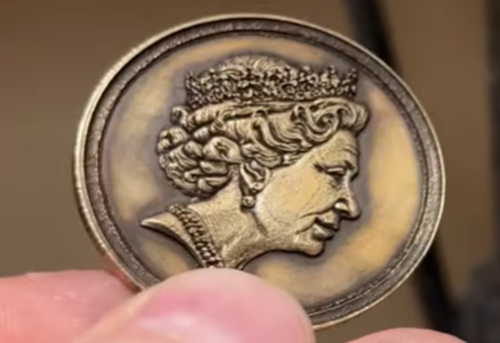
With 3D model platforms such as Tripo, users can also create models for 3D inner laser engraving applications.
However, AI does not replace the need for production knowledge. Professional results still depend on understanding:
• Design optimization
• Engraving parameters
• Material characteristics
• Machine capabilities
A good AI-generated design becomes a valuable product only when it can be accurately reproduced by a capable laser engraving system.
Common File Formats for Laser Engraving and Cutting
Before creating your first laser project, it is important to understand the different file formats used in laser software.
Each format stores design information differently and is suitable for different engraving or cutting applications.
Professional laser users choose the format based on whether the project requires cutting accuracy, engraving detail, editing flexibility, or production efficiency.
| File Format | Type | Best For | Laser Cutting | Photo Engraving | Advantages |
| SVG | Vector | Logos, text, signs, assembly projects | ✅ Excellent | ❌ | Scales without losing quality and is supported by most laser software. |
| DXF | Vector | CAD drawings, mechanical parts, boxes, models | ✅ Excellent | ❌ | Maintains accurate dimensions, making it ideal for precision cutting and engineering designs. |
| AI | Vector | Adobe Illustrator artwork | ✅ Excellent | ❌ | Preserves editable layers and design elements. Often exported as SVG or DXF before laser processing. |
| PLT | Vector | Plotters and legacy laser systems | ✅ Good | ❌ | Stores simple cutting paths and remains compatible with many industrial systems. |
| PNG | Raster | Logos with transparency, grayscale artwork | ❌ | ✅ Excellent | Lossless image quality with transparent backgrounds, making it suitable for engraving graphics. |
| BMP | Raster | High-quality grayscale photos | ❌ | ✅ Excellent | Uncompressed format that preserves pixel information for consistent photo engraving. |
| JPG / JPEG | Raster | General photographs | ❌ | ✅ Good | Small file size, but compression may reduce engraving quality. |
Which File Format Should You Use?
As a general rule:
• For laser cutting, choose vector formats such as SVG or DXF.
• For logos, text, and line artwork, SVG is usually the best choice.
• For mechanical designs and assembly projects, DXF provides high dimensional accuracy.
• For photo or grayscale engraving, PNG or BMP are commonly used.
Professional designers typically create artwork in Illustrator, CAD software, or CorelDRAW, then import the optimized files into laser control software for processing.
After optimization, the file is transferred to laser control software for final setup.
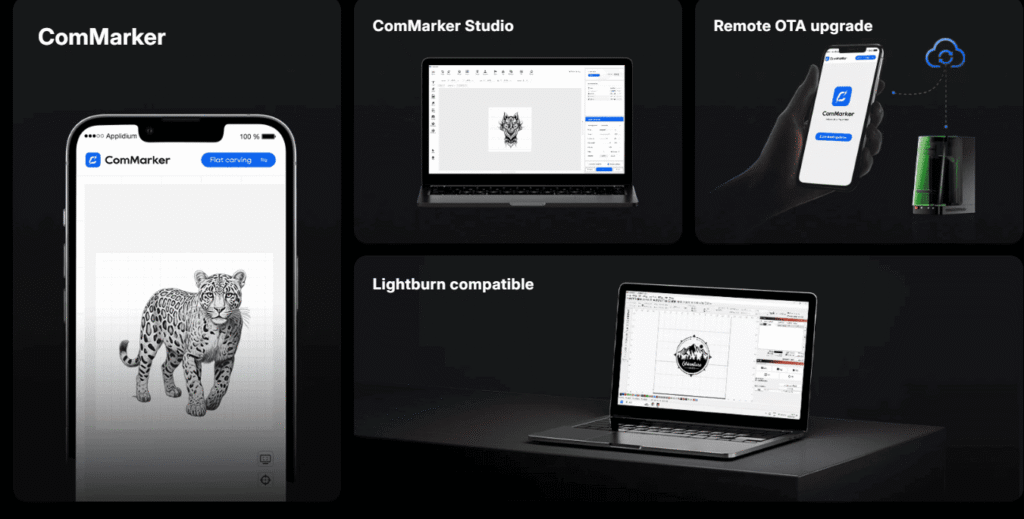
ComMarker Studio is designed to fit into this professional workflow.
It supports industry-standard formats including SVG, DXF, AI, PNG, BMP, JPG, JPEG, PLT
allowing creators to import files directly from the software they already use instead of rebuilding designs from scratch.
Common Laser Design File Mistakes
Even with the right file format, small design mistakes can still ruin an otherwise perfect laser project.
Many failed projects are caused not by the laser machine itself, but by problems hidden inside the design file.
Professional users understand that file preparation is part of production quality control.
Some of the most common mistakes include:
• Duplicate cutting paths, which cause the laser to cut the same line twice, leading to excessive burning and wider kerfs.
• Open vector paths, leaving parts partially attached because the laser cannot complete a closed contour.
• Text that has not been converted to outlines, resulting in missing or shifted characters when the file is opened on another computer.
• No kerf compensation, causing tabs and slots to fit too loosely, or not fit at all.
• Structures that are too thin or cutting lines placed too close together, making delicate parts more likely to burn, warp, or break during assembly.
Fortunately, these problems are easy to prevent with proper file preparation and design practices.
Read our complete guide:
Laser Cutting Design Guide: 10 Mistakes That Cause Assembly Failure
to learn how to identify each issue and optimize your files before sending them to your laser engraver.
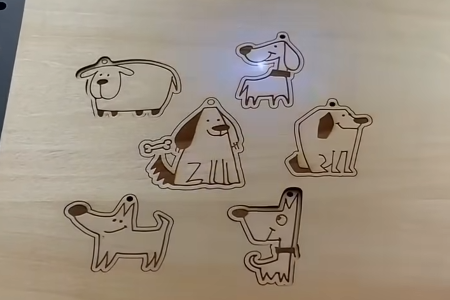
How the Right Laser Machine Turns Good Designs into Great Results
Preparing a clean, optimized design file is the first step toward a successful laser project.
However, even a perfect file cannot overcome the limitations of an inaccurate laser system.
A professional laser engraver is not only a tool for engraving. It is a production system that determines whether a digital design can be reproduced consistently.
Beam quality, spot size, positioning accuracy, and thermal control all influence whether a machine can faithfully reproduce the details in your design.
Thin supporting ribs, tight-fitting joints, intricate engraving, and sharp corners all require consistent precision throughout the production process.
As projects become more detailed, machine performance becomes just as important as design quality.
Choosing the Right Laser for Different Products
| Project Requirement | Recommended Laser Capability |
| Metal deep engraving and metal sheet processing | ComMarker Titan Fiber Laser |
| Fast engraving on wood, acrylic, leather, and other non-metal materials | ComMarker COX CO2 Laser |
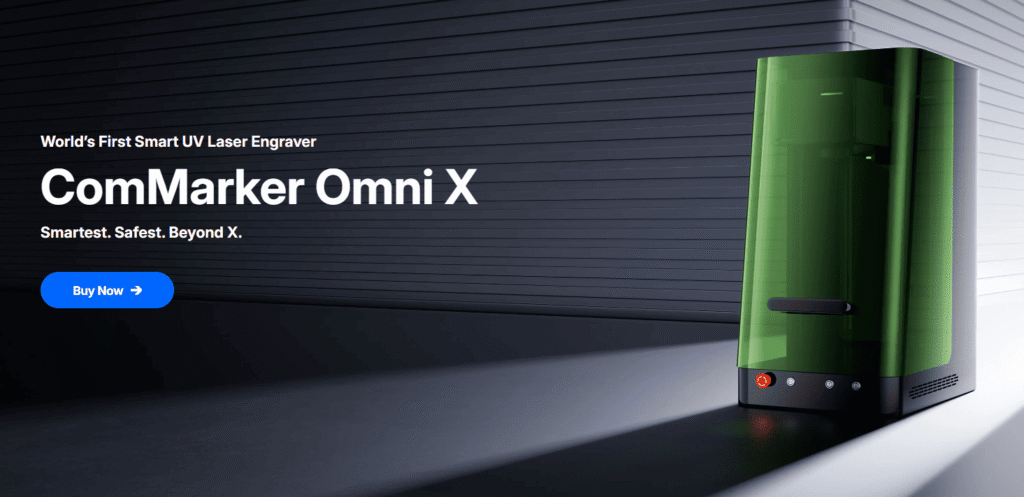
| High-resolution engraving on delicate materials and premium products | ComMarker Omni X UV Laser |
Why Professional Creators Choose High-Precision Laser Systems
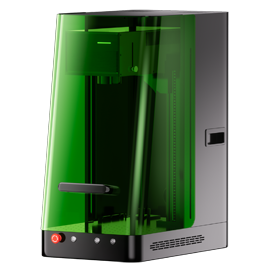
For creators who want to reproduce detailed designs with premium results, the ComMarker Omni X UV Laser Engraver is designed to deliver extremely fine engraving performance while minimizing thermal impact on sensitive materials.
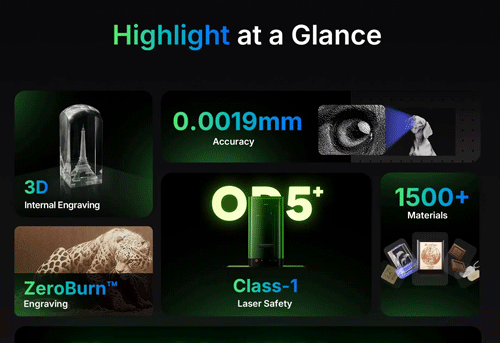
Key advantages include:
• 0.0019 mm ultra-fine laser spot for detailed 16K HD engraving
• Excellent beam control for engraving fine textures, small text, and decorative patterns
• Reduced thermal impact to help preserve delicate materials during processing
• High positioning accuracy for intricate designs, small components, and repeatable production
• Clean and sharp results for premium-looking finished products
A well-prepared design file tells the laser what to create.
A high-precision laser determines how accurately that design becomes a real product.
Together, design capability and machine performance create a repeatable production workflow.
What Does a Money-Making Laser User Actually Create?
A hobby user may engrave one photo.
A business user creates repeatable products that can be sold again and again.
Examples include:
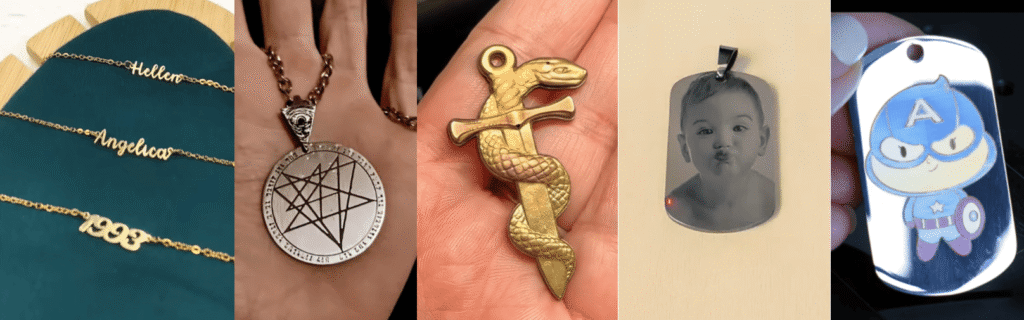
Small jewelry businesses use fiber lasers to create:
• Custom names
• Logos
• Dates
• Fine patterns
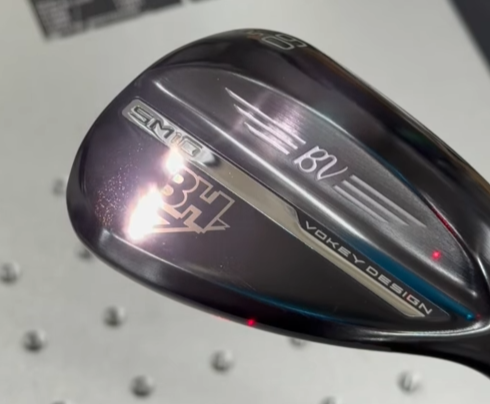
Golf Club Customization Engraving
Golf customization businesses create:Player names, Tournament logos, Premium gift sets
Cost:
• Blank golf club: customer provides
• Laser engraving time: 3-8 minutes
• Service price: $25-$100 per club
Metal Collectibles
Creators can transform blank metal pieces into:
• Challenge coins
• Limited edition products
• Personalized gifts
And these are only a few examples.
Discover more:
Profitable Laser Engraving Business Ideas Most Sellers Overlook
Finding the right niche market and combining it with a strong design workflow can help your laser engraving business grow faster.
Final Thoughts
Creating successful laser engraved products is not only about owning a laser machine.
Professional users build a complete workflow: finding valuable product ideas, creating or optimizing designs, preparing production-ready files, and selecting the right laser technology.
Whether you create personalized gifts, premium branding products, jewelry, industrial parts, or custom collectibles, the combination of good design and capable equipment determines the final result.
Explore ComMarker fiber, UV, and CO₂ laser engravers designed for creators, small businesses, and production users.
Turn your digital ideas into products customers are willing to pay for.