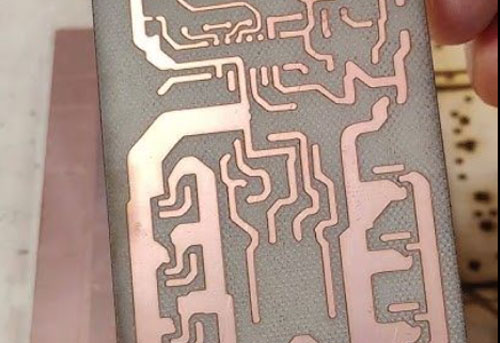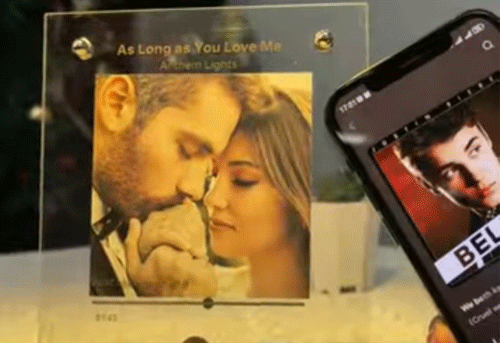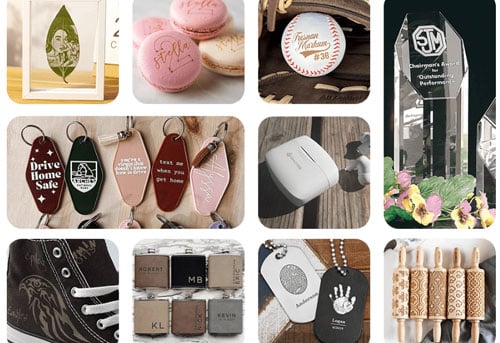
Laser engraving aluminum is widely used for product identification, serial numbers, QR codes, logos, business cards, nameplates, and industrial components.
In this guide, we’ll explain the differences between laser aluminum marking, etching, engraving, and cutting, compare laser types, share example settings for common aluminum applications, and explore practical uses for industrial and commercial projects.
Step 1: Identify the Aluminum Surface Before Laser Engraving
|
Aluminum Type |
Surface Characteristics |
Typical Marking Results |
Common Considerations |
|
Bare aluminum
|
No anodized layer or coating; may be bright, polished, brushed, matte, or machined |
Light gray, dark gray, or white marks; consistent black marking can be challenging |
High reflectivity and thermal conductivity; different alloys, such as 6061, 5052, and 7075, may respond differently |
|
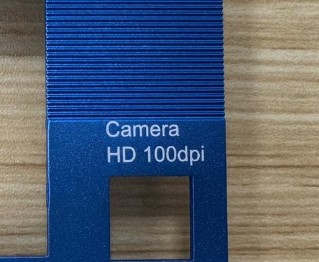
Anodized aluminum
|
Has an anodized oxide layer and may be dyed |
White or silver marks on dark anodized surfaces; gray-to-black marks on some natural or clear anodized surfaces |
Anodizing processes, coating thickness, and dyes affect the result |
|
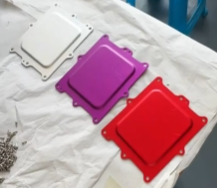
Powder-coated aluminum
|
Covered with a colored protective coating |
Laser removes the coating to expose the underlying surface |
Coating thickness and composition affect the process; common coating thicknesses are approximately 25–250 μm |
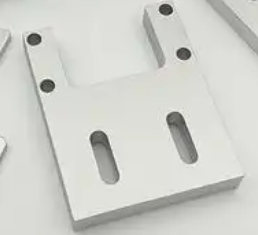
How Can You Tell Bare Aluminum from Anodized Aluminum?
Measure resistance with a multimeter. resistance > 10MΩ indicates probable anodization.
Drop some water on it. If the drop beads up like it does on an aluminum flashlight or macbook, it’s anodized. If it sits flat and spreads out, it’s bare aluminum.
Step 2: Understand Aluminum Marking, Etching, Engraving, and Cutting
|
Process |
What It Does |
|
Laser marking |
Changes the surface appearance to create visible information, often with little or no measurable material removal |
|
Laser etching |
Commonly refers to shallow surface processing that produces a visible mark, sometimes with limited material removal |
|
Deep laser engraving |
Removes material to create a measurable recess, often using multiple passes |
|
Laser cutting |
Separates material along a defined path by removing or melting it |
Step 3: Choose the Best Laser for Aluminum Engraving
Fiber Laser: For General Aluminum Marking and Engraving
Fiber lasers are a common choice for marking and engraving bare aluminum. They are suitable for serial numbers, logos, identification codes, and applications that require material removal.
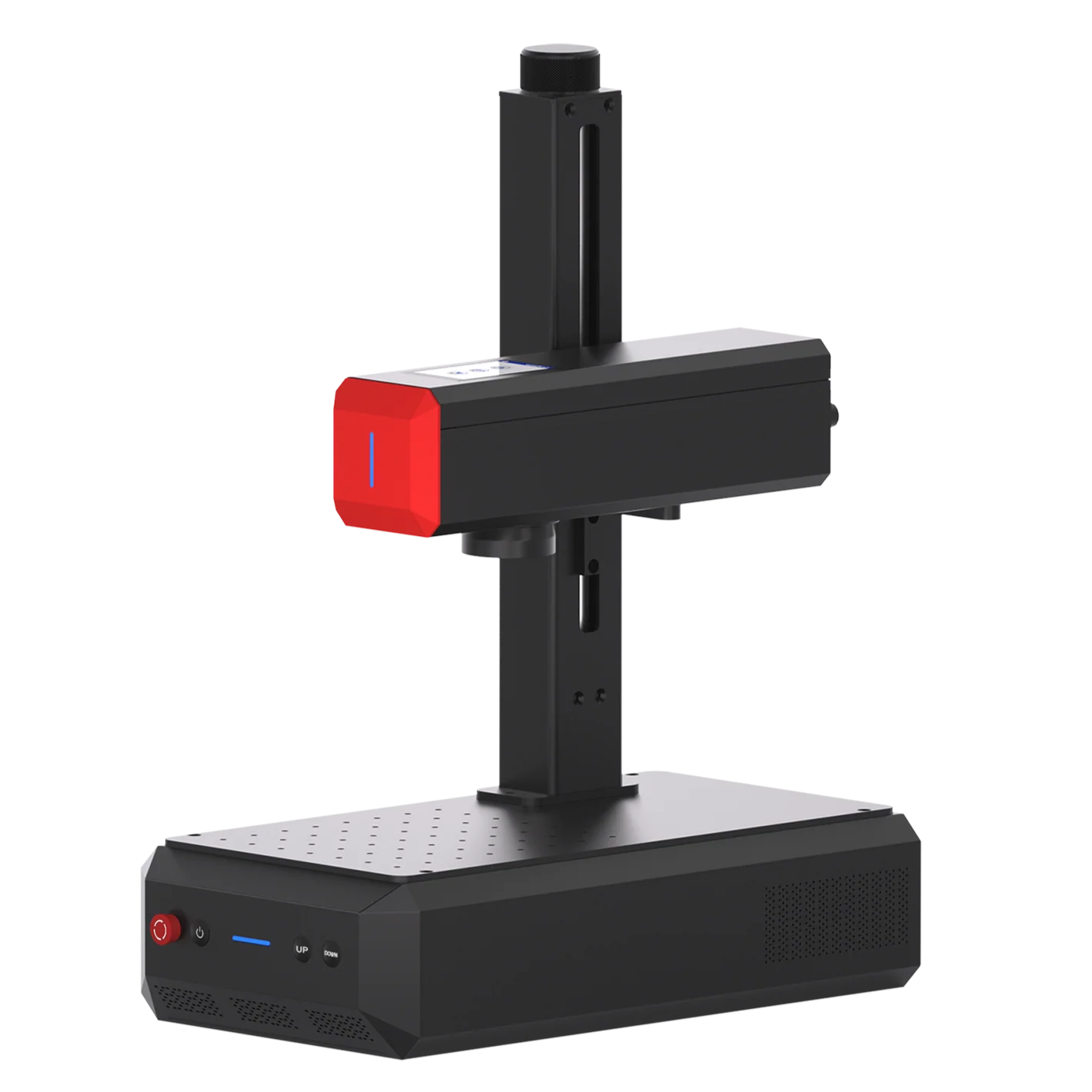
Recommended machine: ComMarker B4 Fiber Laser Engraver
• 20W–100W power options: Cover a range of applications, from surface marking to deeper engraving on bare aluminum.
• Up to 15,000 mm/s marking speed: Supports efficient processing of small and medium batches.
• Gray-to-white marking capability: Can produce legible marks on bare aluminum, depending on the alloy, surface finish, and settings.
• 0.01 mm spot size: Supports detailed designs and small identification marks.
• LightBurn compatibility: Provides control over parameters such as speed, power, and frequency.
For workshops handling different aluminum parts, the B4 series offers a range of power options for different marking and engraving requirements.
MOPA Fiber Laser: For Greater Control over Marking Appearance
A MOPA fiber laser offers adjustable pulse duration in addition to other laser parameters. This extra control can help users fine-tune marking appearance, including dark marks on suitable anodized aluminum.
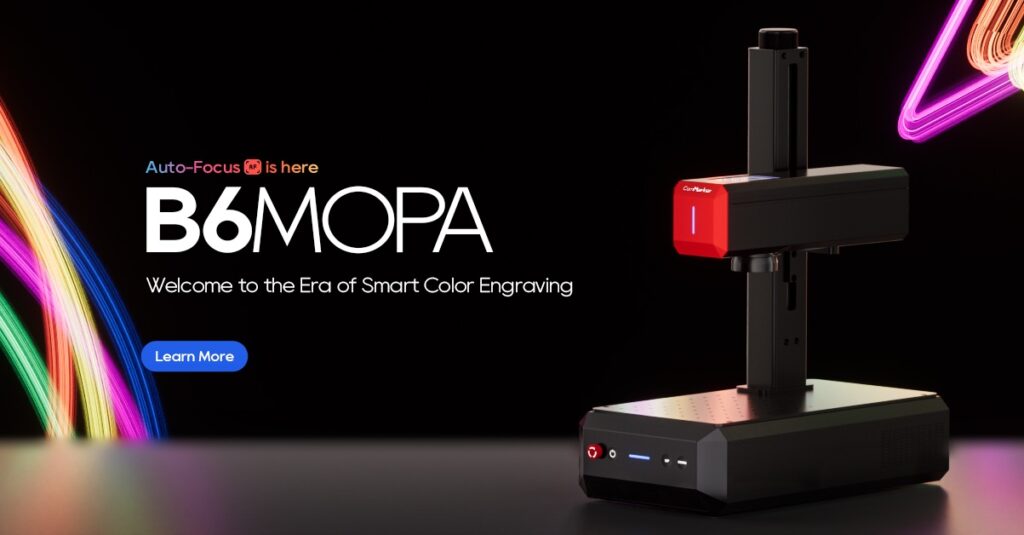
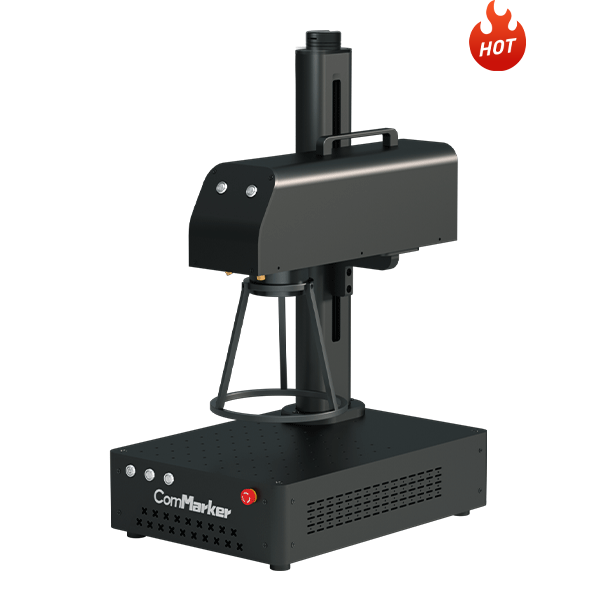
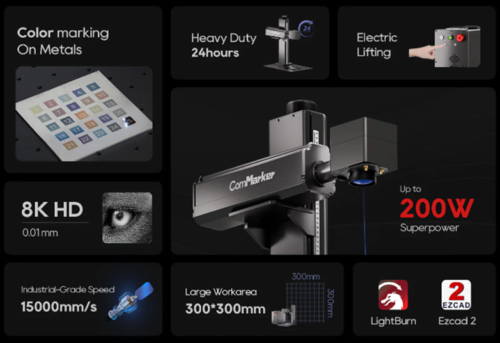
Recommended machines: ComMarker B6 MOPA and Titan 1
ComMarker B6 MOPA
• Adjustable pulse width and frequency provide additional control over marking appearance.
• Suitable for applications that require specific surface contrast as well as deeper engraving on metals.
ComMarker Titan 1
• 60W, 100W, and 200W configurations: Provide options for medium to heavier engraving workloads.
• Designed for deeper engraving & Cutting: Higher-power configurations can remove more material per pass under suitable conditions, potentially reducing processing time for deeper mark
UV Laser: For Fine Details and Small Codes
UV lasers are designed for precision marking and fine-detail processing. They are useful when small text, intricate patterns, or compact data codes are the priority, although their capability for deep engraving and cutting is limited compared with suitable high-power fiber systems.
Recommended machine: ComMarker Omni X
• Spot size down to 0.0019 mm: Supports extremely fine text and small data codes.
• Reduced thermal impact: Can help limit thermal distortion on suitable materials and with appropriate settings.
• Fine-detail marking: Useful for designs where clear edges and small features matter.

CO₂ Laser: For Certain Coated and Anodized Aluminum Surfaces
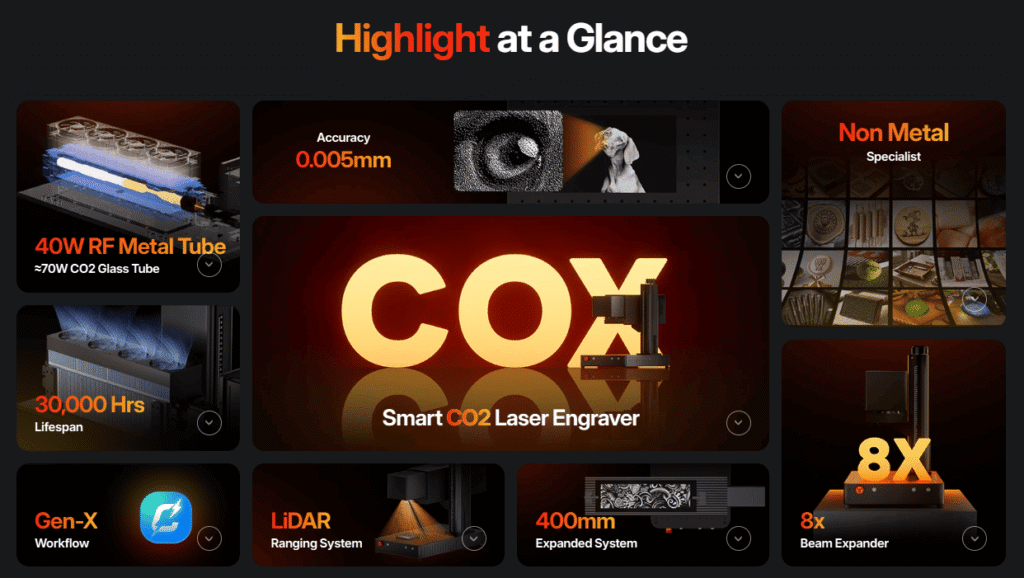
CO₂ lasers process many non-metallic materials and can mark certain coated or anodized aluminum surfaces under suitable conditions. Untreated bare aluminum generally requires a compatible marking compound or another suitable process.
Step 4: Aluminum Laser Engraving Settings and Techniques
The following examples cover common aluminum marking and processing tasks. Settings are reference examples you could use as a staring point.
1. White Marks on Dark Anodized Aluminum
Laser processing can remove or alter the dyed anodized layer to create a lighter mark against a dark surface. This is a common approach for logos, serial numbers, and identification plates.
Reference settings
|
Laser Type |
Speed |
Power |
Frequency |
Pulse |
Line Distance |
Passes |
Lens |
|
40W RF CO₂ laser |
2,000 mm/s |
70% |
8 |
— |
0.03 mm |
2 |
140 mm |
|
6W UV laser |
2,000 mm/s |
— |
40 |
1 |
0.02 mm |
Not specified |
70 mm |
|
20W fiber laser |
5,000 mm/s |
50% |
20 |
— |
0.02 mm |
Not specified |
110 mm |
2. White or Light Gray Marks on Bare Aluminum
Fiber lasers can create light gray or frosted-looking marks on bare aluminum. The available contrast depends on the alloy, surface finish, and processing parameters.
|
Laser Type |
Speed |
Power |
Frequency |
Pulse |
Line Distance |
Passes |
Lens |
|
|
White mark |
50W Fiber Laser |
3,500 mm/s |
80% |
50 kHz |
— |
0.02 mm |
— |
110 mm |
|
Dark grey mark |
60W MOPA Fiber Laser |
1,500 mm/s |
50% |
500 kHz |
6 ns |
0.01 |
— |
— |
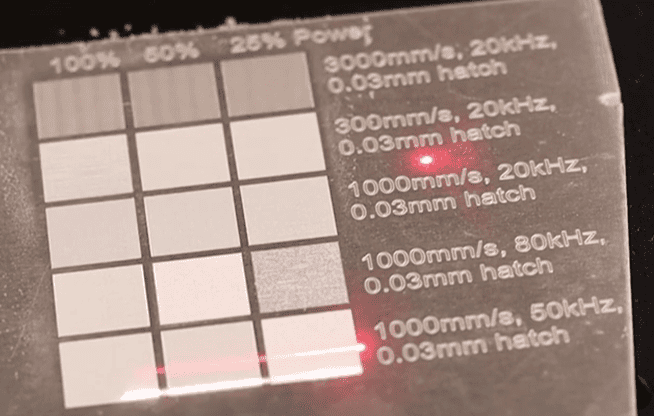
(20w fiber laser engrave aluminum with different results)
3. Bright, Polished-Looking Marks on Matte Aluminum
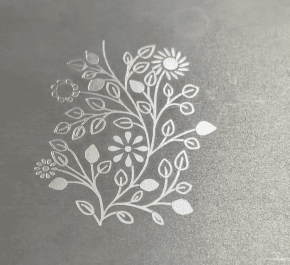
A brighter-looking mark can provide contrast against a matte or sandblasted aluminum background. The existing surface finish is an important part of the final appearance.
Reference settings: ComMarker B6 60W MOPA
|
Parameter |
Speed |
Power |
Frequency |
Pulse width |
Line interval |
|
Setting |
1,000 mm/s |
33% |
48 kHz |
200 ns |
0.03 mm |
4. Black Marks on Natural Anodized Aluminum
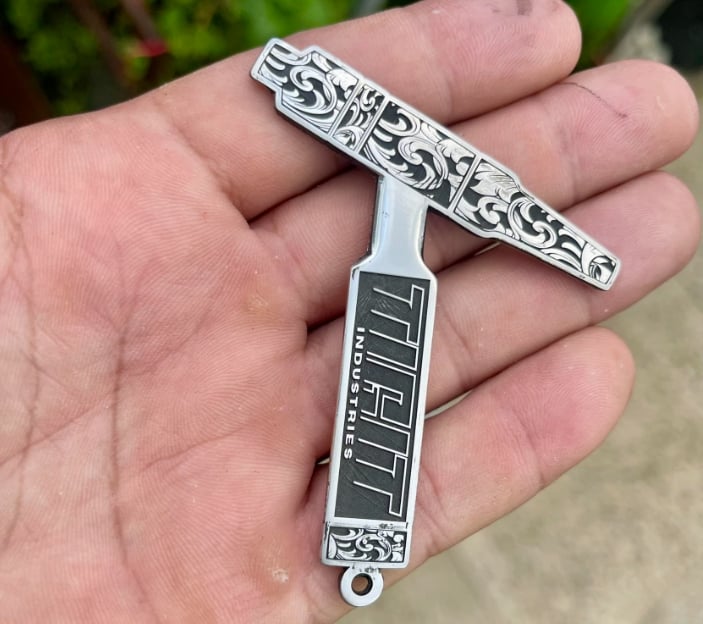
MOPA fiber lasers provide additional control over pulse parameters, which can help users pursue dark gray or black marks on suitable natural-color anodized aluminum.
A commonly explored starting range for black marking is 100–500 kHz frequency, 2–4 ns pulse duration, and 1,000–3,000 mm/s speed, with a tight line interval. Actual settings depend on the machine and anodized surface.
Reference settings: ComMarker B6 60W MOPA Fiber Laser — 110 mm lens
|
Option |
Speed |
Power |
Frequency |
Pulse Width |
Line Interval |
Other Settings |
|
1 |
500 mm/s |
80% |
200 kHz |
4 ns |
0.01 mm |
— |
|
2 |
500 mm/s |
100% |
500 kHz |
2 ns |
0.01 mm |
Bidirectional fill; crosshatch on |
|
3 |
500 mm/s |
100% |
30 kHz |
10 ns |
0.01 mm |
— |
Reference settings: ComMarker B4 50W Fiber Laser — 110 mm lens
|
Speed |
Power |
Frequency |
Line Interval |
Other Settings |
|
1,000 mm/s |
48% |
25 kHz |
0.025 mm |
Crosshatch at 45°; 5 passes |
|
1,500 mm/s |
54% |
45 kHz |
0.02 mm |
Crosshatch at 45°; 1 pass |
Note: Black-looking marks on aluminum may appear different when viewed from different angles.
5. Deep Engraving on Aluminum
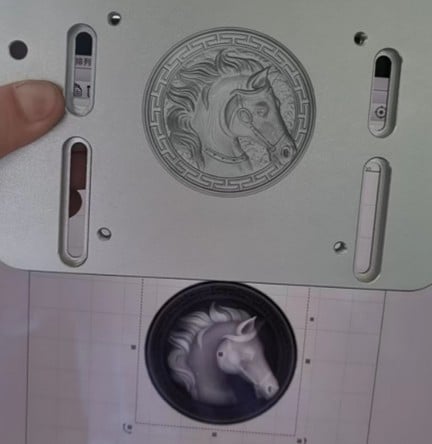
Deep engraving removes material to produce a recessed design rather than relying only on surface contrast. It may require multiple passes, and the processing time depends on the required depth and engraved area.
|
Parameter |
Speed |
Power |
Frequency |
Line interval |
Angle |
Reported result |
Reported processing time |
|
ComMarker B4 20W Fiber Laser |
800 mm/s |
70% |
43 kHz |
0.025 mm |
— |
Approximately 3 mm depth after 256 passes |
Approximately 5.5 hours |
|
ComMarker B4 30W Fiber Laser |
1,500 mm/s |
100% |
35 kHz |
0.01 mm |
Crosshatch: Off |
6. Removing Powder Coating from Aluminum
Laser processing can remove powder coating to reveal the underlying surface. The appropriate setup depends on the coating and the result required.
Reference settings
|
Laser Type |
Speed |
Power |
Frequency |
Pulse |
Line Distance |
Passes |
Lens / Additional Settings |
|
40W RF CO₂ laser |
1,500 mm/s |
70% |
5 |
— |
0.03 mm |
Not specified |
140 mm lens |
|
6W UV laser |
1,500 mm/s |
— |
40 |
1 |
0.01 mm |
3 |
70 mm lens; 10 mm defocus |
|
60W fiber laser |
1,000 mm/s |
50% |
40 |
200 |
0.03 mm |
Not specified |
110 mm lens; 8 mm defocus |
7. Cutting Aluminum with a Laser Engraver
Cutting aluminum is different from surface marking and engraving. The machine configuration and processing setup must be suitable for the material thickness and the intended cut.
Reference settings
|
Machine |
Aluminum Thickness |
Power |
Frequency |
Pulse |
Other Settings |
Passes |
|
ComMarker B4 50W Fiber Laser |
2 mm |
90% |
34 kHz |
— |
Wobble: 0.3 |
10 |
|
ComMarker Titan 200W MOPA Fiber Laser |
1.5 mm |
95% |
240 kHz |
200 |
Line interval: 0.03 mm |
Not specified |
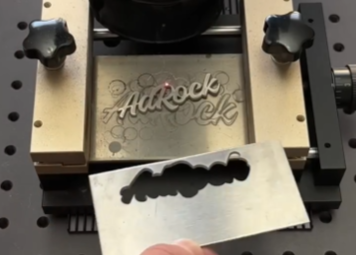
These examples are specific to their machine configurations. Check your machine’s capabilities and operating recommendations before attempting aluminum cutting.
Common Applications of Laser Marking on Aluminum
Aluminum Nameplates and Serial Numbers
Aluminum nameplates often require readable text, logos, model numbers, and serial numbers. Black anodized aluminum is a common choice for high-contrast white marking.
Data Matrix and QR Code Marking on Aluminum
Laser-marked Data Matrix and QR codes support parts identification, manufacturing traceability, and asset management.
Aluminum Parts and Mechanical Components
Fiber laser marking can be used for identification on machined components, housings, brackets, and aluminum profiles.
For parts that will be bent or machined, jigs or rotary assessment might be useful.
Deep Engraving for Industrial Applications
Potential applications include tooling identification, recessed lettering, and certain industrial plates.
Final Thoughts
Laser engraving aluminum can produce a range of results, from white marks on black anodized surfaces to dark marks on suitable anodized aluminum and deep engravings on bare metal.
The right process depends on the aluminum surface, desired marking effect, and production requirements. Fiber lasers are versatile for general metal marking and engraving, while MOPA fiber lasers offer greater control over marking appearance. UV and CO₂ lasers can also be suitable for specific fine-detail or coated-surface applications.
Before processing production parts, identify the aluminum surface and start with reference settings suited to your laser and application. Adjust the parameters as needed to achieve the desired appearance and processing efficiency.
Whether you need to mark serial numbers, create high-contrast logos, engrave industrial components, or process coated aluminum, choosing the right machine is essential.
Check ComMarker laser engraving machines to find the right solution for your aluminum marking and engraving needs.