If Your Belt Buckle Looks Like Everyone Else’s, You’re Missing Out
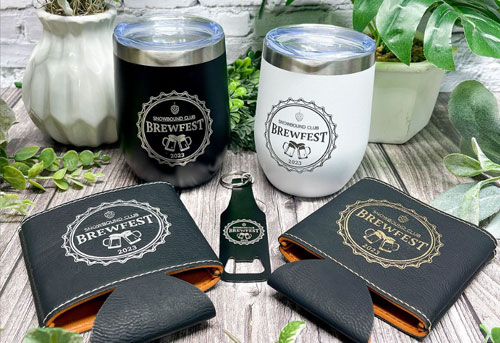
From custom western belt buckles to buckles with skulls, today’s designs go far beyond simple accessories.
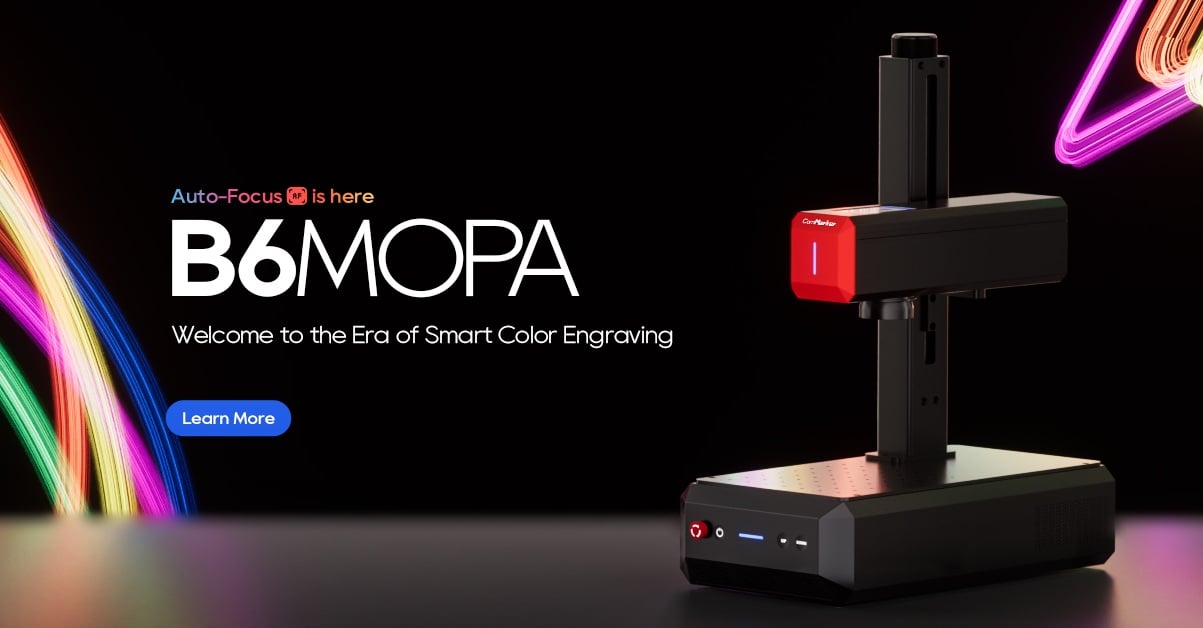
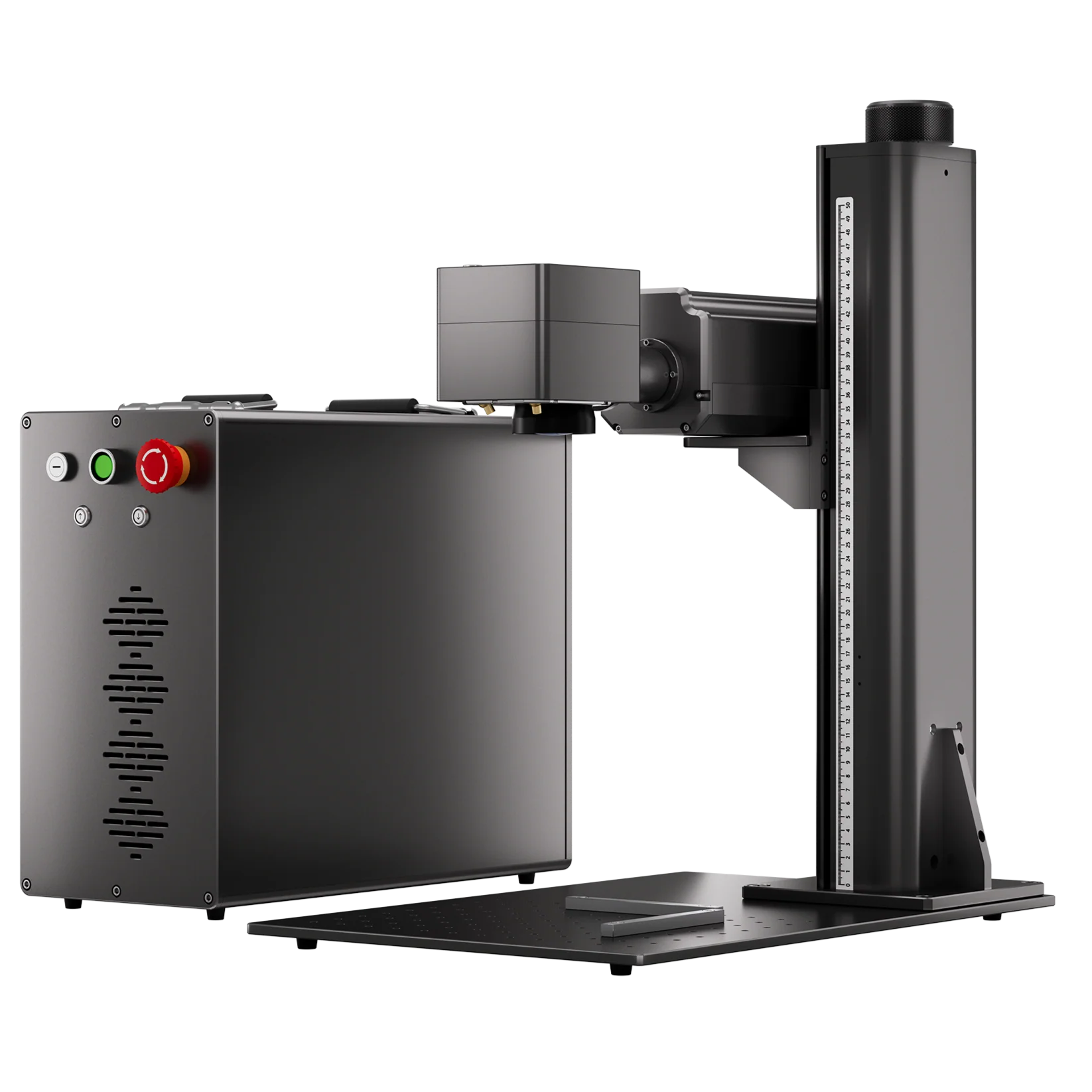
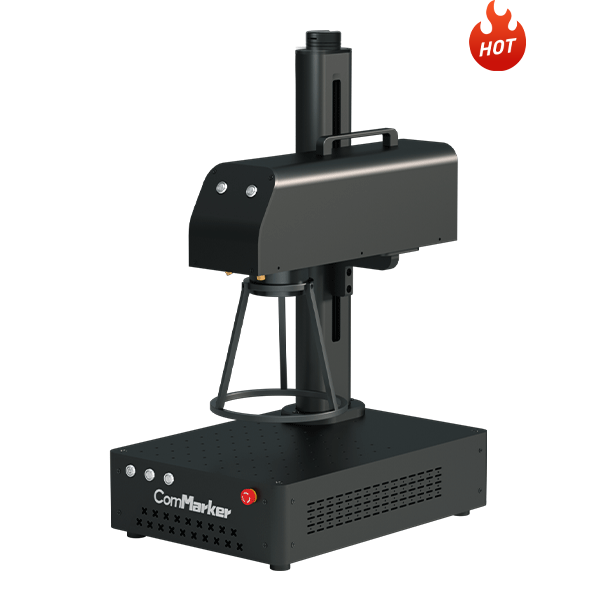
With ComMarker B6 MOPA fiber laser engraver for metal engraving, creating high-quality, personalized belt buckles is easier, faster, and more versatile than ever.
4 Fiber Laser Techniques You Can Use for Custom Belt Buckles
1) Laser Engraving (Precision Marking)
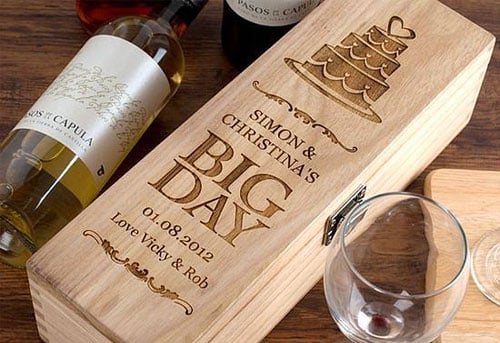
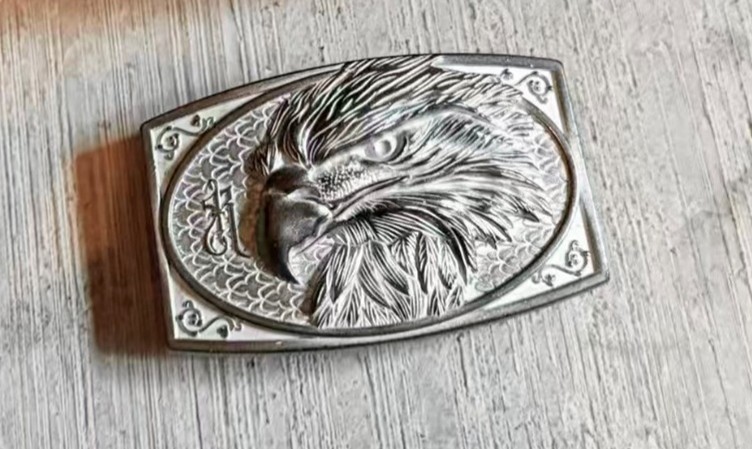
Laser engraving metal with a focused fiber laser beam to permanently mark metal surfaces with extreme accuracy.
Benefits:
• High precision, crisp lines
• Long-lasting marks that won’t fade or peel
• Ideal for small text, logos, and intricate artwork
Perfect for:
• Custom logo belt buckles
• Name engraving for gifts
• Detailed artwork on metal with Celtic knots, or Viking patterns
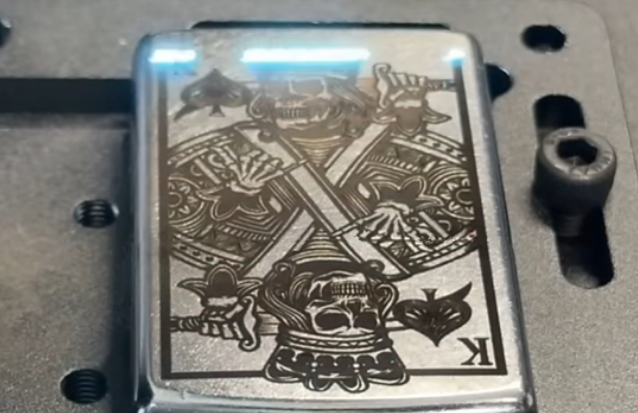
How to perform Laser Engraving on Metal with ComMarker B6
1. Import your design into the laser engraving software. Use vector software to design logos, patterns, and text
2. Secure the buckle and Press focus so the laser beam converges to the most intense point.
The ComMarker B6 is equipped with autofocus and LED touchscreen. Enables beginner friendly one-click focusing, improving work efficiency.
3. Set the parameters.
4. Press Start to begin engraving.
2) 3D Embossing (Relief Engraving)
The advanced MOPA control of the ComMarker B6 allows for true 3D embossed effects, giving belt buckles a luxury feel.
Benefits:
• Raised or recessed textures
• Depth and shadow for dramatic impact
• High-end appearance
Perfect for:
• Western rodeo buckles
• Badges and emblems
• Artistic, detailed designs
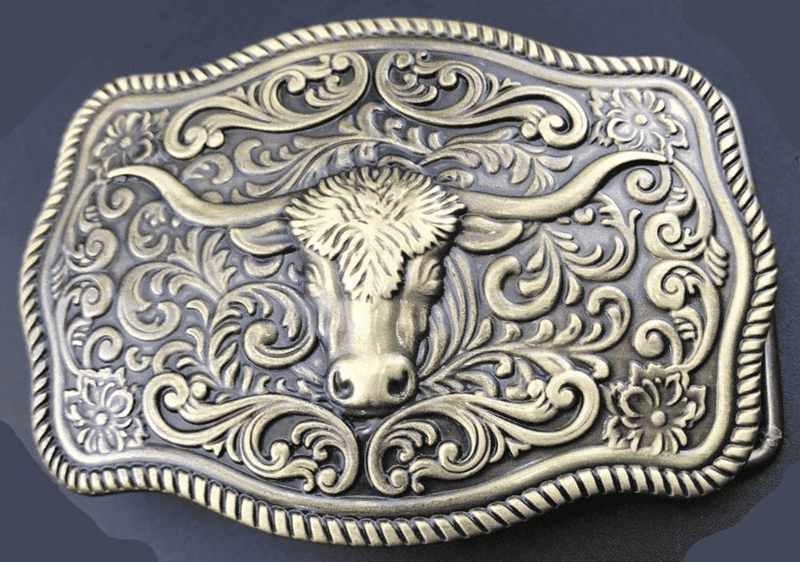
Compared to traditional stamping, laser embossing with the ComMarker B6 offers:
• More detail and accuracy
• No molds required
• Full creative freedom
How to perform Laser Metal Embossing For 3D Effects
1. Import a grayscale image for the embossing design.
2. Secure the buckle and Press focus.
3. Set the parameters.
ComMarker B6 fiber laser engraver brass deep engraving setting:
- Speed: 2000 mm/s
- Power: 95%
- Frequency: 100 kHz
- Pulse Width: 200 ns
- Line Interval: 0.025 mm
- Layers: 256
- Mode: 3D Slice
4. Press Start to begin engraving.
5. Use sand paper or rotary tool for smoother finish
Tips: Check the thickness of your belt buckle to ensure it can support the depth of the embossing without cutting through
3) Color Laser Marking (Next-Level Customization)
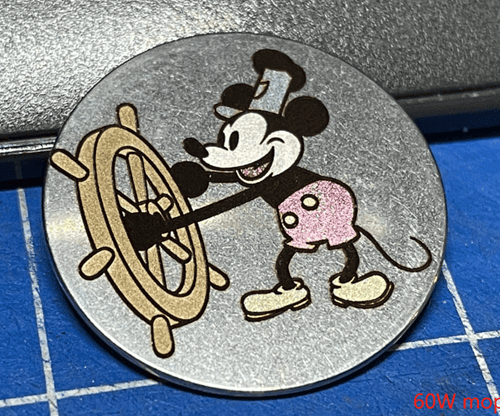
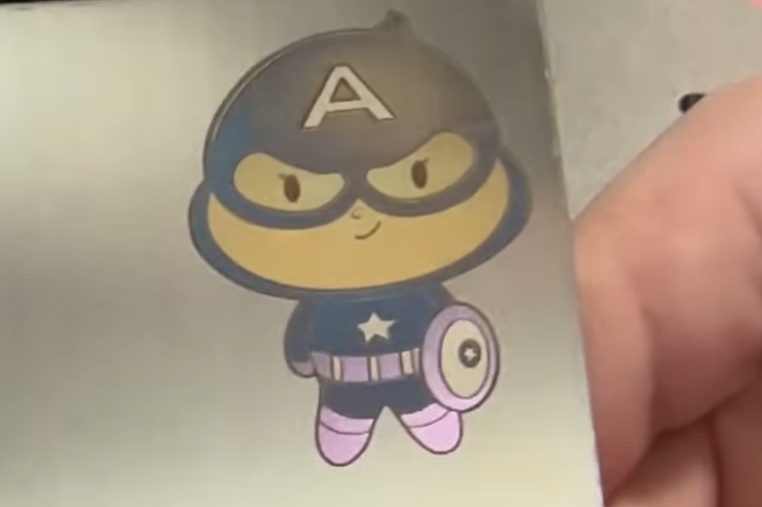
Thanks to MOPA technology, the ComMarker B6 MOPA fiber laser engraver can create permanent color marks on stainless steel and other metals without paint or coatings.
Benefits:
• Vibrant, long-lasting colors
• Precise color placement for branding
• Unique, eye-catching designs
Perfect for:
• Personalized belt buckles
• Logos with brand colors
• Collectible or artistic designs
How to perform Metal Color Marking with MOPA fiber laser engraver:
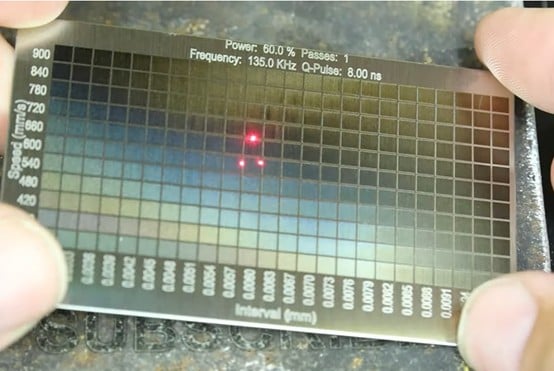
1. Use the same material as your belt buckle for material testing to determine the parameters for the desired color.
2. Import the design into the software.
3. Secure the buckle and Press focus.
4. Assign color parameters for different areas as needed.
5. Start engraving.
4) Metal Cutting & Inlay (Multi-Metal Designs)
The ComMarker B6 goes beyond engraving: it can cut and deep engrave metal pieces for inlay designs, allowing multiple metals to be combined into a single, high-end buckle.
Perfect for:
• Custom projects requiring craftsmanship and creativity
• High-end, multi-metal belt buckles
• Decorative and professional designs
How to perform Metal Cutting and Deep Engraving with ComMarker fiber laser engraver:
1.First, use the fill mold to deep engrave the gaps on your buckle.
2.Set the parameters. The number of layers determines the depth. You can use continuous until the desired depth is achieved.
ComMarker B6 fill mode engraving for brass cutting settings:
- Speed: 1000 mm/s
- Power: 80%
- Frequency: 30 kHz
- Pulse Width: 200 ns
- Line Interval: 0.04 mm
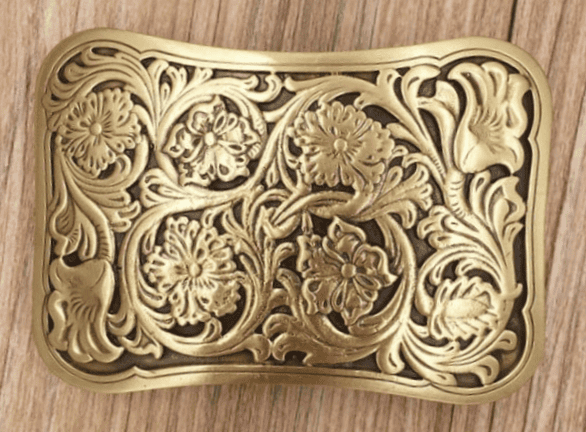
3.Then, switch to offset mode to cut out the metal blocks that will fill the gaps.
Check detailed guide on metal cutting with fiber laser engraver →
4. Finally, fill the gaps with the metal blocks you cut.
What’s the Best Material for Custom Belt Buckles
• Brass: Great for embossed buckles, vintage styles, deep engraving
• Stainless Steel: Best for laser engraving and color marking
• Aluminum: Lightweight and versatile
Why Custom Belt Buckles Are Trending in 2026
• Rising interest in Western and rodeo culture
• Growth of custom fashion and streetwear
• Increased demand from small business branding
• Popular as personalized gifts and collectibles
Customers today want something unique, and something that represents identity.
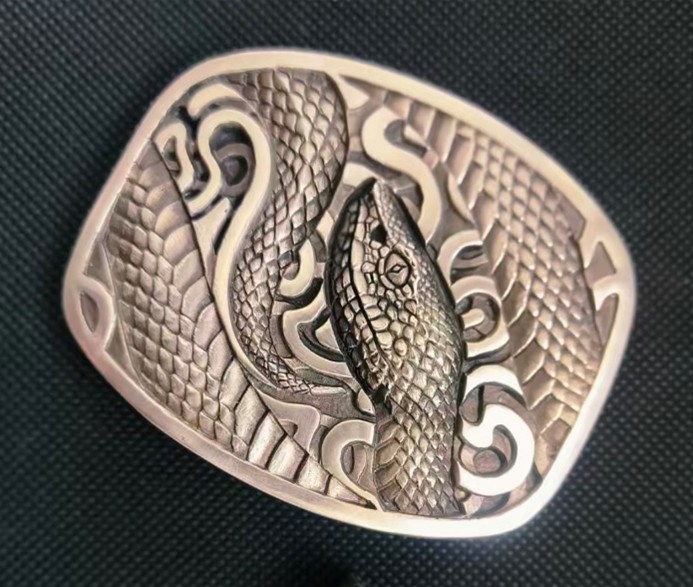
While stamping has limited designs and low flexibility, CNC is less precise and costly, and chemical etching is time-consuming, the ComMarker B6 MOPA fiber laser engraver provides
• 8K HD precision,
• color engraving capability,
• maximum metal engraving flexibility
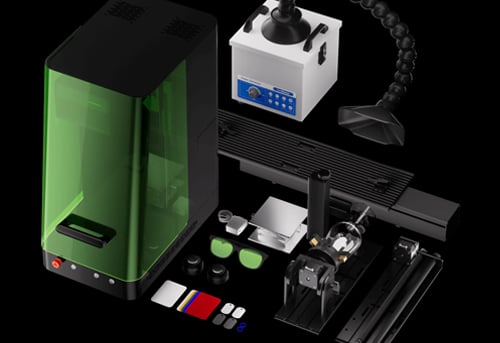
• 2 in 1 compact design.
Every line and detail is precisely captured with Laser engraving software, giving you the best quality and creative freedom for custom belt buckles.
If you want precision + speed + creativity, ComMarker B6 fiber laser engraver is the clear winner.
Final Thoughts: Build your Own Belt Buckle Business with ComMarker Laser Engraver
Each buckle tells a story. Whether it’s a rugged Texas-style emblem, a detailed wolf engraving, or a personalized logo, with laser technology, you can offer: engraved belt buckles, embossed belt buckles, color custom belt buckles and design with different materials. Increase pricing power and customer satisfaction with higher product variety,
From hobbyists to small businesses, with ComMarker B6 MOPA fiber laser engraver, anyone can now turn laser engraving ideas into high-quality, professional products.