Leatherette (also called faux leather) is one of the most popular materials in laser engraving leather especially for patches, wallets, tumblers, and branded products. But getting clean, consistent results depends on choosing the right machine and settings.
What is leatherette?
Leatherette is a broad term for leather-like synthetic material. In practice, it often includes PU-based material, but it can also include PVC-based products or other synthetic blends. For laser engraving, that difference matters a lot. As PVC and vinyl release toxic gas while laser engraving, avoid engraving them if possible.
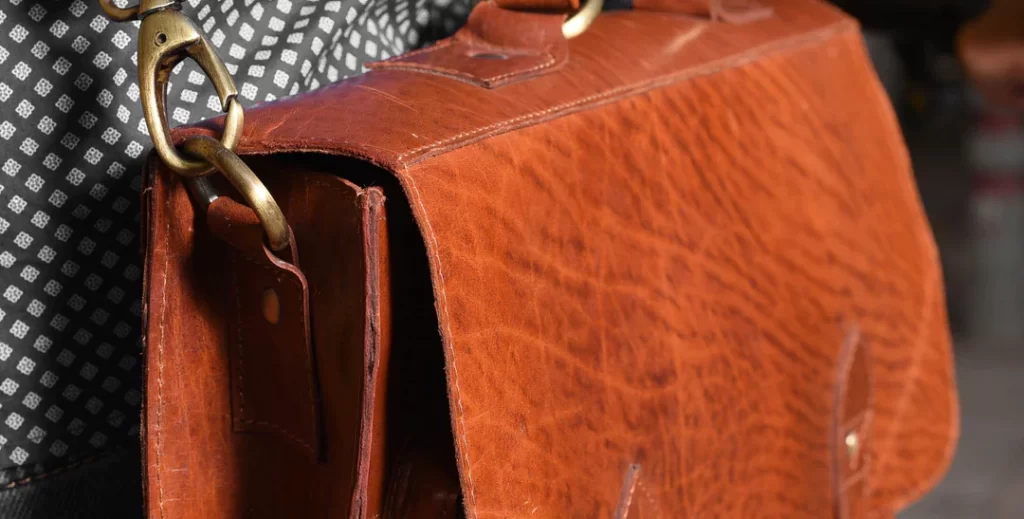
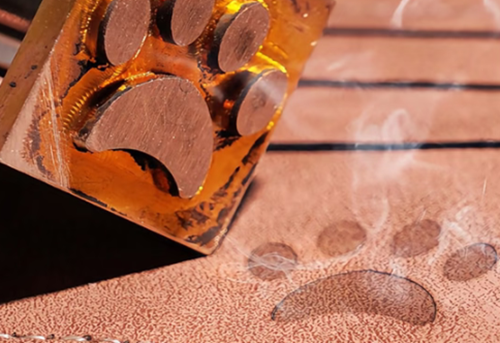
What Result Can You Get on laser engraving Leatherette?
Leatherette can produce three main results depending on the material structure and the laser settings.
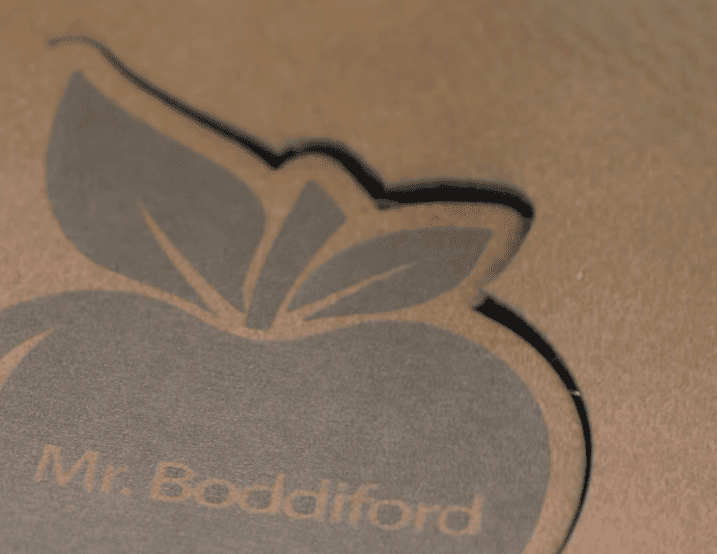
1.Surface Marking
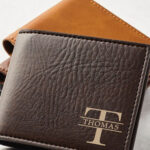
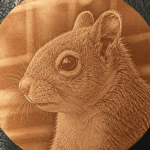
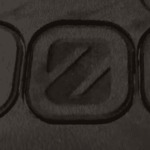
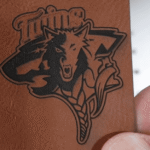
The laser only modifies the top surface layer of the leatherette. This can create a darker mark, a lighter mark, or a photo laser engrave on leather without fully removing the coating.
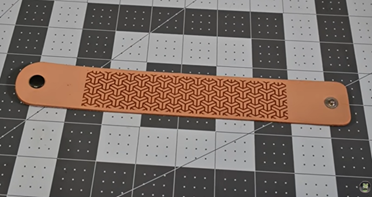
2.Remove Coating
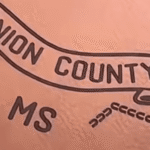
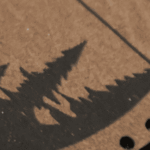
Laserable leatherette such as PU leather can have its top coating removed, revealing a different color or base material underneath. This creates a two-tone contrast effect.
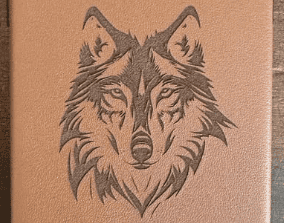
3.Cutting and Drilling
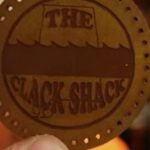
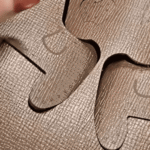
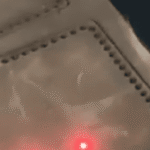
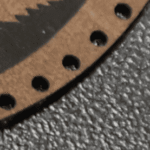
Laser engravers can also cut leatherette into shapes such as patches, labels, tags, and outlines. They can also drill holes for stitching or create perforations for belts.
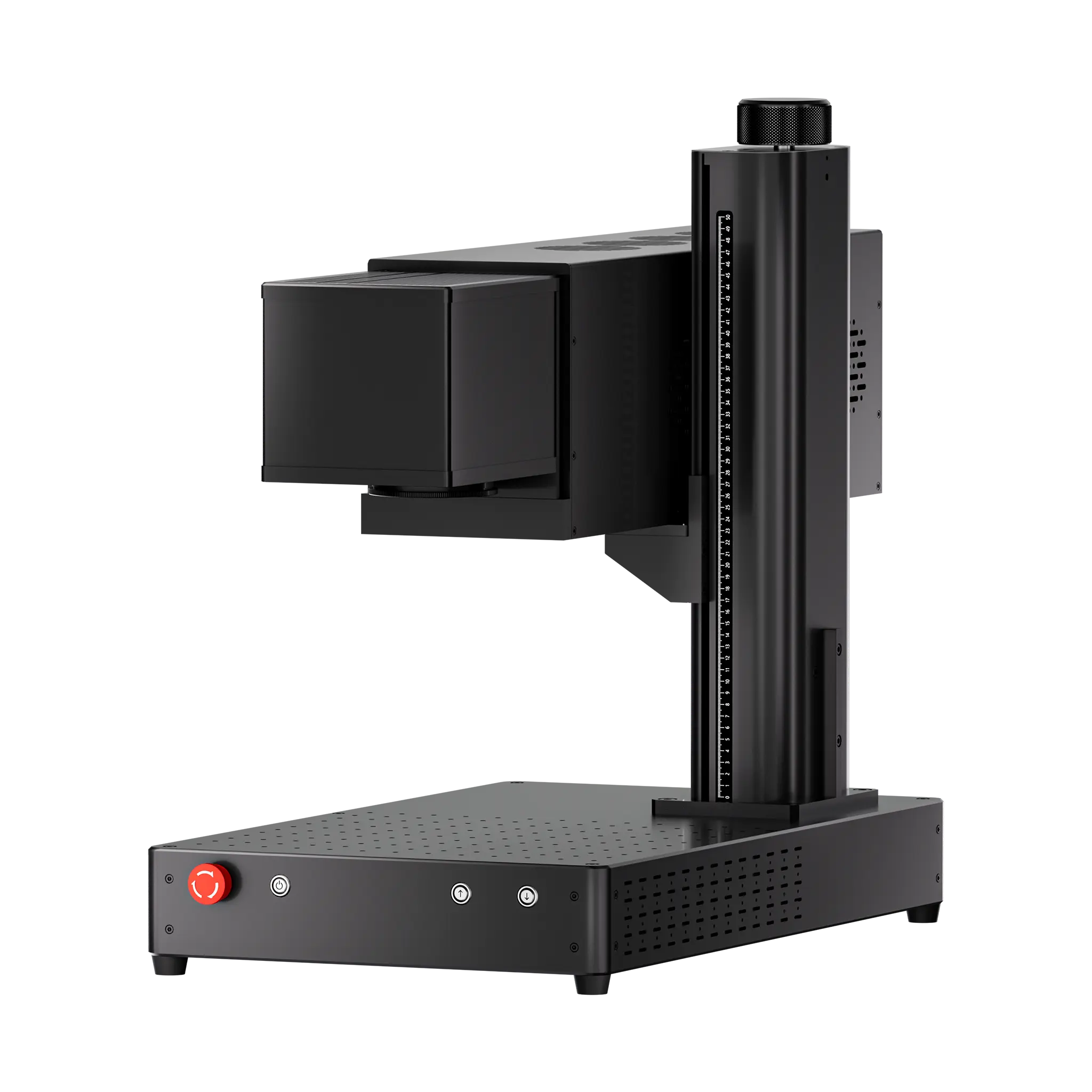
Best machine for leatherette laser engraving
Laser type affects the result you can get when laser engraving leatherette.
| Machine Type | Price | Speed | Precision | Marking Capability | Cutting Capability | Best For |
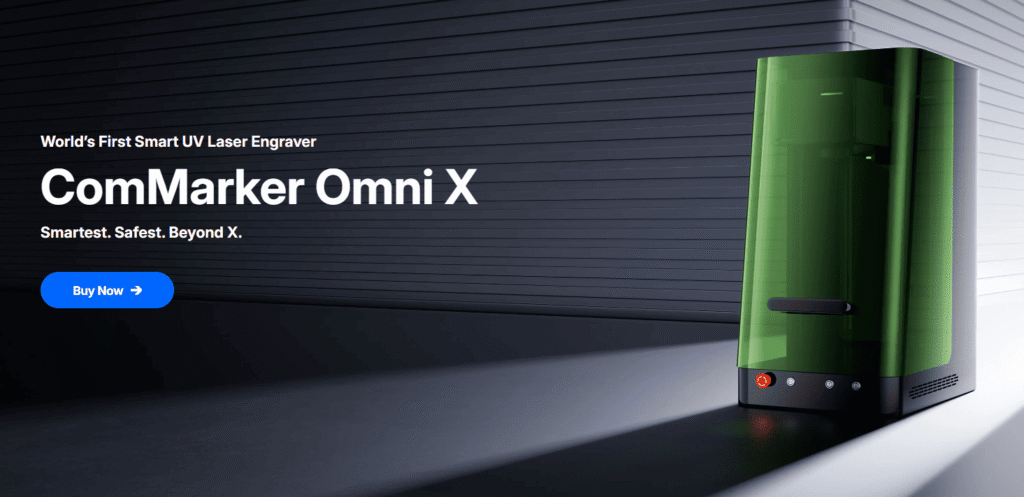
| ComMarker Omni X UV Laser Engraver | From $3,699 | 10000 mm/s | 0.0019 mm spot size | 10/10 (clean surface)
|
8/10
(zero burn, multi-pass needed)
|
Premium Leatherette engraving jobs,
e.g. handbags. |
| ComMarker COX CO2 Laser Engraver | From $2999 | 15000 mm/s | 0.005 mm spot size | 9/10 (Faster but less precise than UV; higher DPI may cause heat buildup and burn marks)
|
8/10
(fast cutting, requires clean up)
|
Workshop that needs fast turnaround on a budget.
e.g. Batch hat patches laser engraving |
| ComMarker B6 MOPA Fiber Laser Engraver | From $2599 | 15,000 mm/s | 0.01 mm spot size | 6/10 (dark marks with contrast)
|
6/10 (capable, but less precise)
|
Mixed workflows involving leather and metal engraving, e.g. belts and buckles |
| Diode Laser | $150 | Usually 800 mm/s | 0.05–0.2 mm Spot size | 6/10 (clear marking)
|
6/10
(Slow cutting, burn on edge)
|
Hobby use, learning. |
Best settings for leatherette laser engraving
The settings below are starting points for you to test. Since leatherette varies by coating, base layer, thickness, and manufacturer, final settings always require fine-tuning before production.
60W MOPA fiber laser engraver
Engrave (150 mm lens): 1000mm/s, Power 100%, Freq 25, Pulse 200, Line Interval 0.05
20W fiber laser engraver
Engrave (150 mm lens):1500mm/s, Power 28%, Freq 80; Line Interval 0.02
Cutting (150 mm lens): 1500mm/s, Power 50%, Freq 25
6W UV laser engraver
Photo engraving (150 mm lens): Dwell time: 270, DPI 400, Freq 65, Pulse 1.
Remove the surface (150 mm lens): Freq 40; Speed 200; Pulse 1; Pass 1; Line Interval 0.04
Black Marking (150 mm lens): Speed 750; Freq 40; Pulse 1; Line Interval 0.03, Pass 2.
40W CO₂ laser engraver
Marking (200mm lens): Speed 1500; Freq 15; Power 20%, Line Distance: 0.05
10w Diode laser engraver
Cutting: Speed 5 mm/s, Power 45%
Marking: Speed 200mm/s Power 45%, Line Interval 0.01
Tips for better leatherette laser engraving result
1.Keep the material flat
A flat surface gives you cleaner focus and more consistent results. You can glue the leather to boards or use clamps.
2.Use the right file type
For logos and patches, vector files usually give the cleanest result. When photo laser engraving on leather, brighter the dark areas and darker the highlights before engraving.
3.How to finetune the engraving result
If the surface is melting instead of engraving cleanly, lower the power and increase speed. For photo engraving, that means reducing Dwell time and DPI. Try greyscale when engraving photos for smother color change.
4.Wet the leather for less smoke
A lightly damp surface can slow down heat buildup, which reduces burning and charring. This is especially useful when engraving thin materials or fine details.
Final thoughts
Leatherette is a versatile material that can deliver clean surface marking, strong contrast, and even precise cutting when the right machine and settings are used. The key for getting the best result is to pick the correct machine and adjust settings based on the material’s coating, thickness, and finish. With ComMarker laser engraver, you can achieve consistent, professional-looking results for everything from custom patches to branded accessories.