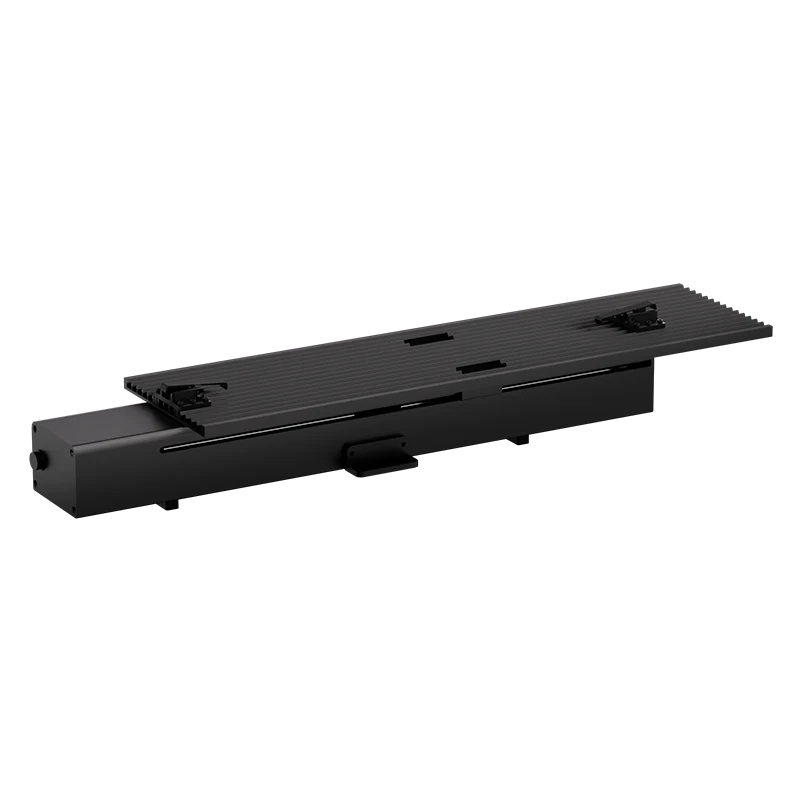
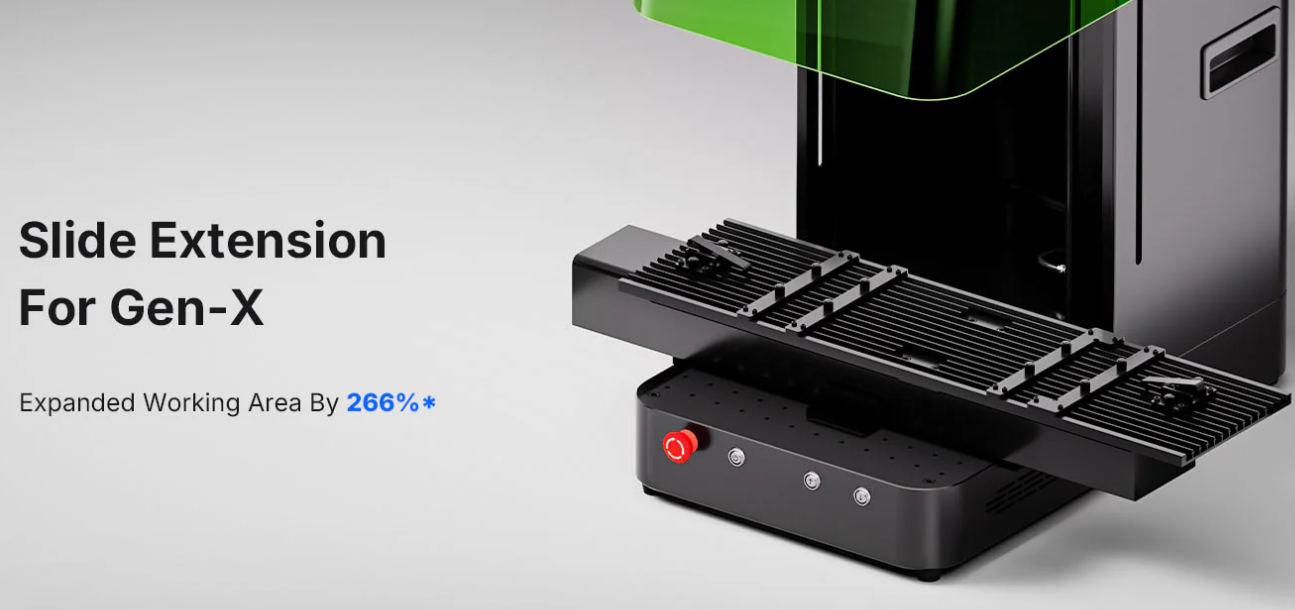
If you’ve ever tried engraving long or oversized items, you know the struggle—your workspace just isn’t big enough. That’s where the slide extension for your UV laser engraver comes in. It expands your engraving area, giving you more flexibility for detailed or large-scale laser engraving projects. Here’s a simple guide to help you set it up and start engraving smoothly.
1. Get Everything Ready
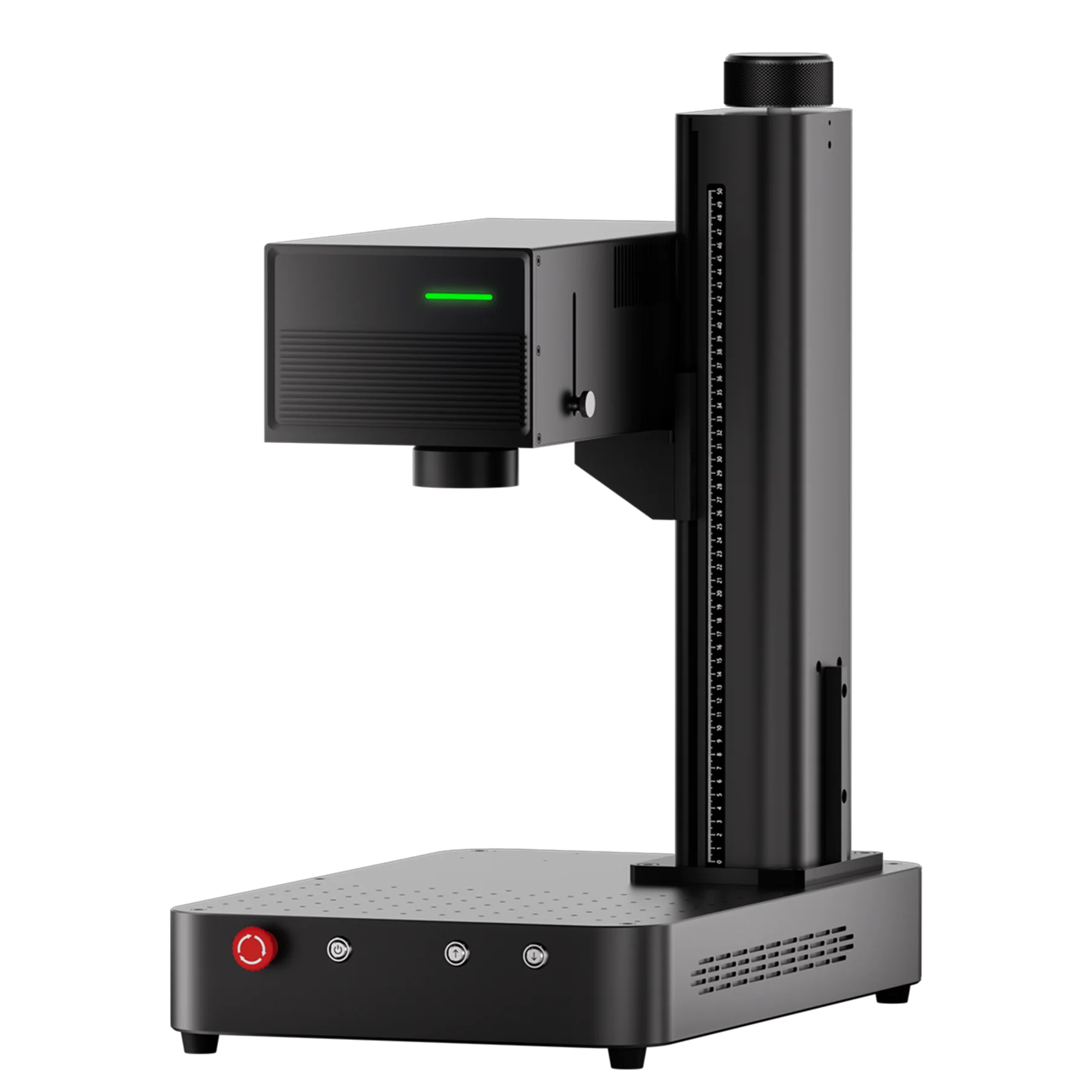
Before you start, make sure you’ve installed ComMarker Studio on your computer and connected your ComMarker Omni X/XE UV engraver via USB. Then, follow these quick setup steps:
-
Mount the slide extension securely onto your Omni X/XE.
-
Remove the lens cap and power on the machine.
-
Disable the safety door option in ComMarker Studio (only for Omni X).
-
Select “Extension Mode” in the software.
This setup enables the engraver to recognize the new, extended work area automatically.
2. Import and Adjust Your Design
Once your machine is ready:
-
Use the tools on the left side of ComMarker Studio to import your design file (such as SVG, PNG, or DXF).
-
Adjust the size and position to fit within your new engraving range.
-
Enter your preferred engraving settings—speed, pulse width, and frequency—based on your material type.
This step ensures you get clean, accurate results every time.
3. Focus and Preview
Now it’s time to line up your workpiece:
-
Place and secure it under the red positioning spot.
-
Click “Focus” in ComMarker Studio to automatically adjust the laser height.
-
Hit “Preview” to visualize your engraving area. You can use the preview helper to fine-tune the placement before engraving.
This simple preview check helps avoid misalignment and wasted material.
4. Start Engraving
When everything looks good, click “Start” to begin engraving.
The UV laser will precisely mark your design across the extended area, maintaining high detail even on longer items.
After the process is done, remove your piece and check the final result—crisp, clean, and professional-grade engraving made easy with the slide extension.
5. Why the Slide Extension Matters
The slide extension isn’t just an accessory—it’s a serious upgrade for anyone working with larger products, such as:
-
Metal nameplates or panels
-
Industrial components
-
Long tools or cylindrical parts
-
Custom signage
By extending your engraving range, you unlock new creative possibilities without sacrificing accuracy or precision.
Final Thoughts
If you’re looking to expand your laser engraving workspace, the slide extension for the ComMarker Omni X/XE UV laser engraver is a must-have. It’s easy to install, intuitive to use, and delivers professional engraving results on larger items with the same precision you expect from a UV laser.
Ready to upgrade your setup? Try the ComMarker slide extension and experience smoother, smarter laser engraving today.