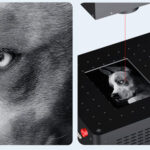
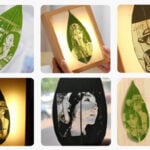
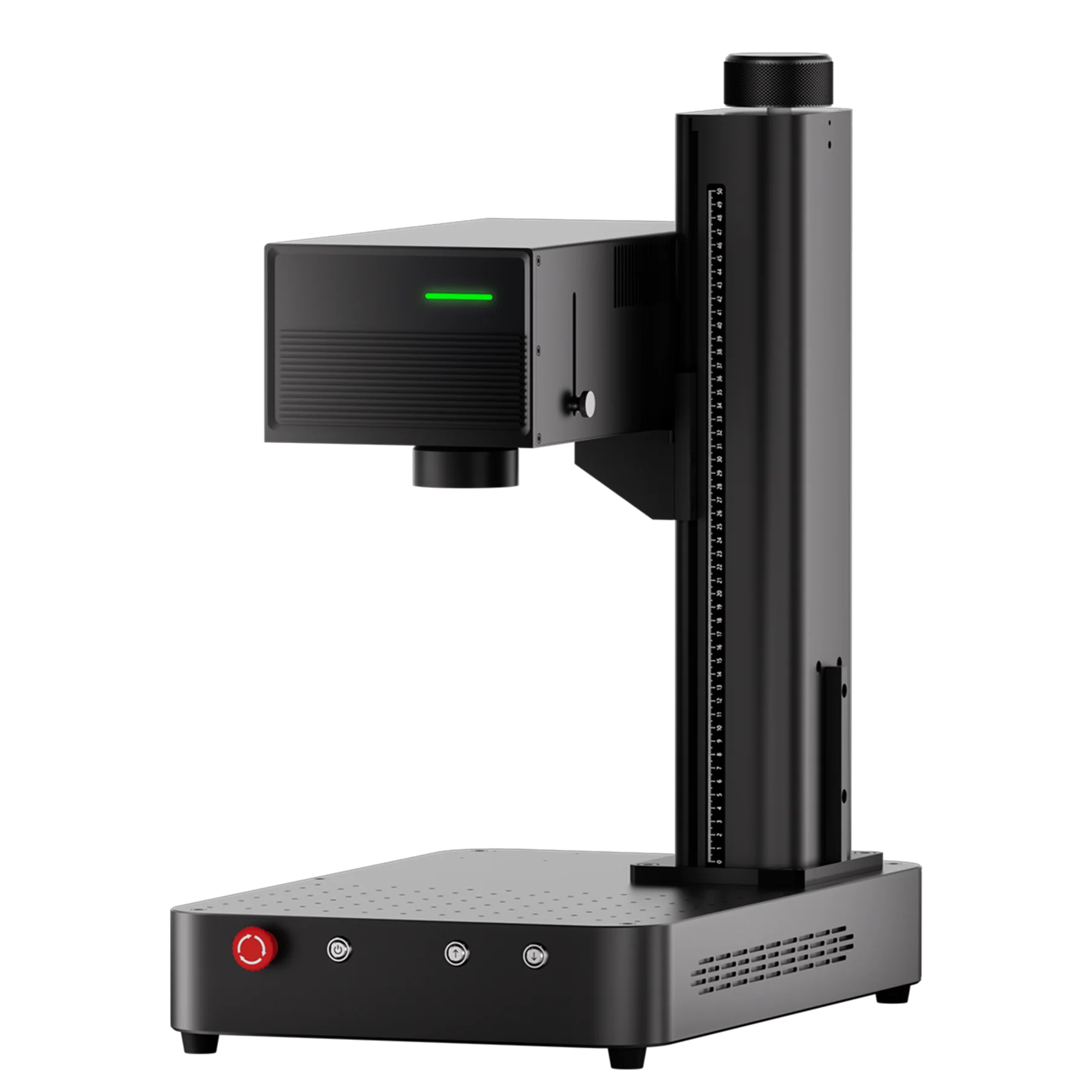
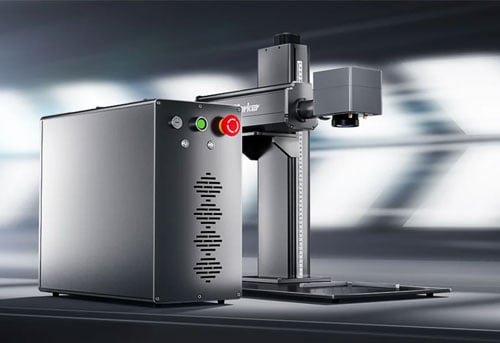
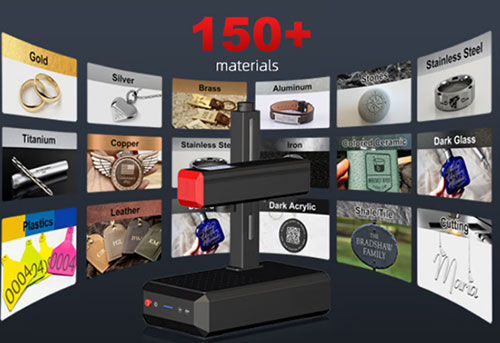
If you’ve ever wondered how creators get those stunningly precise engravings on glass, metal, or even stone — the answer often comes down to one tool: a UV Laser Engraver.
The ComMarker Omni X UV Laser Engraver has redefined what’s possible for DIY makers, small business owners, and professionals alike. With its 355 nm cold laser, 0.0019 mm ultra-fine spot size, and Auto LiDAR Focus, this compact powerhouse can handle almost any material with accuracy and consistency.
To help new users unlock the full potential of their Omni X, we’ve created the Omni X Material Guide Series — a complete beginner-to-pro handbook covering the five most popular materials:
-
🪩 Glass Engraving
-
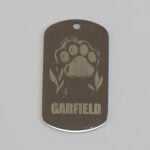
⚙️ Metal Engraving
-
🔮 Acrylic Engraving
-
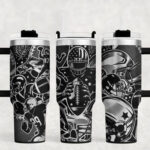
🥤 Tumbler Engraving
-
🪨 Stone Engraving
Each section provides clear settings, step-by-step instructions, and real-world tips for the best results.
Let’s dive into the complete Omni X engraving experience.
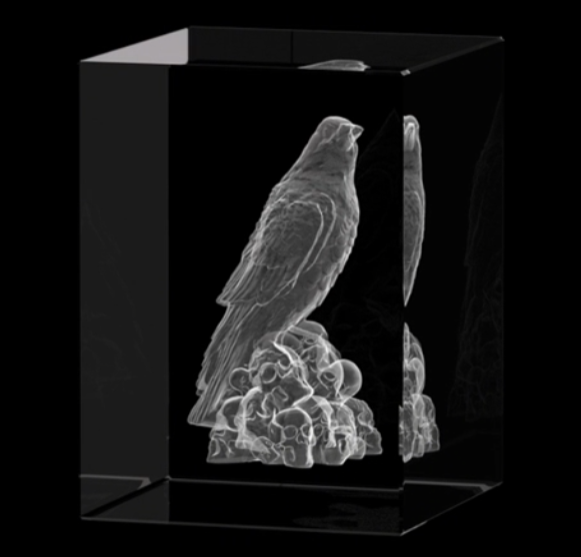
🪩 Glass Engraving — Etching Memories in Crystal Clarity
Why UV Laser?
Unlike CO₂ lasers, UV lasers don’t rely on heat — they fracture the surface at the microscopic level, leaving behind crisp and frosted designs without cracks or burn marks.
Best for:
-
Personalized photo crystals
-
Custom glass awards
-
Wine glasses and ornaments
Quick Settings:
| Parameter | Recommended Range |
|---|---|
| Power | 80–90% |
| Speed | 400–600 mm/s |
| Frequency | 30–35 kHz |
| Pulse Width | 3–5 ns |
Tips for Beginners:
-
Always clean glass with alcohol before engraving.
-
Use Auto LiDAR Focus for consistent depth.
-
Lower focus slightly below the surface for 3D subsurface engraving.
-
Use grayscale images for best tonal results.
✨ Full guide available: How to Engrave Glass with the Omni X UV Laser Engraver

⚙️ Metal Engraving — Power, Precision, and Perfection
Why UV Laser?
The Omni X’s 355 nm wavelength is ideal for fine-detail marking on coated or anodized metals — perfect for jewelry, electronics, and custom branding.
Best for:
-
Stainless steel, aluminum, and titanium
-
Tools, nameplates, jewelry, and metal business cards
Quick Settings:
| Parameter | Recommended Range |
|---|---|
| Power | 85–95% |
| Speed | 200–500 mm/s |
| Frequency | 25–35 kHz |
| Pulse Width | 3–5 ns |
Pro Tips:
-
For color marking, use higher frequency (30–60 kHz) and adjust pulse width.
-
Always test on a sample piece — metals react differently based on finish.
-
Use multiple passes for deeper cuts.
✨ Full guide available: Mastering Metal Engraving with the Omni X
🔮 Acrylic Engraving — Bold, Clean, and Highly Detailed
Why UV Laser?
UV engraving produces smooth, white, and contrast-rich results on clear or colored acrylic — with no melting or residue.
Best for:
-
LED signs and keychains
-
Display plaques and tags
-
Custom art pieces
Quick Settings:
| Parameter | Recommended Range |
|---|---|
| Power | 70–85% |
| Speed | 500–700 mm/s |
| Frequency | 25–35 kHz |
| Pulse Width | 3–4 ns |
Tips for Perfect Acrylic Engraving:
-
Engrave backwards from the reverse side for a polished front finish.
-
Mask the surface with tape to prevent scratches.
-
Avoid high power to prevent melting.
✨ Full guide available: Acrylic Engraving Tips for Beginners

🥤 Tumbler Engraving — 360° Customization for Everyday Products
Why UV Laser?
With the Omni X Rotary or Chuck System, you can easily engrave round objects like tumblers, mugs, or bottles. UV laser beams are perfect for powder-coated or painted metal tumblers — removing just the surface coating to reveal the metal below.
Best for:
-
Stainless steel tumblers
-
Painted or powder-coated bottles
-
Personalized drinkware
Quick Settings:
| Parameter | Recommended Range |
|---|---|
| Power | 80–90% |
| Speed | 400–600 mm/s |
| Frequency | 25–30 kHz |
| Pulse Width | 4–5 ns |
Step-by-Step:
-
Attach your rotary accessory and enable it in software.
-
Measure the tumbler’s circumference and input correct parameters.
-
Use the “Wrap Text” or “Cylinder Engraving” mode.
-
Start engraving — the UV laser will remove the coating evenly without burning.
Pro Tip: For multi-pass engraving, slightly adjust the Z-axis to maintain focus curvature.
✨ Full guide available: How to Engrave Tumblers with the Omni X
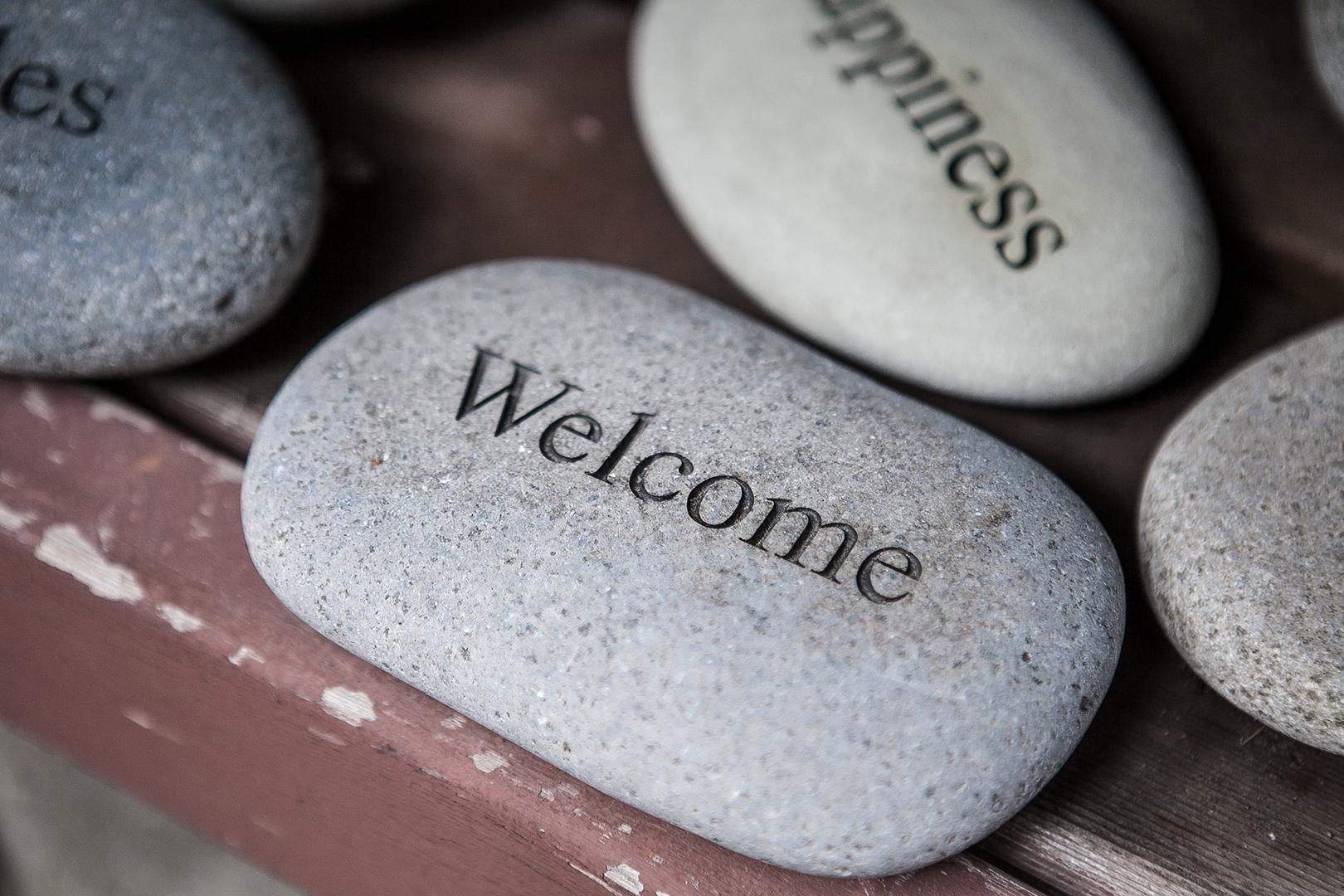
🪨 Stone Engraving — Eternal Art with Laser Precision
Why UV Laser?
The cold laser beam gently ablates the stone surface, producing crisp details without chipping or overheating. Perfect for both creative and memorial designs.
Best for:
-
Marble plaques
-
Slate coasters
-
Granite and river stones
Quick Settings:
| Parameter | Recommended Range |
|---|---|
| Power | 90–100% |
| Speed | 200–400 mm/s |
| Frequency | 30–40 kHz |
| Pulse Width | 4–6 ns |
Tips for Success:
-
Dark stones like black marble or slate provide best contrast.
-
Use vector mode for text, bitmap for images.
-
Always clean the surface before engraving.
-
Allow cooling time between long runs.
✨ Full guide available: Stone Engraving Made Easy with ComMarker Omni X
Why the Omni X UV Laser Engraver Excels on Every Material
| Feature | Benefit |
|---|---|
| 355 nm UV Cold Laser | Engraves almost any surface without burning or melting |
| Auto LiDAR Autofocus | Always perfect focus — even on uneven surfaces |
| Ultra-Fine 0.0019 mm Spot Size | Micro-detail engraving on all materials |
| Safety Enclosure (Class 1) | Safe for home and small business environments |
| All-in-One Software (ComMarker Studio) | Built-in presets for glass, acrylic, metal, stone, and more |
Whether you’re a DIY crafter, small business owner, or professional designer, the Omni X UV Laser Engraver is built to grow with your creativity — from delicate glass ornaments to durable granite plaques.
The Omni X Material Guide Series is your roadmap to mastering UV laser engraving on any surface.
Each material behaves differently — but with the right settings and a little experimentation, you’ll soon be creating professional-quality pieces from your own workspace.
Start exploring today — and see how far your creativity can go with the ComMarker Omni X UV Laser Engraver.